
Celeris: Speed Reading
Read faster, word by word
Designed for iPhone, iPad
Free · In-app purchases
- Age rating4+
- CategoryProductivity
- DeveloperHEXAGON WORKS LLC
- LanguagesEnglish
- Size50.4 MB
Links to the official App Store page
Download.org hosts no file of Celeris: Speed Reading. The button opens its official App Store page, published by HEXAGON WORKS LLC. Listing last checked on Nov 20, 2026.
Screenshots
About
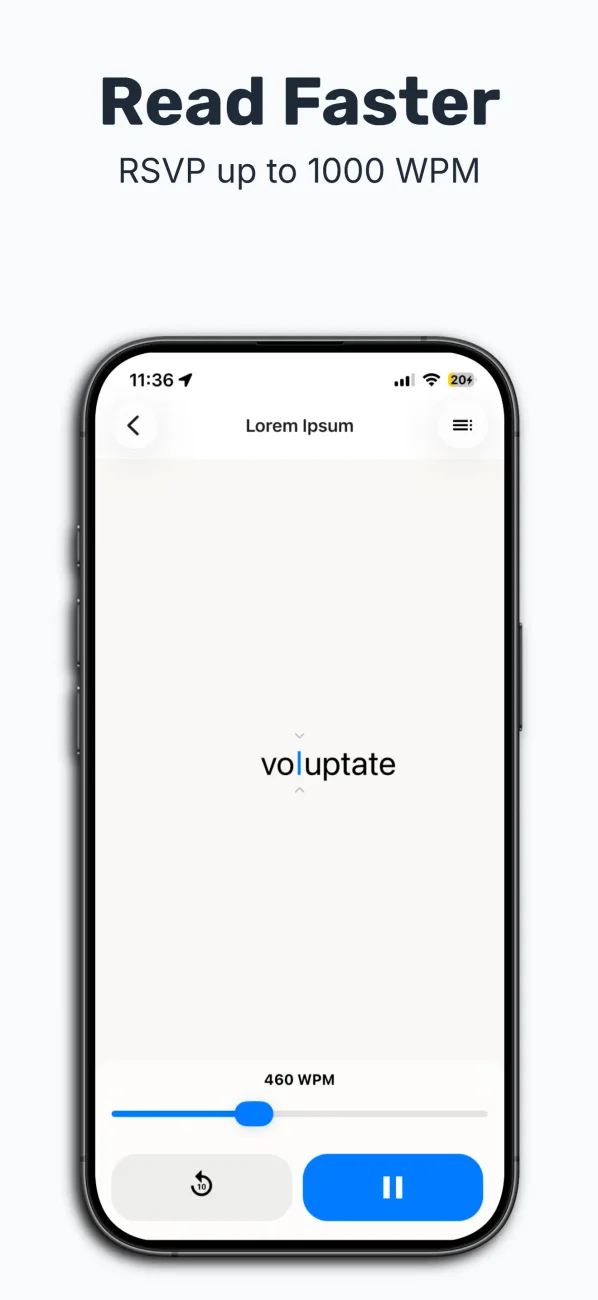
Read faster without skimming. Celeris uses RSVP (Rapid Serial Visual Presentation) to flash one word at a time in a fixed spot on screen, so your eyes never waste time scanning across lines. The result: you move through books and articles noticeably faster, with your focus locked in one place.
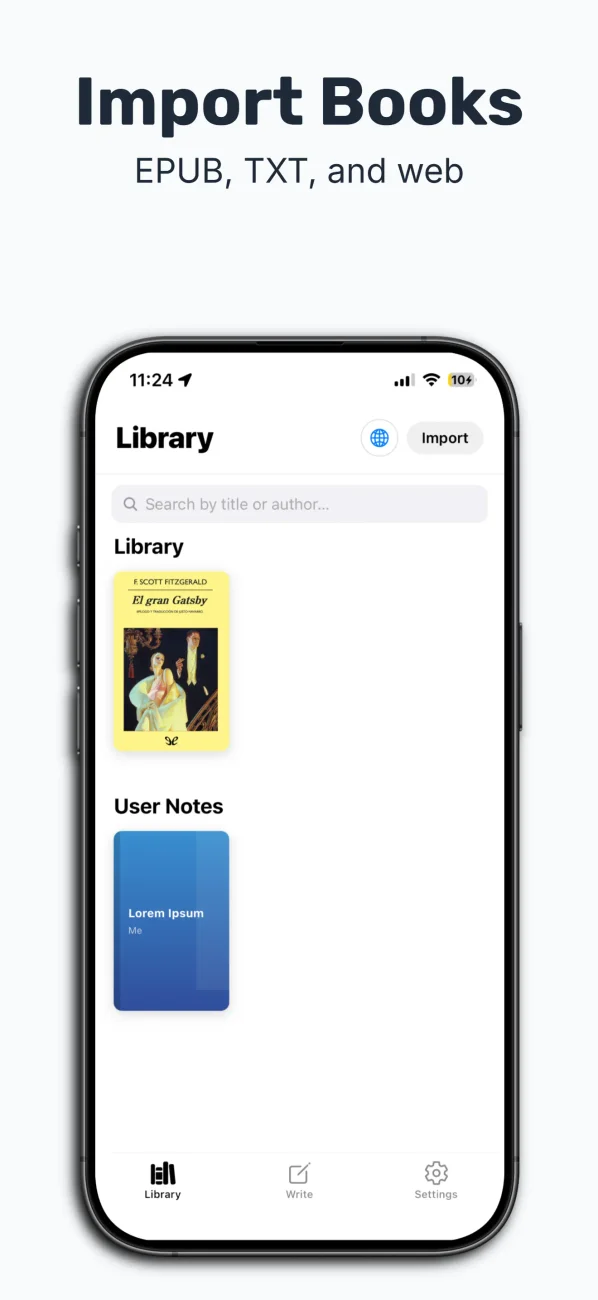
Bring your own reading. Import EPUB and plain-text files, or paste in any web article and Celeris converts it into a clean, distraction-free read. The fastest way in is the share sheet — tap Share on a book or link in any app and send it straight to your Library.
TWO WAYS TO READ
• RSVP — a single word at a time in a fixed focus point, with a color-highlighted anchor letter to keep your eyes locked on. The fastest way to read.
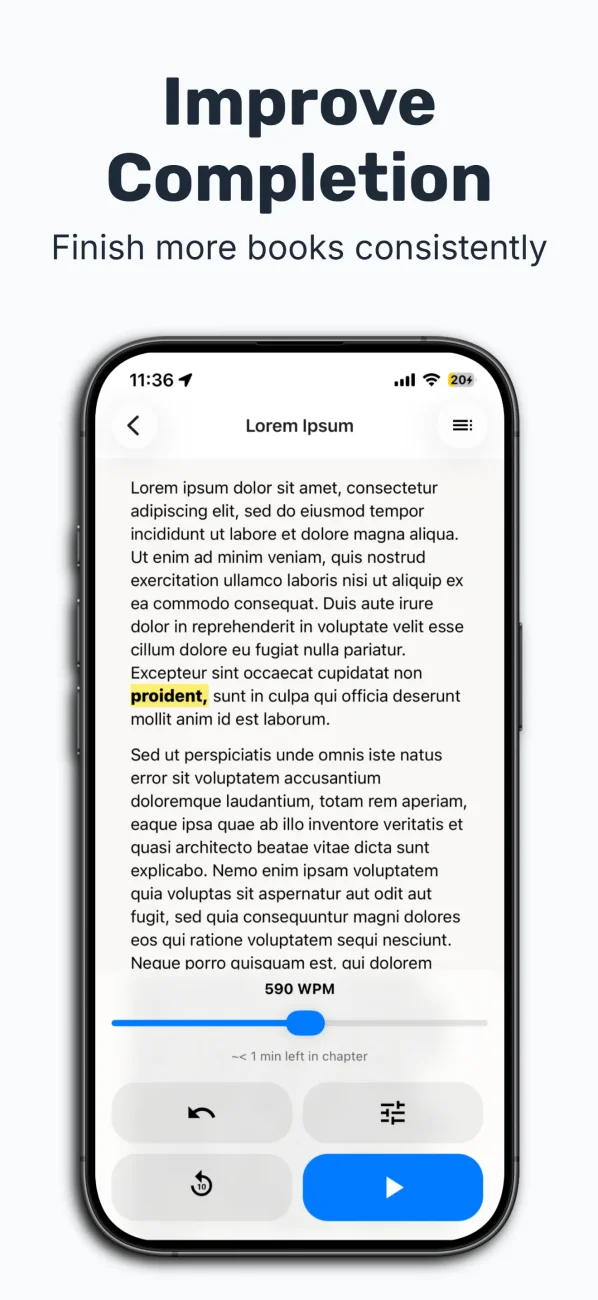
• Coasting — several lines glide gently upward past a highlighted focus line, auto-advancing at your pace. More context per glance when you want it.
Switch between the two instantly from Quick Settings, without leaving your book.
BUILT FOR REAL READING
• Never lose your place — your position is saved automatically in every book.
• Tap any word to jump straight to it, rewind 10 words, or restart the paragraph.
• Jump to any chapter from the Table of Contents.
• Highlight passages with a long-press-and-drag, add notes, and revisit them all later.
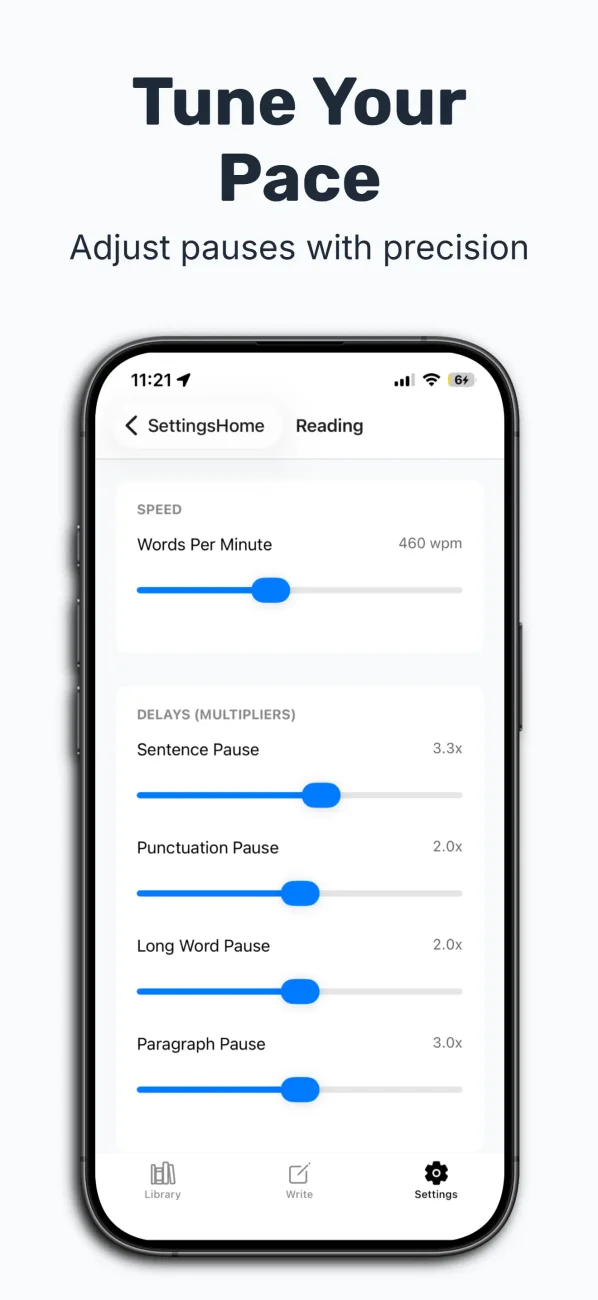
• Fine-tune your pace: separate pauses for sentences, punctuation, long words, and paragraphs keep fast reading feeling natural.
MAKE IT YOURS
• Reading speed from a comfortable pace up to 1000 WPM.
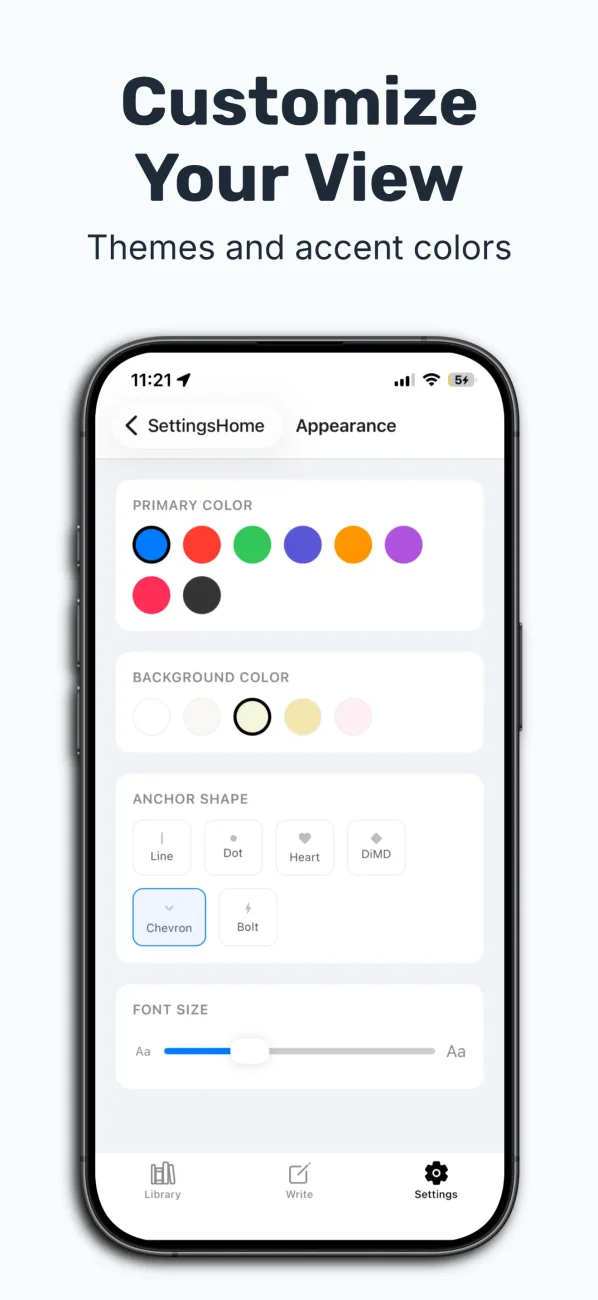
• Choose your accent color, page background (White, Off-White, Bone, Old Scroll, Pinkish), and anchor shape (Line, Dot, Heart, Diamond, Chevron, Bolt).
• Adjustable font size for RSVP and Coasting alike.
SEE YOURSELF IMPROVE
• Track total reading time, words read, average pace, and your longest session.
• Daily and weekly activity, a reading-activity heatmap, and a pace-over-time chart.
• Build a daily reading streak and beat your best.
FREE & PRO
Celeris is free to start: keep up to 3 books, read up to 400 WPM, and track your time and streaks. Upgrade to Pro for unlimited books, speeds up to 1000 WPM, every color, background, and anchor shape, and the full Statistics dashboard.
Celeris Pro is available as a monthly or annual subscription. Payment is charged to your Apple ID at confirmation. Subscriptions renew automatically unless cancelled at least 24 hours before the end of the current period; manage or cancel anytime in your Apple ID settings.
Privacy Policy: https://readceleris.app/privacy
Terms of Use: https://www.apple.com/legal/internet-services/itunes/dev/stdeula/
What’s new
Version 1.0.1 · Aug 8, 2026
- Subscription fix
App privacy
What HEXAGON WORKS LLC declares on the App Store about how this app handles data.
-
Data not collected
The developer does not collect any data from this app.
Privacy practices may vary, for example with the features you use or your age.
Information
- Seller
- HEXAGON WORKS LLC
- Category
- Productivity
- Version
- 1.0.1
- Updated
- Aug 8, 2026
- Released
- Jul 29, 2026
- Size
- 50.4 MB
- Requires
- iOS 16.4 or later
- Age rating
- 4+
- Price
- Free
- In-app purchases
- Yes
- Languages
- English
- Copyright
- © 2026 Hexagon Works LLC
You might also like
-
 Tempo: Speed ReaderRead at the speed of thought
-
 Zipply - Speed ReadingSpeed Reading & RSVP Reader
-
 SpeedRead: Train Your FocusProductivity
-
 Skipaword - Speed ReadingRSVP reader for PDF and EPUB
-
 Seed: Read FastSpeed read one word at a time
-
 ReadFast - Speed Reading AppRead up to 3x faster
-
 Readerr: Speed Reading & RSVPRead Faster: PDF, EPUB & Books
-
 iReadr — Speed ReaderRead Faster: Books, PDF & Web
-
 PrimeVolunteersVolunteers for better tomorrow
-
 Blinkword Speed ReadingRSVP Speed Reading Trainer