
iReadr — Speed Reader
Read Faster: Books, PDF & Web
Designed for iPhone, iPad, Mac
Free
- Age rating4+
- CategoryProductivity
- DeveloperShmoopi LLC
- LanguagesEnglish+ 9 more
- Size8.3 MB
Links to the official App Store page
Download.org hosts no file of iReadr — Speed Reader. The button opens its official App Store page, published by Shmoopi LLC. Listing last checked on Nov 14, 2026.
Screenshots
About
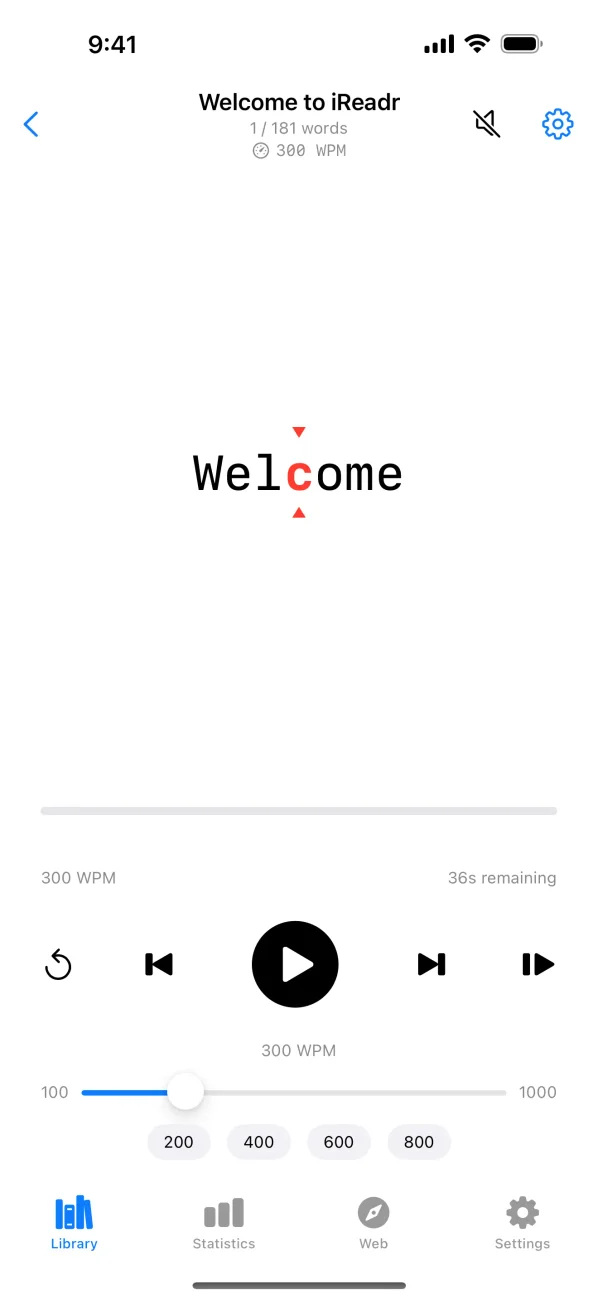
iReadr helps you read everything faster — books, articles, PDFs, EPUBs, web pages, and documents. It's a speed reading app that displays text one word at a time at a fixed point on screen, a proven technique called RSVP (Rapid Serial Visual Presentation) that eliminates eye movement so your brain can focus purely on comprehension.
HOW IT WORKS
Traditional reading requires your eyes to scan across lines, jump between paragraphs, and backtrack when you lose your place. This limits most people to 200-250 words per minute. iReadr removes these bottlenecks:
- Words appear one at a time in a fixed position on screen
- The Optimal Recognition Point (ORP) is highlighted — the natural fixation point where your eye focuses in each word
- Adaptive timing gives longer words and punctuation extra display time for natural pacing
- Adjustable speed from 100 to 1,000 WPM with quick presets
With regular practice, readers comfortably reach 400-600+ WPM while maintaining comprehension.
IMPORT ANYTHING
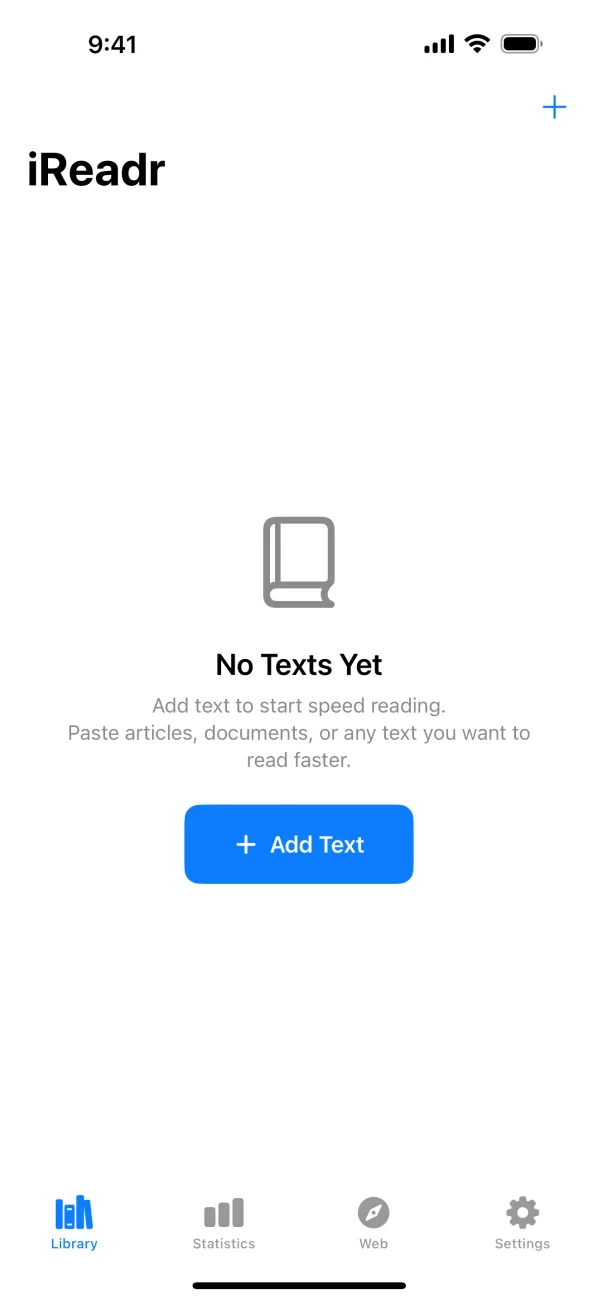
- Add articles from any web URL — content is automatically extracted
- Share links from Safari, Apple News, or any app using "Send to iReadr"
- Import TXT, PDF, and EPUB files directly from your device
- Clip articles from Safari using the built-in Safari Extension
- Paste any text to start reading instantly
TRACK YOUR PROGRESS
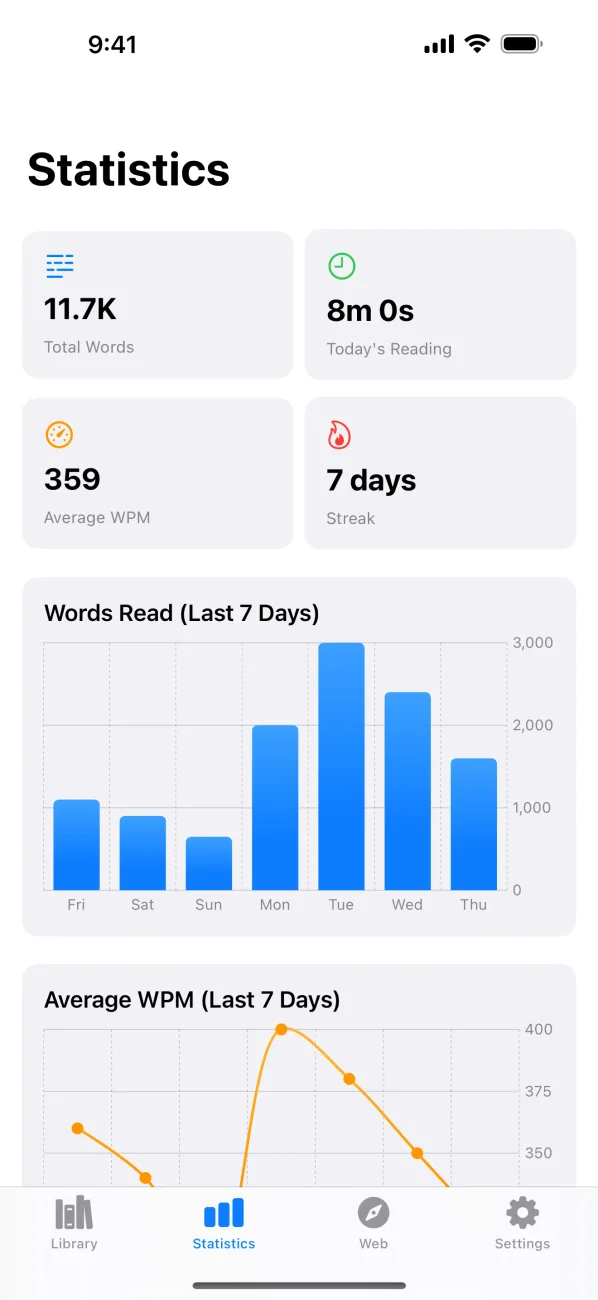
- See total words read, daily reading time, average WPM, and reading streak
- View charts of words read and WPM trends over the last 7 days
- Review recent reading sessions with detailed stats
DESIGNED FOR iOS
- iCloud sync keeps your library and progress in sync across iPhone, iPad, and Mac
- Home screen widget shows your last-read text with a one-tap Continue Reading shortcut
- Read Aloud mode speaks each word as it appears using text-to-speech
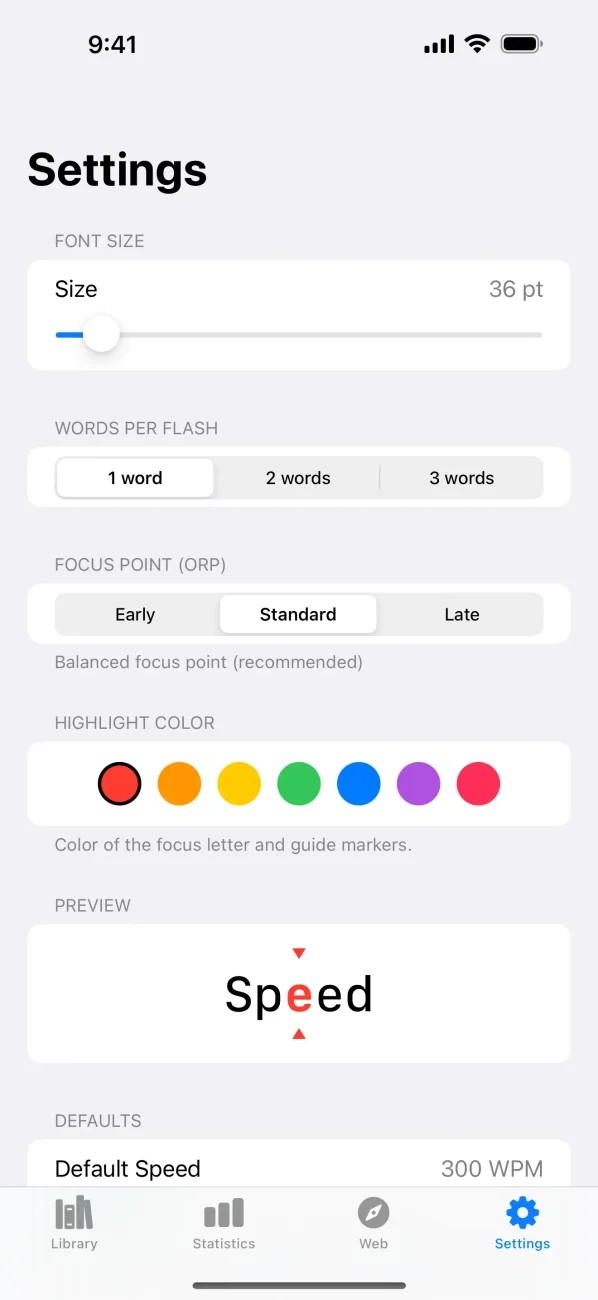
- Customizable highlight colors, font sizes, chunk sizes (1-3 words), and focus point position
- Full support for Dark Mode and Dynamic Type
- Available in 10 languages: English, Arabic, German, Spanish, French, Italian, Japanese, Korean, Portuguese, and Chinese
Whether you're reading articles, books, research papers, or study materials — iReadr helps you get through it faster.
What’s new
Version 1.3.1 · Jul 19, 2026
What's New in This Version:
This update focuses on stability and polish:
- Performance and reliability improvements
- Smoother article saving and cleaner text extraction
- Bug fixes and under-the-hood refinements
Enjoying iReadr? A rating or review really helps.
App privacy
What Shmoopi LLC declares on the App Store about how this app handles data.
-
Data not collected
The developer does not collect any data from this app.
Privacy practices may vary, for example with the features you use or your age.
Information
- Seller
- Shmoopi LLC
- Category
- Productivity
- Version
- 1.3.1
- Updated
- Jul 19, 2026
- Released
- Feb 5, 2026
- Size
- 8.3 MB
- Requires
- iOS 17.6 or later
- Age rating
- 4+
- Price
- Free
- Languages
- English, Arabic, French, German, Italian, Japanese, Korean, Portuguese, Simplified Chinese, Spanish
- Copyright
- © 2026 Shmoopi LLC
You might also like
-
 Paperbox – Document ManagerProductivity
-
 DocNova: PDF Scanner & OCRScan, Edit & OCR Documents
-
 Edge Mind AiPrivate on-device AI assistant
-
 Plotted: Planner & To Do ListVisual Day Planner & Tracker
-
 Offprint: Web to PDF & EPUBSafari Clipper: Read Offline
-
 WikovaAI-Generated Wikipedia
-
 Rapid Reader: Word by WordRSVP Speed Reading Trainer
-
 Papyrus: Research LibraryNative research workspace
-
 Bramble: Password ManagerPrivate, local-first vault
-
 PDF Editor: Document AssistantEdit, Sign & PDF Converter App