Centered Cardboard
TCG Pre-grade
Designed for iPhone, iPad
Free · In-app purchases
- Age rating4+
- CategoryUtilities
- DeveloperOak Labs Limited Liability Company
- LanguagesEnglish
- Size22.0 MB
Links to the official App Store page
Download.org hosts no file of Centered Cardboard. The button opens its official App Store page, published by Oak Labs Limited Liability Company. Listing last checked on Nov 20, 2026.
Screenshots

About
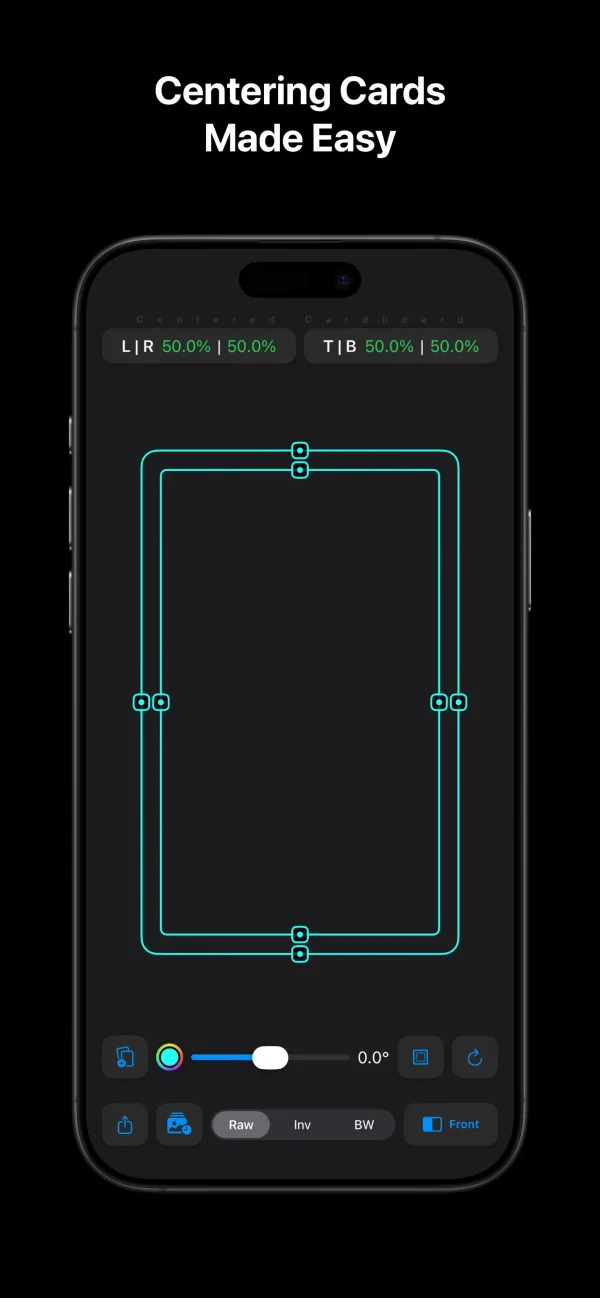
Centered Cardboard helps you pre-grade trading cards by making centering, alignment, and corner assessment quick, consistent, and easy to understand.
Use your camera or import photos to examine cards with clear visual tools designed for accuracy:
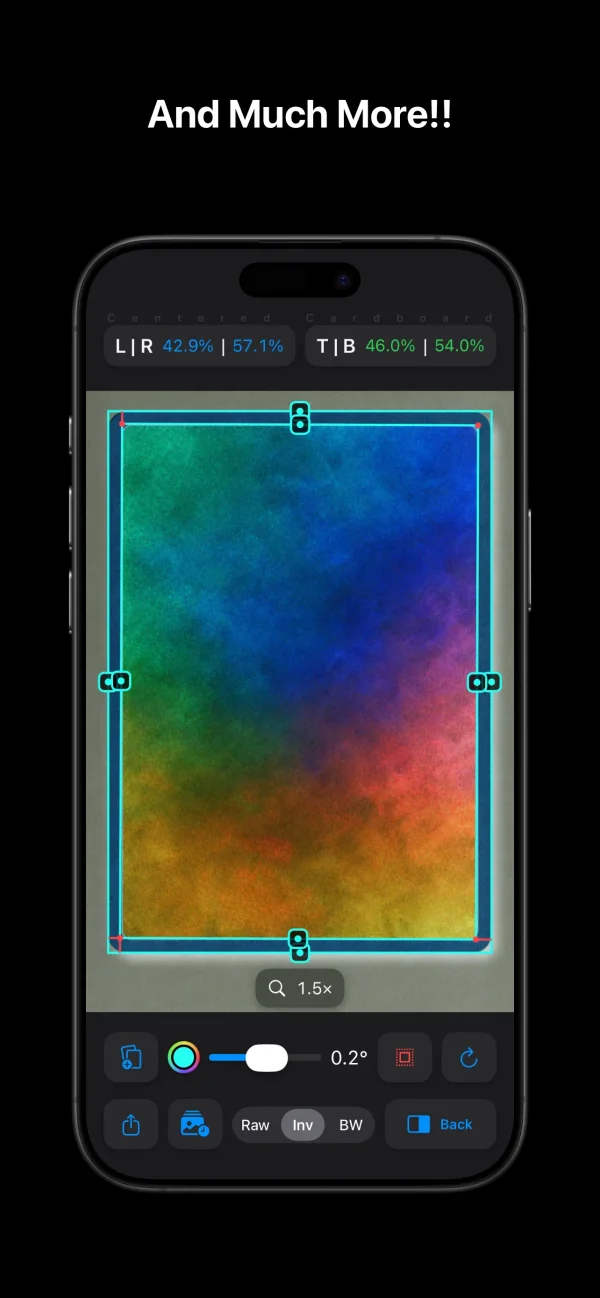
• Live centering feedback with color-coded ratios
• Grading score estimates based on leading grading-company standards
• Corner Grading for recording all four front and back corners
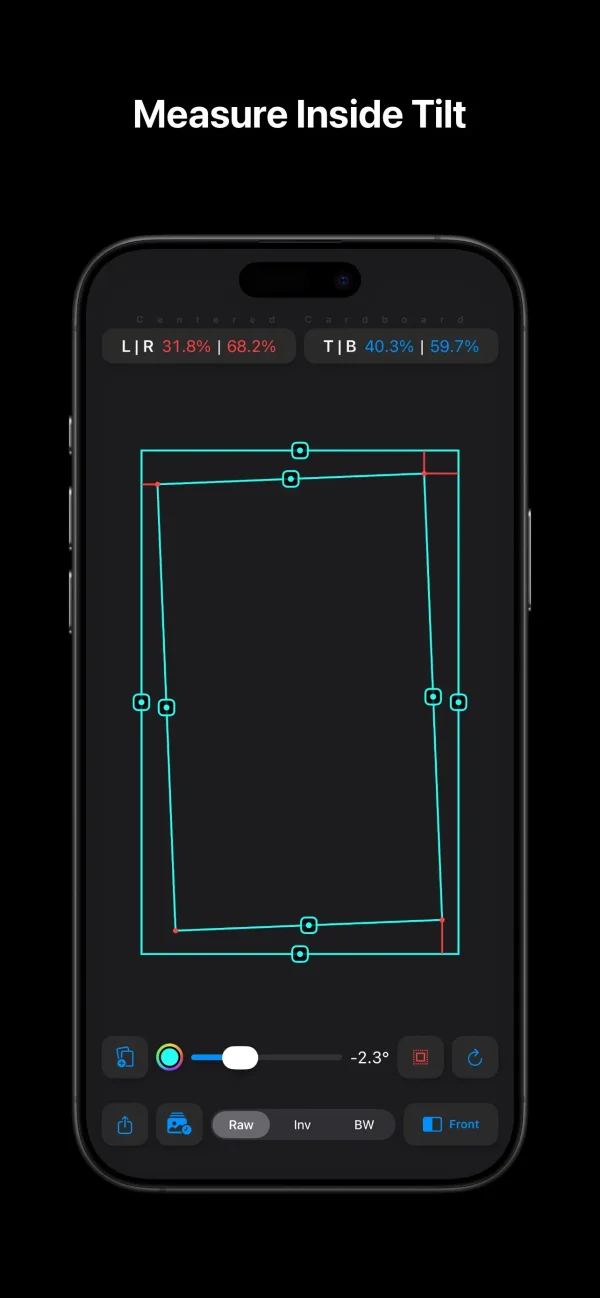
• Tilted Measuring for cards with rotated inner borders
• True Distance measurements for exact border spacing
• Adjustable outline guides for accurate card alignment
• Gyro crosshair and calibration tools for level camera positioning
• Photo filters that improve edge visibility in difficult lighting
• Up to 100× zoom for precise positioning and fine adjustments
• Camera, Photos, and Files image support
• Separate or combined front and back scores
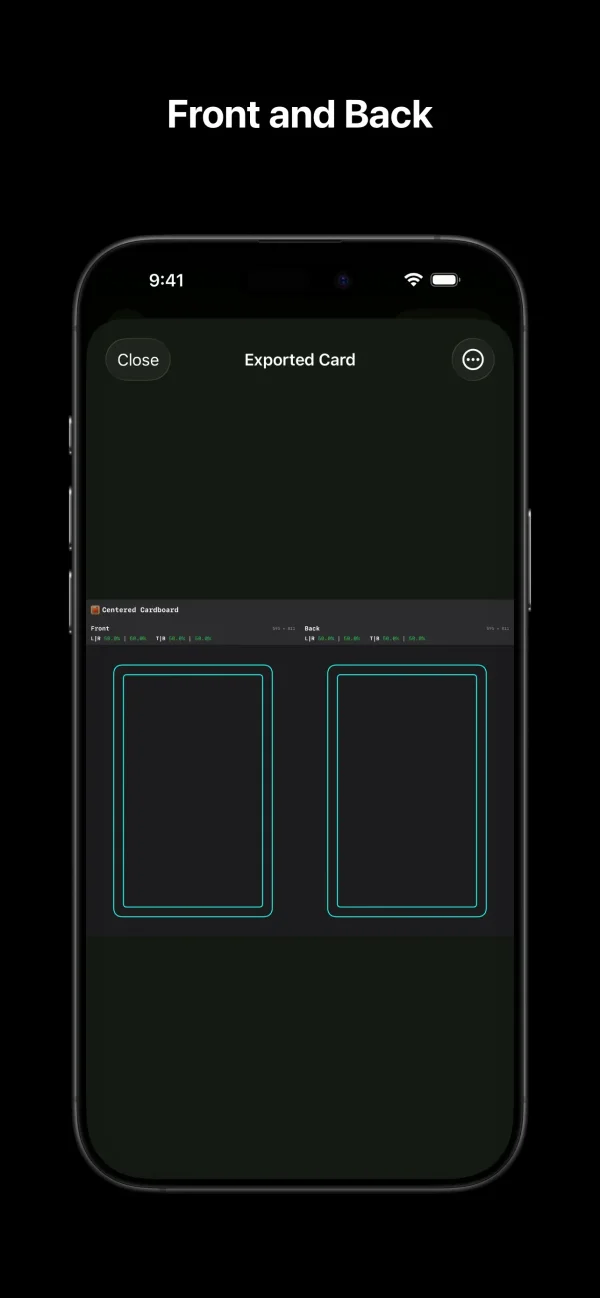
• Side-by-side exports for sharing both sides in one image
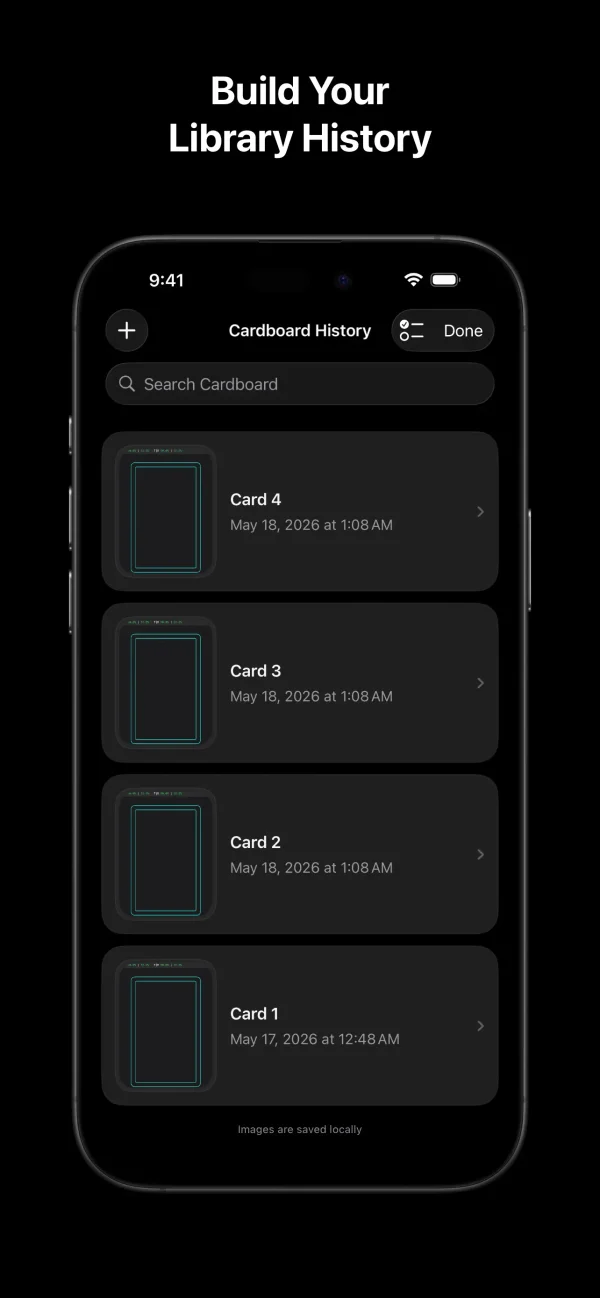
• Cardboard History for saving, searching, editing, and revisiting exports locally
• One-tap sharing for quickly saving or sending results
Centered Cardboard gives collectors a clear, repeatable way to inspect cards before submitting them for grading.
Centered Cardboard is an independent tool and is not affiliated with or endorsed by any card-grading company. Results are estimates and do not guarantee an official grade.
What’s new
Version 2.0 · Nov 7, 2026
Welcome to Centered Cardboard 2.0!
• A fresh look throughout the app, with redesigned menus and export results.
• Explore Pro tools with photo previews and helpful captions.
• Try the interactive scoreboard for free. Move, expand, and switch layouts. Unlock Pro to reveal centering grades.
• Choose Standard, Inside, or Hidden measuring handles.
• Customize your guides with outline colors and styles.
• Add card names, sets, and numbers when saving, then edit them in Card History.
• Track corner condition with checkmarks, Xs, yellow rings, and question marks.
Pro is a one-time purchase. No ads. No memberships.
App privacy
What Oak Labs Limited Liability Company declares on the App Store about how this app handles data.
-
Data not collected
The developer does not collect any data from this app.
Privacy practices may vary, for example with the features you use or your age.
Information
- Seller
- Oak Labs Limited Liability Company
- Category
- Utilities
- Version
- 2.0
- Updated
- Nov 7, 2026
- Released
- Mar 4, 2026
- Size
- 22.0 MB
- Requires
- iOS 17.0 or later
- Age rating
- 4+
- Price
- Free
- In-app purchases
- Yes
- Languages
- English
- Copyright
- © Oak Labs LLC
You might also like
-
 Centering50: Card Grading ToolGrade TCG Cards & Check Value
-
 Centering Check: TCG Card ToolBorder Calculator for Grading
-
 Card Grading AIScan, Track & Pre-Grade Cards
-
 PhyniteScan & Price in 1 Second
-
 Card Centering CalculatorTCG & Sports Card Grading Tool
-
 Binder AI: Card Grading ToolScan & Grade All Trading Cards
-
 Card Grader ProAI & Human Card Grading
-
 Card Centering Calculator: CCCGrading Tool for Trading Cards
-
 CardCalc - TCG CalculatorBuy, Sell & Trade Calculator
-
 Rectifi: Card InspectorPregrade Centering & Condition