ChartStudio
Professional Chart Maker Tool
Designed for iPhone, iPad, Mac, iPod touch
Free · In-app purchases
- Age rating4+
- CategoryGraphics & Design
- Developer辉章 何
- LanguagesEnglish+ 33 more
- Size99.9 MB
Links to the official App Store page
Download.org hosts no file of ChartStudio. The button opens its official App Store page, published by 辉章 何. Listing last checked on Nov 24, 2026.
Screenshots

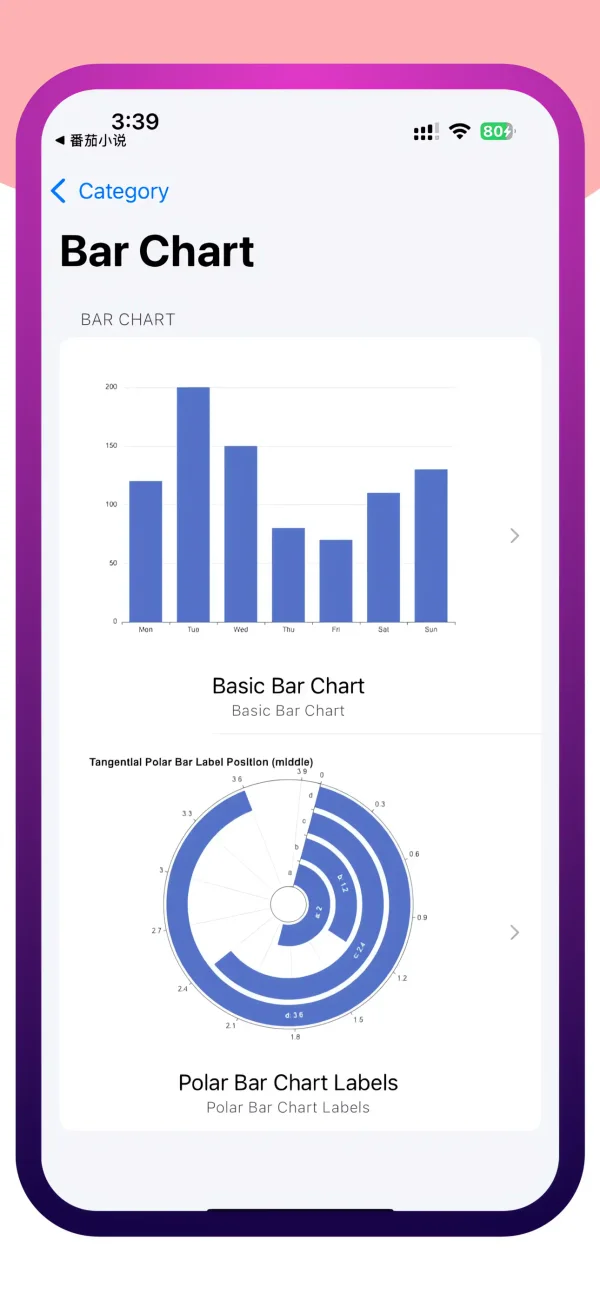
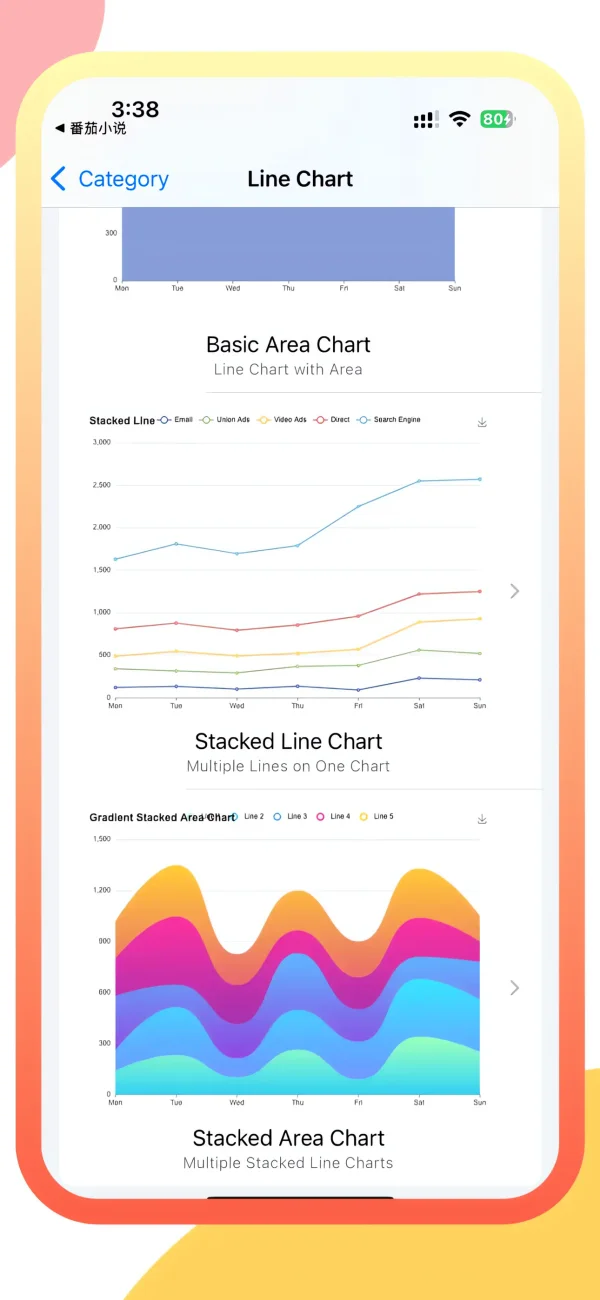
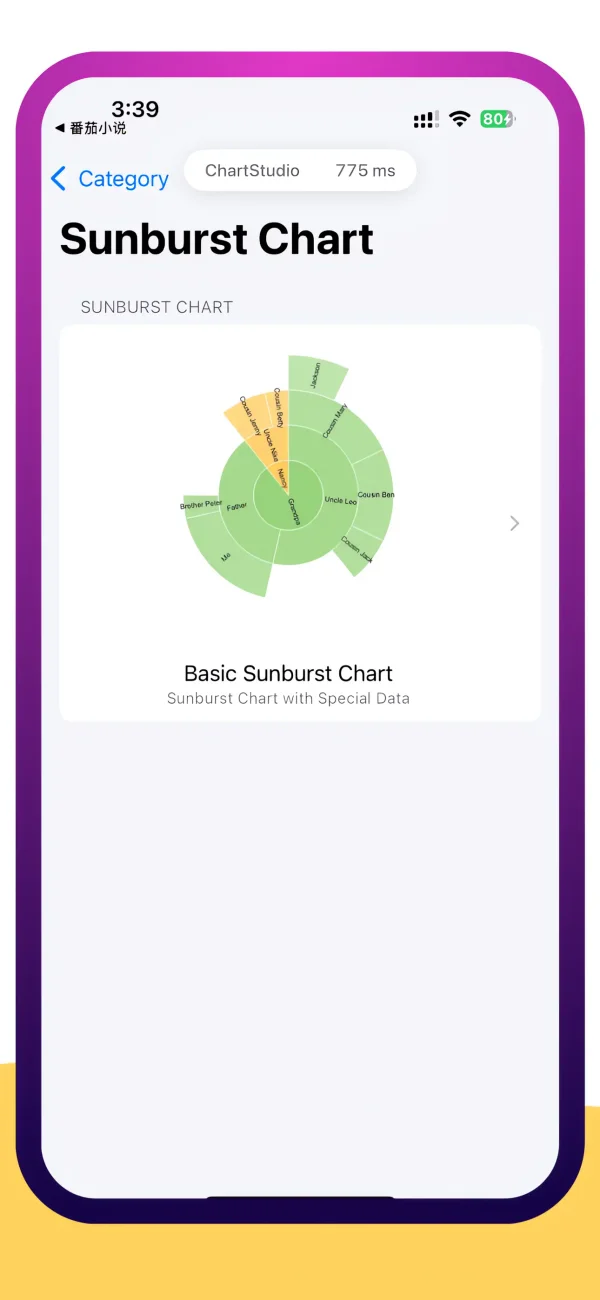
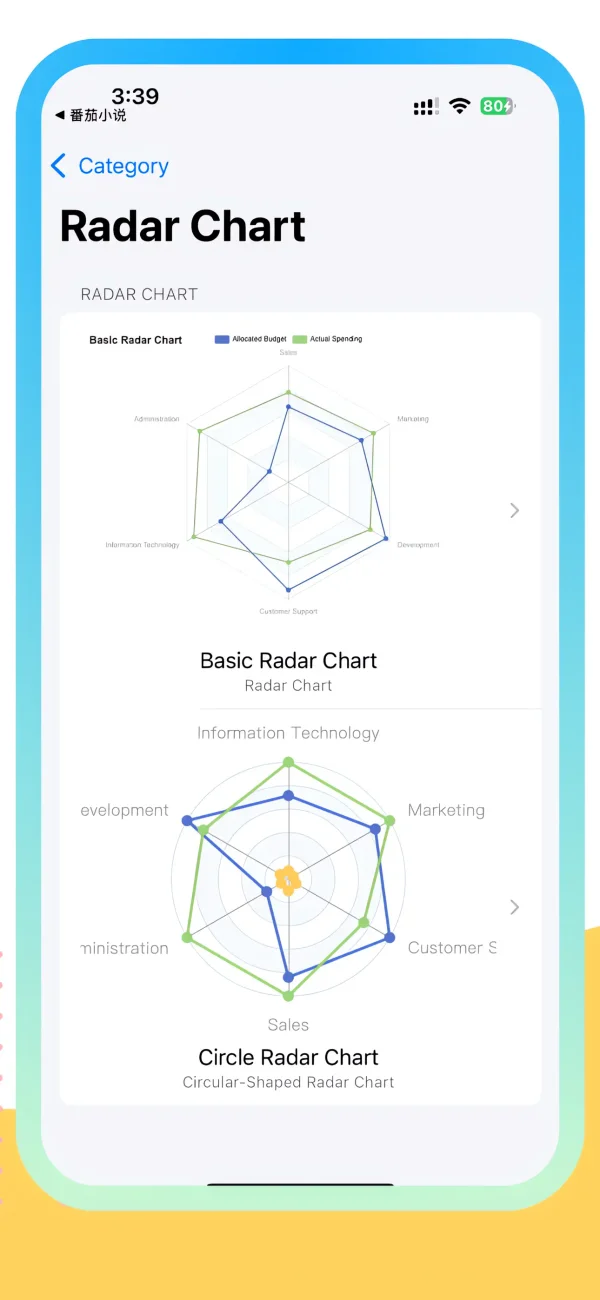
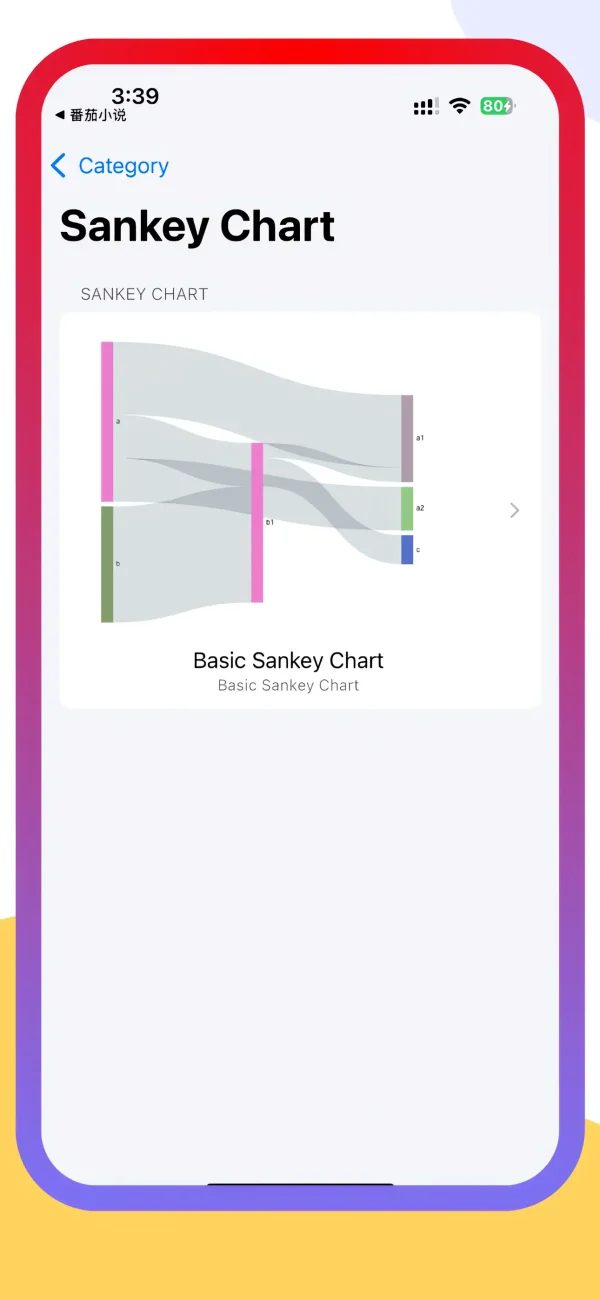
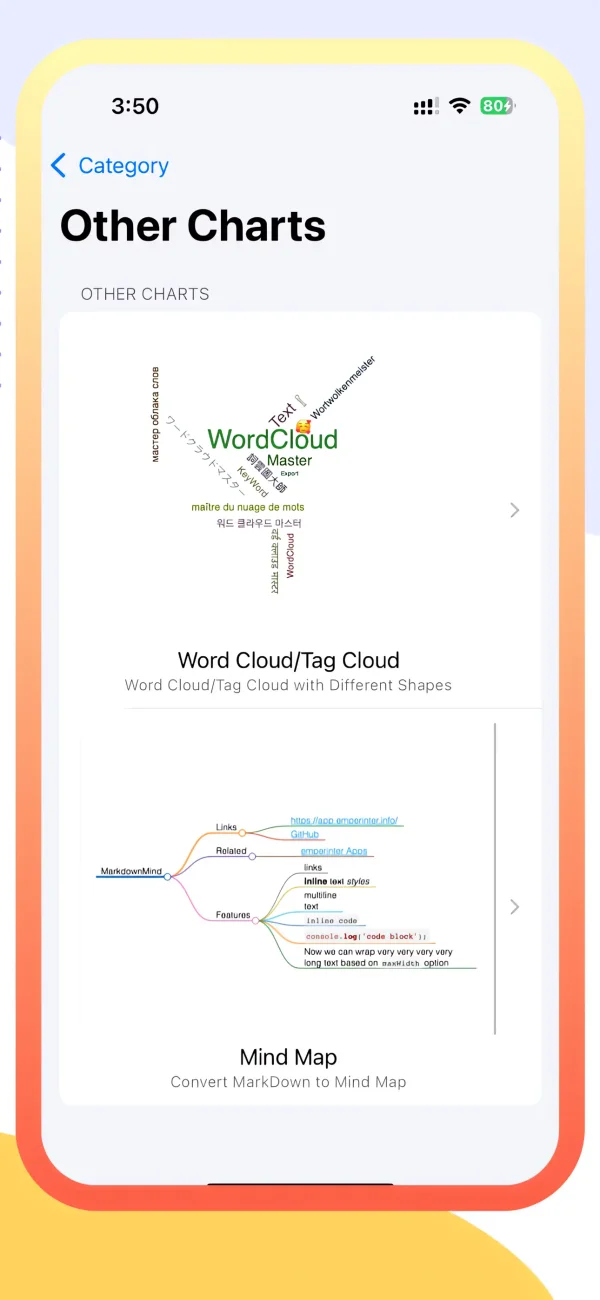
About
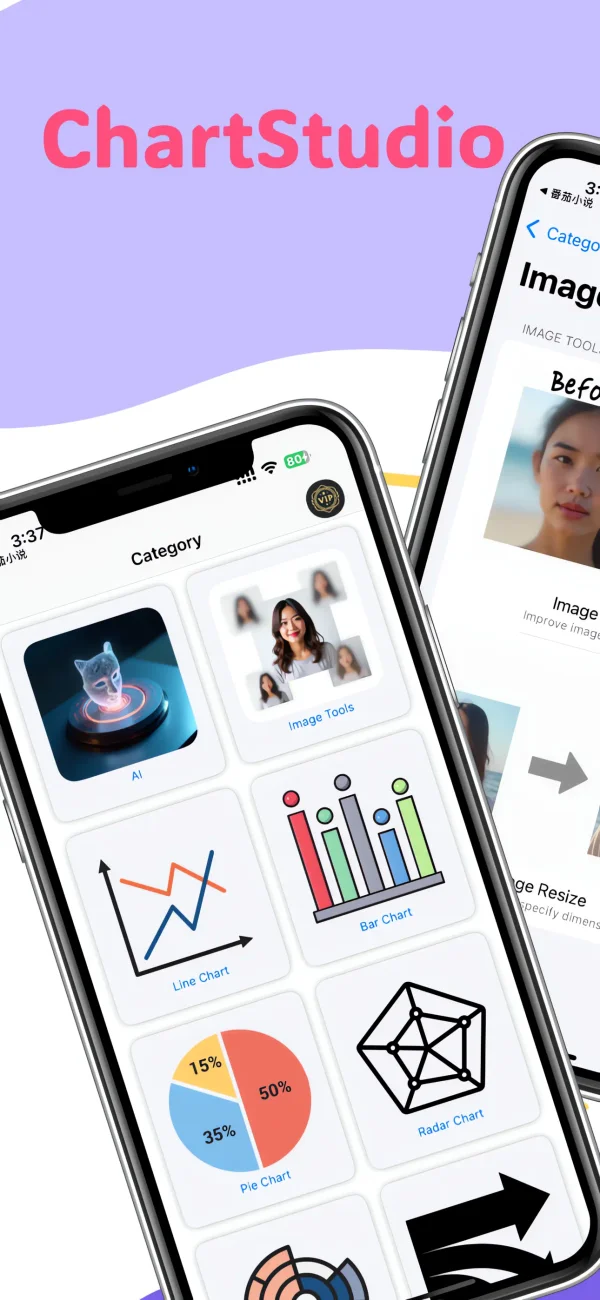
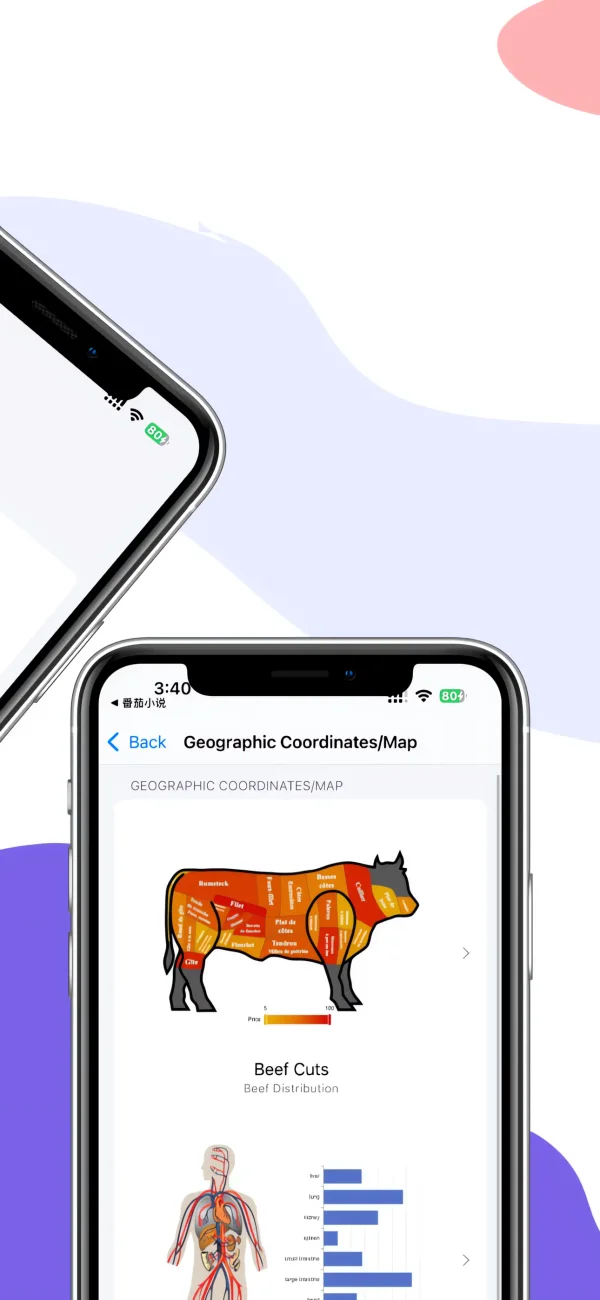
Create a variety of charts—bar charts, line charts, pie charts, radar charts, Sankey diagrams, bubble charts, heatmaps, and more—along with dynamic data syncing, real-time updates, and high-quality exports.
Key Features
• Versatile Chart Creation: Design a wide range of charts including bar charts, line charts, pie charts, radar charts, Sankey diagrams, bubble charts, heatmaps, tree maps, calendars, funnel charts, box plots, 3D charts, and many more. Regular updates bring new chart types to meet evolving needs.
• High-Quality Export: Export charts in high resolution for print, reports, and presentations.
• Dynamic Data Updates: Automatically sync charts with live data from CSV, Excel, ensuring your visualizations stay accurate and up-to-date.
• Interactive Elements: Add tooltips, drilldowns, and clickable features for a more engaging and interactive experience.
• Advanced Customization: Customize every aspect of your charts—colors, labels, fonts, layouts—to match your branding or personal preferences.
• Cross-Platform Sync: Seamlessly sync across iPhone, iPad, Mac, and VisionPro, ensuring a consistent workflow across devices.
Perfect For
• Business Intelligence: Visualize KPIs, track financial performance, and create insightful reports to drive data-driven decisions.
• Academic Research: Present research data and statistical findings with clear, professional charts.
• Professional Reports: Design eye-catching visuals for annual reports, business proposals, and presentations.
• Marketing Campaigns: Create stunning visuals for advertising, social media, and product launches.
• Educational Materials: Craft engaging charts for lessons, classroom presentations, and projects.
• Nonprofit Organizations: Communicate your organization’s impact through visualized data for fundraising, donor contributions, and campaign results.
• Financial Analysis: Visualize investment portfolios, market trends, and financial reports for budgeting and decision-making.
• Event Planning: Organize schedules, guest lists, and resource management with clear, easy-to-read charts.
Supported Chart Types
• Bar Charts: Basic bar charts, waterfall charts, negative bar charts, and more.
• Line Charts: Basic line charts, smoothed lines, stacked lines, gradient areas, and more.
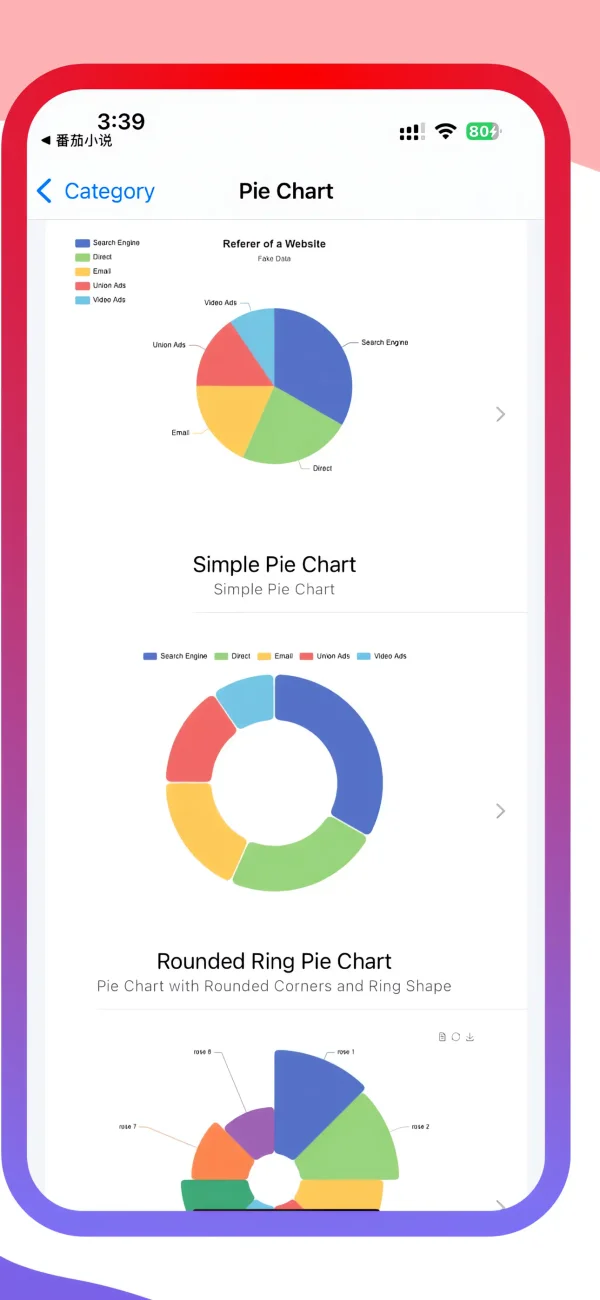
• Pie Charts: Simple pie charts, rounded corner pies, and rose charts.
• Radar Charts: Basic radar charts, circular radar charts, and more.
• Sankey Charts: Flow charts and flow diagrams.
• Bubble Charts: Basic bubble charts, bubble gradient charts.
• Heatmap Charts: Basic heatmaps for visualizing data density.
• Tree Charts: Basic tree charts and radial tree charts.
• Calendar Charts: Calendar visualizations to track date-related data.
• Funnel Charts: Funnel flow diagrams for visualizing processes.
• Box Plot Charts: Basic box plots and velocity charts.
• Parallel Coordinates: Charts to visualize relationships between multiple variables.
• 3D Charts: 3D bar charts, 3D bubble charts, and more.
• Other Charts: Word clouds, mind maps, Markdown mind maps, and more.
Why Choose ChartStudio?
• Seamless Integration & Export: Import data easily from CSV, Excel, and export high-quality charts for use in reports, presentations, and marketing materials.
• Cross-Device Compatibility: Work across all Apple devices—iPhone, iPad, Mac, and VisionPro—with complete synchronization for a consistent experience.
• Regular Updates: Continuous improvements with new chart types, features, and integrations. Stay ahead with cutting-edge tools and functionality.
Terms of Use:https://www.apple.com/legal/internet-services/itunes/dev/stdeula
What’s new
Version 1.54 · Oct 17, 2025
New Chart Types:
• Bump Chart
• Area Chart with Pieces
• Line Race Chart
• Step Line Chart
• Draggable Line Chart
• Waterfall Bar Chart
• Negative Bar Chart
• Gradient Bubble Chart
• Scatter Plot with Right Aligned Labels
• OHLC Chart
• Candlestick Chart with Brush
• Boxplot with Light Velocity
• Multiple Boxplots
• Graph Grid Chart
• Calendar Graph Chart
• Sunburst Chart with Border Radius
• Sunburst Chart with Rotated Labels
• Sunburst Chart with Drink Style
Feedback Support:
• Users can now provide feedback directly, helping improve the tool with their suggestions and issue reports.
Excel Data Support:
• Directly import data from Excel files, streamlining the process of data management and chart creation.
App privacy
What 辉章 何 declares on the App Store about how this app handles data.
-
Data not collected
The developer does not collect any data from this app.
Privacy practices may vary, for example with the features you use or your age.
Information
- Seller
- 辉章 何
- Category
- Graphics & Design
- Version
- 1.54
- Updated
- Oct 17, 2025
- Released
- Dec 14, 2023
- Size
- 99.9 MB
- Requires
- iOS 14.0 or later
- Age rating
- 4+
- Price
- Free
- In-app purchases
- Yes
- Languages
- English, Arabic, Catalan, Croatian, Czech, Danish, Dutch, Finnish, French, German, Greek, Hebrew + 22 more
- Copyright
- © emperinter
You might also like
-
 The Data Visualizeruse Line, Bar, Pie Charts
-
 InfographerData Visualization and Charts
-
 Fast Chart: Charts & DiagramsMind Map, Flowchart, Dashboard
-
 PieChart MakerGenerates pie charts quickly
-
 Visme - Presentation & ChartsDocs, Slides & AI Poster Maker
-
 MapChart AppCreate Custom Maps
-
 Graffiti CreatorCustom Names, Logos & Stickers
-
 ConceptsSketch, note & draw infinitely
-
 Prêt à TemplateFashion Design & Illustration
-
 Animaker: AI Animation MakerMake AI Animations in Seconds