Charty for Shortcuts
Data, Graphs, Widgets & Charts
Designed for iPhone, iPad
Free · In-app purchases
- Age rating4+
- CategoryProductivity
- DeveloperRapptor Desenvolvimento de Softwares LTDA
- LanguagesEnglish+ 1 more
- Size69.1 MB
Links to the official App Store page
Download.org hosts no file of Charty for Shortcuts. The button opens its official App Store page, published by Rapptor Desenvolvimento de Softwares LTDA. Listing last checked on Nov 20, 2026.
Screenshots


About
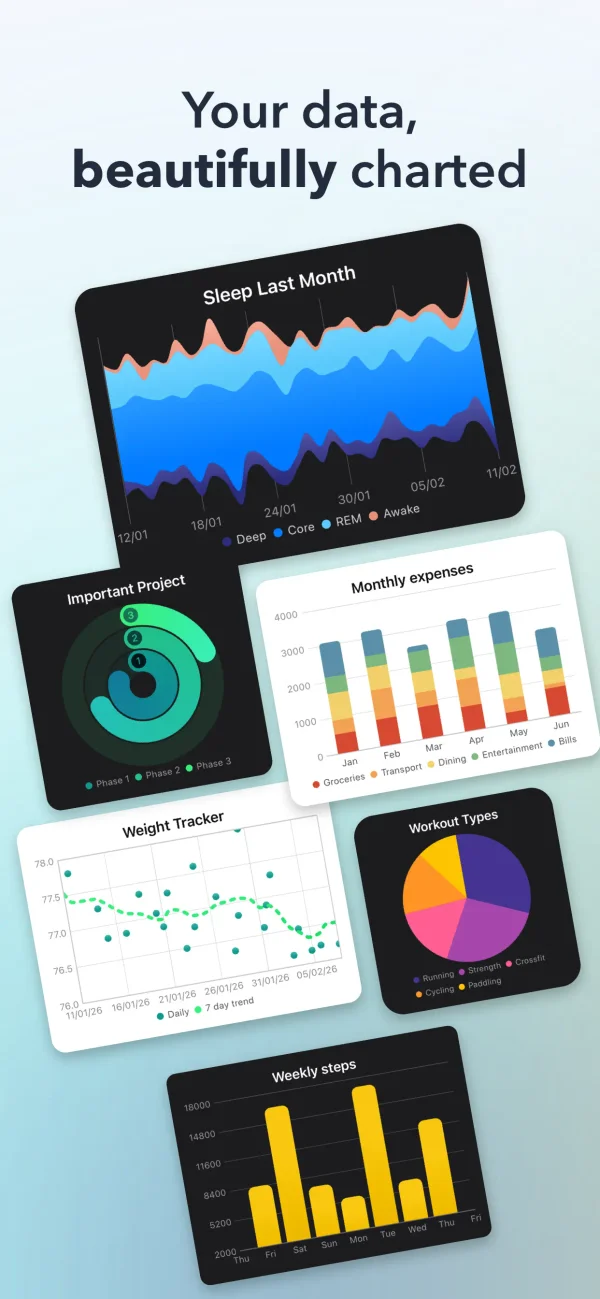
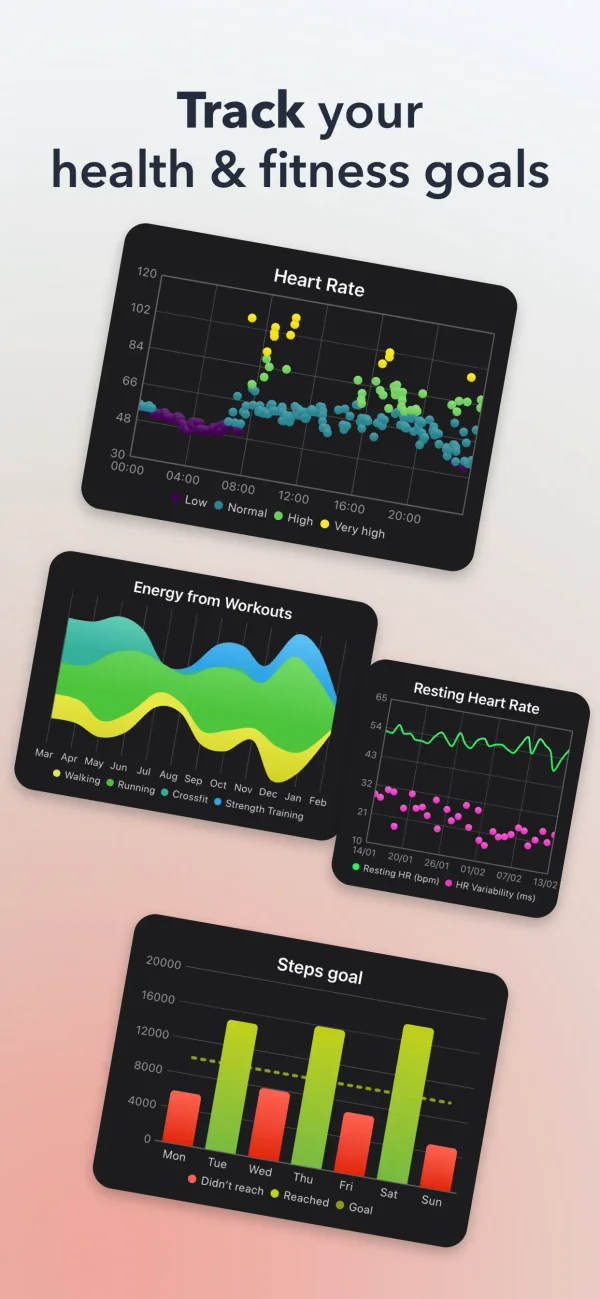
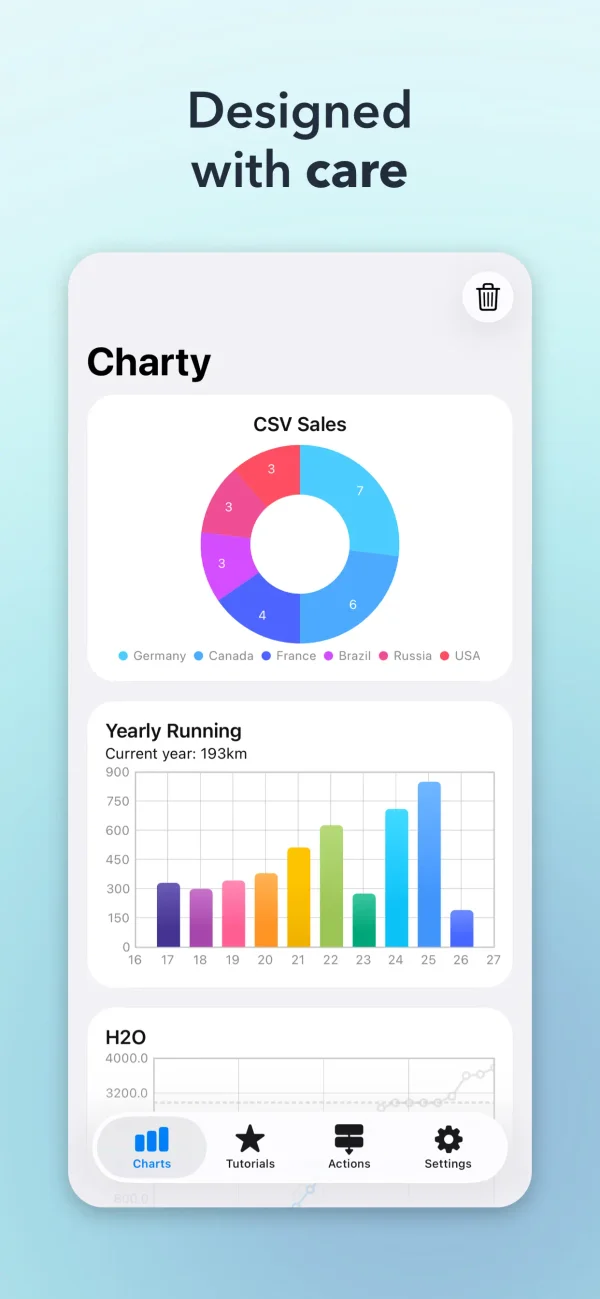
Charty is the ultimate charting companion for Shortcuts. Whether you're tracking workouts, visualizing health data, monitoring budgets, or building dashboards from any app on your iPhone or iPad. Charty makes it effortless to go from raw numbers to beautiful, shareable charts.
CREATE CHARTS YOUR WAY
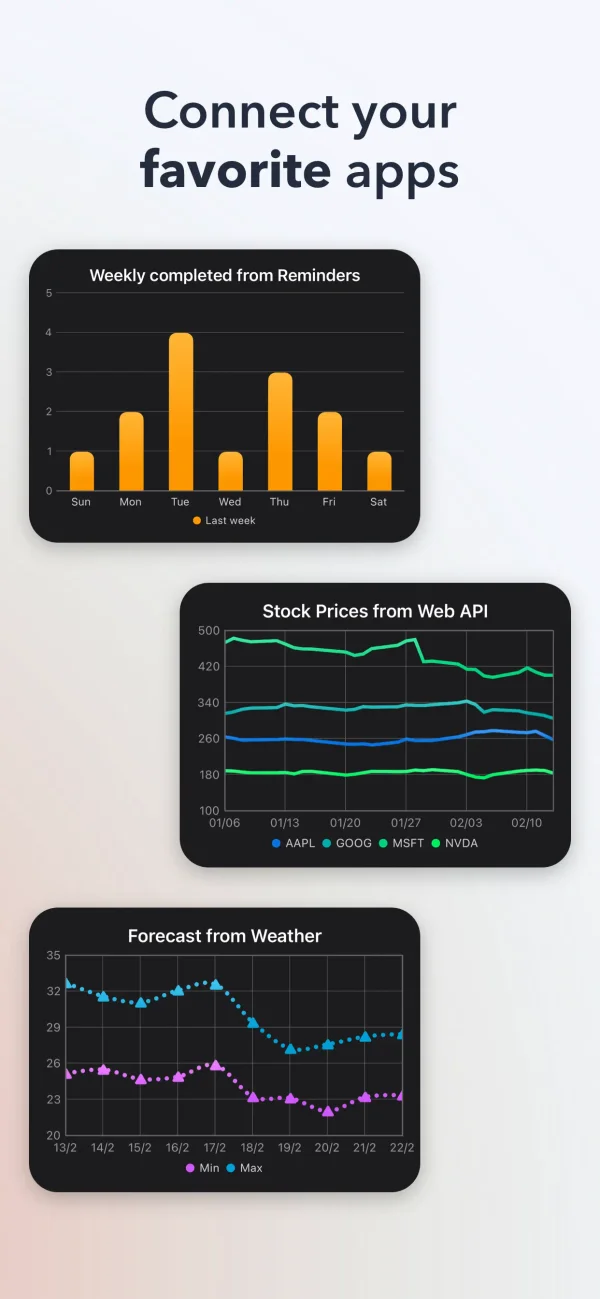
Build bar charts, line graphs, scatter plots, area charts, pie charts, donut charts, and ring charts, all from Shortcuts automations you already use. Combine multiple data series, customize every detail, and see your data come to life.
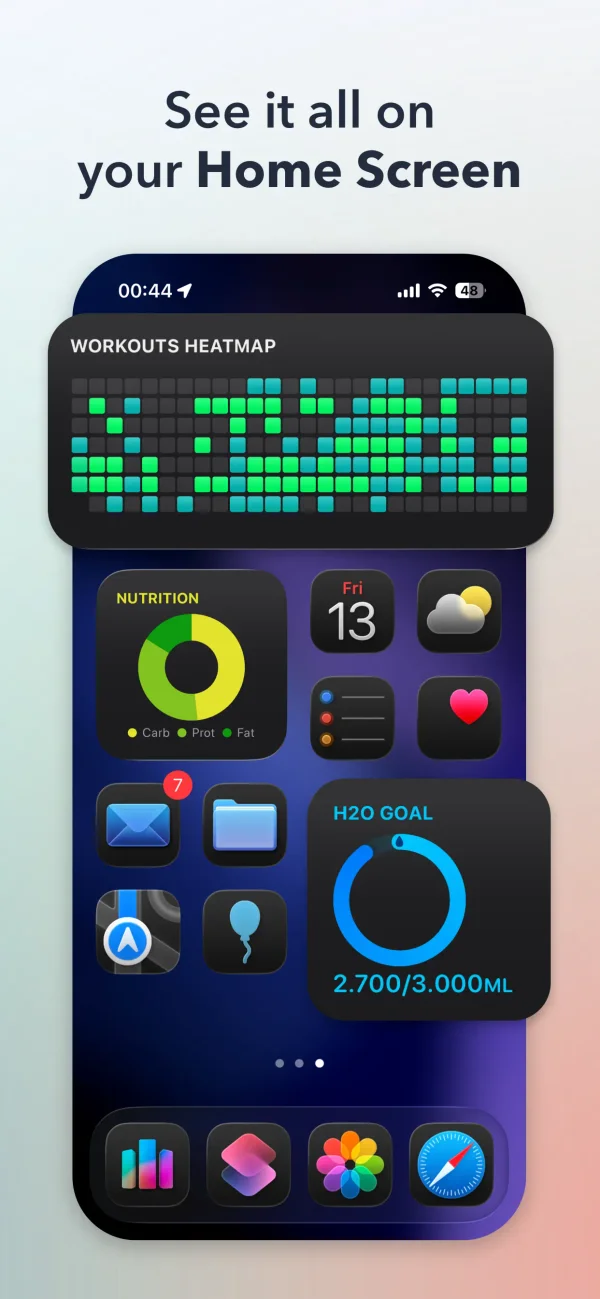
STUNNING WIDGETS ON YOUR HOME SCREEN
Display your charts as widgets that update automatically. Track your goals, habits, fitness progress, or anything else, right from your Home Screen.
POWERFUL DATA TOOLS
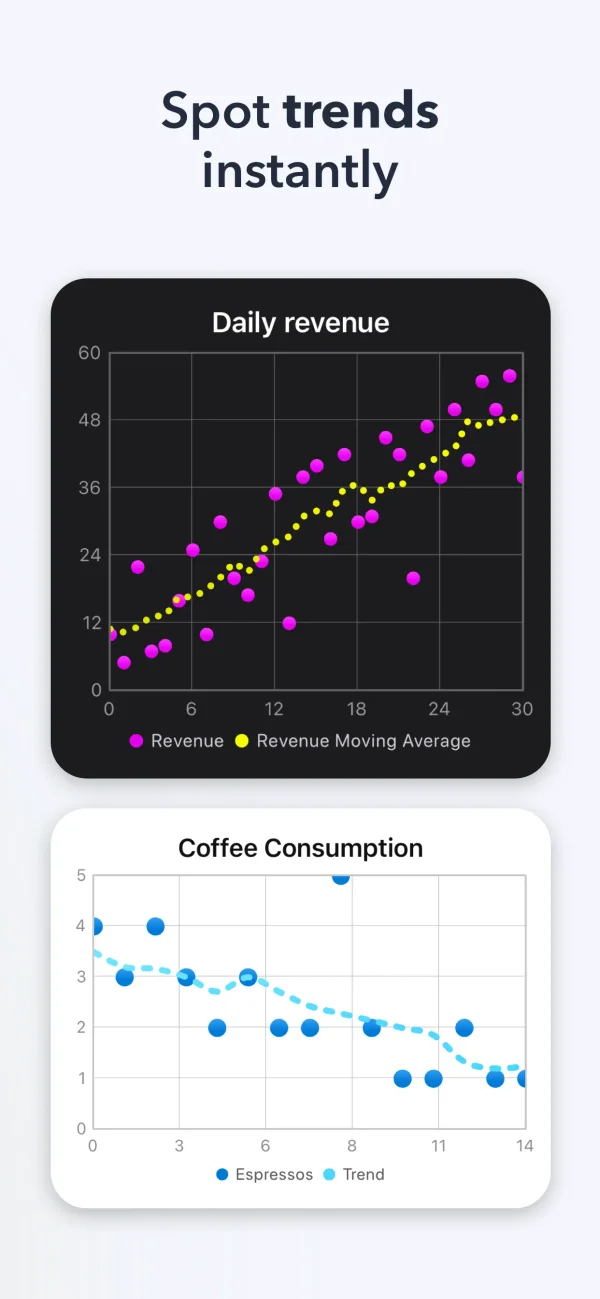
Go beyond simple plotting. Group, filter, and accumulate values. Add moving averages and trend lines. Import data from CSV files. Export charts as high-resolution images to share or save.
STYLE EVERYTHING
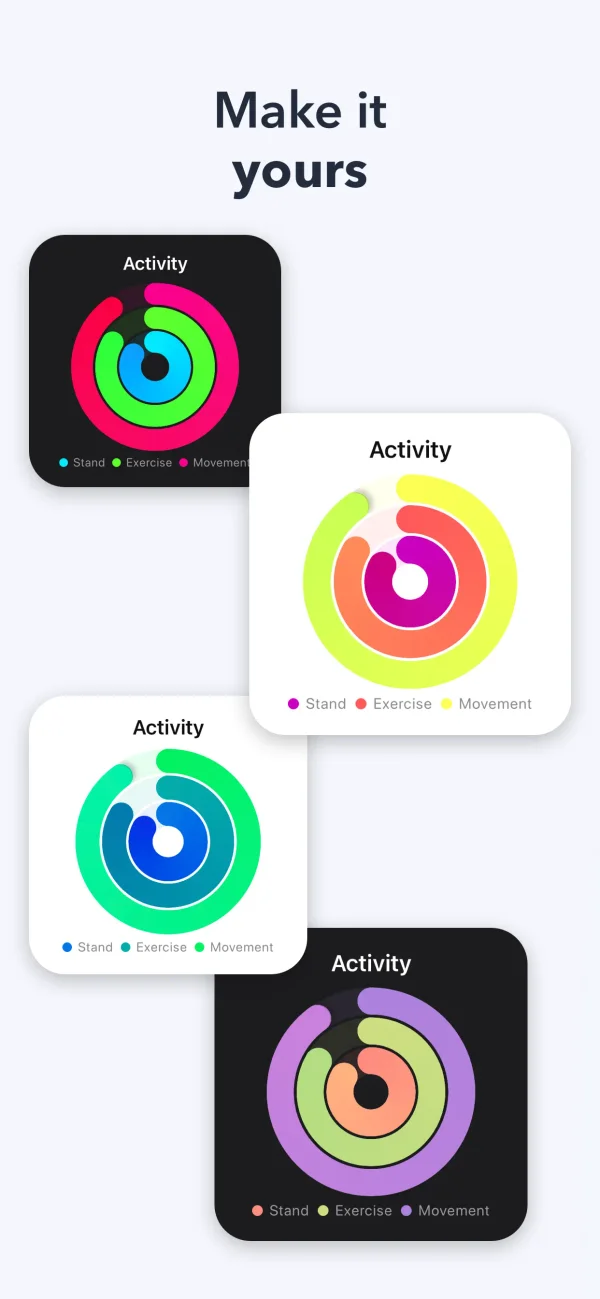
Fine-tune colors, markers, axis labels, date formats, floating-point precision, and more. Apply custom themes to keep your charts consistent and polished. Stack bars, customize line thickness, and highlight the data that matters most.
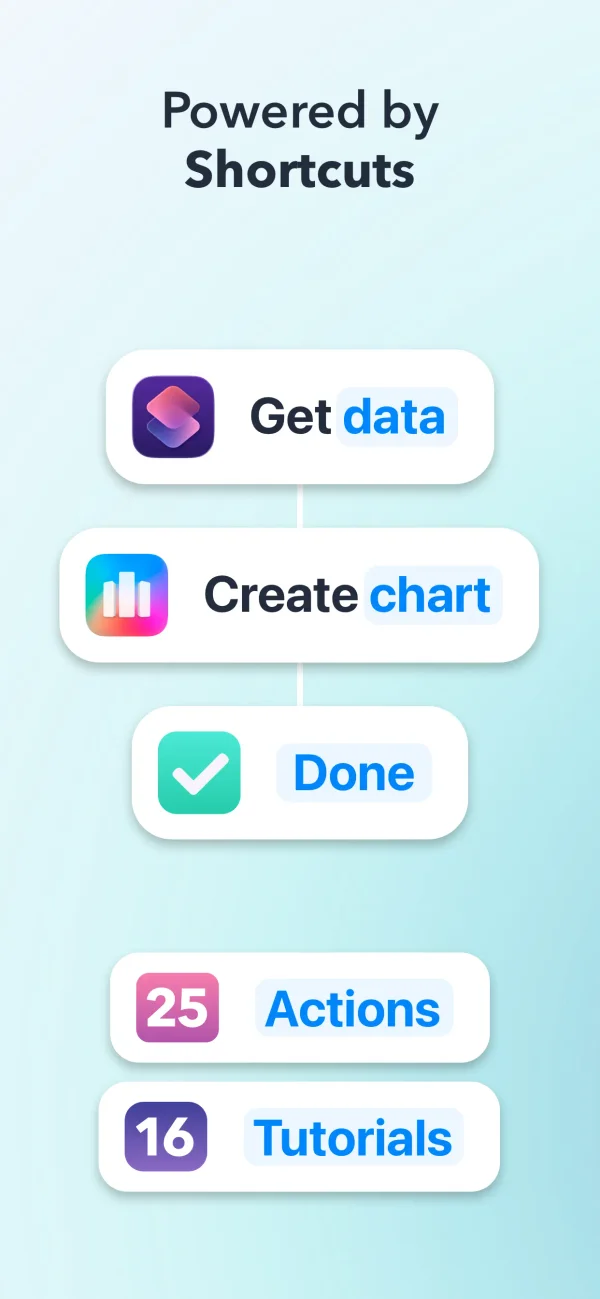
LEARN AS YOU GO Access 16 built-in tutorials that walk you through creating your own Shortcuts, from simple charts to advanced data workflows. No coding required.
FREE TO START Create unlimited charts with up to 2 series per chart, completely free. Unlock Charty Premium to access all 25 Shortcuts actions, unlimited series, full styling controls, area charts, CSV import, image export, widgets, and more.
Terms of Use (EULA): https://www.apple.com/legal/internet-services/itunes/dev/stdeula/
What’s new
Version 2.1.1 · Nov 14, 2026
Charty 2.1.1 makes running shortcuts steadier and chart analysis more useful.
• Steadier shortcuts: fixes a crash when a shortcut replaced a chart you had open in the editor, and keeps Charty working in the background while it saves and syncs, a common cause of crashes.
• Better chart analysis: Charty now works out what changed before asking Apple Intelligence to explain it, so you get insights instead of your chart read back to you. Ring charts are read as progress towards a goal.
• Whole bars on date axes: the first and last bars are no longer cut in half.
• Dates in any language: when Shortcuts runs in a different language from your iPhone, its dates now chart as dates instead of labels.
• Moving average centering: Add Moving Average now lets you choose Center, Left or Right.
• Smaller fixes: the analysis only shows a total where a sum makes sense, and Analyze Chart tells you when your device can't run it before asking you to subscribe.
App privacy
What Rapptor Desenvolvimento de Softwares LTDA declares on the App Store about how this app handles data.
-
Data not collected
The developer does not collect any data from this app.
Privacy practices may vary, for example with the features you use or your age.
Information
- Seller
- Rapptor Desenvolvimento de Softwares LTDA
- Category
- Productivity
- Version
- 2.1.1
- Updated
- Nov 14, 2026
- Released
- May 6, 2020
- Size
- 69.1 MB
- Requires
- iOS 18.0 or later
- Age rating
- 4+
- Price
- Free
- In-app purchases
- Yes
- Languages
- English, Portuguese
- Copyright
- © 2026 Rodrigo Moreira Araújo
You might also like
-
 Xchart-Quick Charts+AI InsightChart x Analyze x Share Easily
-
 ChartLre - Create Chartsradar chart, form ,pie chart
-
 Chartistic - Charting AppProductivity
-
 My Graph ( Chart )Productivity
-
 SuperWidget - Shortcuts & APIsWidgets from Shortcuts or APIs
-
 Actions For ObsidianYour notes + Shortcuts.
-
 Shortcuts for Action Button 15Automation Commands for Siri
-
 Remind Me FasterQuick-entry for Reminders
-
 ShortcutStudio - AI ShortcutsBuild Apple Shortcuts with AI
-
 Collections DatabaseEasy to use database