
- Age rating4+
- CategoryDeveloper Tools
- DeveloperBansemer Consulting GmbH
- LanguagesEnglish
- Size5.0 MB
Links to the official App Store page
Download.org hosts no file of Cheat-Sheet. The button opens its official App Store page, published by Bansemer Consulting GmbH. Listing last checked on Nov 12, 2026.
Screenshots
About
SwiftUI is an innovative, exceptionally simple way to build user interfaces across all Apple platforms. You're faster in development and it's easier to separate design and logic.
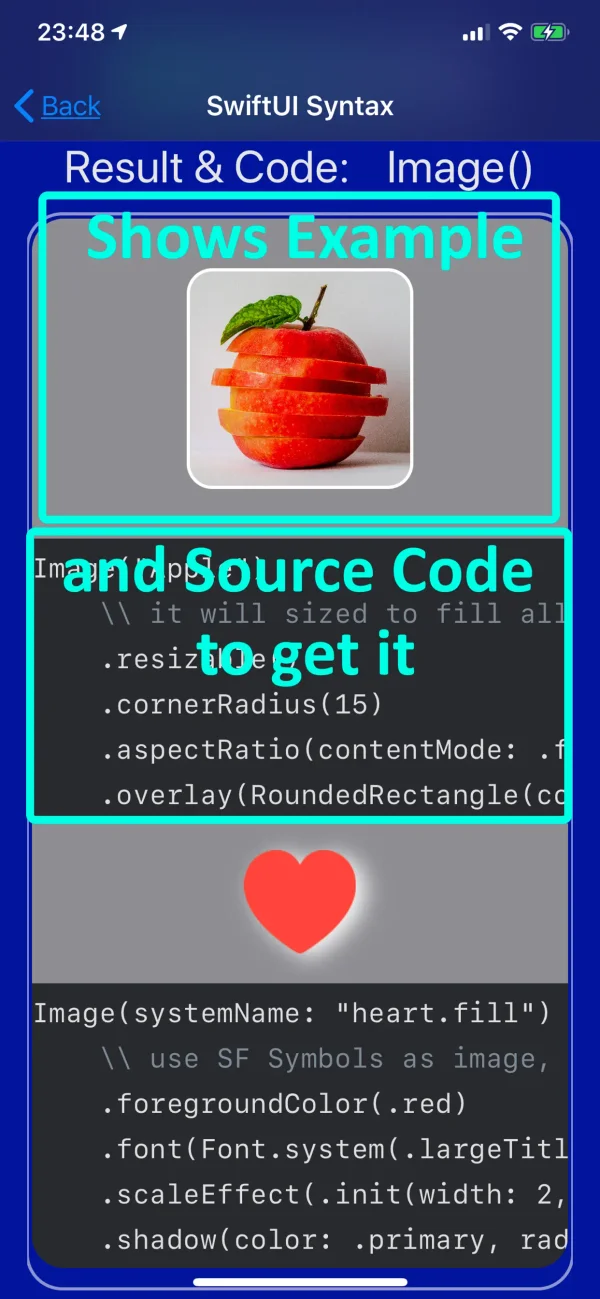
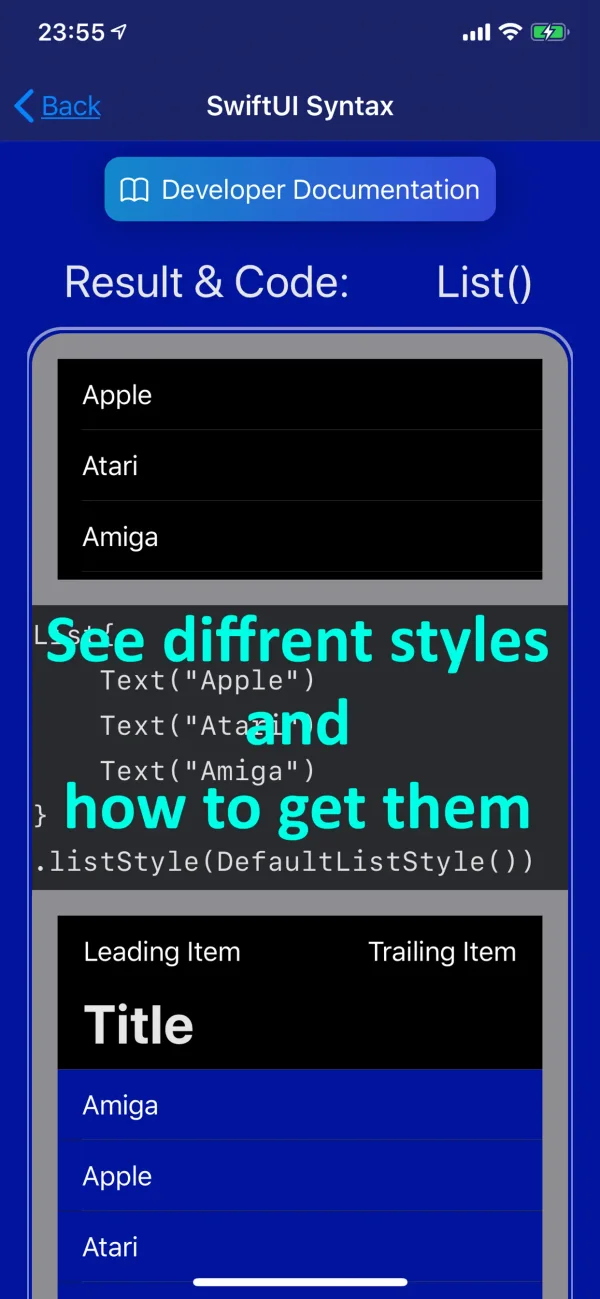
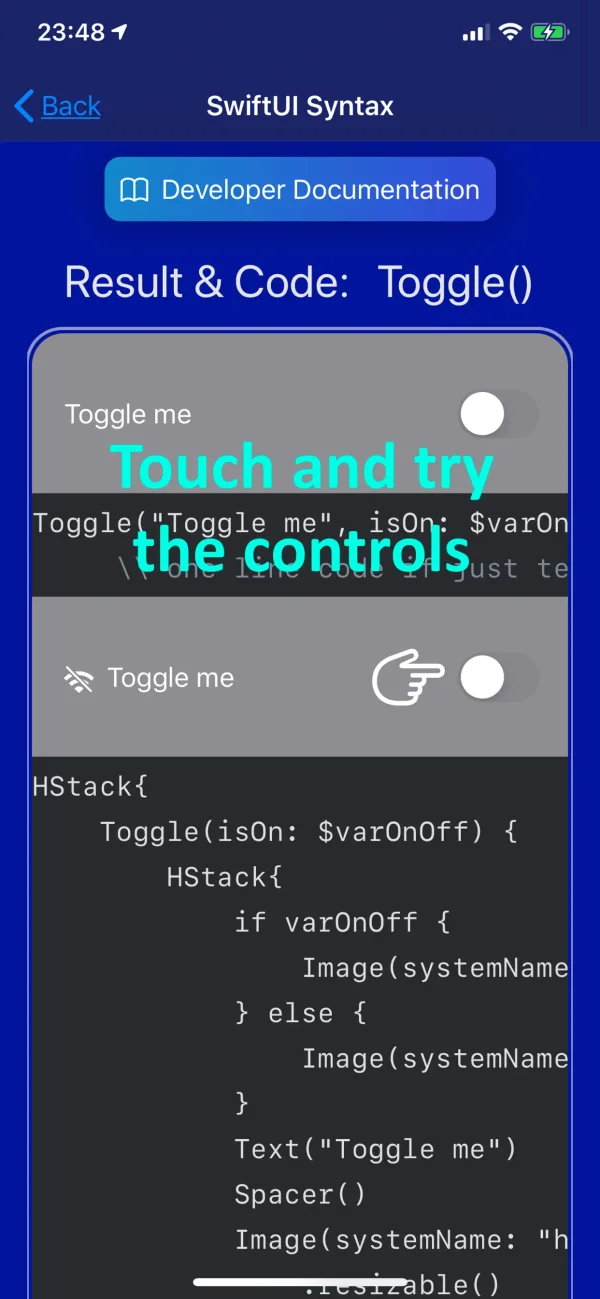
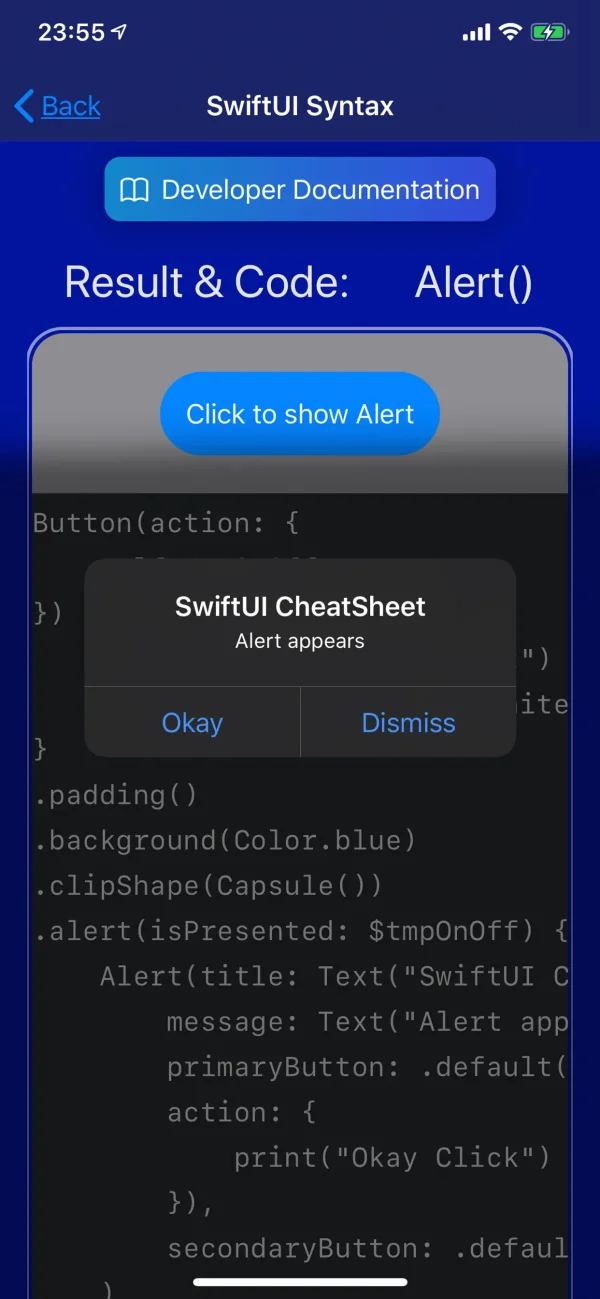
SwiftUI CheatSheet show all UI elements and the needed source code. Each UI element is presented in one or more variations. You can try the control and check the functionality. Below the example you see the corresponding code to get this result. It's easy, try it!
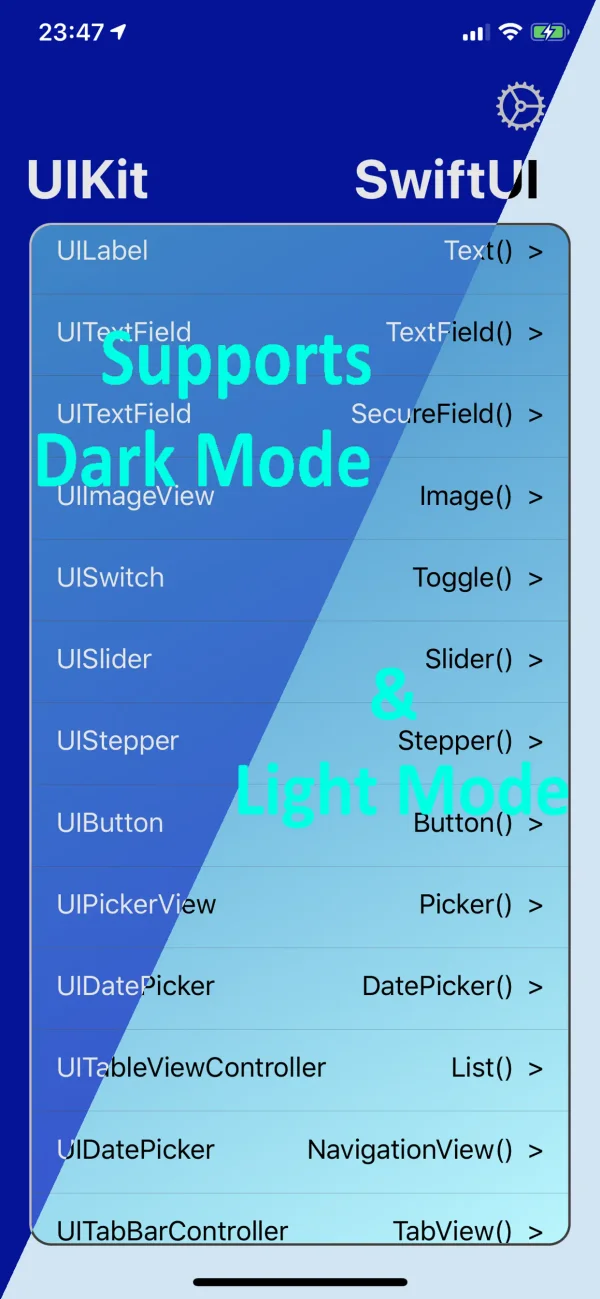
To allow experienced coders an easier changeover to SwiftUI, all elements from UIKit are assigned to the corresponding SwiftUI elements.
What’s new
Version 1.2 · Sep 12, 2024
- small bugfix
- add hint to my new app MagicDesign
App privacy
What Bansemer Consulting GmbH declares on the App Store about how this app handles data.
-
Data not collected
The developer does not collect any data from this app.
Privacy practices may vary, for example with the features you use or your age.
Information
- Seller
- Bansemer Consulting GmbH
- Category
- Developer Tools
- Version
- 1.2
- Updated
- Sep 12, 2024
- Released
- Apr 30, 2020
- Size
- 5.0 MB
- Requires
- iOS 13.0 or later
- Age rating
- 4+
- Price
- Free
- Languages
- English
- Copyright
- © 2020-2024 Enrico Bansemer
You might also like
-
 DockUI: Design For SwiftUIDesign & Paste into Xcode
-
 nRF Programmer for Thingy:53Developer Tools
-
 Handbook for SwiftDeveloper Tools
-
 Bluetooth - CI TrackerGATT Logs & Automation, DevOps
-
 Web Archive InspectorView and read offline webpages
-
 Accessibility InspectorConfiguration summary and info
-
 WebDebug - Web debugging toolWeb Inspector & Static Server
-
 Lora SnifferDeveloper Tools
-
 ApiClient: REST API TesterHTTP Client for GraphQL & cURL
-
 La Terminal: Mosh & SSH ClientSFTP, Files + AI Agent Remote