
- 対象年齢4+
- カテゴリ開発ツール
- 開発元Bansemer Consulting GmbH
- 言語英語
- サイズ5.0 MB
App Storeの公式ページにリンクしています
Download.orgはCheat-Sheetのファイルを一切ホストしていません。ボタンを押すと、Bansemer Consulting GmbHが公開しているApp Storeのアプリページが開きます。ページの最終確認:2026/11/12。
スクリーンショット
概要
開発元はこのテキストをお使いの言語で提供していません。
SwiftUI is an innovative, exceptionally simple way to build user interfaces across all Apple platforms. You're faster in development and it's easier to separate design and logic.
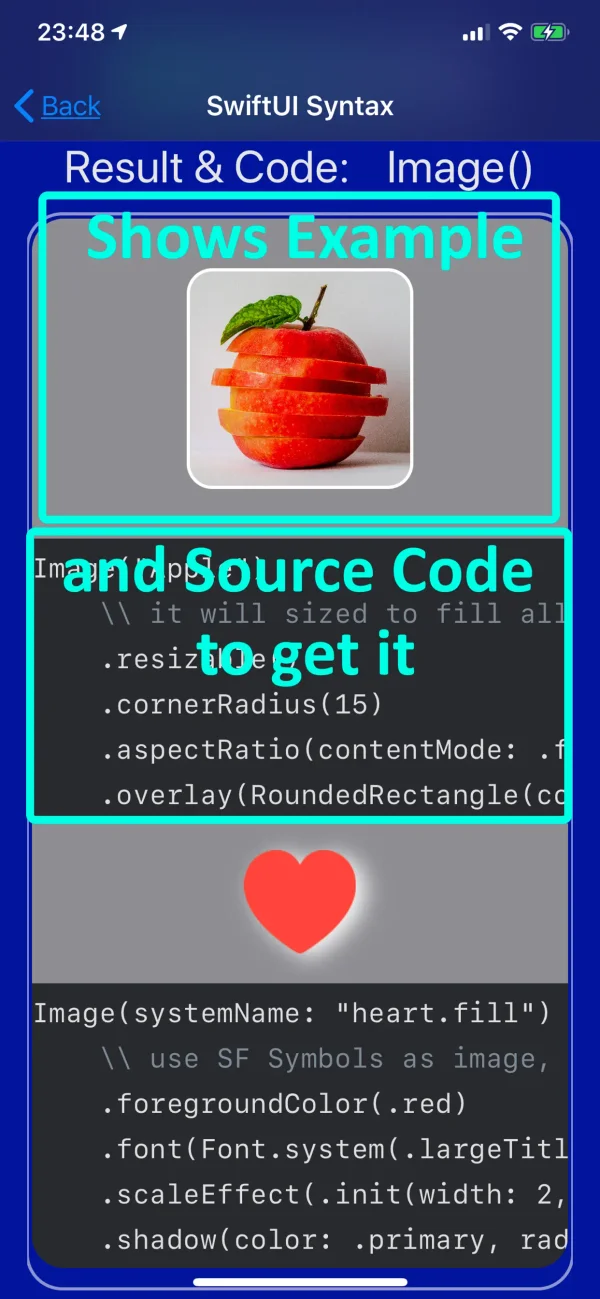
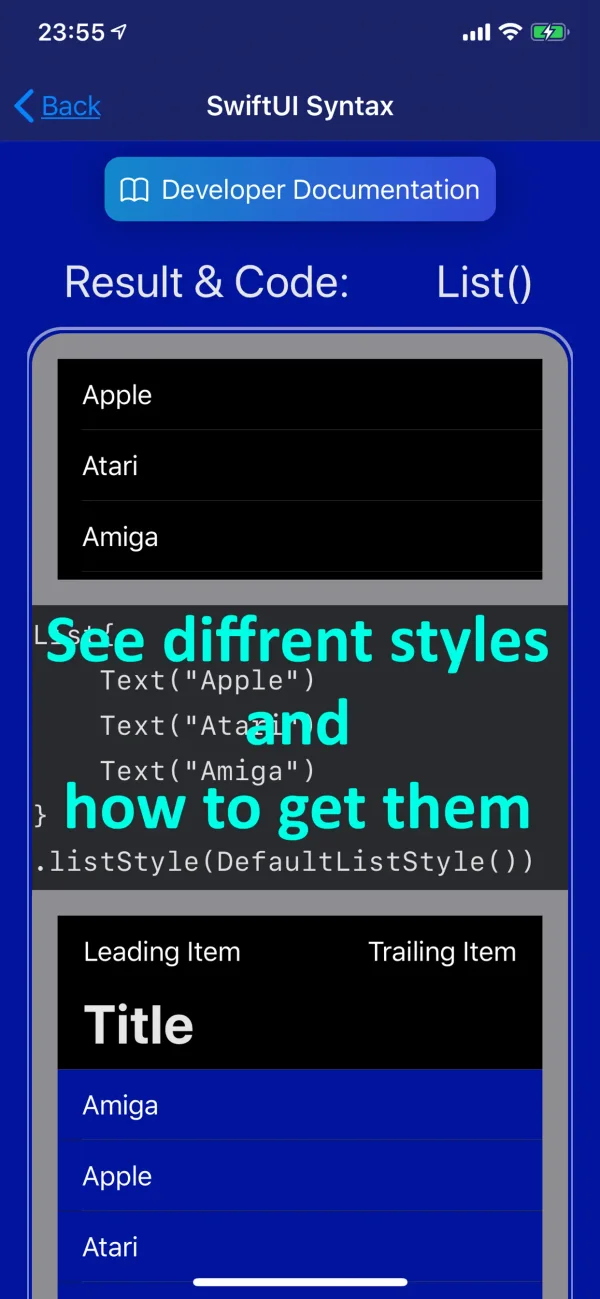
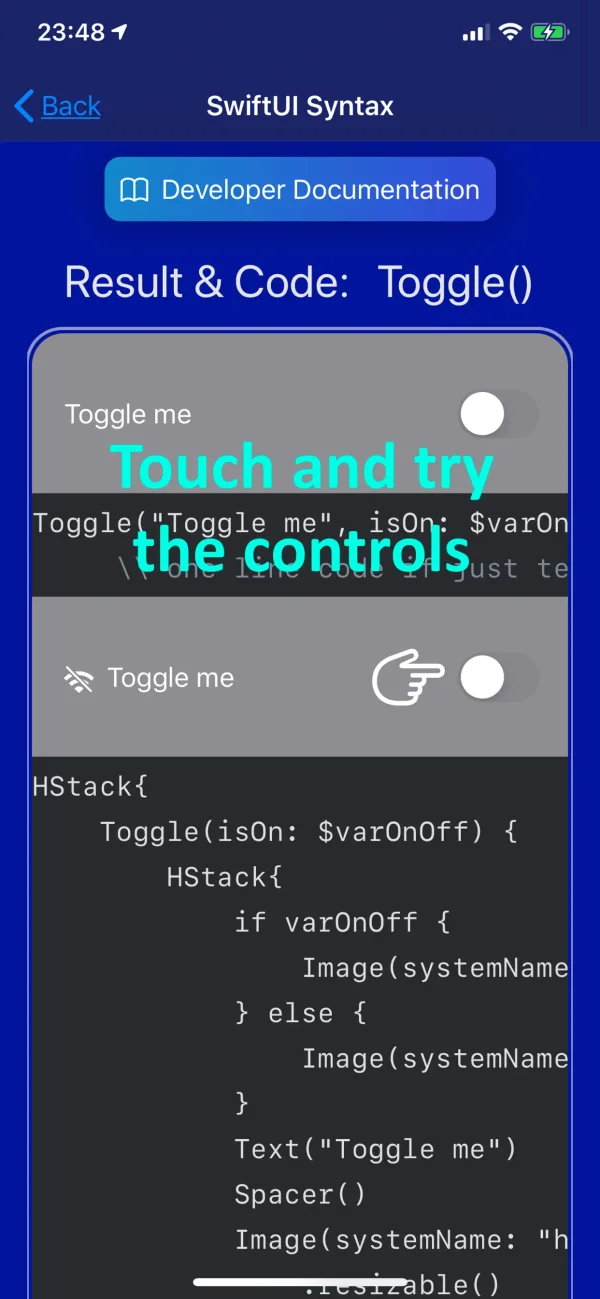
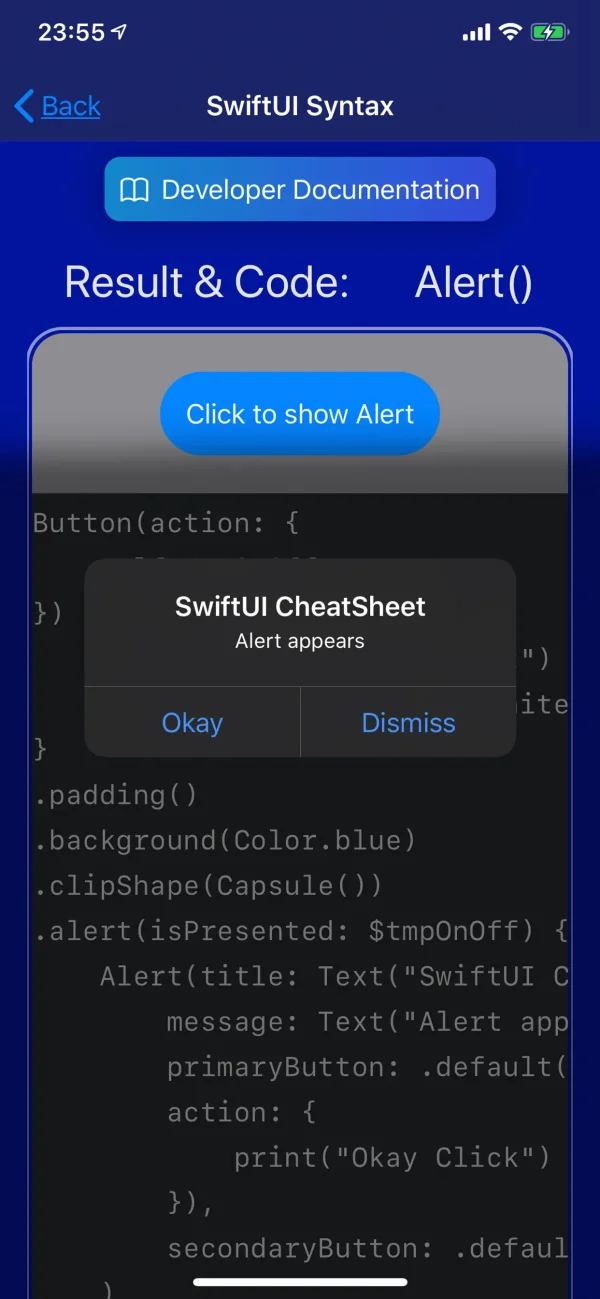
SwiftUI CheatSheet show all UI elements and the needed source code. Each UI element is presented in one or more variations. You can try the control and check the functionality. Below the example you see the corresponding code to get this result. It's easy, try it!
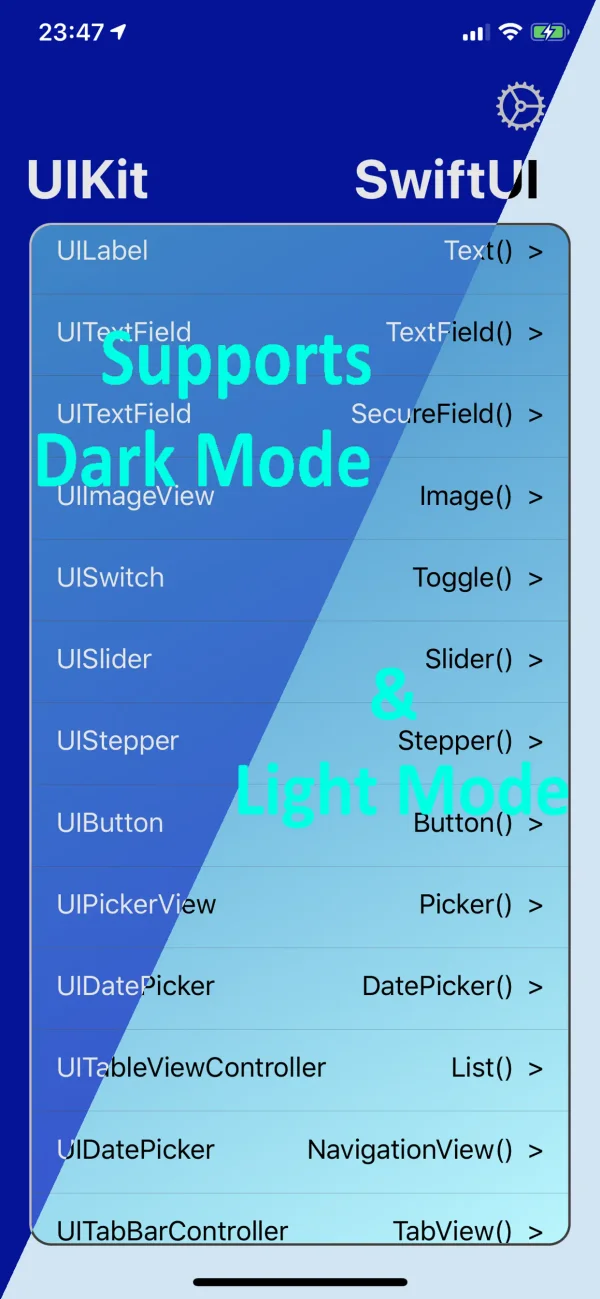
To allow experienced coders an easier changeover to SwiftUI, all elements from UIKit are assigned to the corresponding SwiftUI elements.
新機能
バージョン 1.2 · 2024/9/12
- small bugfix
- add hint to my new app MagicDesign
アプリのプライバシー
このアプリのデータの取り扱いについて、Bansemer Consulting GmbHがApp Storeで申告している内容です。
-
データの収集なし
開発元はこのアプリからデータを収集しません。
プライバシーの取り扱いは、ご利用の機能やお客様の年齢などに応じて異なる場合があります。
情報
- 販売元
- Bansemer Consulting GmbH
- カテゴリ
- 開発ツール
- バージョン
- 1.2
- 更新日
- 2024/9/12
- リリース
- 2020/4/30
- サイズ
- 5.0 MB
- 必要条件
- iOS 13.0以降
- 対象年齢
- 4+
- 価格
- 無料
- 言語
- 英語
- 著作権
- © 2020-2024 Enrico Bansemer
こちらもおすすめ
-
 DockUI: SwiftUIのためのデザインデザインしてXcodeに貼り付け
-
 nRF Programmer for Thingy:53開発ツール
-
 Handbook for Swift開発ツール
-
 Bluetooth - CI Tracker開発ツール
-
 Web Archive Inspector開発ツール
-
 アクセシビリティ・インスペクタ開発ツール
-
 WebDebug - Web debugging toolWeb Inspector & Static Server
-
 Lora Sniffer開発ツール
-
 ApiClient: REST API Tester開発ツール
-
 La Terminal:Mosh & SSH クライアントSFTP、ファイル + AI リモートエージェント