
Chrono flip timer
Minimal Flip Timer for Focus
Designed for iPhone, iPad, Mac
Free
- Age rating4+
- CategoryUtilities
- Developer书玉 简
- LanguagesEnglish+ 12 more
- Size6.4 MB
Links to the official App Store page
Download.org hosts no file of Chrono flip timer. The button opens its official App Store page, published by 书玉 简. Listing last checked on Nov 13, 2026.
Screenshots

About
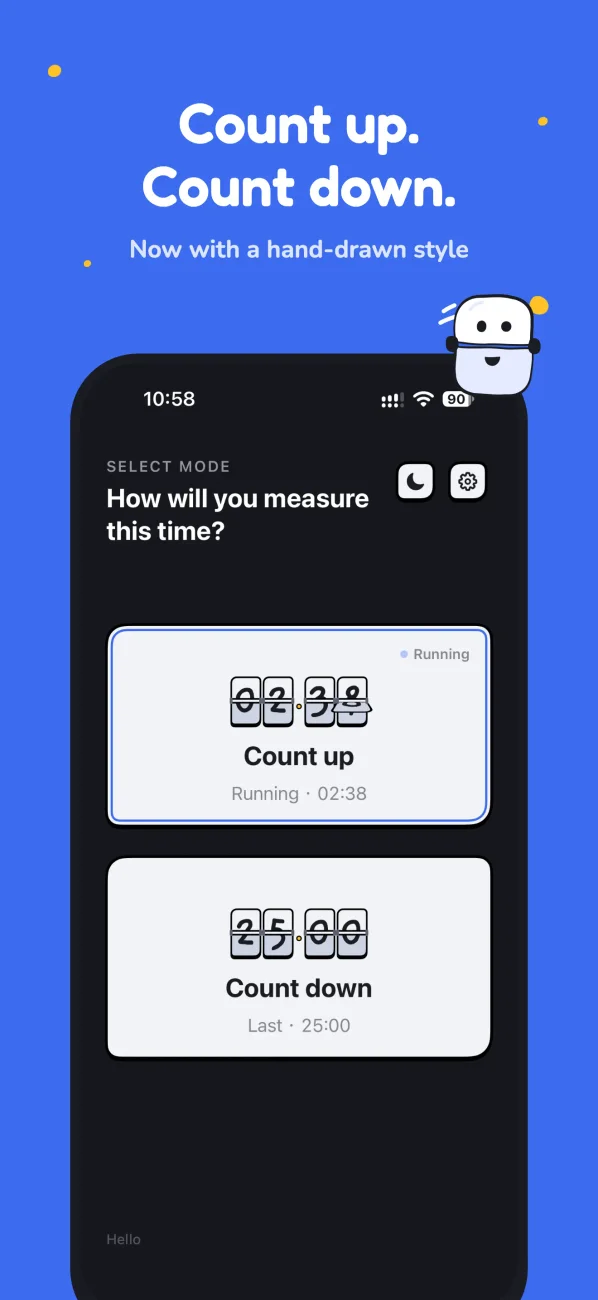
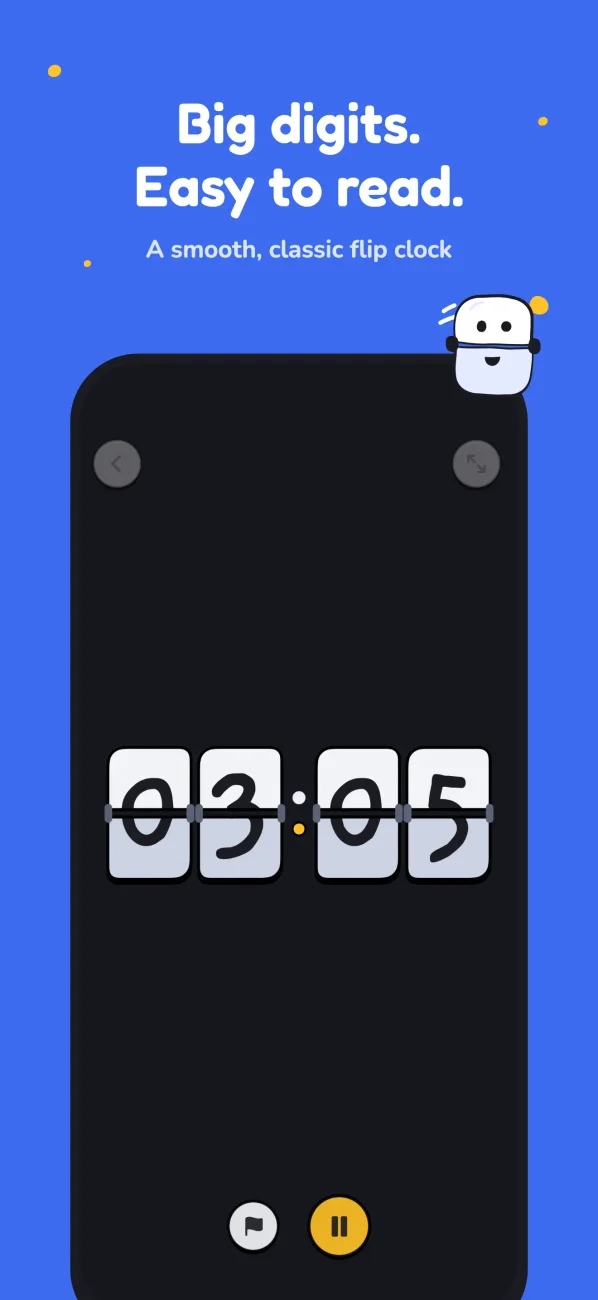
Chrono flip timer brings count-up and countdown timing together in a clean, classic flip-clock interface. Large, readable digits and smooth flip animations help you stay focused on every passing second.
COUNT UP & COUNT DOWN
• Count up starts automatically after a 3-2-1 countdown (optional) — perfect for workouts, talks, meetings, and study sessions
• Record laps during count up and copy them all after pausing
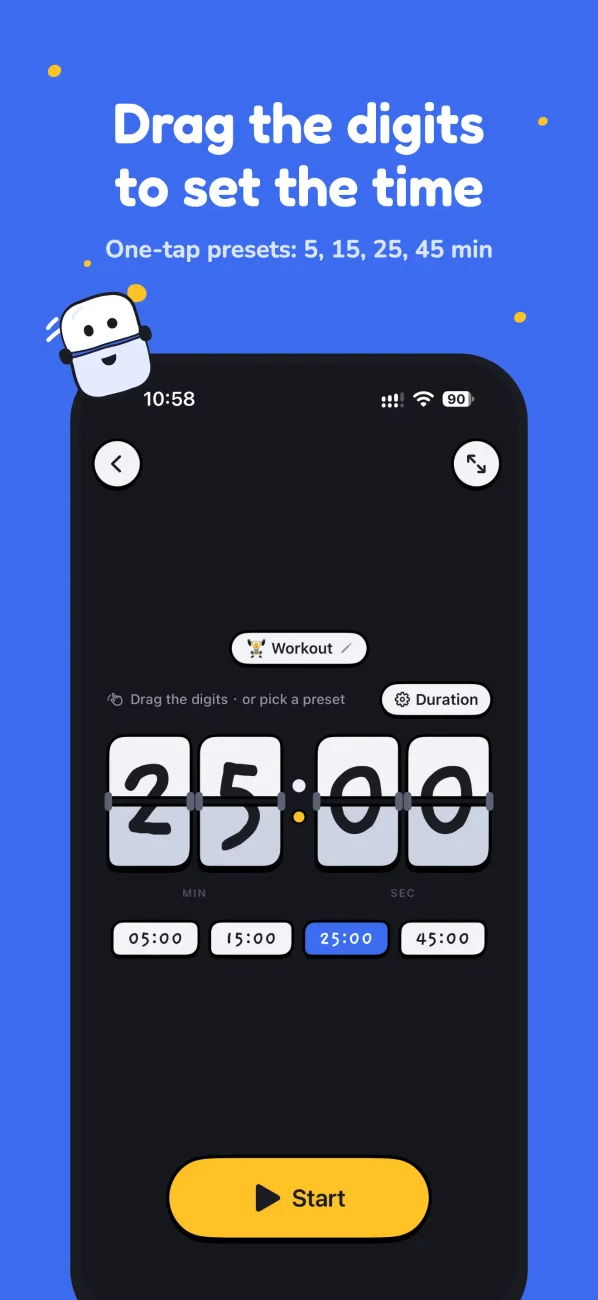
• Tap or drag the flip digits to set a countdown
• Use quick presets for 5, 15, 25, or 45 minutes, or set hours, minutes, and seconds precisely
• Add a label to your countdown (like Study or Break) and see it on the Lock Screen, in notifications, and on the start screen
• Timers continue across app launches until you pause or reset them
LOCK SCREEN & DYNAMIC ISLAND
• Follow the remaining time and progress of a countdown in a Live Activity on the Lock Screen and in the Dynamic Island — no need to open the app
• Get a notification when time is up, even when your iPhone is locked or you are in another app
MADE FOR FOCUS
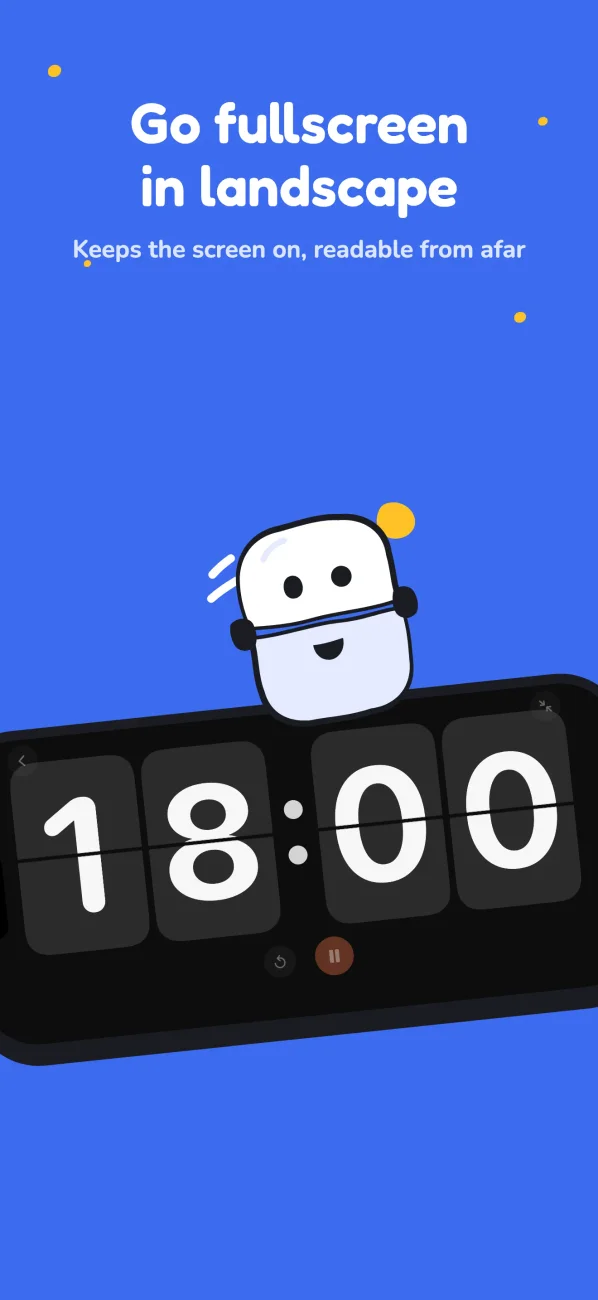
• View an extra-large fullscreen clock in landscape
• Keep the screen awake while a timer is running
• Get sound, vibration, and a celebration animation when time is up
• Double-tap an empty area to hear the current time
• Automatically remember your last countdown duration
YOUR TIMER, YOUR WAY
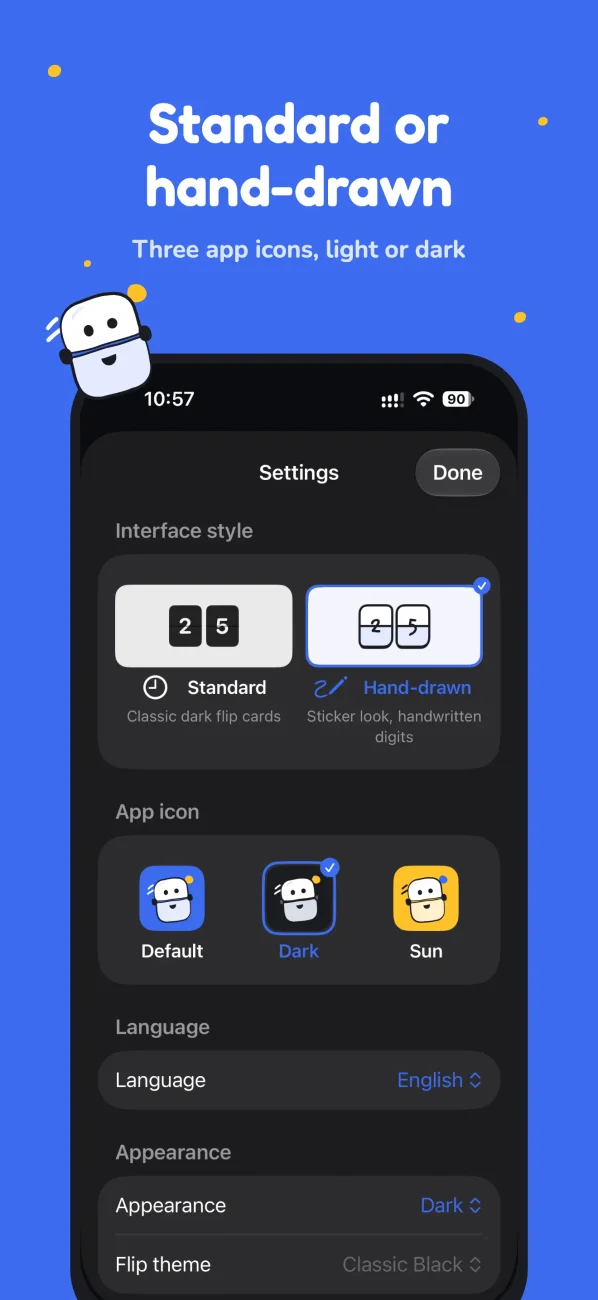
• Two interface styles: clean Standard, or sticker-like Hand-drawn with hand-lettered flip digits and a full-screen 3-2-1 and finish screen
• Choose Classic Black, High Contrast, or Stage flip themes in the Standard style
• Choose light, dark, or system appearance; the app icon follows Dark Mode, with Dark and Sun alternate icons
• Use multiple interface languages with matching voice announcements
• Designed for iPhone, iPad, and Mac
• No ads, no tracking, and no personal data collection
Whether you are focusing with a Pomodoro session, cooking, training, presenting, or running a meeting, Chrono flip timer keeps time clear and easy to see.
What’s new
Version 2.1 · Sep 30, 2026
• A new hand-drawn app icon that turns dark in Dark Mode, plus Dark and Sun alternate icons (Settings › App icon).
• New optional Hand-drawn interface style: sticker-like buttons and cards and hand-lettered flip digits. Switch anytime in Settings › Interface style; the Standard look stays the default.
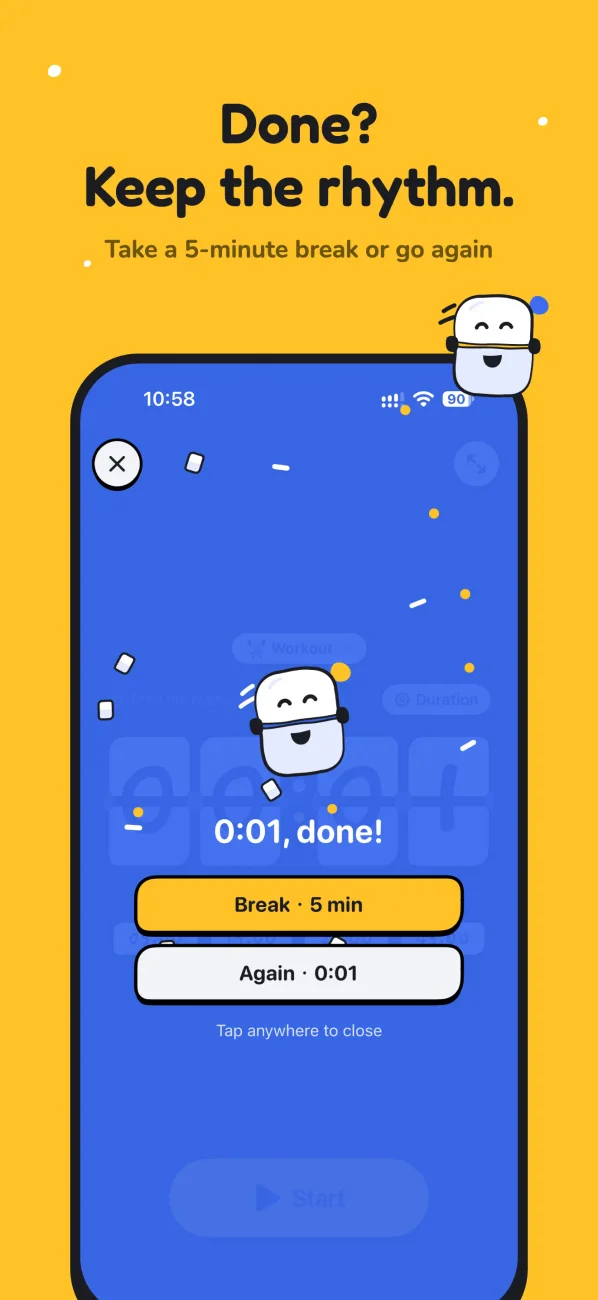
• In the hand-drawn style: a full-screen 3-2-1 before count up, a smiling celebration with one-tap "Break 5 min" or "Again" when a countdown ends, and a matching Lock Screen Live Activity and Dynamic Island.
• A shorter Home Screen name, "Chrono timer", so it no longer gets cut off under the icon.
• A close button on the hand-drawn finish screen, and paused timers now show "Paused" on the start screen.
• Send feedback by email right from Settings.
• Fixes: notifications no longer arrive late after the first permission prompt, and Live Activities stay in sync when you start, pause or reset quickly.
App privacy
What 书玉 简 declares on the App Store about how this app handles data.
-
Data not collected
The developer does not collect any data from this app.
Privacy practices may vary, for example with the features you use or your age.
Information
- Seller
- 书玉 简
- Category
- Utilities
- Version
- 2.1
- Updated
- Sep 30, 2026
- Released
- Jun 8, 2026
- Size
- 6.4 MB
- Requires
- iOS 17.0 or later
- Age rating
- 4+
- Price
- Free
- Languages
- English, Arabic, French, German, Italian, Japanese, Korean, Portuguese, Russian, Simplified Chinese, Spanish, Tibetan + 1 more
- Copyright
- © 2026 5lightyear
You might also like
-
 Flip Clock SimpleClock, focus, and meditation
-
 Flip Clock - Timer & FocusPomodoro·Stopwatch·Alarm·Focus
-
 Yokoku - ビジュアルタイマーUtilities
-
 Desk Clock: Flip & DigitalFull Screen Clock Display
-
 WakePlan - Shift & Date AlarmAlarms for irregular schedules
-
 StepwaveStopwatch with prep countdown
-
 Aurora: Alarm Clock & Wake UpMissions for Heavy Sleepers
-
 Steady: Focus TimerPomodoro on every screen
-
 Times Up! Timer & StopwatchCustom interval timer
-
 FlipMatic: Flip Clock & BoardTimer, reminders & themes