- Age rating4+
- CategoryUtilities
- DeveloperJiggle Byte
- LanguagesEnglish
- Size27.0 MB
Links to the official App Store page
Download.org hosts no file of Chronoflows. The button opens its official App Store page, published by Jiggle Byte. Listing last checked on Nov 14, 2026.
Screenshots


About
Chronoflows is a beautifully designed clock, timer, and stopwatch app built to stay on your screen. Whether you're timing a workout, managing cooking intervals, or just want an elegant desk clock, Chronoflows keeps everything visible at a glance.
ALWAYS-ON DISPLAY
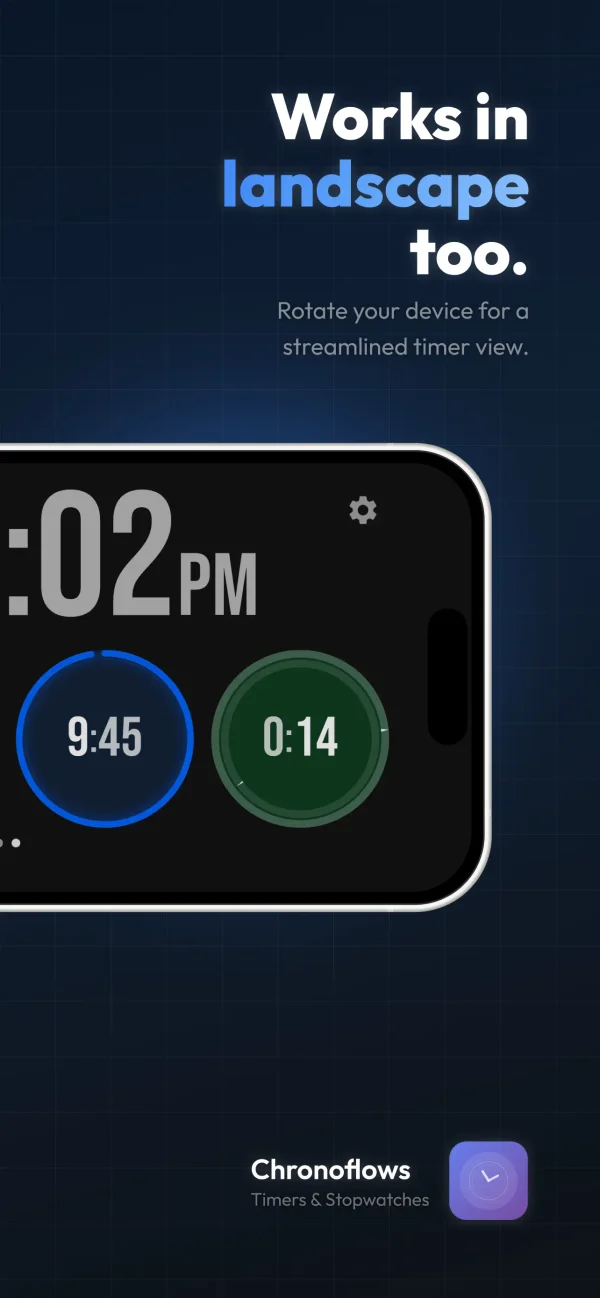
Unlike your default clock app, Chronoflows is designed to keep your screen on. Set it on your desk, kitchen counter, or nightstand and always know the time. Portrait and landscape modes adapt to however you set up your device.
TIMERS & STOPWATCHES
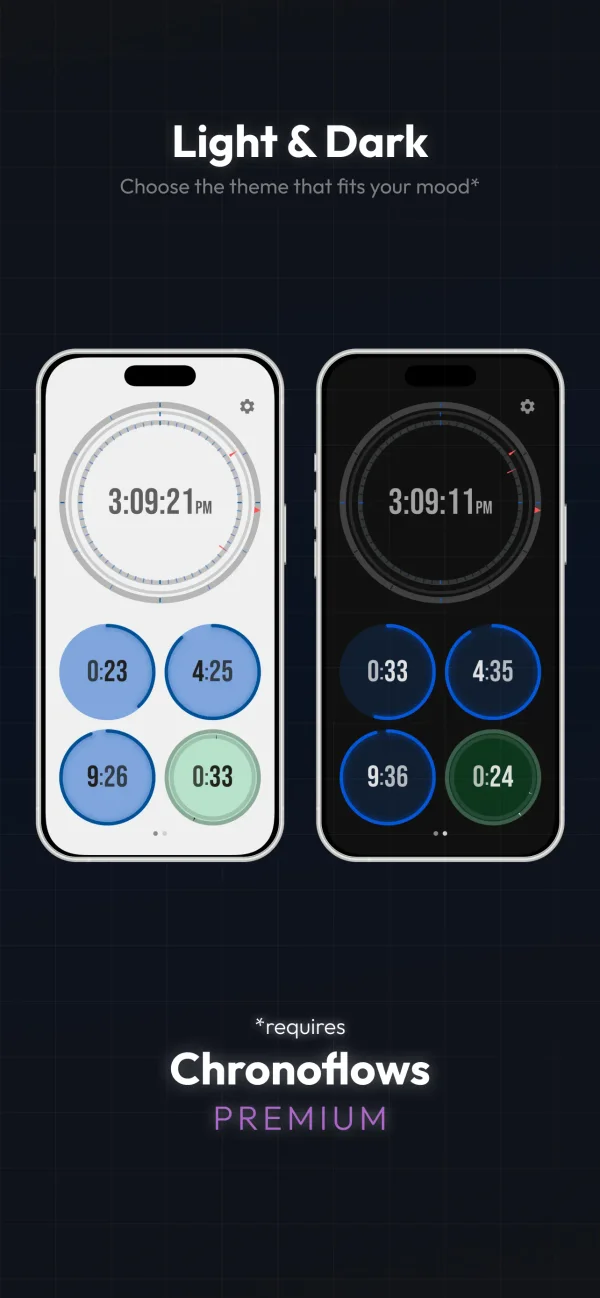
The free version comes with three preset timers (1, 5, and 10 minutes) and a stopwatch — everything you need to get started. Each timer lives in its own circular bubble with a live progress ring so you can see status at a glance. Tap to start, tap to pause.
PORTRAIT & LANDSCAPE
Rotate your device and Chronoflows adapts instantly. Portrait mode stacks your timers vertically with a large sidebar clock. Landscape mode arranges them in a grid around a beautiful analog face. Use whichever fits your setup.
UNLOCK EVERYTHING WITH CHRONOFLOWS PREMIUM
Take full control for just $1.99/year:
- Dark mode and automatic system theme matching
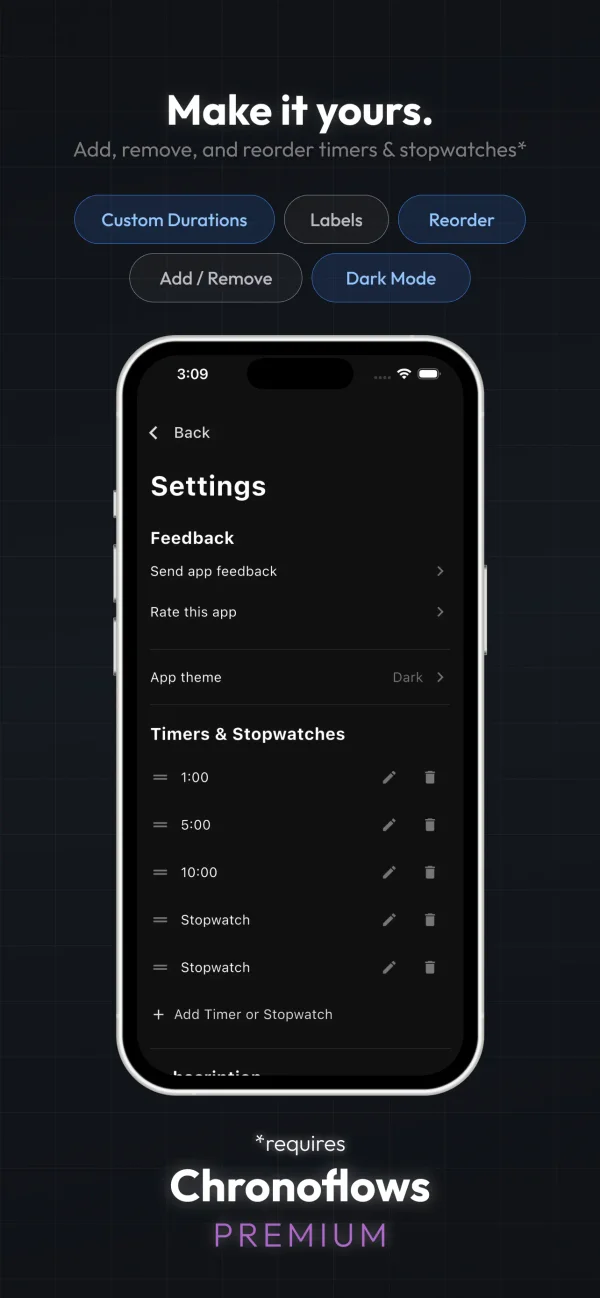
- Custom timer durations — set any length you want
- Add as many timers and stopwatches as you need
- Drag and drop to reorder your layout
- Labels for your timers and stopwatches
PERFECT FOR
- Kitchen timers while cooking
- Workout and interval timing
- Desk or nightstand clock
- Board games and turn timers
- Presentations and meetings
- Classrooms and study sessions
Download Chronoflows and turn your iPhone into the clock it was always meant to be.
App privacy
What Jiggle Byte declares on the App Store about how this app handles data.
-
Data not linked to you
May be collected but is not linked to your identity.
- Usage data
- Diagnostics
Privacy practices may vary, for example with the features you use or your age.
Information
- Seller
- Jiggle Byte LLC
- Category
- Utilities
- Version
- 1.0
- Updated
- Apr 7, 2026
- Released
- Apr 7, 2026
- Size
- 27.0 MB
- Requires
- iOS 26.0 or later
- Age rating
- 4+
- Price
- Free
- Languages
- English
- Copyright
- © 2026 Jiggle Byte, LLC
You might also like
-
 Deelr FlowAI Solutions for Auto Dealers
-
 UnifiedCalcHandle daily life calculations
-
 FullTime: Big Clocks & TimersClocks. Stopwatches. Timers.
-
 Cadence - Focus TimersFind focus - enjoy breaks.
-
 Timerow - Multi Time TrackerPomodoro, Billable Hours Timer
-
 ArabicClock2Utilities
-
 xGridUp - DashboardLive Dashboard & Widgets
-
 Big SpeedometerUtilities
-
 Pray1Tim2Utilities
-
 ClockSndClock customisation