- Age rating4+
- CategoryProductivity
- DeveloperJoel-David Wong
- LanguagesEnglish
- Size11.0 MB
Links to the official App Store page
Download.org hosts no file of Chronos Authenticator. The button opens its official App Store page, published by Joel-David Wong. Listing last checked on Nov 12, 2026.
Screenshots


About
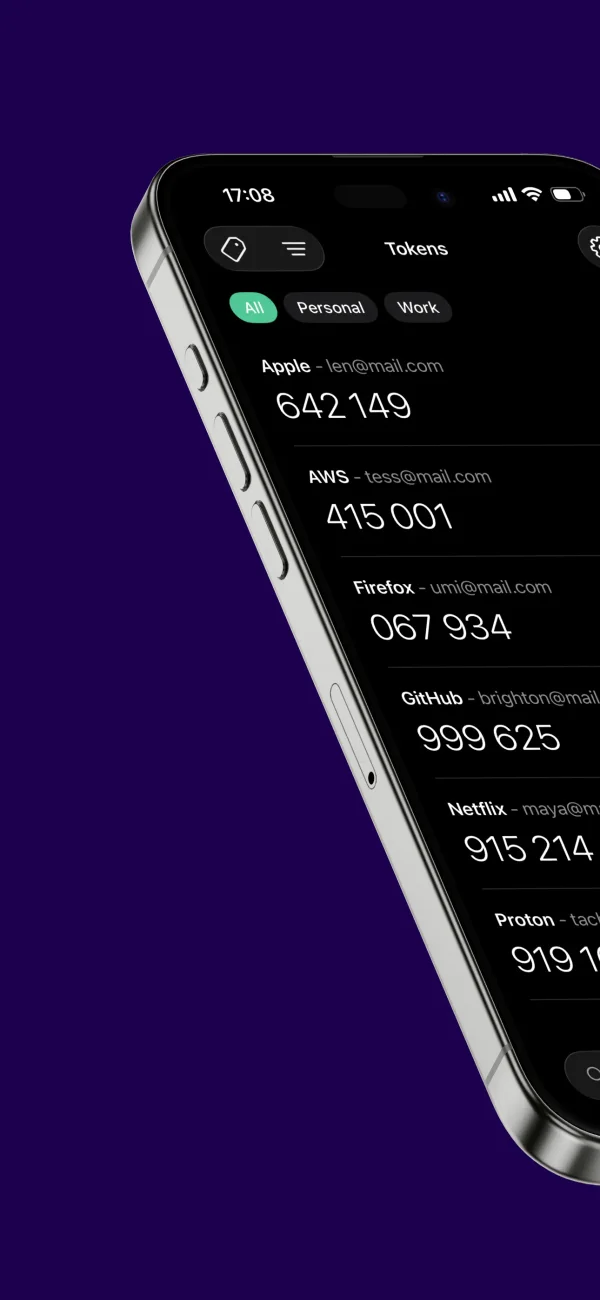
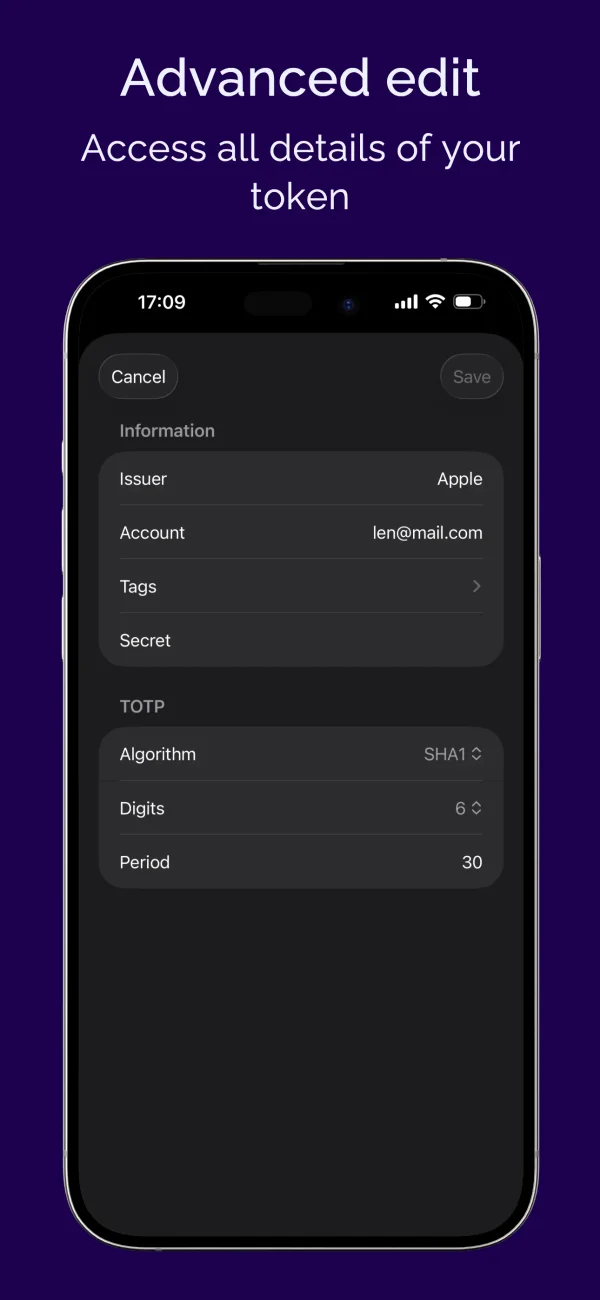
Chronos is an open-source two-factor authentication (2FA) app designed to deliver robust security and reliable backup features. It supports both time-based (TOTP) and counter-based (HOTP) authentication methods.
Features:
• Open-source
• End-to-end encrypted: Only encrypted token data is stored on the device and in iCloud
• Backup & Sync (optional): Effortlessly backup and sync your data with iCloud
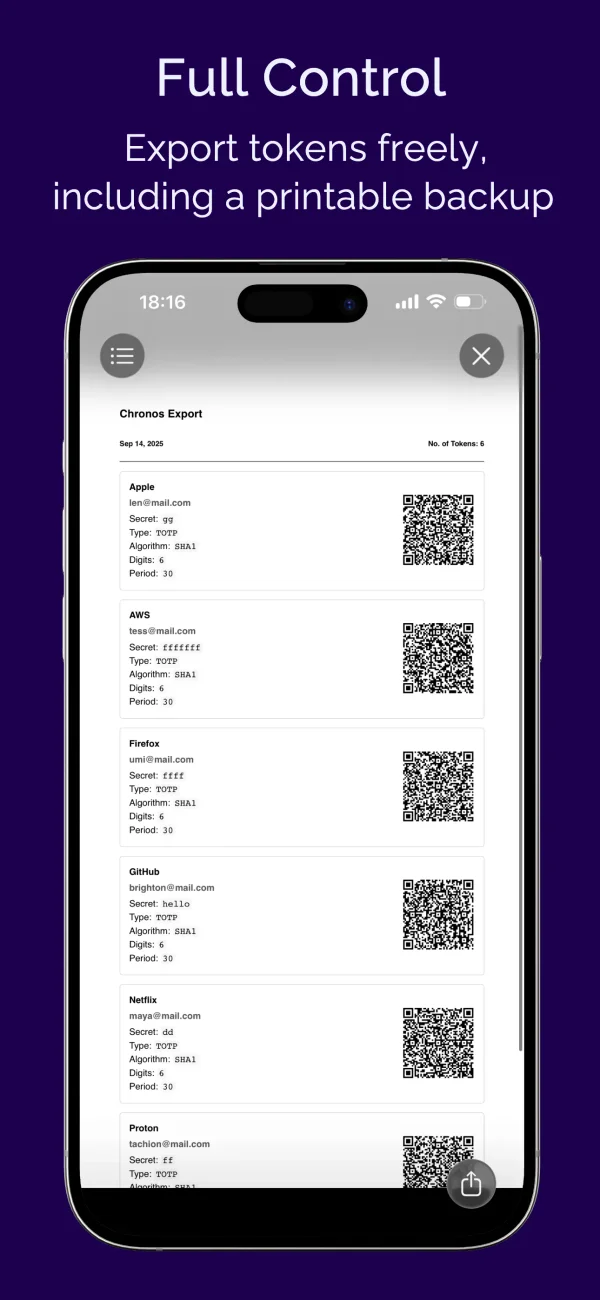
• Export Tokens: Easily export your tokens for backup or transfer
• Import Tokens: Easily import your tokens from other authenticators
• Anonymous: No telemetry & app account required
What’s new
Version 20.0 · Sep 15, 2026
What’s New
• Optimised for iOS 27
App privacy
What Joel-David Wong declares on the App Store about how this app handles data.
-
Data not collected
The developer does not collect any data from this app.
Privacy practices may vary, for example with the features you use or your age.
Information
- Seller
- Joel-David Wong
- Category
- Productivity
- Version
- 20.0
- Updated
- Sep 15, 2026
- Released
- Jun 17, 2024
- Size
- 11.0 MB
- Requires
- iOS 17.0 or later
- Age rating
- 4+
- Price
- Free
- Languages
- English
- Copyright
- © 2026 Joel-David Wong
You might also like
-
 SynctrainSynchronize files securely
-
 Notesnook: Private notepadEncrypted notes & secure vault
-
 Cryptomator: Protect PrivacyOpen Source Cloud Encryption
-
 Bitwarden AuthenticatorGenerate 2FA on your device
-
 KeePassium (KeePass passwords)Respects your privacy
-
 Proton Authenticator & 2FASecure verification, MFA & OTP
-
 Tuta Mail: Secure EmailEncrypted Private Inbox
-
 Yubico Authenticator2FA with YubiKey
-
 Locally AI by LM StudioLocal & Private AI Assistant
-
 2FA Authenticator (2FAS)#1 Rated 2FA Authenticator