
KeePassium (KeePass passwords)
Respects your privacy
Designed for iPhone, iPad, Mac
Free · In-app purchases
- Age rating4+
- CategoryProductivity
- DeveloperKeePassium Labs
- LanguagesEnglish+ 19 more
- Size25.8 MB
Links to the official App Store page
Download.org hosts no file of KeePassium (KeePass passwords). The button opens its official App Store page, published by KeePassium Labs. Listing last checked on Nov 21, 2026.
Screenshots
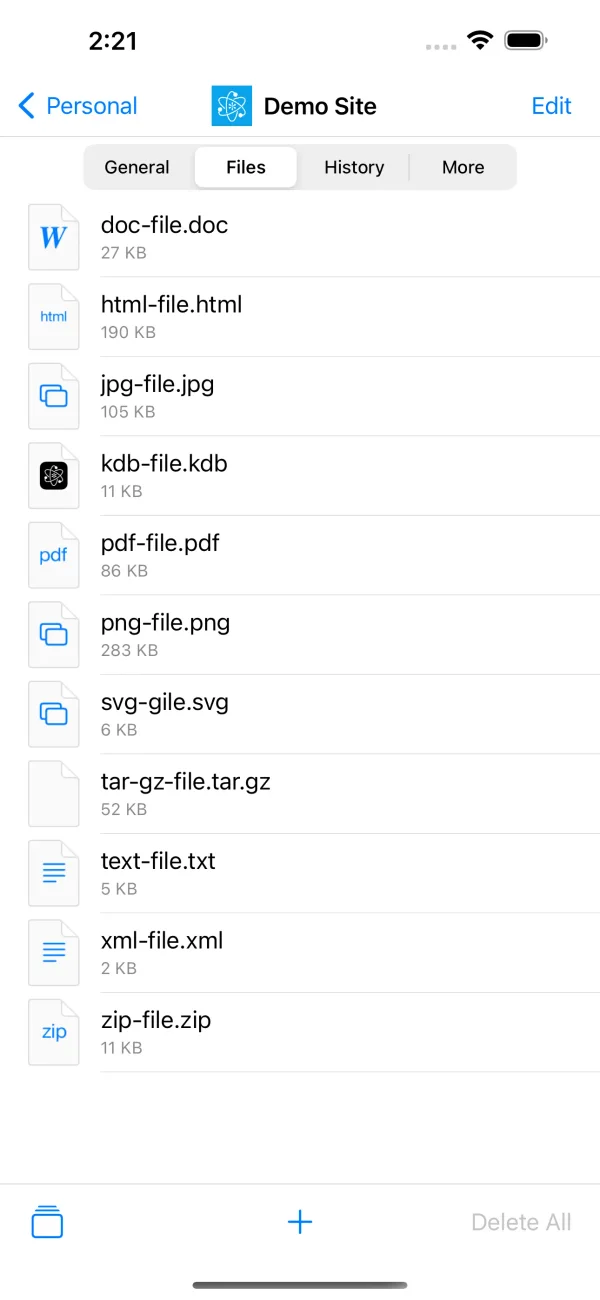
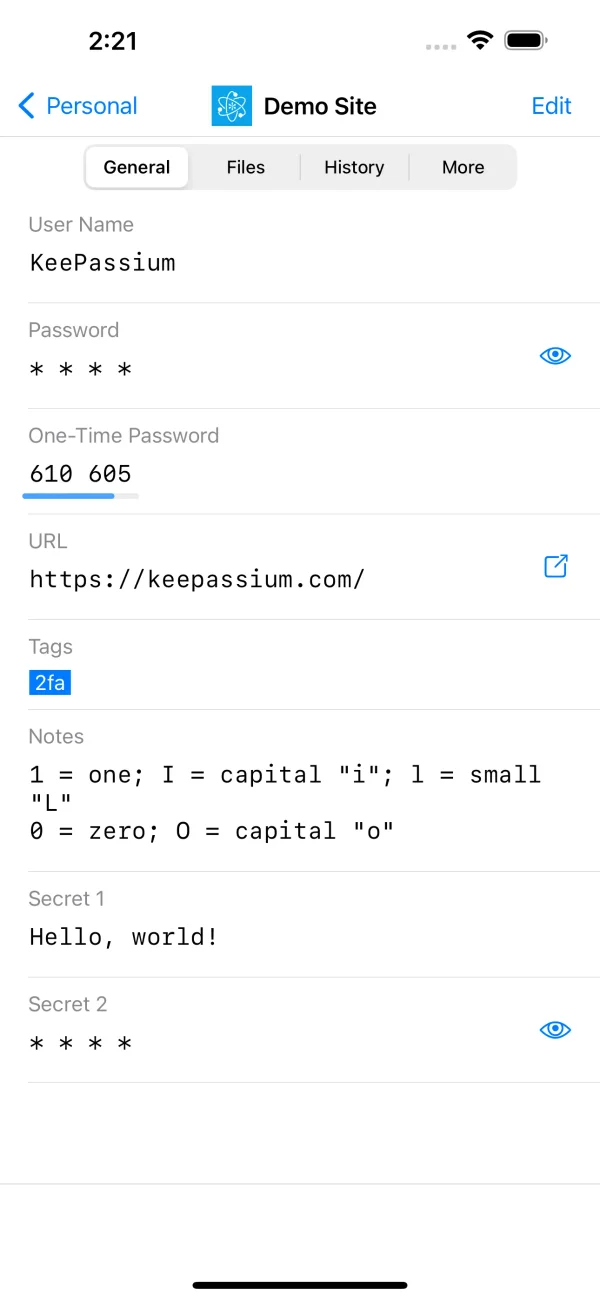
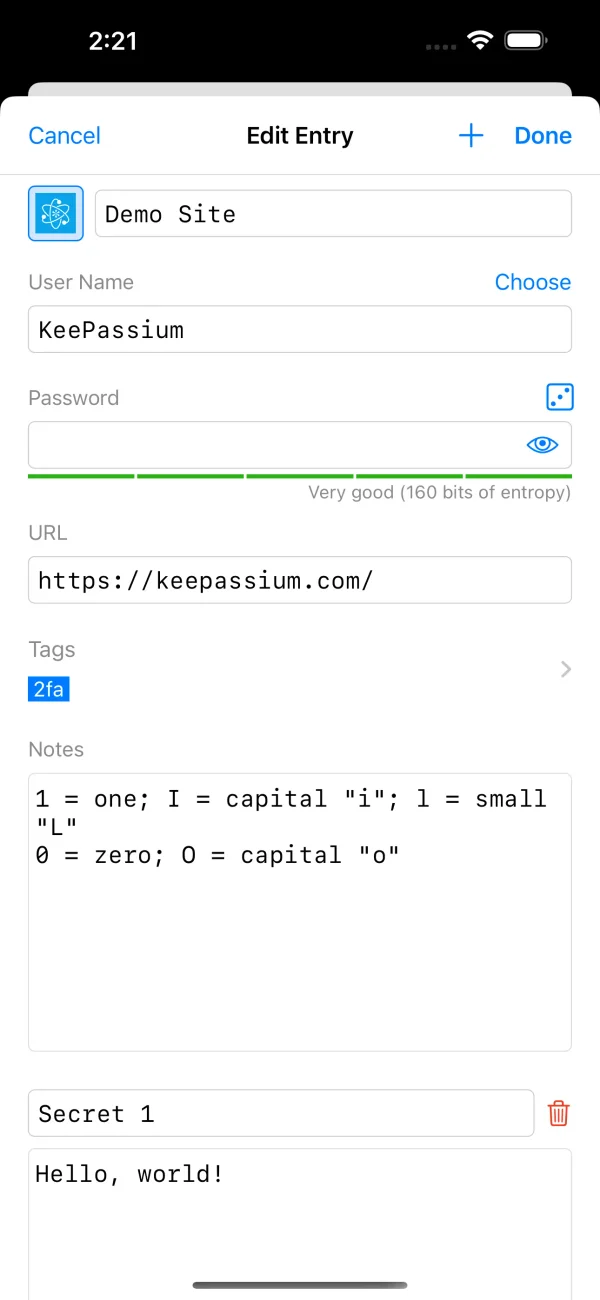
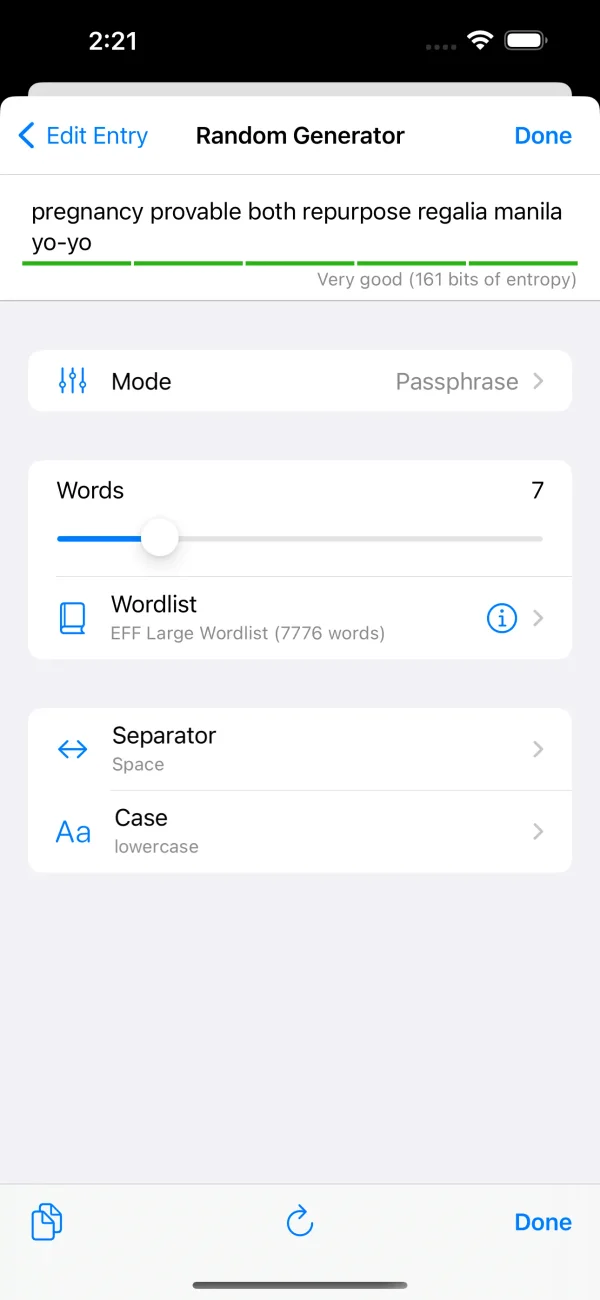
About
KeePassium is an open-source password manager compatible with KeePass/KeePassXC.
Built for IT professionals, power users and privacy enthusiasts, it keeps your data under your control. KeePassium is offline by default, open to review, and independently audited by Cure53.
Security
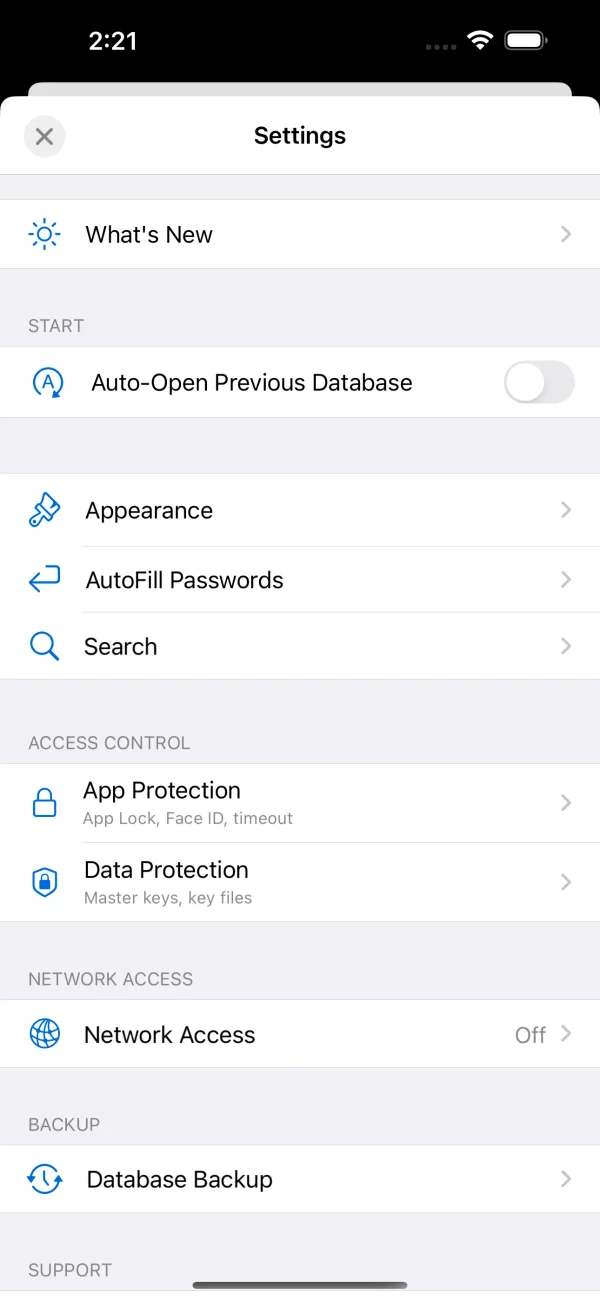
• Offline by default — privacy you can verify
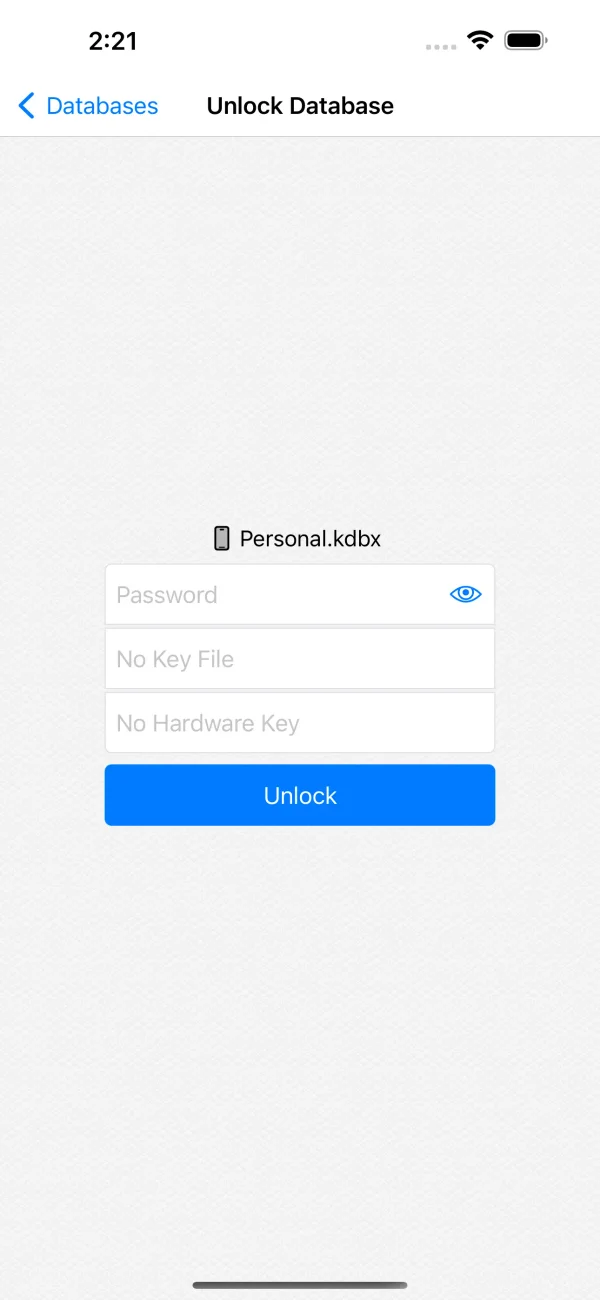
• Face ID / Touch ID — secure access without typing
• Passkeys and one-time codes — when you need more than a password
• YubiKey support — strong, hardware-backed protection [Premium]
• Password leak audit — detects compromised passwords [Premium]
Convenience
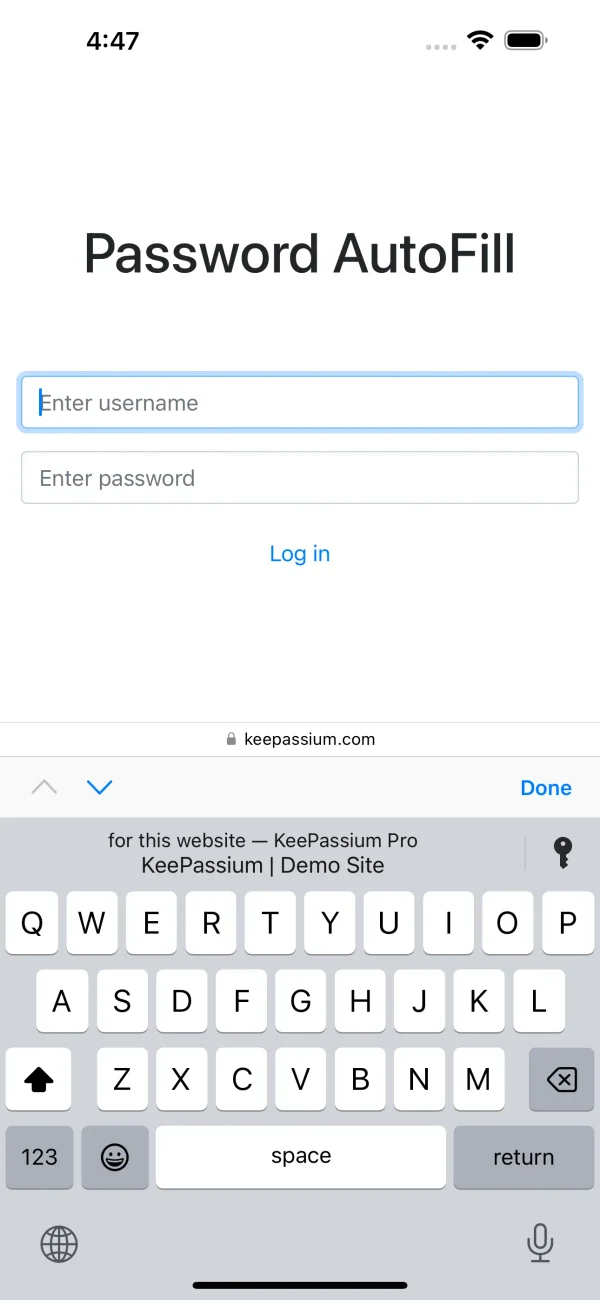
• Password AutoFill — automatically sign in to apps and websites
• Automatic sync — optional, works with major cloud providers or your own server
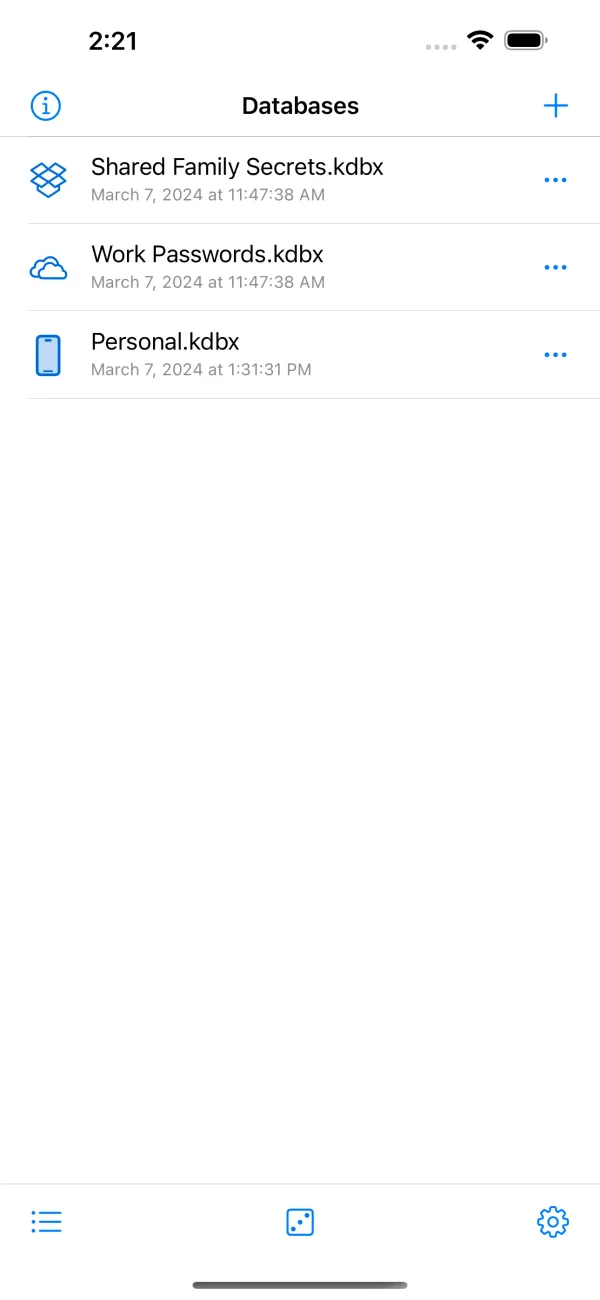
• Multiple databases — share passwords with family and team members [Premium]
• Quick registration — create new accounts without switching apps [Premium]
• Enterprise storage — keep work passwords in your company’s cloud [Premium]
Compatibility
• Works with KeePass, KeePassXC, and other KeePass-compatible apps
• Supports VoiceOver and large text sizes for accessibility
• Premium license covers both iOS and macOS
…and of course
• No vendor lock-in
• No analytics
• No ads
Privacy
KeePassium does not collect any personal data. We sell the app, not its users.
Privacy Policy: https://keepassium.com/privacy/
Terms of Service: https://keepassium.com/terms/app
EULA: https://www.apple.com/legal/internet-services/itunes/dev/stdeula/
What’s new
Version 2.5 · Nov 19, 2025
• Improved: AutoFill: Passwords for new entries respect site-specific rules [thanks, everyone]
• Improved: Added Cmd+T to copy entry OTP [thanks, GHubbler]
• Improved: Group viewer now indicates which items are expired [thanks, A.E.]
• Improved: Minor UI inconsistencies [thanks, u/SeaRain8212]
• Fixed: Longer saving of AutoFill changes could corrupt database [thanks, Robin and OG]
• Fixed: iOS: Rolled back field actions menu to old-style action buttons [thanks, everyone]
• Fixed: Sometimes Cmd+C still copied password instead of selected text [thanks, everyone]
• Fixed: AutoFill: Prevent entry creation in KDB root group [thanks, everyone]
• Fixed: Auto-move entries erroneously created in KDB root group
• Fixed: AutoFill: Improved logging for premium-related issues [thanks, Andy]
App privacy
What KeePassium Labs declares on the App Store about how this app handles data.
-
Data not collected
The developer does not collect any data from this app.
Privacy practices may vary, for example with the features you use or your age.
Information
- Seller
- KeePassium Labs
- Category
- Productivity
- Version
- 2.5
- Updated
- Nov 19, 2025
- Released
- Aug 18, 2019
- Size
- 25.8 MB
- Requires
- iOS 17.0 or later
- Age rating
- 4+
- Price
- Free
- In-app purchases
- Yes
- Languages
- English, Arabic, Czech, Dutch, French, German, Italian, Japanese, Korean, Polish, Portuguese, Russian + 8 more
- Copyright
- © 2025 KeePassium Labs
You might also like
-
 Strongbox - Password ManagerKeePass & Password Safe Vault
-
 KeePass TouchThe Password Manager
-
 KeePass - Password ManagerPassword Saver and Autofill
-
 Tuta Mail: Secure EmailEncrypted Private Inbox
-
 Cryptomator: Protect PrivacyOpen Source Cloud Encryption
-
 OneKeePass - Password ManagerStore passwords safely
-
 Möbius SyncFile sync with Syncthing
-
 SynctrainSynchronize files securely
-
 KDE ConnectCommunication Between Devices
-
 Yubico Authenticator2FA with YubiKey