- Age rating4+
- CategoryProductivity
- DeveloperDesignhuette GmbH
- LanguagesEnglish+ 5 more
- Size16.1 MB
Links to the official App Store page
Download.org hosts no file of Chronovision Connect. The button opens its official App Store page, published by Designhuette GmbH. Listing last checked on Nov 14, 2026.
Screenshots

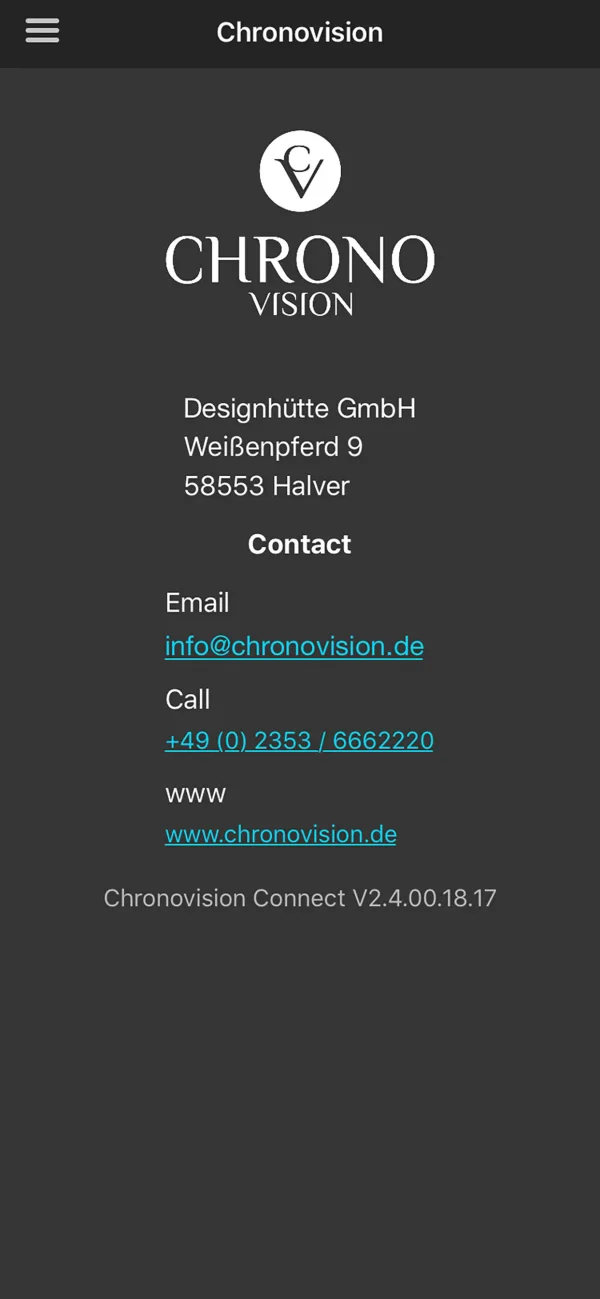
About
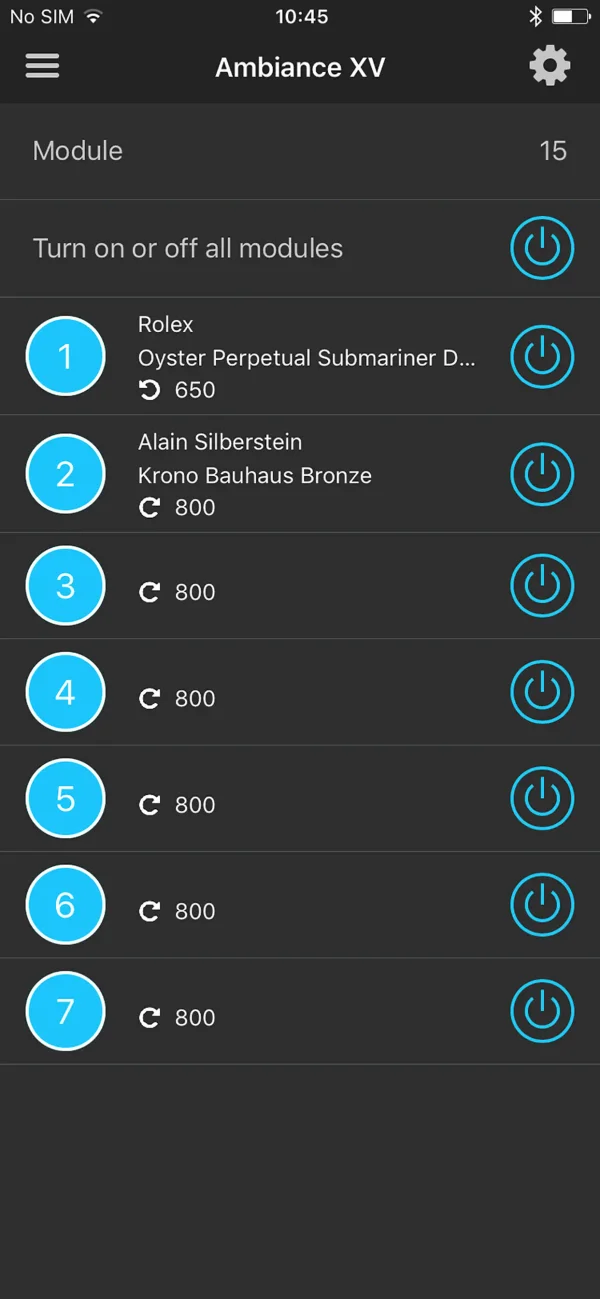
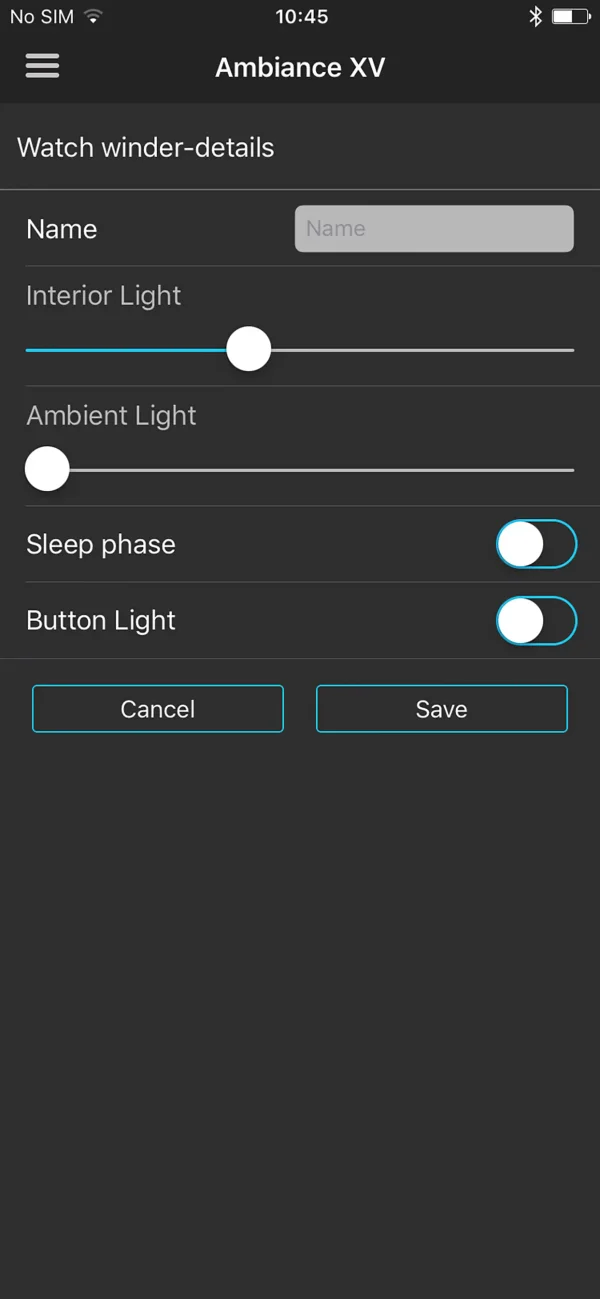
The new version of the Chronovision Connect app offers advanced controls for existing Chronovision One watch winders and all recently introduced products. The intuitive matrix view in particular makes it easy to select the modules in multi-watch winders. Thanks to the watch database integrated into the app, the right rotation settings can be activated directly by selecting the relevant watch model. In addition to the familiar functions of rapid winding and the intelligent sleep phase, another feature that impresses is the new, virtually infinite range of settings for both ambient and internal lighting.
One watch, one independent motor for the rotation. That is the standard. At least in the Chronovision One. The rotations adapt to your chronographs: Clockwise or counterclockwise – and alternating directions are also possible, of course. And it is adjustable in steps of 50 – between 500 and 2,500 revolutions per 24 hours. The whisper-quiet motion stops the universal watch clasp (for women and men’s watches) at the 12 o’clock position. If your chronograph needs a little rest every once in a while, simply set the intelligent sleep phase. Any rotations that were missed will be subsequently made up in the active phase. By contrast, the rapid winding setting provides the perfect winding action for watches with a low power reserve.
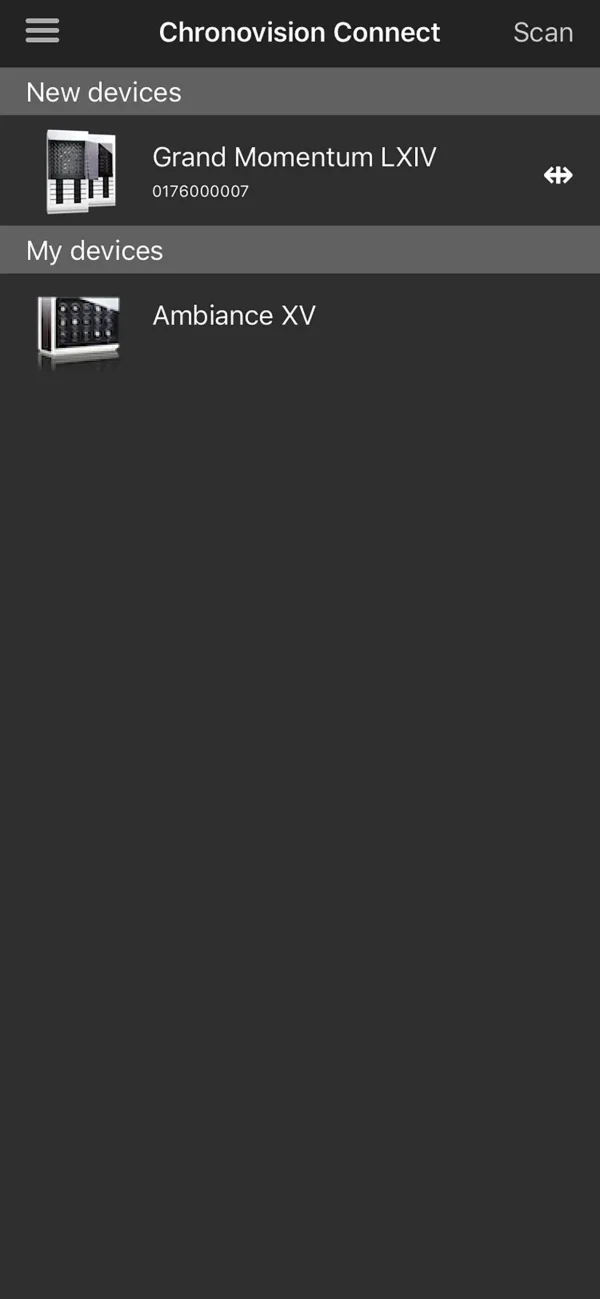
Simply scan for new devices and connect those with the Chronovision Connect app. To establis a connection you need to press continouly the button on the watch winder for five seconds. The green LED will start to turn on and off frequently for a one minute period in which tah pairing is possible. Just choose this device in the app. A system of multiple devices must be connected always before starting the pairing process.
What’s new
Version 2.26.4 · Apr 3, 2026
Stability and UX improvements
App privacy
What Designhuette GmbH declares on the App Store about how this app handles data.
-
Data not collected
The developer does not collect any data from this app.
Privacy practices may vary, for example with the features you use or your age.
Information
- Seller
- Designhuette GmbH
- Category
- Productivity
- Version
- 2.26.4
- Updated
- Apr 3, 2026
- Released
- Jan 7, 2016
- Size
- 16.1 MB
- Requires
- iOS 13.0 or later
- Age rating
- 4+
- Price
- Free
- Languages
- English, French, German, Russian, Simplified Chinese, Spanish
- Copyright
- © 2026 Chronovision GmbH
You might also like
-
 myGenogrammFor social work and therapy
-
 Simple USBVideoTablet as external monitor
-
 YachtSnags: Marine InspectionsVessel snag list & punch lists
-
 Just Focus TimerPomodoro App
-
 FreelanceKit: Time TrackingMulti-Project & Live Earnings
-
 Flat Counter AppProductivity
-
 aktenplatzProductivity
-
 eANVmobileProductivity
-
 Twin TimersSynchronized double timer
-
 EO-TimerEQUALity Time Keeping