- Age rating4+
- CategoryProductivity
- DeveloperLinosec
- LanguagesEnglish+ 71 more
- Size3.3 MB
Links to the official App Store page
Download.org hosts no file of Simple USBVideo. The button opens its official App Store page, published by Linosec. Listing last checked on Nov 18, 2026.
Screenshots

About
### Transform Your tablet Into a Professional Video Monitor
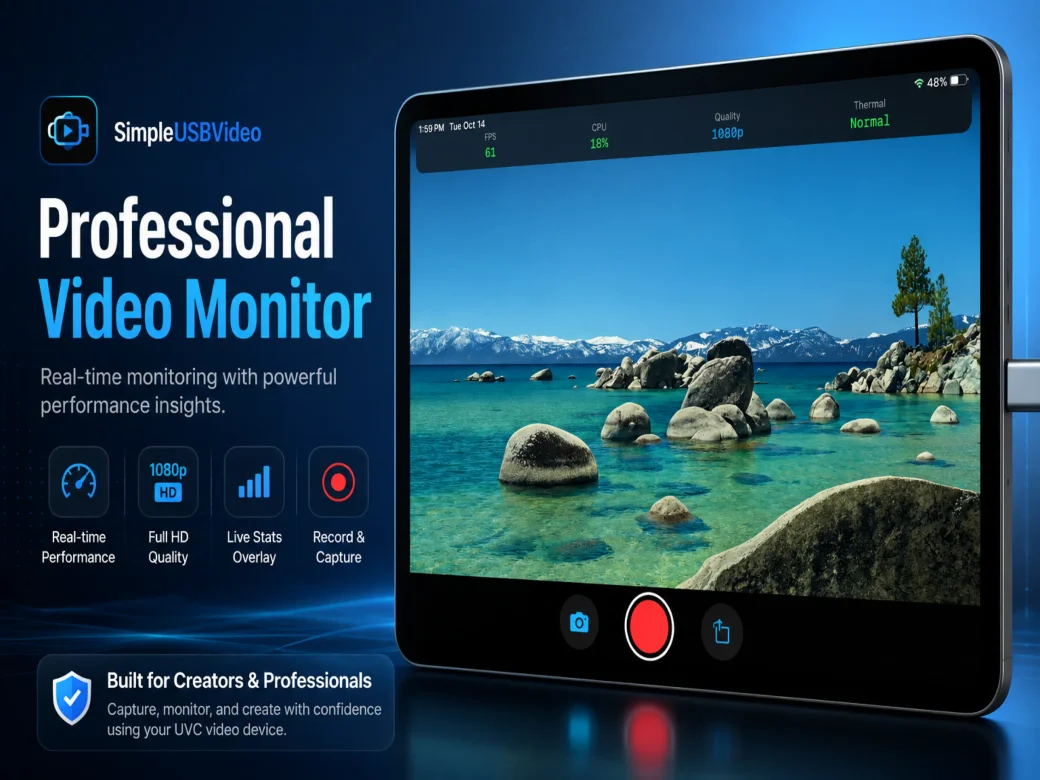
Simple USBVideo turns your iOS device into a powerful USB video capture viewer and recorder. Perfect for content creators, streamers, and professionals who need to view and capture video from external sources.
** IMPORTANT: This app requires a UVC-compatible video capture device**
### What is a UVC Device?
UVC (USB Video Class) devices are standardized USB video capture cards that connect between your video source (camera, laptop, gaming console) and your iPad via USB-C. These devices convert HDMI, SDI, or other video signals into a format your iOS device can display.
**You'll need to purchase a UVC capture device separately.**
**Tested and Confirmed Working:**
- Hagibis UVC HDMI Adapter with:
- Nintendo Switch
- MacBook
- Windows PC
- Insta360 One R (direct USB-C connection)
- OBS Bot Tiny 2 (direct USB-C connection)
**Tested on iPads:**
- iPad Mini 6
- iPad Pro M1
- iPad 2025
**Known Compatibility Issues:**
- DJI Osmo Pocket 3 (currently not supported)
### Key Use Cases
** Webcam Viewer**
Monitor your webcam or DSLR camera feed with professional-grade quality. Perfect for video podcasts, streaming setups, or video production monitoring.
** Second Laptop Monitor**
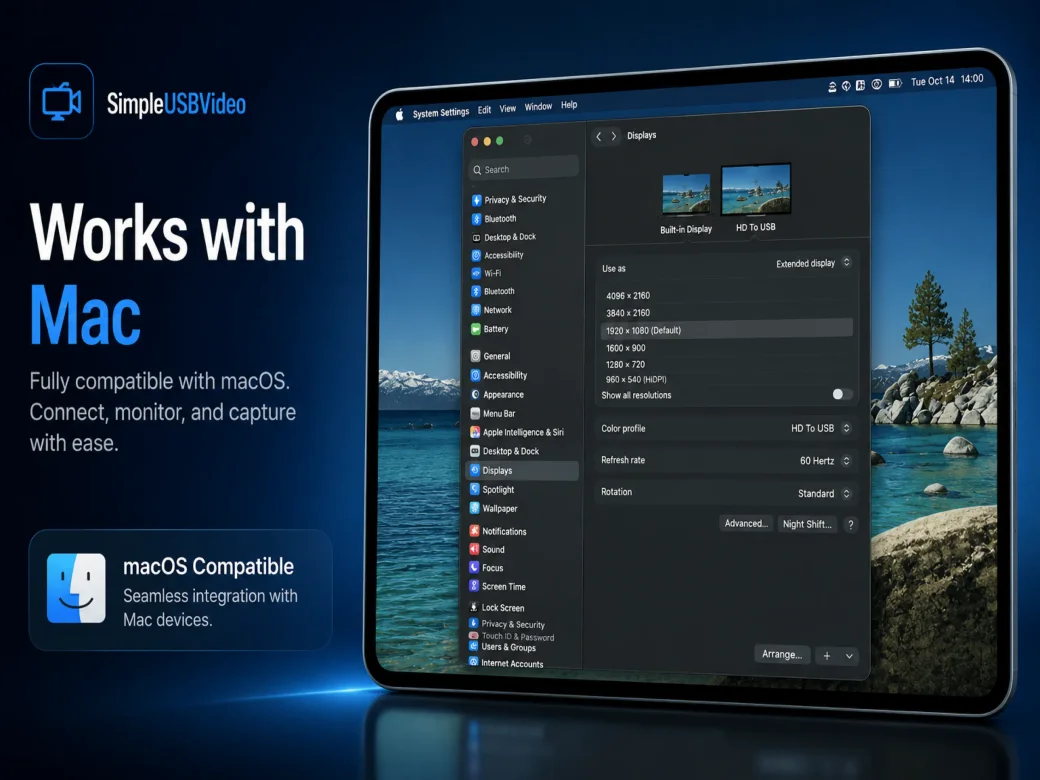
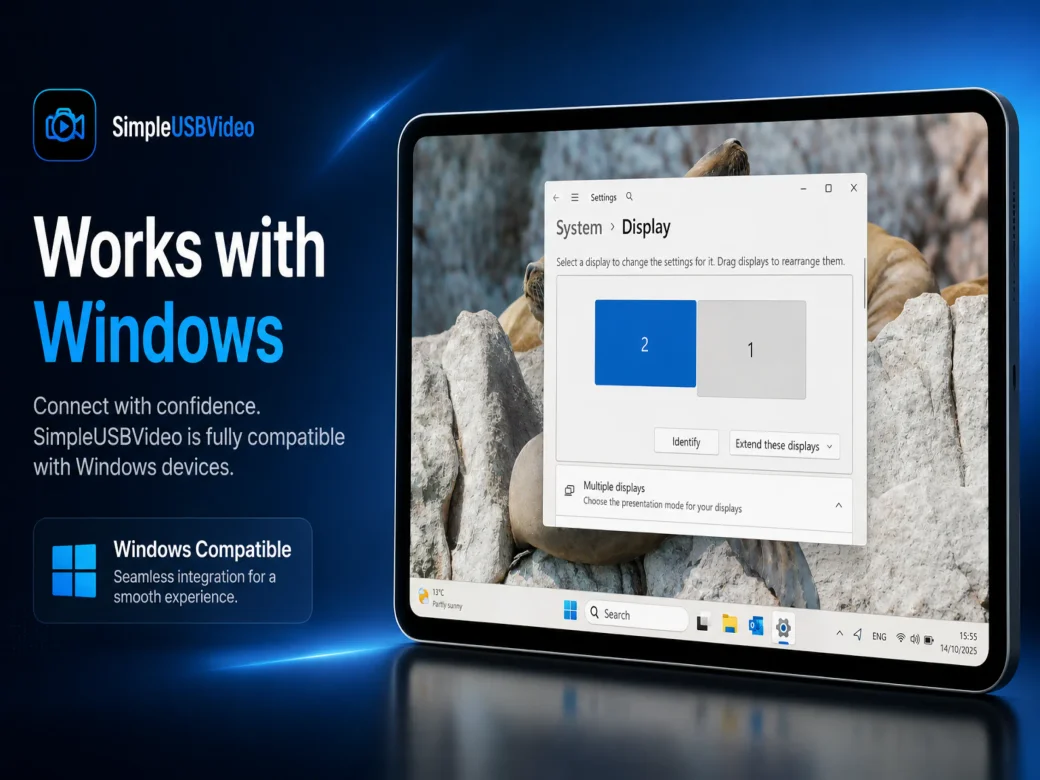
Use your iPad as an external monitor for any computer. Simply connect your laptop's HDMI output to a UVC capture device, then to your iPad for an instant portable display.
** Game Capture**
View and record gameplay from consoles or PCs directly on your iOS device.
### Professional Features
**High-Performance Video Engine**
- Support for up to 1080p at 60fps (device dependent)
- Automatic quality adaptation for optimal performance
- Real-time frame processing with minimal latency
- Multiple video format support
**Recording & Capture**
- Record high-quality video directly to your device
- Instant snapshot capture
- Automatic save to Photos library
- Customizable recording settings
**Advanced Monitoring**
- Real-time performance metrics
- Frame rate and resolution display
- Bandwidth monitoring
- Dropped frame detection
- Storage space tracking
**Intuitive Controls**
- Gesture-based zoom and pan
- Aspect ratio switching (fill, fit, stretch)
- Quick device switching
- Professional overlay displays
### Setup Instructions
1. Purchase a UVC-compatible video capture device
2. Connect your video source (camera, laptop, console) to the capture device's input
3. Connect the capture device to your iPad via USB-C
4. Launch Simple USBVideo - your video will appear automatically
5. Start recording or use as a live monitor
### Device Requirements
- iPad with USB-C port (or Lightning with appropriate adapter)
- iOS 15.0 or later
- UVC-compatible video capture device (sold separately)
- Video source with HDMI, SDI, or compatible output
### Why SimpleUSBVideo?
Unlike built-in camera apps, SimpleUSBVideo is specifically designed for external USB video devices. It provides professional monitoring tools, superior performance optimization, and features tailored for content creators and professionals.
### Note on Compatibility
This app will NOT work without a compatible UVC capture device. It cannot display video from:
- Built-in device cameras
- Direct cable connections without a capture device
- Non-UVC USB devices
- Network/wireless video sources
Please ensure you have or plan to purchase a UVC capture device before downloading this app.
### Perfect For
- Content creators needing camera monitoring
- Live streamers requiring preview displays
- Video professionals seeking portable monitoring
- Anyone needing their iPad as a second display
- Gaming enthusiasts wanting mobile capture
What’s new
Version 1.2 · May 20, 2026
- Enhanced app stability
- Enhanced app audio compatibility
App privacy
What Linosec declares on the App Store about how this app handles data.
-
Data not collected
The developer does not collect any data from this app.
Privacy practices may vary, for example with the features you use or your age.
Information
- Seller
- Linosec
- Category
- Productivity
- Version
- 1.2
- Updated
- May 20, 2026
- Released
- Oct 16, 2025
- Size
- 3.3 MB
- Requires
- iOS 17.0 or later
- Age rating
- 4+
- Price
- $3.99
- Languages
- English, Afrikaans, Albanian, Amharic, Arabic, Armenian, Azerbaijani, Basque, Belarusian, Bengali, Bulgarian, Burmese + 60 more
- Copyright
- © Linosec All right reserved
You might also like
-
 FileSync: Cloud File ManagerCloud files and photo backups
-
 ArchiveVault: Media BackupPhoto, Video & File Backup
-
 ClipSave: Copy & SyncProductivity
-
 MyClouDriveSync & backup your files
-
 Photo Backup to USB - BackNestSave Photos & Videos to Stick
-
 Cloud Drive: Secure StorageSave All Files in One Drive
-
 Chronovision ConnectProductivity
-
 R&S MobileViewProductivity
-
 Moku:LabProductivity
-
 Voice Record Pro 7 FullFull Featured Audio Recorder