
- Age rating9+
- CategoryProductivity
- DeveloperNoboru Ishikawa
- LanguagesJapanese+ 1 more
- Size59.1 MB
Links to the official App Store page
Download.org hosts no file of CinchCat. The button opens its official App Store page, published by Noboru Ishikawa. Listing last checked on Nov 15, 2026.
Screenshots
About
■ Make Everyday Check Tasks Easier
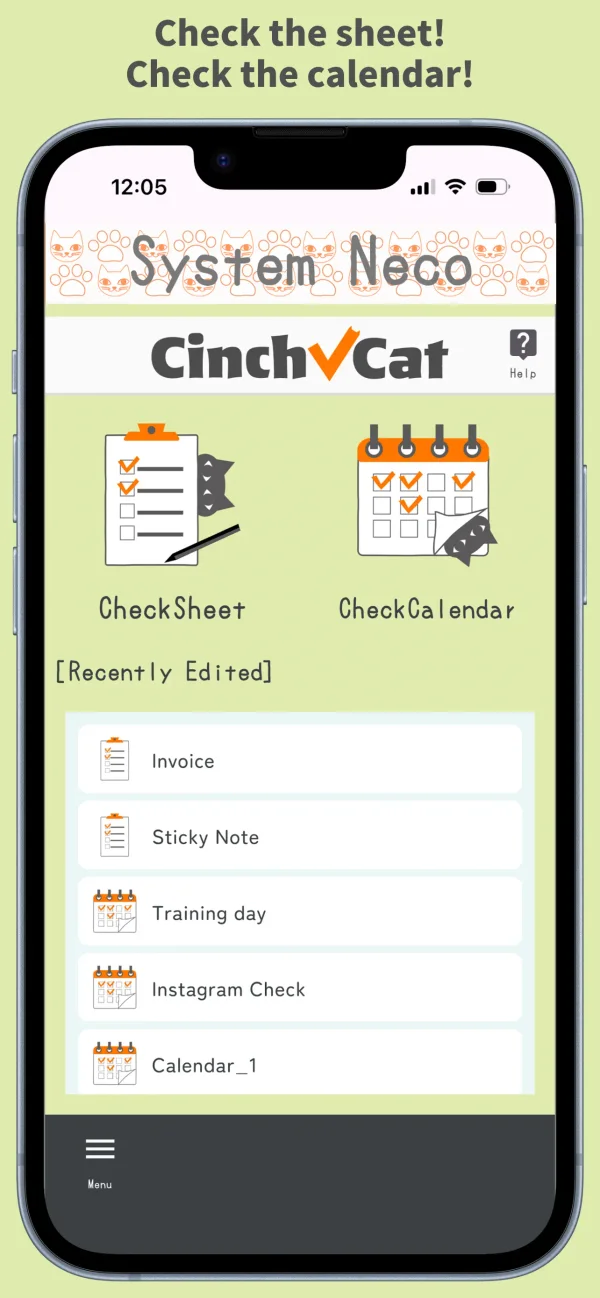
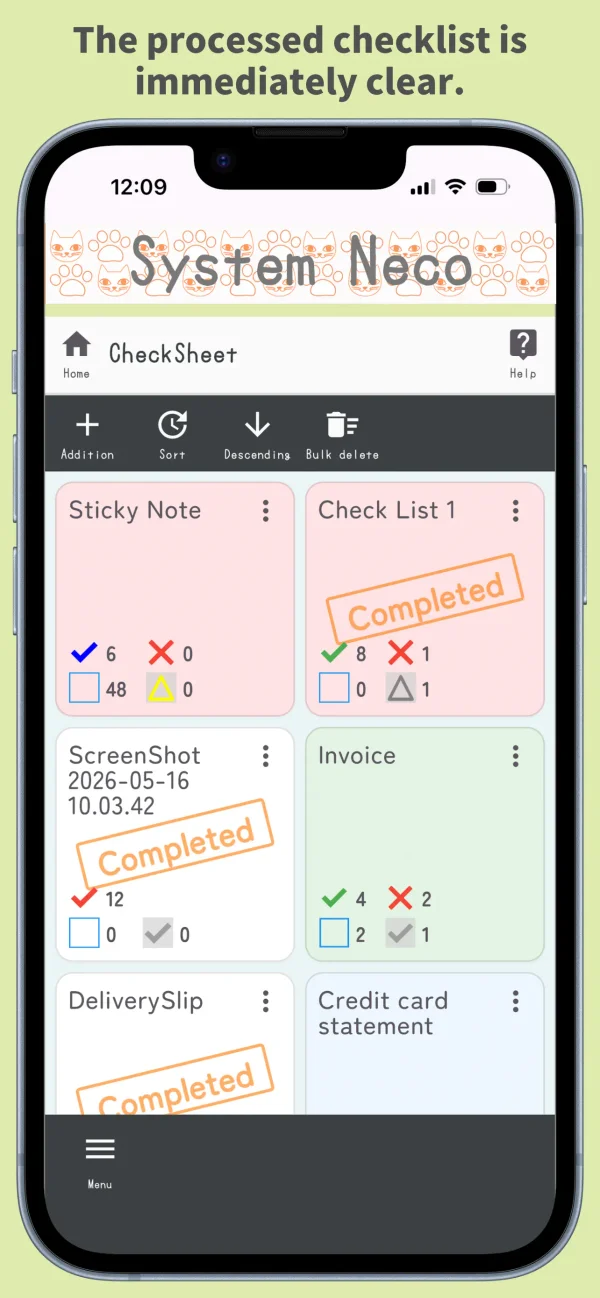
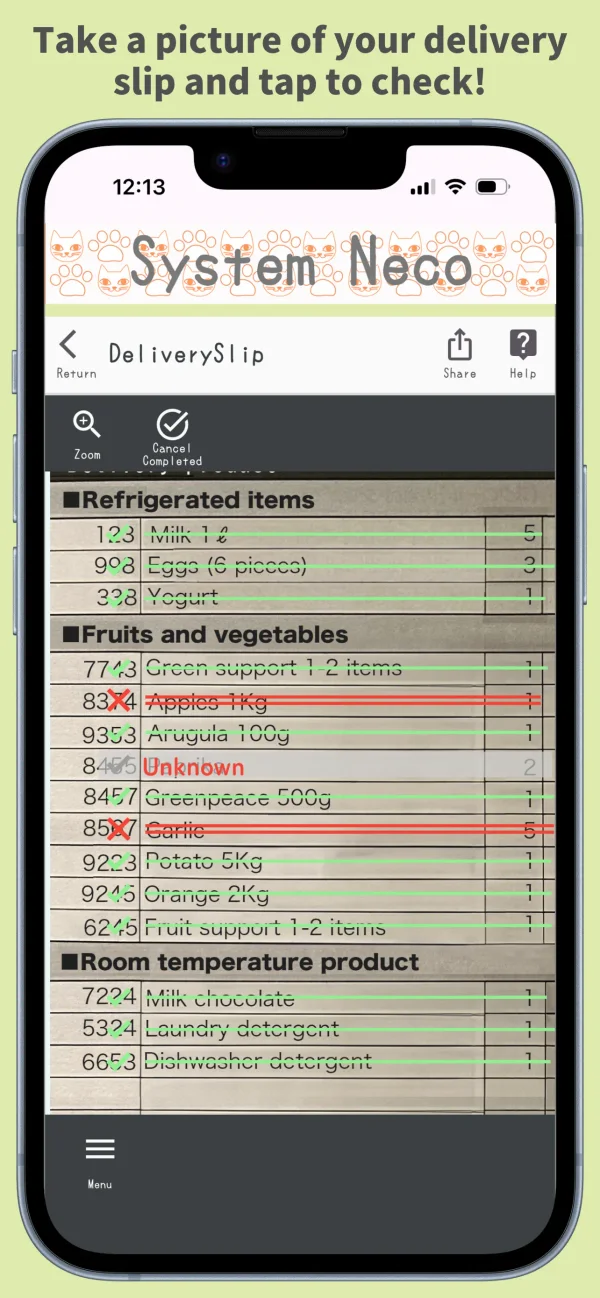
CinchCat is a check app that lets you mark directly on photos, PDFs, and web pages.
There’s no need to print documents or re-enter lists. Just use the content you import and move through your checks as-is.
■ Check Directly on Many Types of Screens
Take a photo of a handwritten shopping list and check off purchased items.
Open a PDF invoice or document and mark the items you’ve reviewed.
Import a recipe website screen and check ingredients you’ve prepared or steps you’ve completed.
With just a tap, you can easily make your everyday check tasks paperless.
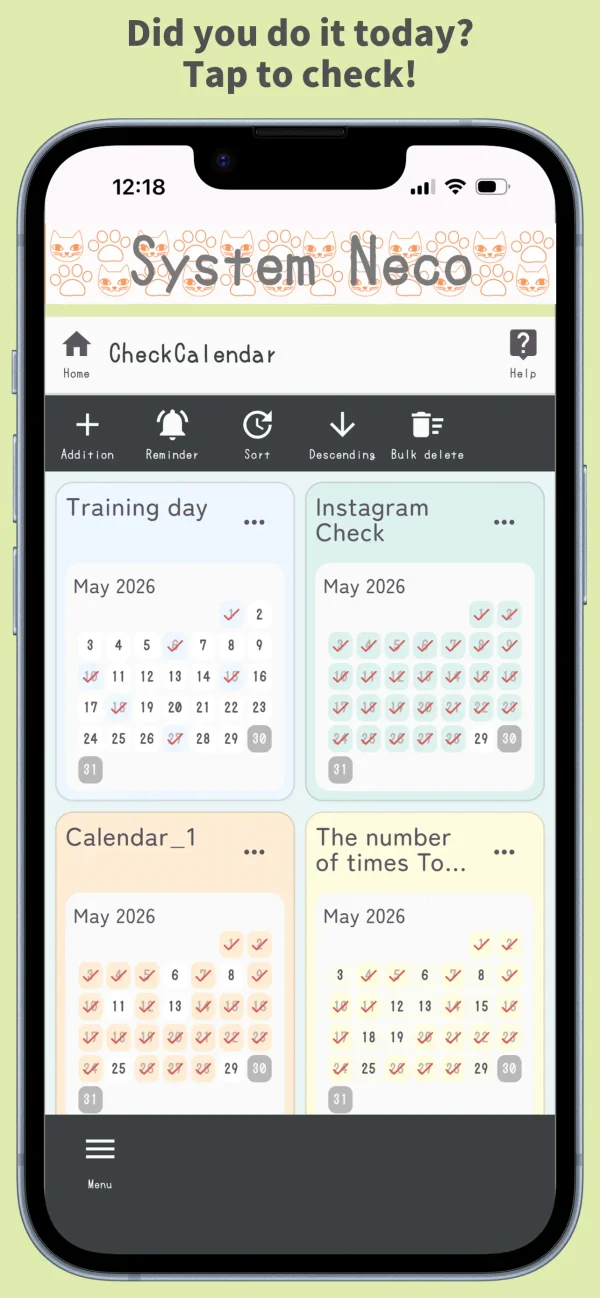
■ Track Daily Progress with a Calendar
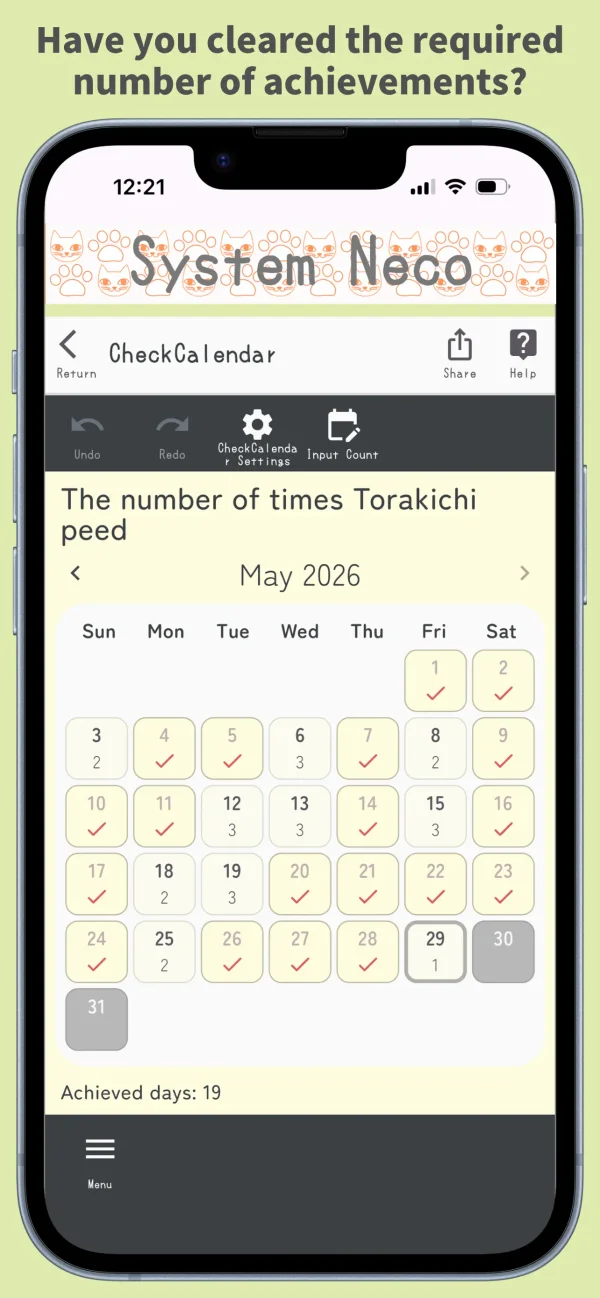
With Check Calendar, you can view your daily check status by date.
It’s useful for building habits, tracking progress, and preventing missed checks.
Set reminder notifications to help you keep up with check tasks that are easy to forget.
■ More Flexible Check Controls
Check actions support undo and redo.
If you check something by mistake, you can quickly fix it.
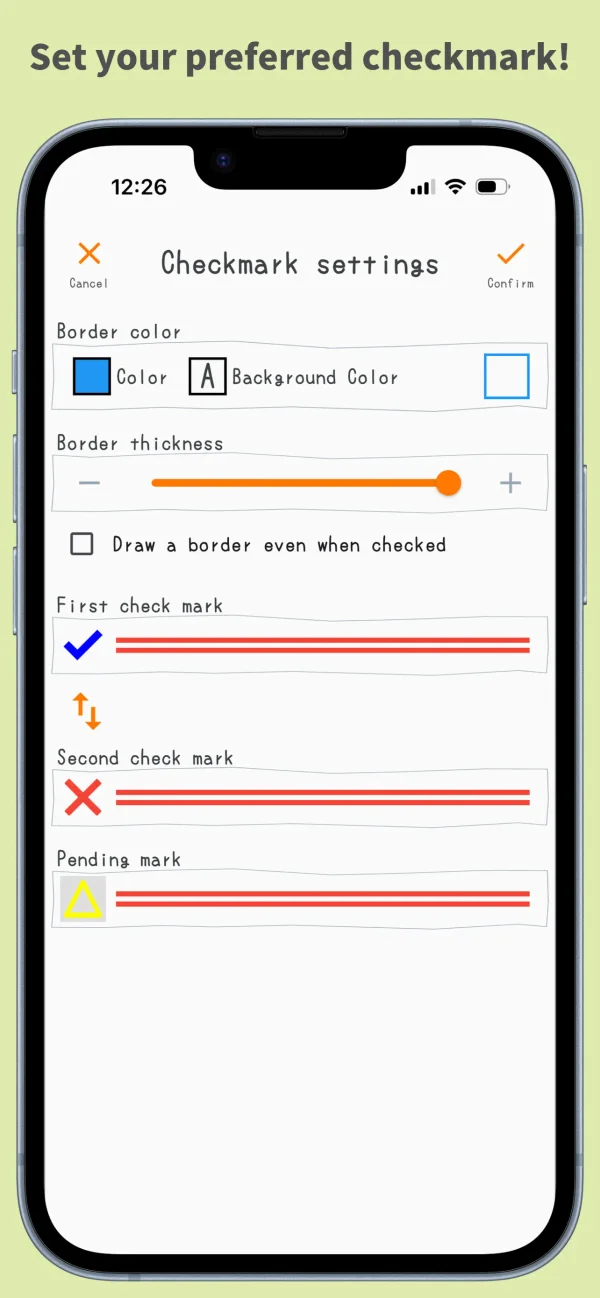
You can also adjust the look of your check marks for different uses, including a second check mark, pending mark, triangle mark, claw mark, border background color, and more.
■ Easy Data Management
Check Sheets and Check Calendars support import and export.
Use it for backups, device changes, and organizing your data.
■ For Shopping, Work, Cooking, and Habit Tracking
CinchCat helps you handle all kinds of daily check tasks simply.
Reduce paper, save time, and make your everyday life freer and easier.
What’s new
Version 2.0.0 · May 29, 2026
- Added Check Calendar. You can view your daily check status in a calendar and set reminder notifications.
- Added undo/redo for check actions, so you can quickly fix accidental checks.
- Added import/export support for Check Sheets and Check Calendars.
- Enhanced check mark design settings with a second check mark, triangle marks, claw marks, border background colors, and more.
- Improved list views, recently edited items, quick help, and sharing-related behavior.
App privacy
What Noboru Ishikawa declares on the App Store about how this app handles data.
-
Data used to track you
May be used to track you across apps and websites owned by other companies.
- Location
- Identifiers
- Usage data
-
Data not linked to you
May be collected but is not linked to your identity.
- Location
- User content
- Identifiers
- Usage data
- Diagnostics
Privacy practices may vary, for example with the features you use or your age.
Information
- Seller
- Noboru Ishikawa
- Category
- Productivity
- Version
- 2.0.0
- Updated
- May 29, 2026
- Released
- Apr 5, 2024
- Size
- 59.1 MB
- Requires
- iOS 16.0 or later
- Age rating
- 9+
- Languages
- Japanese, English
- Copyright
- © 2024 System Neco
You might also like
-
 Habit Tracker OjiTiny habits, big streaks
-
 期限カレンダーProductivity
-
 Nagi PlannerCentered: plans, to-dos, diary
-
 Simple Habit Tracker (SHT)Track your habits. Simply.
-
 Industry IntelligenceProductivity
-
 トリノート - TorinoteProductivity
-
 Simple Habits - Habit TrackerDaily Routine & Task List
-
 Bitcoin Pulse TickerReal Time Crypto prices
-
 Drawing: Sketch Pad & PaintDraw, Watercolor, Oils & Art
-
 Cadence - Habit TrackerGoals, Routines & Apple Health