Cinema P3 Pro Camera
Professional Cinematic Video
Designed for iPhone, iPad, iPod touch
Free · In-app purchases
- Age rating4+
- CategoryPhoto & Video
- DeveloperThomas Blackburn
- LanguagesEnglish+ 3 more
- Size72.6 MB
Links to the official App Store page
Download.org hosts no file of Cinema P3 Pro Camera. The button opens its official App Store page, published by Thomas Blackburn. Listing last checked on Nov 28, 2026.
Screenshots


About
Cinema P3 Pro Camera unlocks the full capability of your device’s cameras.
— Intuitive easy to use controls make taking photos and video a pleasure.
— Advanced professional tools allow you to capture the highest quality image every time.
FULL CONTROL
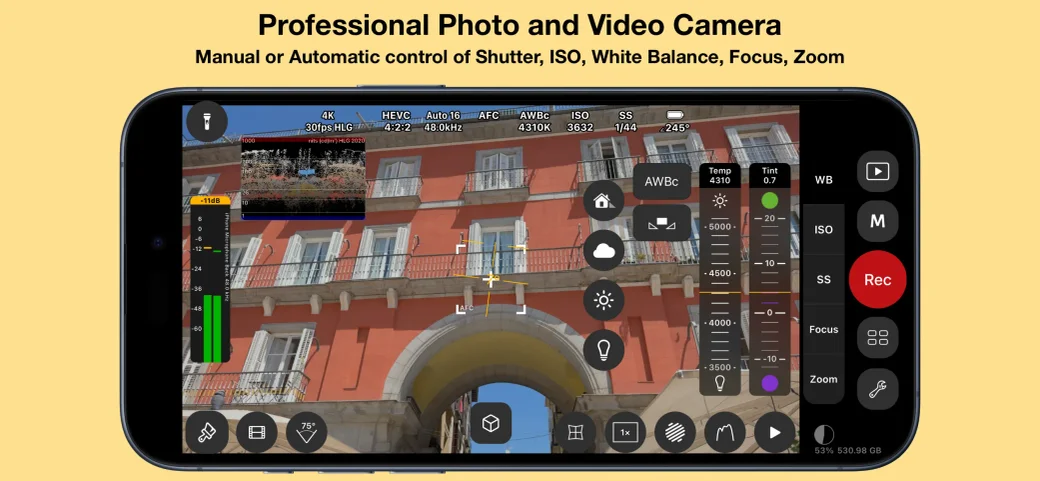
— Automatic and Manual controls
White balance, temperature and tint, exposure, ISO, shutter speed, shutter angle and focus
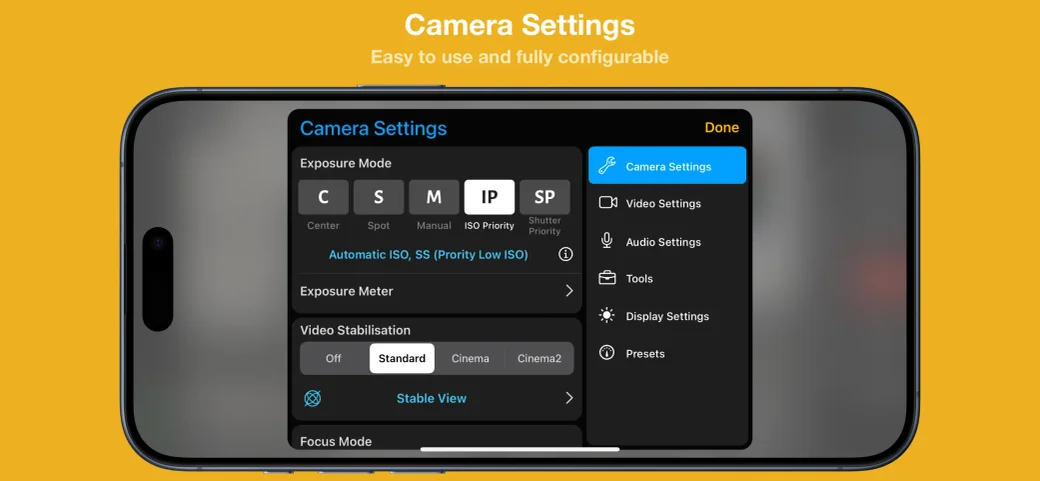
— ISO Priority and Shutter Priority with Spot, Matrix and Center Weight Metering
— Manual and Automatic White Balance (AWBc) with Temperature and Tint controls
Automatic White Balance calibration using a grey card
— Manual Zoom control with adjustable zoom speed for smooth transitions
Zoom with a two finger pinch gesture
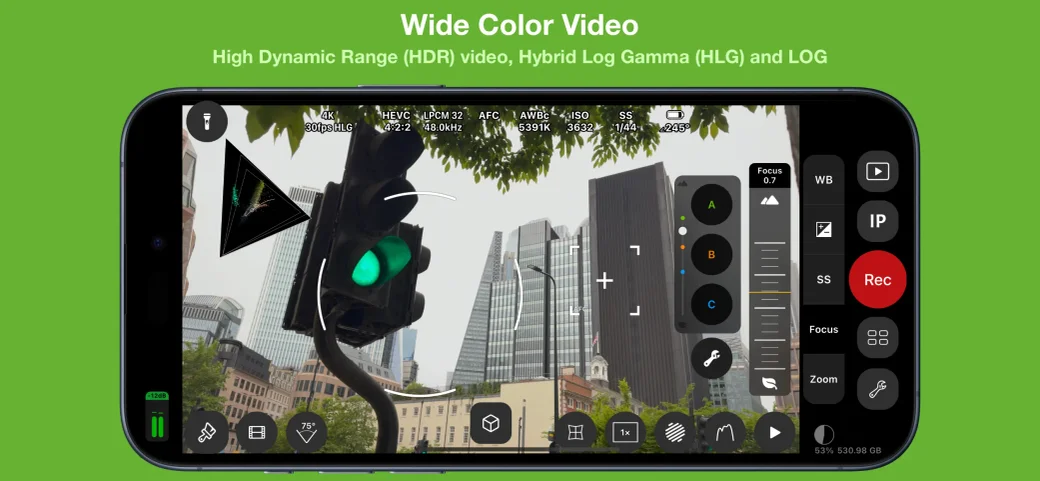
— High Dynamic Range (HDR) Video Capture
— Capture 10-bit video with Apple Log*.
— Capture 10-bit BT.2020 color (Dolby Vision)*.
— Capture HDR video with Hybrid Log Gamma (HLG).
— Capture HDR video with C-Log and D-Log.
— Capture and playback video with P3 wide color.
— Presets to store custom camera settings such as Exposure Mode, White Balance, Video Format and Anamorphic Lens Distortion,
Restore a preset with a single tap.
ADVANCED TOOLS
● Multiple video recording formats:
— 10-bit Apple Log*
— 10-bit HLG (Dolby Vision)*
— 10-bit 709*
— 8-bit P3 HLG
— 8-bit P3
— 8-bit 709
● Full control over video format settings:
— Use all Frame Rate, Resolution and Color Spaces supported by your device.
— H.265 HEVC, H.264, H.265 4:2:2, ProRes*
— Bit Rate, Pixel Aspect Ratio and Key Frame Interval
— Time Code Track
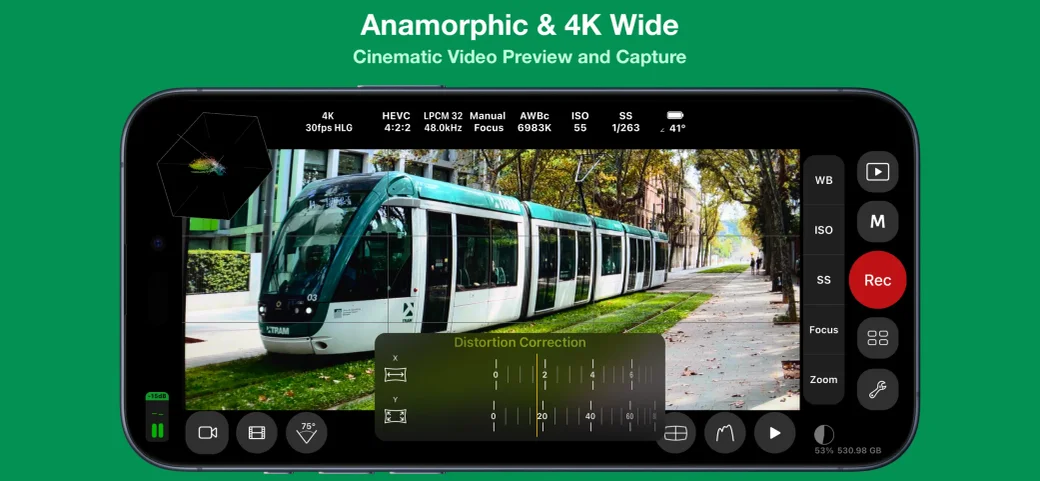
— 4K Wide Recording Mode
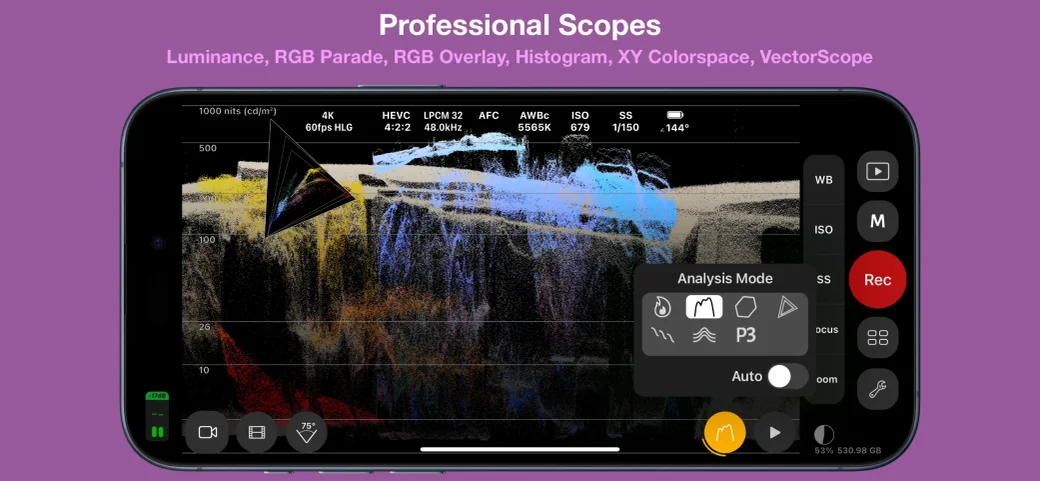
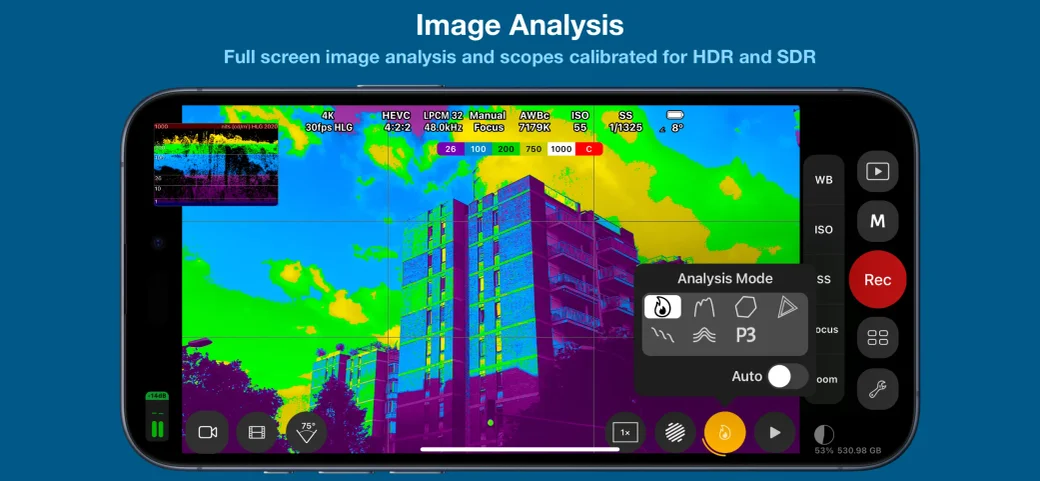
● Powerful full screen and mini scopes, with advanced image processing tools provide real time image analysis.
— Luma/Luminance Scope
— RGB Parade
— RGB Overlay
— Histogram.
— XY Colorspace
— VectorScope
— Luma Histogram
— (False) Color Analysis
● Tools
— Anamorphic Desqueeze with Distortion Correction
— Aspect Ratio Guides and Grids assist scene composition.
— P3 Button highlights parts of an image that use P3 color.
— Anamorphic De-squeeze for 1.3x, 1.55x and custom lenses.
— Preserve Camera Settings when changing camera modes
— Lock White Balance on Record
— Camera Quick Select
— Torch
— Tilt Sensor
— Rotation Lock
— Zebras
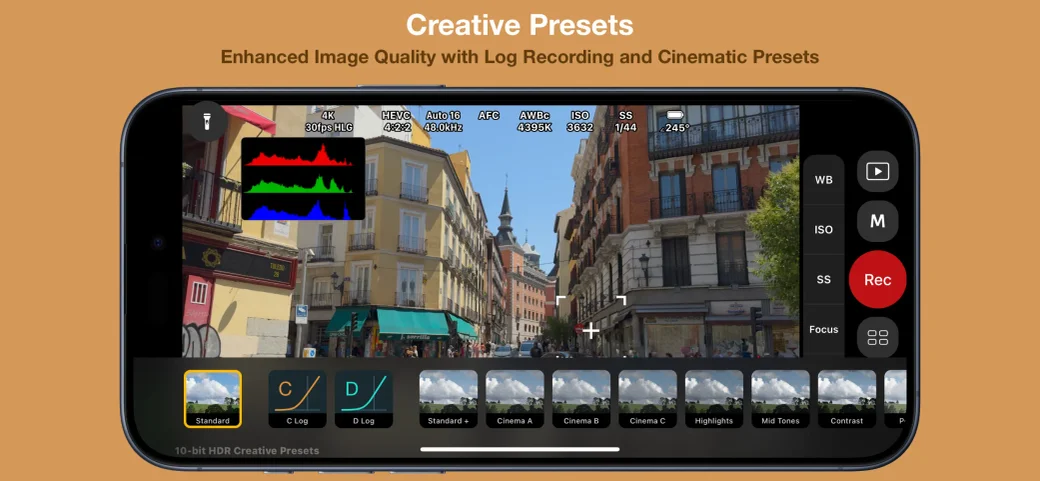
● Creative Video Mode to optimise and enhance the image in camera:
— A-Log & B-Log (SDR)
— C-Log & D-Log (HDR)
— 33 and 65 point LUT export to convert Log footage to 709, 2020 PQ & 2020 HLG color spaces.
— Creative presets with saturation adjustment
— .cube LUT support with “LUT Tools Upgrade” In-App Purchase.
● Focus Controls
— Continuous Automatic Focus, Manual and Automatic Focus
— Face and Animal Detection focus modes.
— Focus Target for automatic focus and Focus Lock function
— Focus Assist Tool for precise manual focus
— Manual focus control with Focus Loupe
— Focus peaking
● Audio
— Audio level meter
— Audio monitoring with headphones
— Stereo audio recording on compatible devices
— Audio Format selection AAC/LPCM
— Manual or automatic microphone selection
— Microphone gain control for compatible microphones
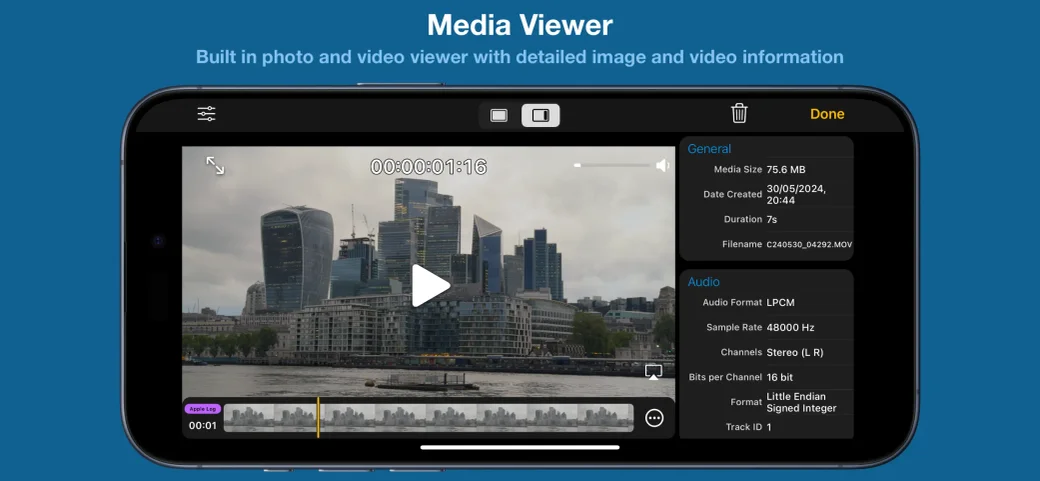
● Media Player/Viewer
— Photo Viewer with image info display (EXIF, TIFF)
— Video Player with track info display (audio, video, timecode)
PHOTOGRAPHY
● Full Manual Control for Photos
— White Balance, Color Temperature and Tint, Exposure, Shutter Speed, Stabilisation, Flash, Focus, HDR and Red Eye Reduction
● Multiple image formats
— Capture photos in HEIC or JPG formats, with optional Live Photo
— Custom Aspect Ratio for JPG photos 4:3, 3:2, 5:4, 7:5, 1:1, 16:9, 2.39:1
— RAW, ProRAW* capture
— RAW with Bracket capture
● User customisable EXIF Data
● Photo Timer
NOTE:
*Not all functionality is available on all iOS devices
In-App purchase is required to enable some functionality
Feature availability is dependent upon model of iPhone/iPad used
What’s new
Version 3.0.7 · Nov 27, 2026
● Update to exposure meter bias in preset
● Performance update
App privacy
What Thomas Blackburn declares on the App Store about how this app handles data.
-
Data not collected
The developer does not collect any data from this app.
Privacy practices may vary, for example with the features you use or your age.
Information
- Seller
- Thomas Blackburn
- Category
- Photo & Video
- Version
- 3.0.7
- Updated
- Nov 27, 2026
- Released
- Aug 27, 2020
- Size
- 72.6 MB
- Requires
- iOS 15.6 or later
- Age rating
- 4+
- Price
- Free
- In-app purchases
- Yes
- Languages
- English, French, German, Spanish
- Copyright
- © Thomas Blackburn
You might also like
-
 Protake - Mobile Cinema CameraPortrait Mode for Video
-
 MoviePro: Pro Video CameraCinematic Filmmaking Recorder
-
 Focos LiveTake & Edit Cinematic Video
-
 Filmic Pro-Video CameraCinema Quality Video Capture
-
 REC - Pro Video CameraCinematic Film Recording
-
 Manual Camera, Pro DSLR | RAW+ProRAW ISO WB Shutter Control
-
 Filmic LegacyPhoto & Video
-
 ProMovie RecorderProfessional 4K Video Camera
-
 ProCam - Manual Video RecorderProfessional 4k HDR SLR Camera
-
 DSLR Camera - Manual CameraPhoto, Video, Multi-Cam, Film