REC - Pro Video Camera
Cinematic Film Recording
Designed for iPhone
Free · In-app purchases
- Age rating4+
- CategoryPhoto & Video
- DeveloperLateNiteSoft S.L.
- LanguagesEnglish
- Size25.0 MB
Links to the official App Store page
Download.org hosts no file of REC - Pro Video Camera. The button opens its official App Store page, published by LateNiteSoft S.L. Listing last checked on Nov 26, 2026.
Screenshots



About
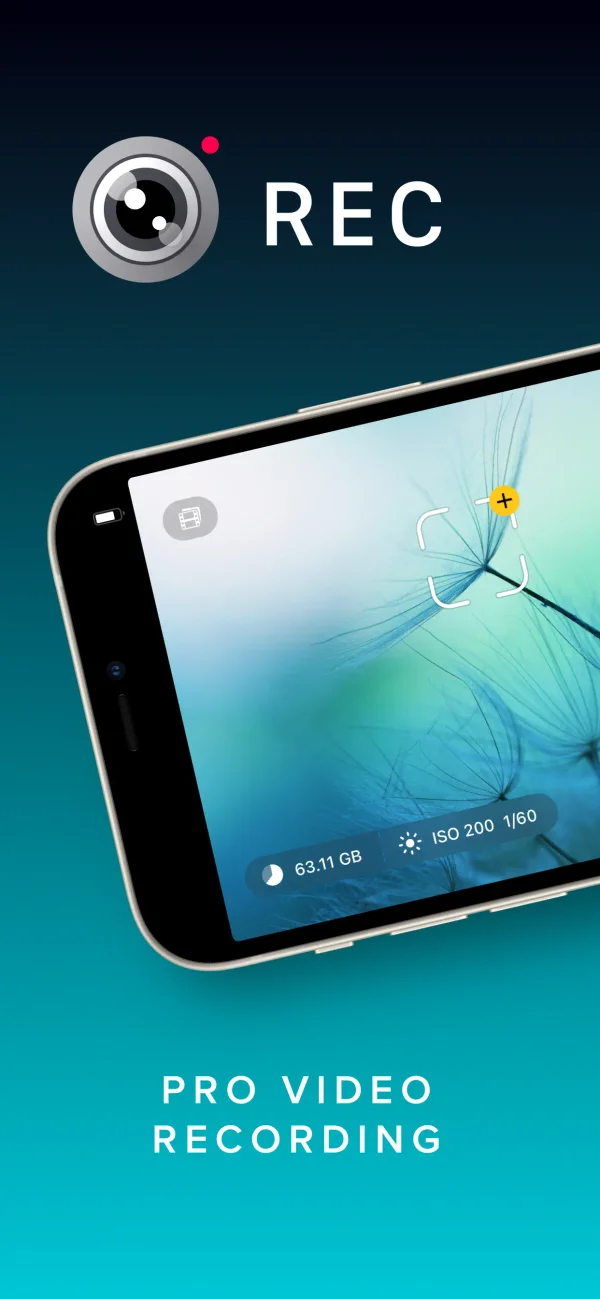
Elevate your video capturing with REC! Tailored for creators, it provides extensive video and audio options for professional-quality production effortlessly. Choose from a range of camera settings, stabilization options, resolutions, frame rates, and more to capture the perfect video every time. And with intuitive controls and an easy-to-read heads-up display, you can adjust focus, exposure, and more with just a tap.
Plus, with REC's timecode feature, you can easily synchronize footage from multiple devices for seamless, multi-angle videos. Choose from "Time of Day" timecode or use Bluetooth sync with Tentacle Sync devices for precise, one-frame resolution synchronization. And with seamless management options, including preview, watch, and send directly to your photo library or favorite editing app, you can create and share professional-quality videos with ease.
Here's a quick summary of REC's plethora of video options:
- Camera: Front, Telephoto, Wide, Ultra-Wide (As available on your device.)
- Camera Stabilization (As available by device and camera selection.)
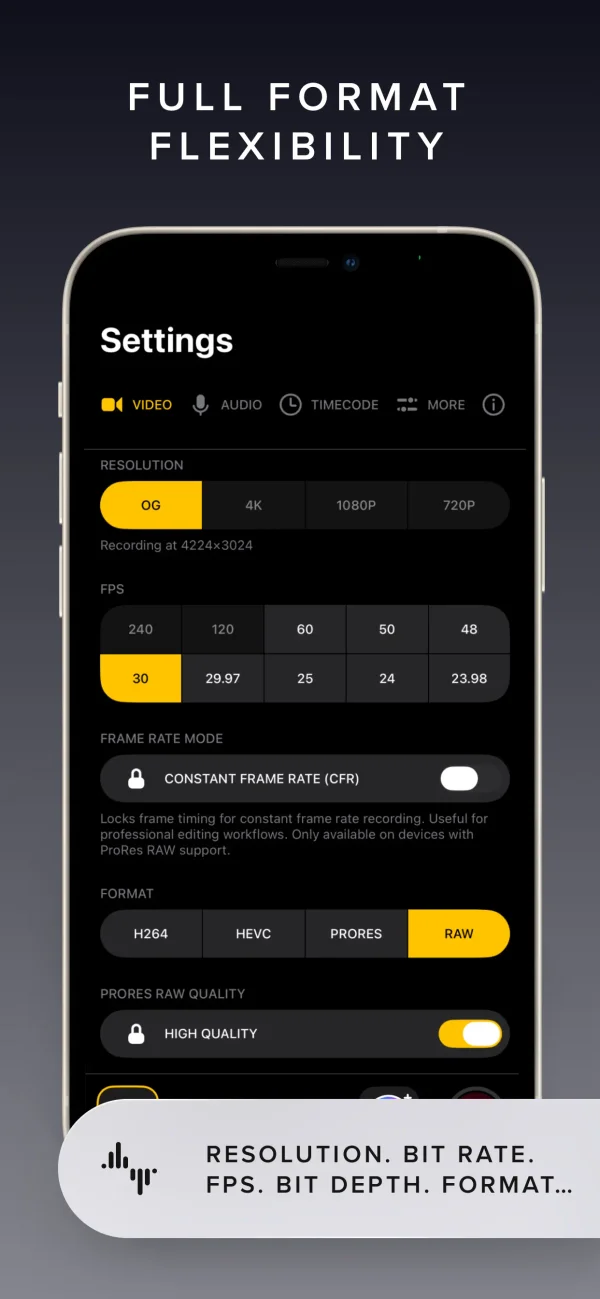
- Resolution: Open Gate, 4K, 1080p, 720p (As available by device.)
- FPS: 240, 120, 60, 50, 48, 30, 29.97, 25, 24, 23.98 (As available by device and camera selection.)
- Bit Rate: Normal, High, Max
- Dynamic Range: 8 Bit, 10 Bit, 10 Bit HDR (As available by device and other selections.)
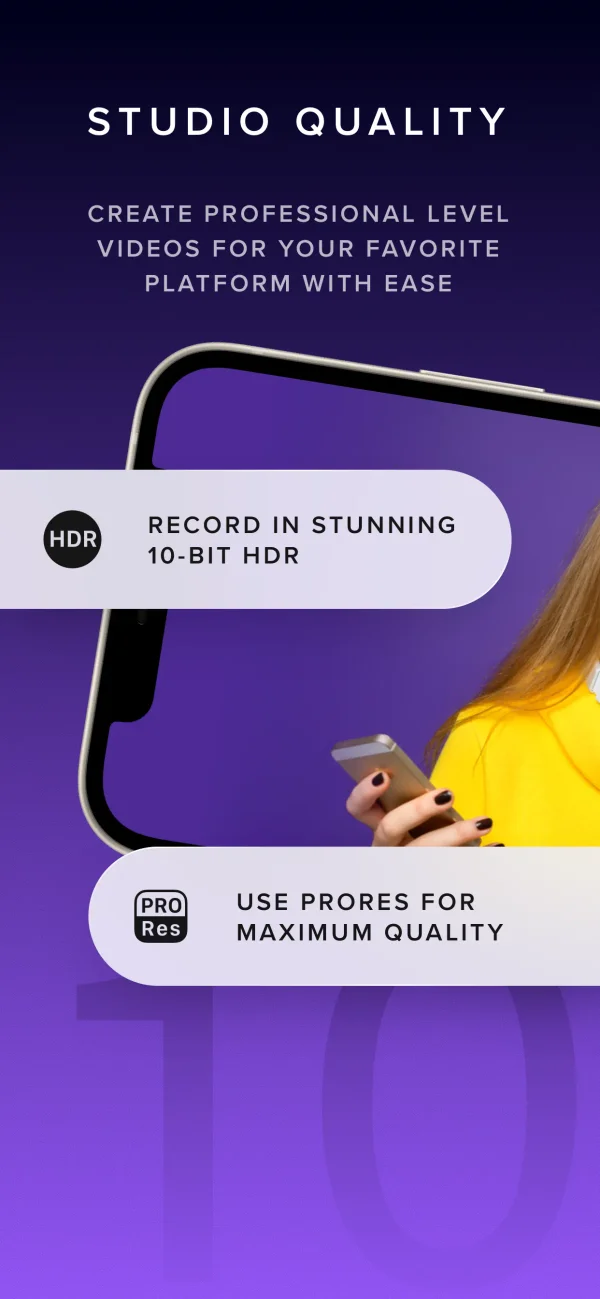
- Format: HEVC, H.264, ProRes 422 HQ, ProRes RAW HQ (As available by device and other selections.)
- Lock Exposure and White Balance when recording begins.
- Apple Log and Apple Log 2 support when recording in ProRes.
- External storage support for iPhone 15 to 17 Pro using USB-C,
Audio
Here's a quick summary of REC's extensive audio options:
- Microphone: Front, Back, Bottom, External (As available on your device.)
- Microphone Gain control
- Microphone Polar Pattern control: Choose omni, subcardioid, cardioid or stereo pickup depending on what best fits your usage. (As available by device and microphone.)
- Sample Rate: 24Khz, 44.1Khz, 48Khz
- Format: AAC, PCM
Lot of options! But REC gives you simplicity along with flexibility, you'll never be able to select a combination that doesn't work with your device.
Captivating Controls
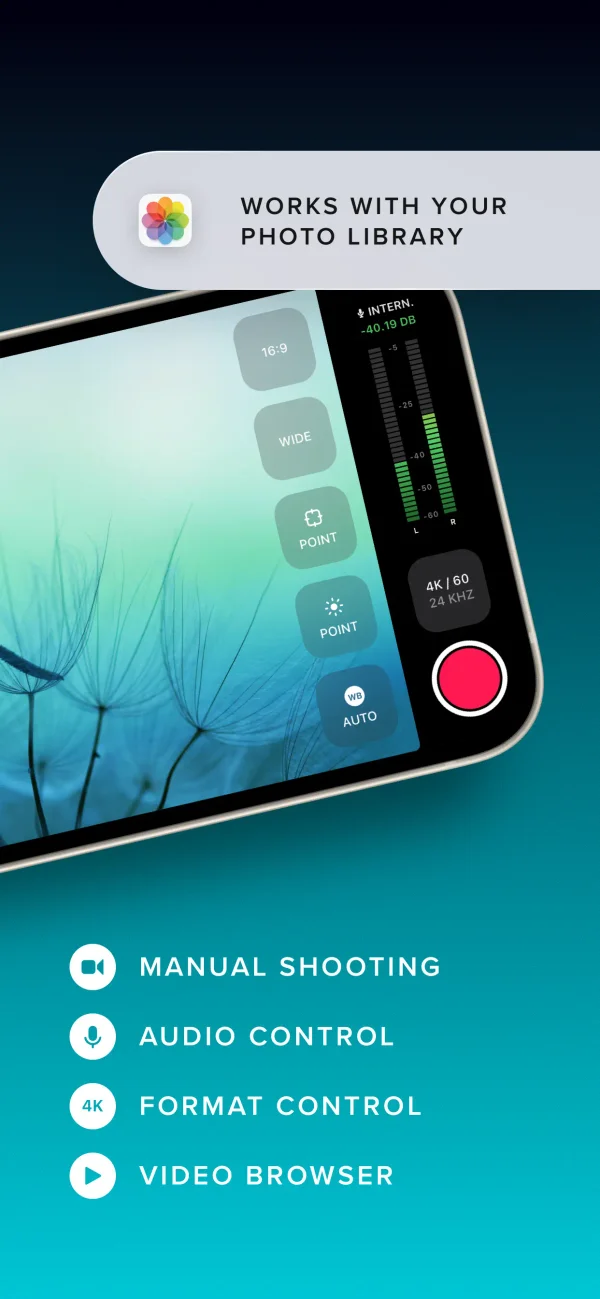
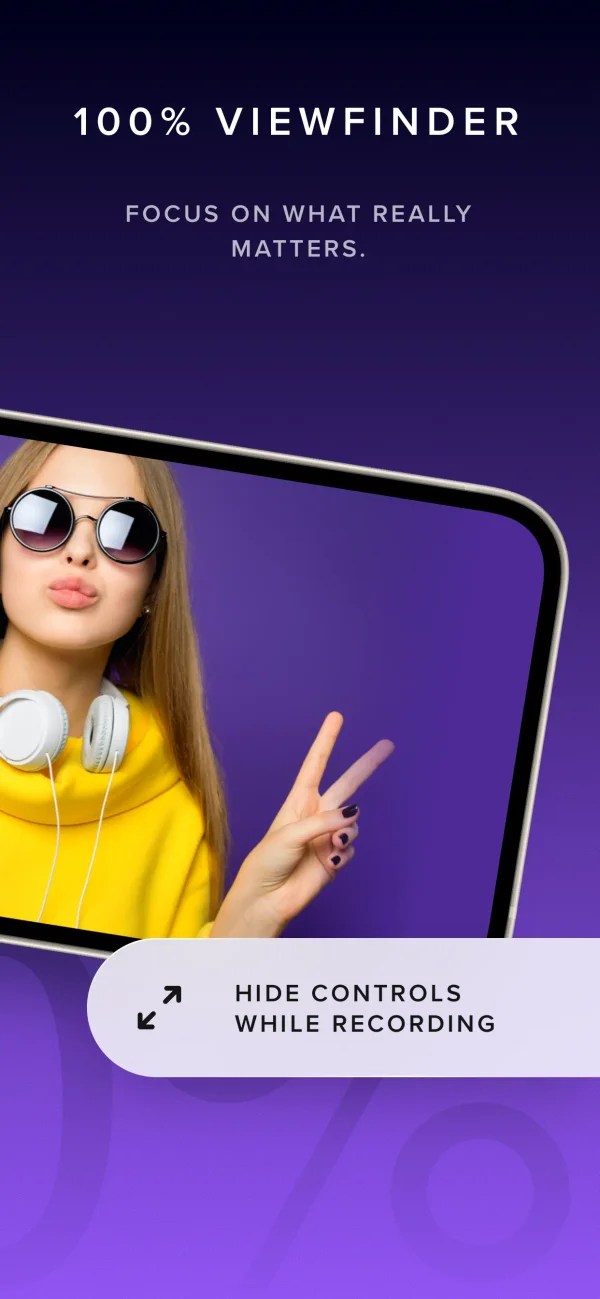
REC's floating buttons put pro level controls at your fingertips, and keeps them out of the way while you're focusing on what's important, shooting your video! A single tap brings up any of the control menus where you can adjust the white balance, shutter speed, ISO, EV, and focus manually. Or, use our intuitive touch controls to specify precisely where in your frame focus on and expose to. Quickly swap between the Wide, Ultra-Wide, Telephoto, or Front cameras and different formats with a flick of your finger, and your selection is always available at a glance. Optionally overlay a grid, and zoom in or out to help you frame the perfect shot every time.
Terrific Timecodes
REC provides two Timecode methods. The first one is "Time of Day", which simply records your device's clock information alongside the video. In order for it to work, just make sure all your devices are set to the same time. For really accurate and extremely simple synchronization, REC also provides Bluetooth sync using Tentacle Sync devices. Using Tentacle Timecode, REC is able to synchronize your iPhone footage with high accuracy. You can find more about the Tentacle Sync solutions at https://tentaclesync.com.
Marvelous Management
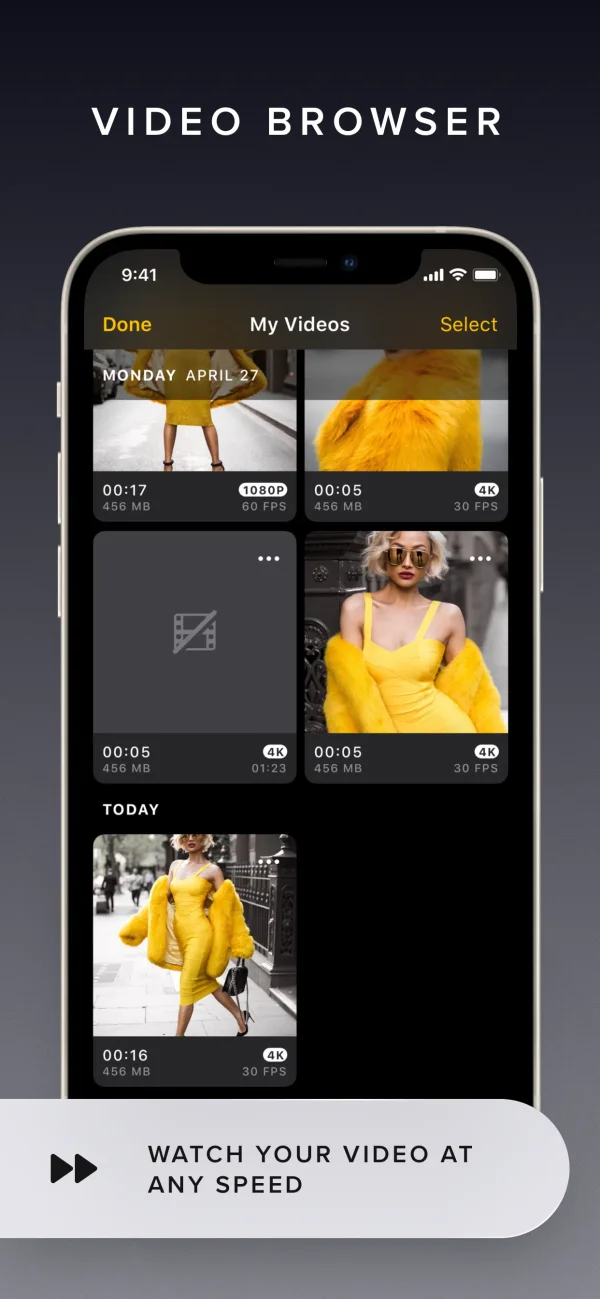
REC saves all of your videos seamlessly to the built-in manager that lets you quickly and easily preview your creations. Watch your shots at different speeds, and preview them without sound if you're trying to find the right shot to share in a sensitive environment. Sending a video to your photo library or favorite editor is just a tap away. Or if you'd prefer, send videos directly to the Photo Library and enjoy its seamless integration with any app that supports video.
Terms of use: https://www.apple.com/legal/internet-services/itunes/dev/stdeula/
What’s new
Version 9.0 · Nov 25, 2026
USB-C clean feed, Pro Video Storage and much more:
- USB-C clean feed. On iOS 27, send the camera image without REC's interface to a monitor or recorder over USB-C. Optionally include camera, clip name, and timecode metadata for recorders that support it. Turn it on in Settings › More › External Output on iPhone 16 Pro or later Pro models, or iPhone Duo.
- Pro Video Storage for ProRes. On iOS 27, ProRes can use the space your iPhone reserves for pro video, helping maintain steady write speeds at high data rates. REC stops and saves the take before that space runs out. Turn it on in Settings › More › Storage, then set the reserved space in the iPhone Settings app.
- Never miss an interrupted take. If a phone call stops a recording, REC alerts you and sounds its alarm as soon as the call ends. Any recording that stops unexpectedly now triggers the alarm, and audio settings update as soon as you plug in or switch microphones.
Plus other bug fixes and improvements. Have an idea, question or problem? We'd love to hear from you: use the in-app bug reporter or write to support@latenitesoft.com.
App privacy
What LateNiteSoft S.L. declares on the App Store about how this app handles data.
-
Data not linked to you
May be collected but is not linked to your identity.
- Diagnostics
Privacy practices may vary, for example with the features you use or your age.
Information
- Seller
- LateNiteSoft S.L.
- Category
- Photo & Video
- Version
- 9.0
- Updated
- Nov 25, 2026
- Released
- Jul 16, 2020
- Size
- 25.0 MB
- Requires
- iOS 26.0 or later
- Age rating
- 4+
- Price
- Free
- In-app purchases
- Yes
- Languages
- English
- Copyright
- © LateNiteSoft 2026
You might also like
-
 Cinema P3 Pro CameraProfessional Cinematic Video
-
 Portrait Video - Blurry EffectBlur Background, Portrait Blur
-
 MoviePro: Pro Video CameraCinematic Filmmaking Recorder
-
 ProCam - Manual Video RecorderProfessional 4k HDR SLR Camera
-
 Focos LiveTake & Edit Cinematic Video
-
 Deep Movie - Pro Video CameraProfessional 4K Video Capture
-
 Protake - Mobile Cinema CameraPortrait Mode for Video
-
 DSLR Camera - Manual CameraPhoto, Video, Multi-Cam, Film
-
 Filmic Firstlight - Photo AppModern Photos with Analog Vibe
-
 Phocus Cinematic: Video BlurBackground Blur & Cinemagraph