- Age rating4+
- CategoryUtilities
- DeveloperDivesh Mavji
- LanguagesEnglish
- Size8.7 MB
Links to the official App Store page
Download.org hosts no file of ClearRoll. The button opens its official App Store page, published by Divesh Mavji. Listing last checked on Nov 15, 2026.
Screenshots


About
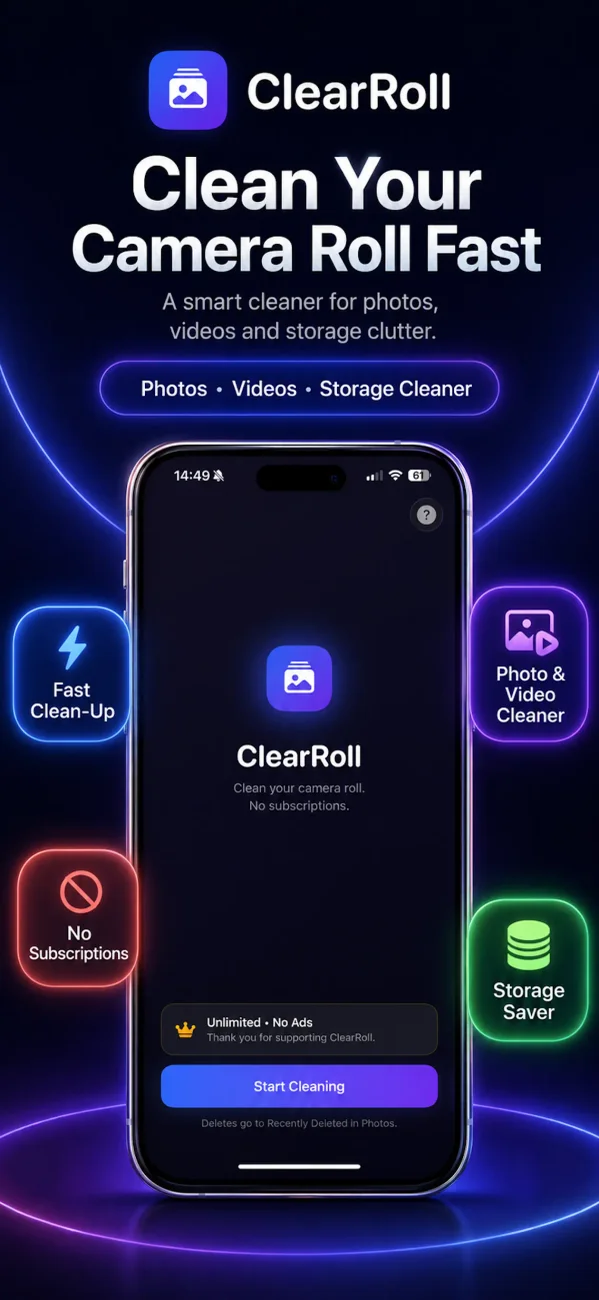
Clean your camera roll — fast.
ClearRoll helps you quickly clean up photos and videos by swiping through your library and deciding what to keep or delete. No complicated tools, no subscriptions — just a simple, focused way to reclaim storage.
How it works
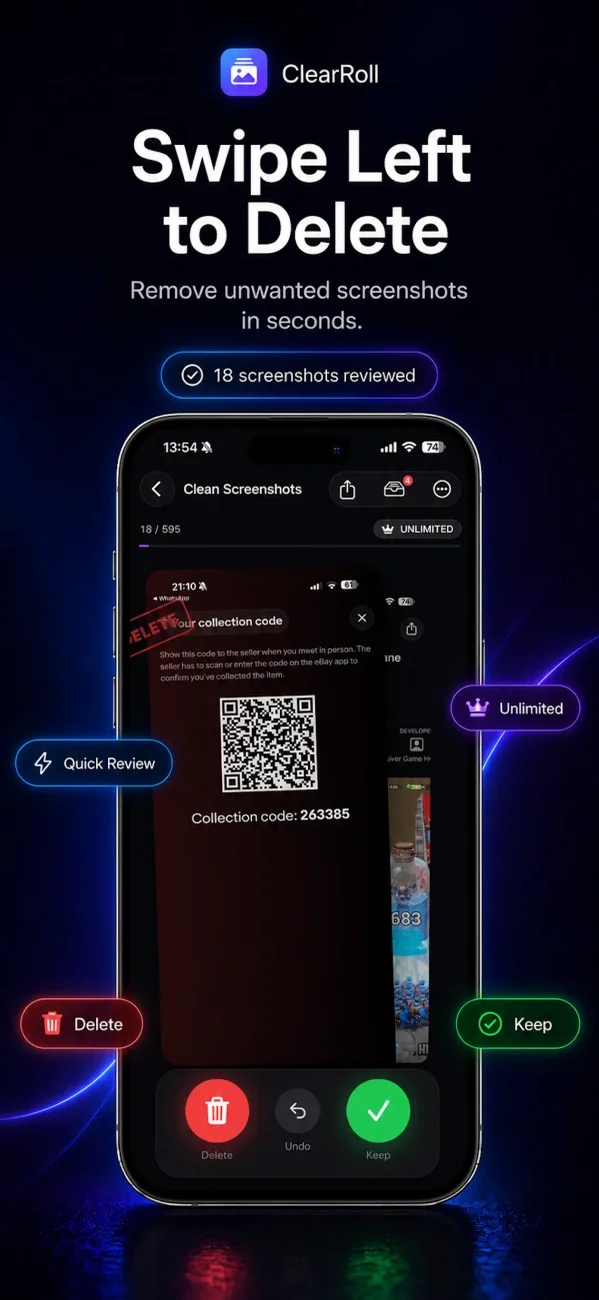
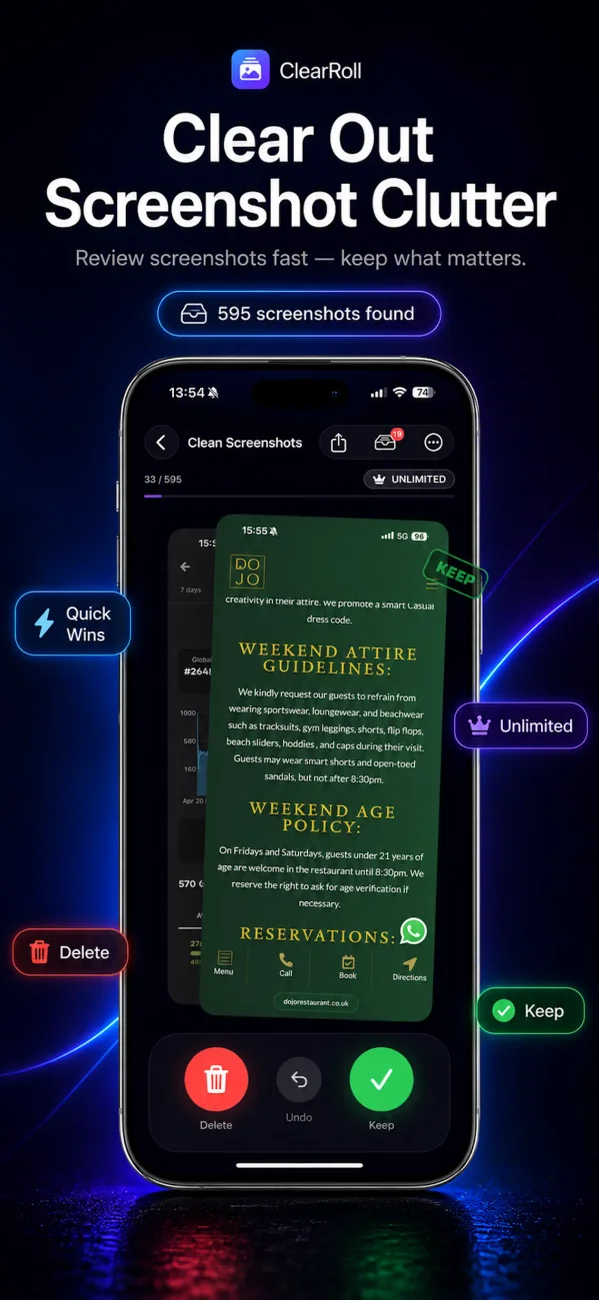
• Swipe right to keep
• Swipe left to mark for deletion
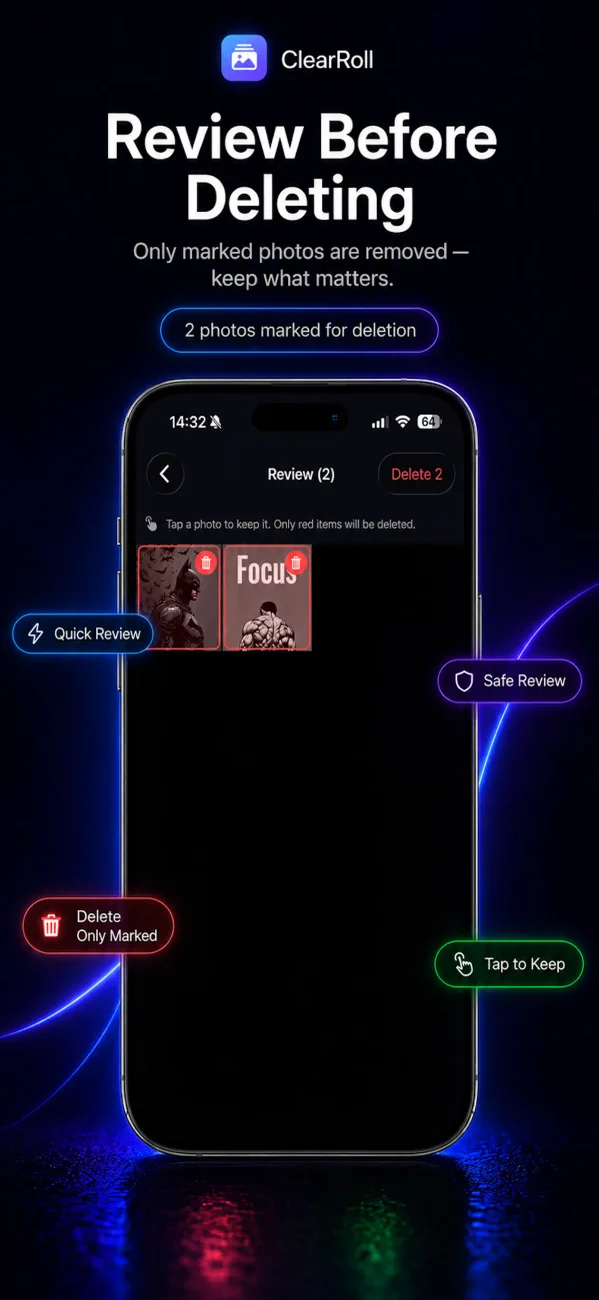
• Review everything before deleting
• Deleted items go to Recently Deleted in Photos
Nothing is permanently removed without your confirmation.
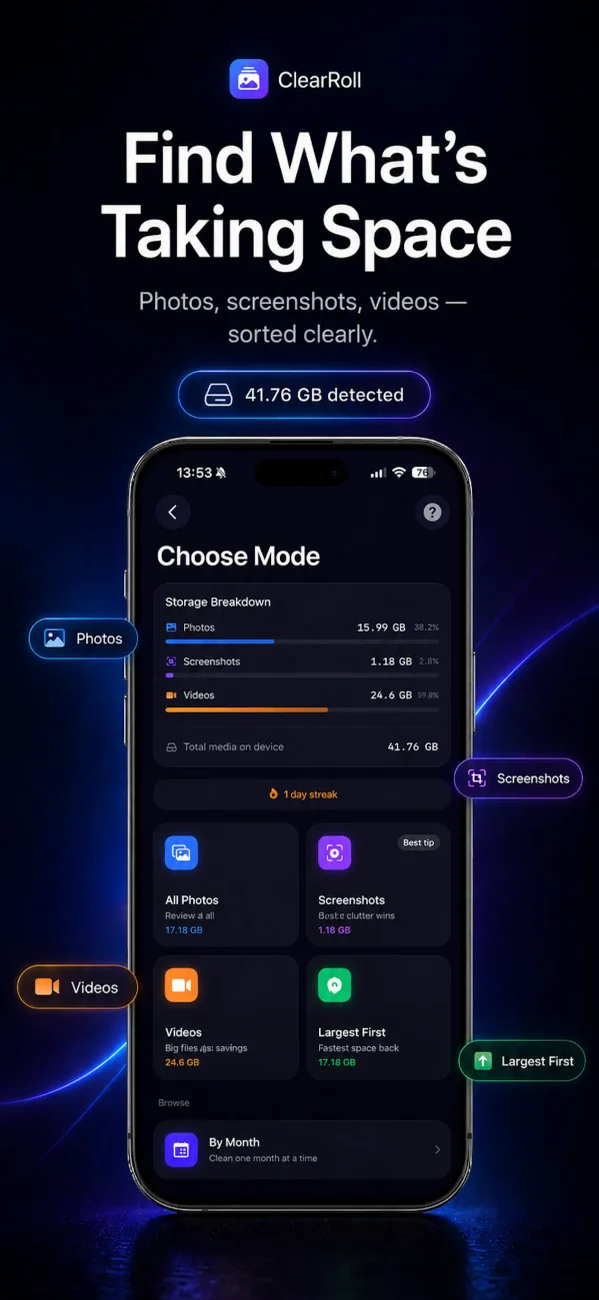
Smart ways to clean
• Clean all photos
• Clean screenshots
• Clean videos
• Find and clean your largest photos first
Pick a mode and start cleaning immediately.
Free to try
ClearRoll includes 100 free swipes, so you can try it properly before deciding.
Unlock Unlimited (one-time purchase)
Upgrade once to unlock:
• Unlimited swipes
• No ads
• Full access to all current features
No subscriptions. No recurring payments.
Designed for speed and control
• Fast, swipe-based interface
• Works entirely on your device
• Resume where you left off
• Review and undo before deleting
ClearRoll is built to be quick, safe, and respectful of your photos.
Good to know
• ClearRoll does not permanently delete photos — everything goes to Recently Deleted
• Purchase can be restored anytime using Restore Purchases
What’s new
Version 1.2 · May 21, 2026
What's New in 1.2
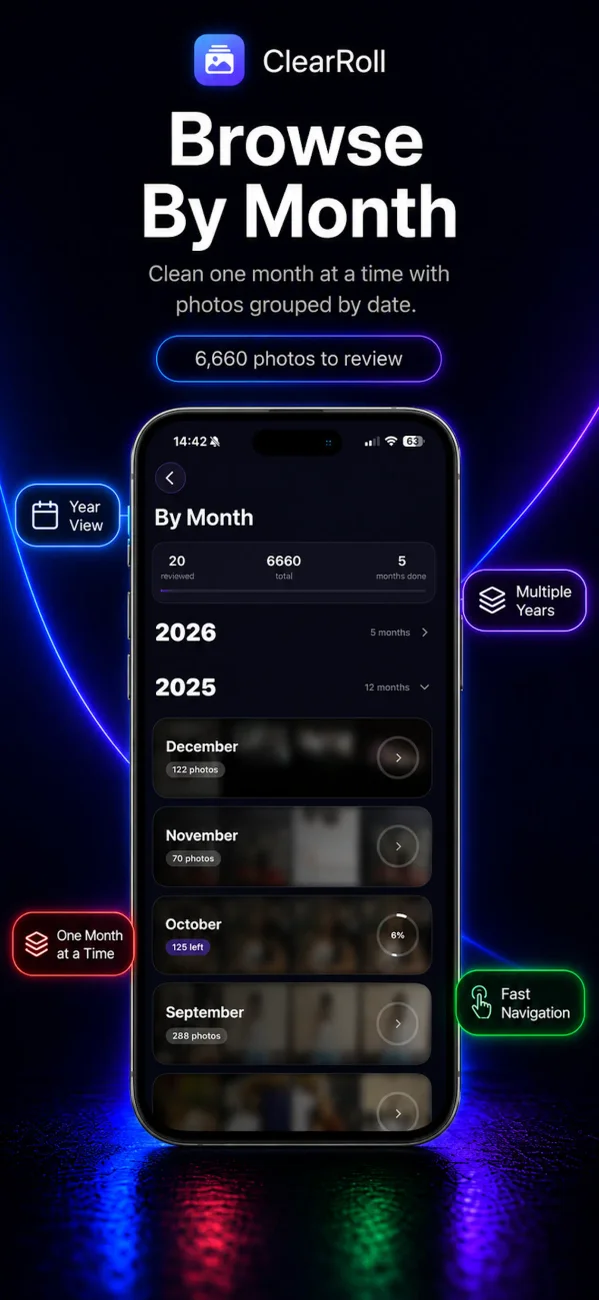
Clean by Month — Browse your entire library month by month. See your progress, pick up where you left off, and work through your photos year by year.
Clean by Album — Jump straight into any album and swipe through it. Perfect for clearing out specific trips, events, or folders.
Last 30 Days — Quickly review and clean photos from the past month.
On This Day — See photos taken on today's date in past years. A fun way to find old duplicates and forgotten shots.
Videos now included — By Month, By Album, and Last 30 Days now show your videos alongside photos.
App privacy
What Divesh Mavji declares on the App Store about how this app handles data.
-
Data not collected
The developer does not collect any data from this app.
Privacy practices may vary, for example with the features you use or your age.
Information
- Seller
- Divesh Mavji
- Category
- Utilities
- Version
- 1.2
- Updated
- May 21, 2026
- Released
- May 25, 2026
- Size
- 8.7 MB
- Requires
- iOS 17.6 or later
- Age rating
- 4+
- In-app purchases
- Yes
- Languages
- English
- Copyright
- © 2026 DynoDev
You might also like
-
 Timestamp Camera: Time PhotosGPS Map,Track Trip,Stamp Photo
-
 Clear Storage for Photos&SpaceSwipe to Delete -Phone Cleaner
-
 Storage Cleaner: Photo SweepDuplicate Finder & Video Tools
-
 Declutter: Photo CleanerSimilar Photos, Screenshots
-
 Ultra Cleaner: Free Up StorageJunk File and Photo Cleanup
-
 Gallery Swipe: Photo CleanupCamera roll cleaner & sorter
-
 Smart Remote - Fire TV StickRemote Control Firestick TV
-
 Clean Ninja: Storage CleanerDelete Photo & Video Cleanup
-
 ArokiPrivate Video Libraries