- 対象年齢4+
- カテゴリユーティリティ
- 開発元Divesh Mavji
- 言語英語
- サイズ8.7 MB
App Storeの公式ページにリンクしています
Download.orgはClearRollのファイルを一切ホストしていません。ボタンを押すと、Divesh Mavjiが公開しているApp Storeのアプリページが開きます。ページの最終確認:2026/11/15。
スクリーンショット


概要
開発元はこのテキストをお使いの言語で提供していません。
Clean your camera roll — fast.
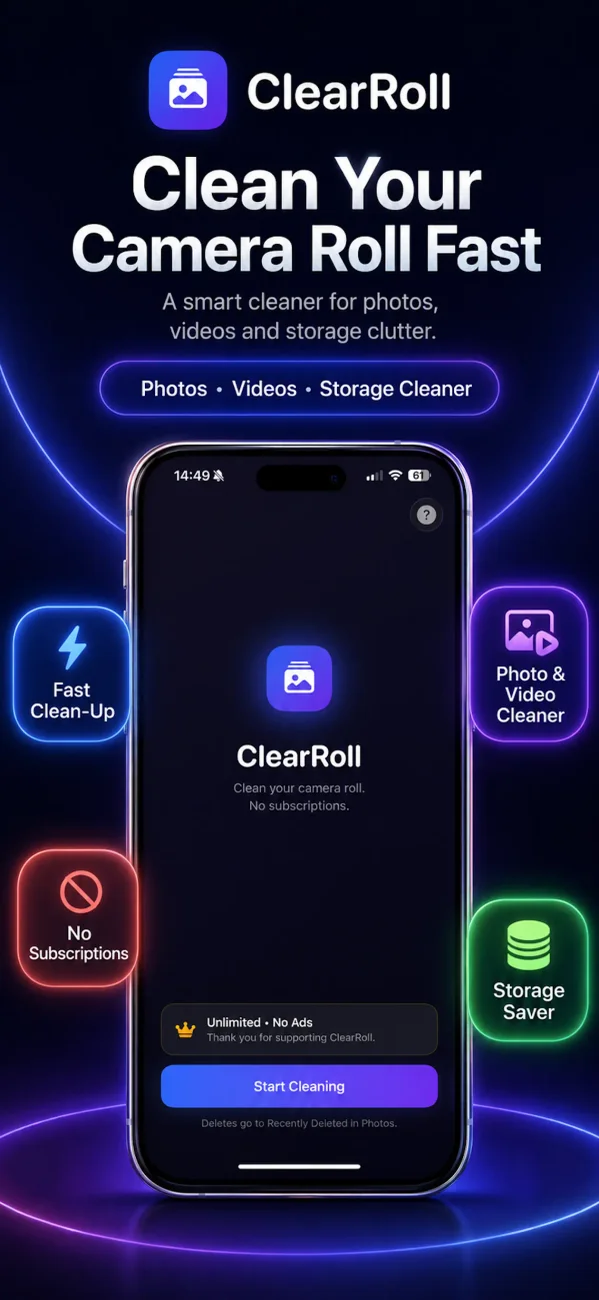
ClearRoll helps you quickly clean up photos and videos by swiping through your library and deciding what to keep or delete. No complicated tools, no subscriptions — just a simple, focused way to reclaim storage.
How it works
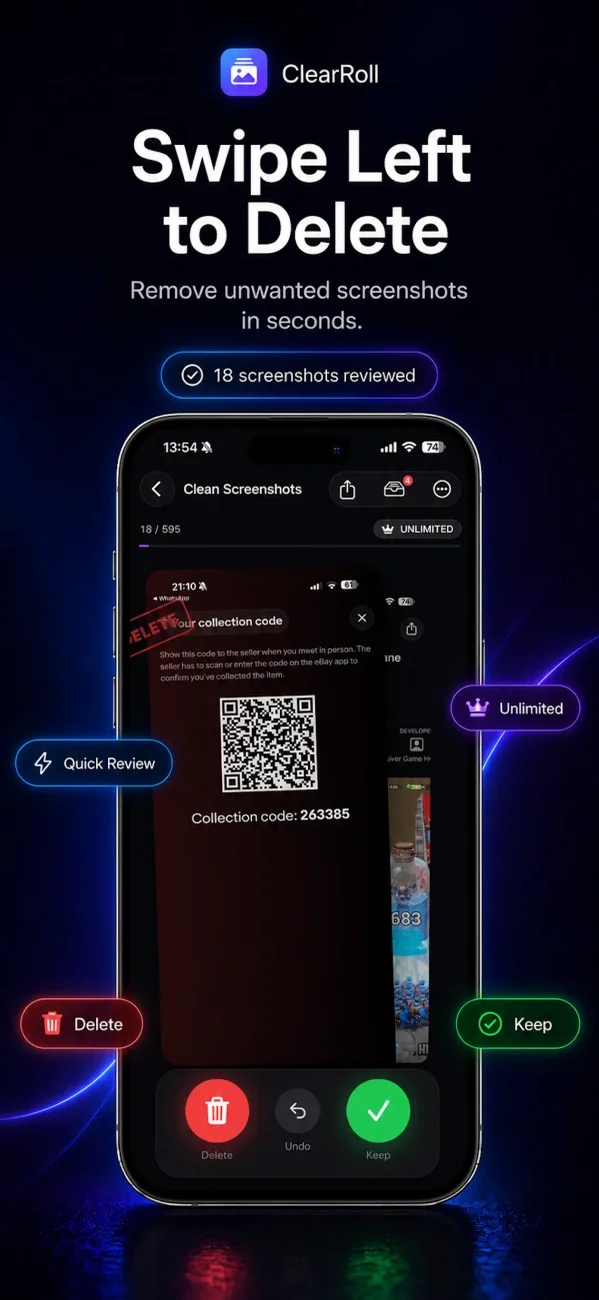
• Swipe right to keep
• Swipe left to mark for deletion
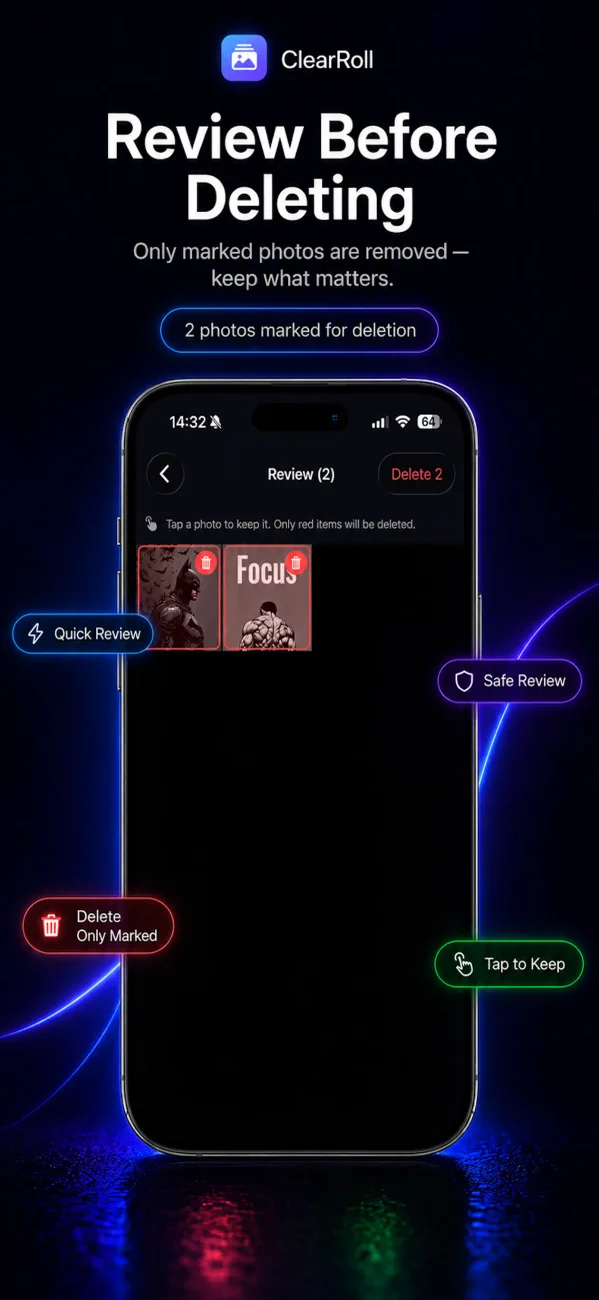
• Review everything before deleting
• Deleted items go to Recently Deleted in Photos
Nothing is permanently removed without your confirmation.
Smart ways to clean
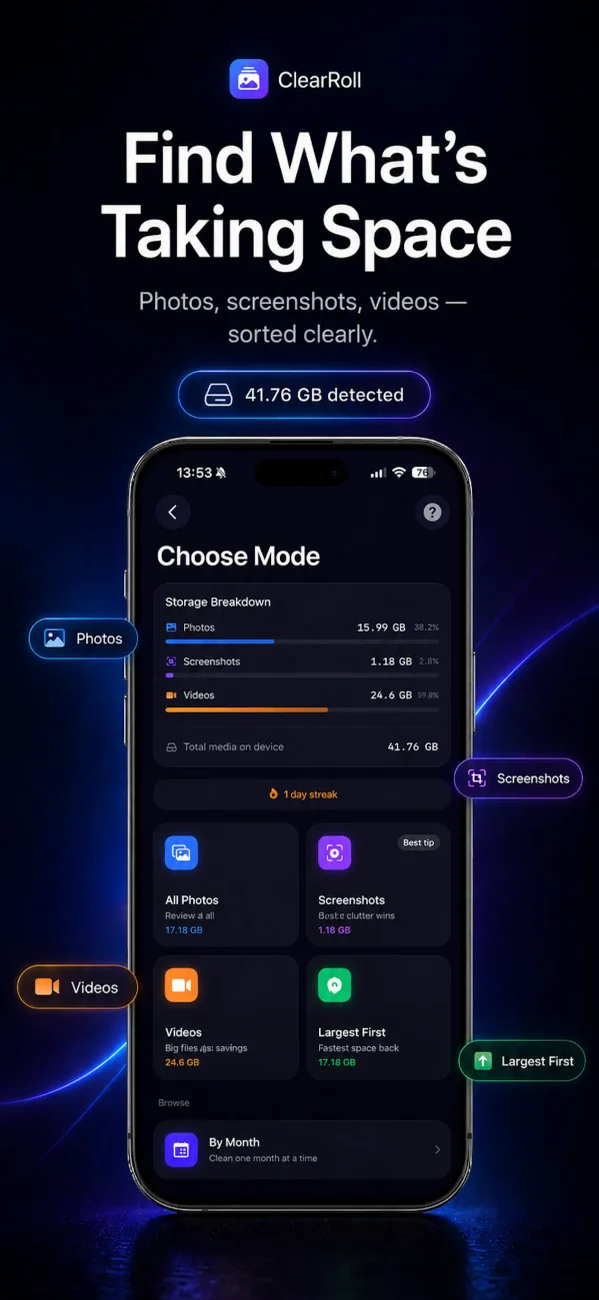
• Clean all photos
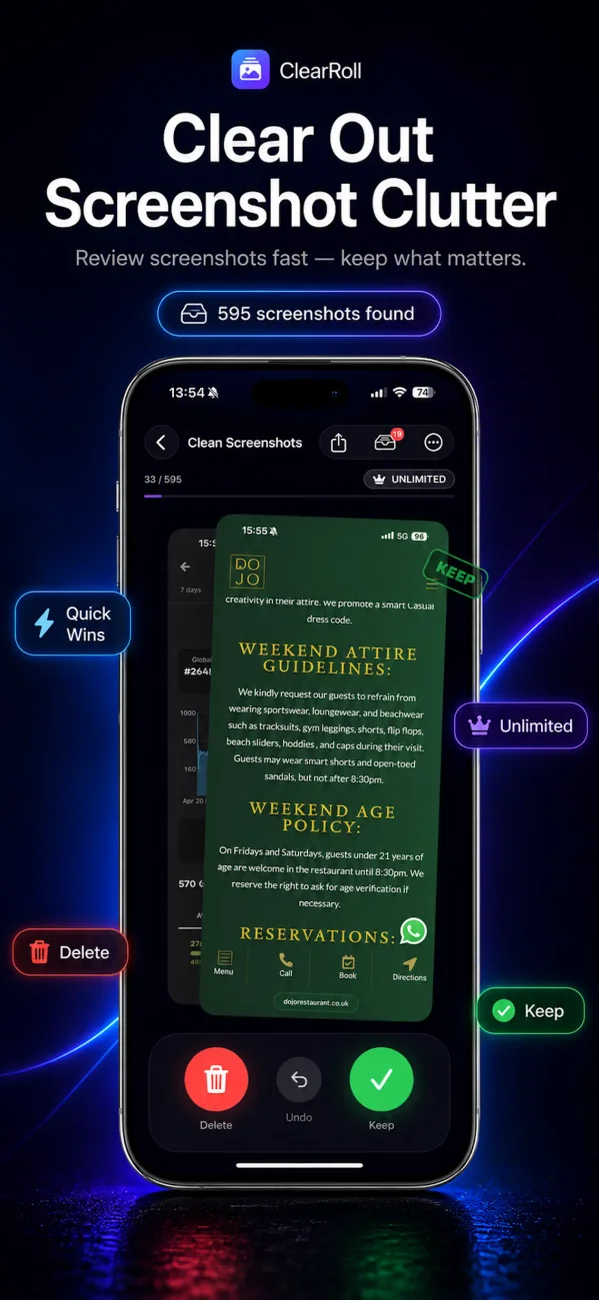
• Clean screenshots
• Clean videos
• Find and clean your largest photos first
Pick a mode and start cleaning immediately.
Free to try
ClearRoll includes 100 free swipes, so you can try it properly before deciding.
Unlock Unlimited (one-time purchase)
Upgrade once to unlock:
• Unlimited swipes
• No ads
• Full access to all current features
No subscriptions. No recurring payments.
Designed for speed and control
• Fast, swipe-based interface
• Works entirely on your device
• Resume where you left off
• Review and undo before deleting
ClearRoll is built to be quick, safe, and respectful of your photos.
Good to know
• ClearRoll does not permanently delete photos — everything goes to Recently Deleted
• Purchase can be restored anytime using Restore Purchases
新機能
バージョン 1.2 · 2026/5/21
What's New in 1.2
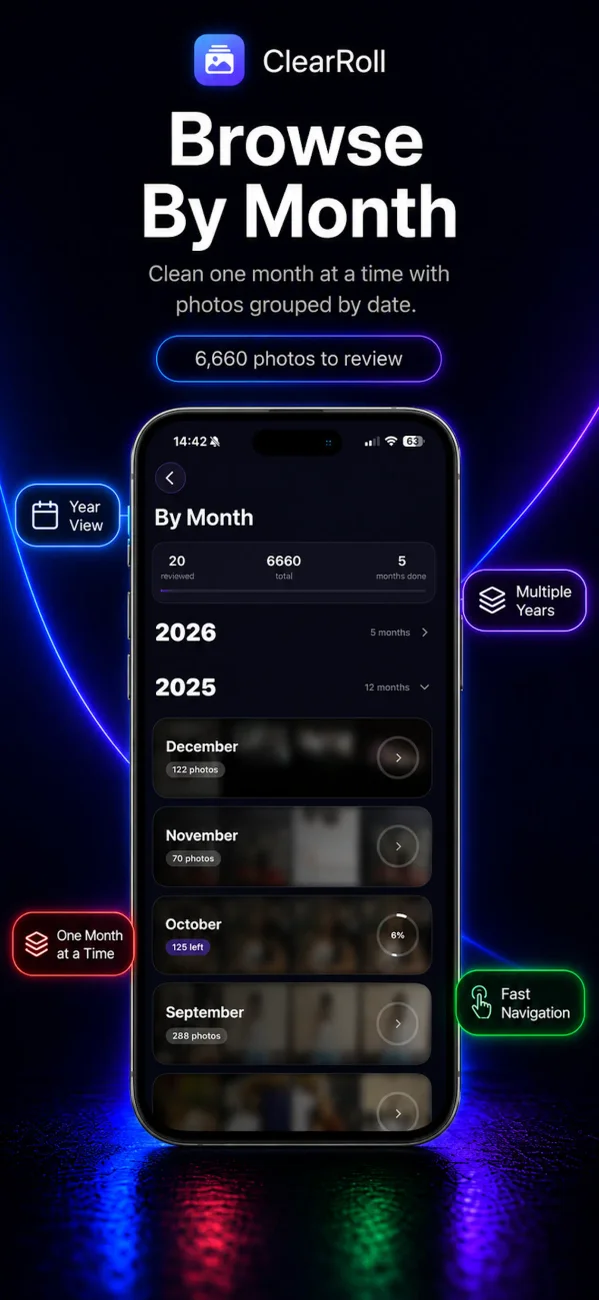
Clean by Month — Browse your entire library month by month. See your progress, pick up where you left off, and work through your photos year by year.
Clean by Album — Jump straight into any album and swipe through it. Perfect for clearing out specific trips, events, or folders.
Last 30 Days — Quickly review and clean photos from the past month.
On This Day — See photos taken on today's date in past years. A fun way to find old duplicates and forgotten shots.
Videos now included — By Month, By Album, and Last 30 Days now show your videos alongside photos.
アプリのプライバシー
このアプリのデータの取り扱いについて、Divesh MavjiがApp Storeで申告している内容です。
-
データの収集なし
開発元はこのアプリからデータを収集しません。
プライバシーの取り扱いは、ご利用の機能やお客様の年齢などに応じて異なる場合があります。
情報
- 販売元
- Divesh Mavji
- カテゴリ
- ユーティリティ
- バージョン
- 1.2
- 更新日
- 2026/5/21
- リリース
- 2026/5/25
- サイズ
- 8.7 MB
- 必要条件
- iOS 17.6以降
- 対象年齢
- 4+
- 価格
- 無料
- アプリ内課金
- あり
- 言語
- 英語
- 著作権
- © 2026 DynoDev
こちらもおすすめ
-
 Timestamp Camera: Time PhotosGPS Map,Track Trip,Stamp Photo
-
 Clear Storage for Photos -容量整理Swipeクリーナー- 写真・画像・スクショ管理・削除・掃除
-
 Storage Cleaner: Photo Sweepユーティリティ
-
 写真整理アプリ:空き容量を増やす重複・類似・ぼけ写真を一括削除
-
 Ultra Cleaner:写真整理容量確保スマホ最適化重複写真動画と不要ファイルを削除し容量を確保
-
 Gallery Swipe: 写真整理と一括削除スワイプで仕分け、消す前に確認
-
 Smart Remote - Fire TV Stickユーティリティ
-
 Clean Ninja: ストレージクリーナー写真整理・類似と重複を削除して空き容量を増やす
-
 Arokiユーティリティ