
- Age rating4+
- CategoryUtilities
- DeveloperAnna Vorobiova
- LanguagesEnglish
- Size4.5 MB
Links to the official App Store page
Download.org hosts no file of Click Remote. The button opens its official App Store page, published by Anna Vorobiova. Listing last checked on Nov 16, 2026.
Screenshots
About
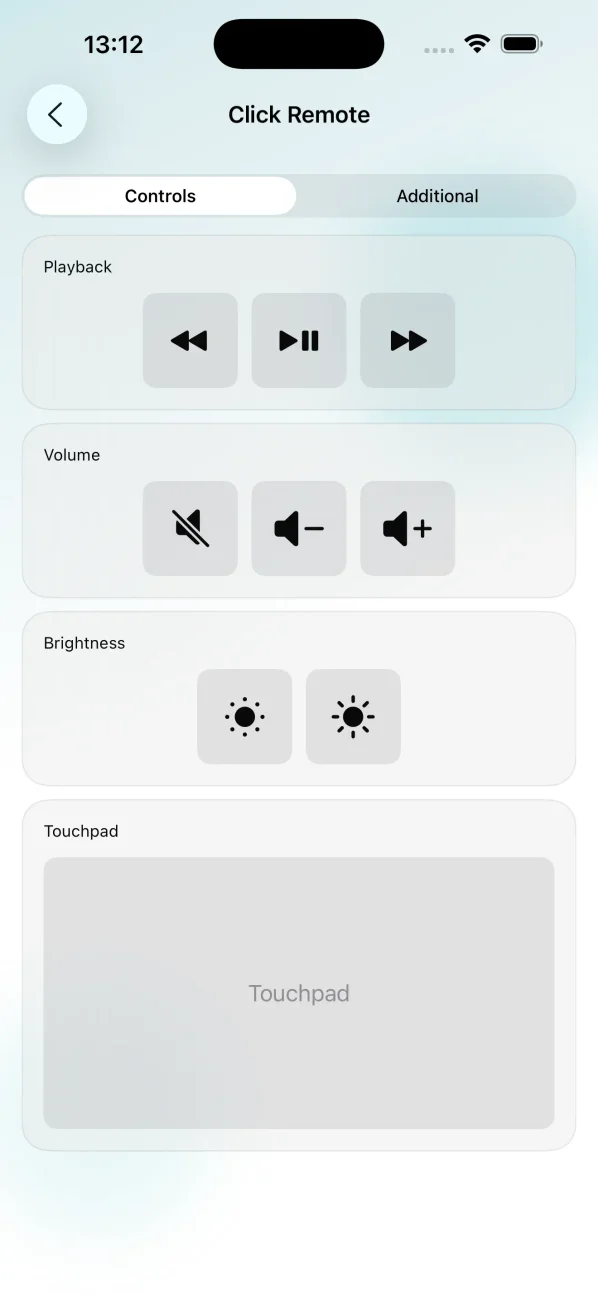
Click Remote turns your iPhone into a remote control for your Mac.
Use it to:
• Control playback (previous, play/pause, next)
• Adjust volume and screen brightness
• Use your phone as a touchpad (move, click, scroll)
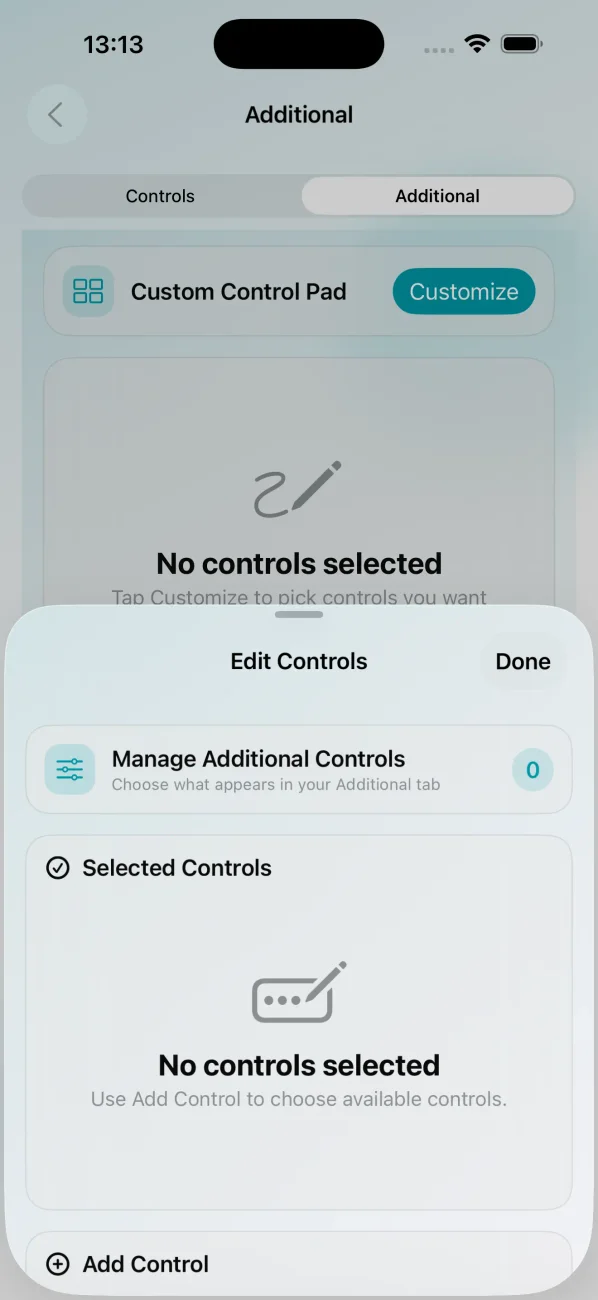
• Send keyboard shortcuts and navigation keys (arrows, space, enter, tab, escape, delete)
• Trigger Mac actions like Lock Screen and Sleep
How it works:
1. Install the iOS app.
2. Install and run the companion macOS server app.
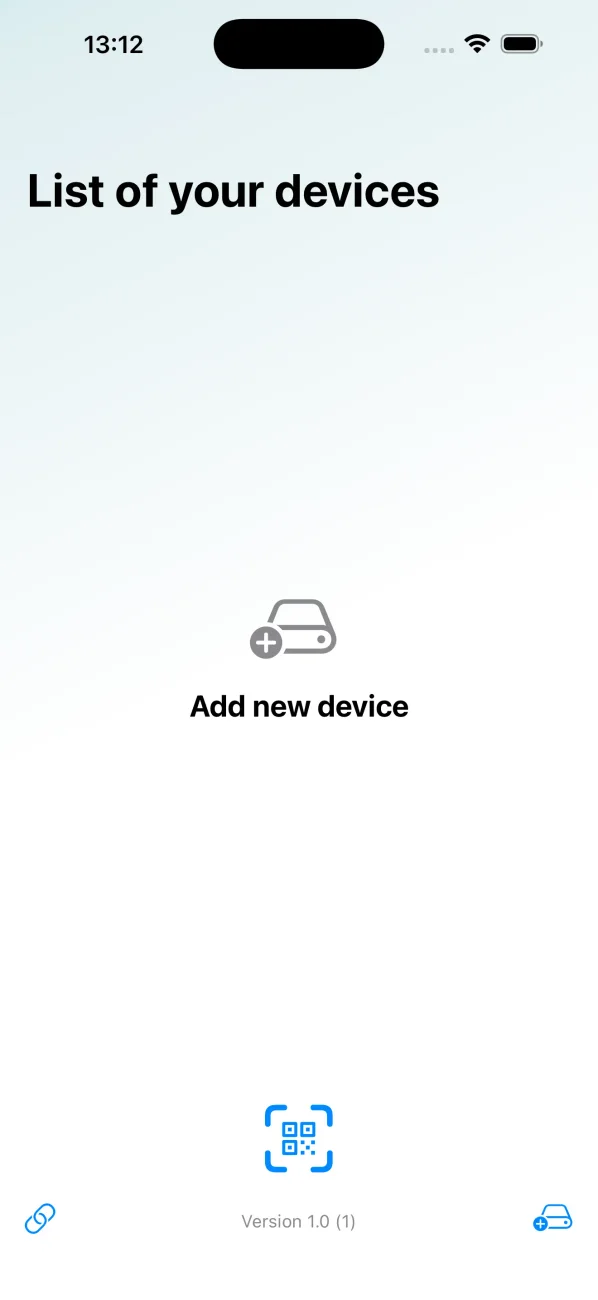
3. Pair your devices via QR code (or enter IP and port manually).
4. Control your Mac over the same local network.
Important:
• The iOS app uses Camera permission only for QR pairing.
• The iOS app uses Local Network permission to connect to your Mac.
• On macOS, Accessibility permission is required for system key/mouse control.
What’s new
Version 1.1 · Apr 8, 2026
• Added improved device management with the Mac server: you can now see connected iOS devices and control access (allow/deny).
• Better duplicate device handling and connection stability.
• Minor bug fixes and UI improvements.
App privacy
What Anna Vorobiova declares on the App Store about how this app handles data.
-
Data not linked to you
May be collected but is not linked to your identity.
- Identifiers
- Usage data
- Diagnostics
Privacy practices may vary, for example with the features you use or your age.
Information
- Seller
- Anna Vorobiova
- Category
- Utilities
- Version
- 1.1
- Updated
- Apr 8, 2026
- Released
- Mar 24, 2026
- Size
- 4.5 MB
- Requires
- iOS 17.1 or later
- Age rating
- 4+
- Price
- Free
- Languages
- English
- Copyright
- © 2026 Anna Vorobiova
You might also like
-
 3D Printables For Bambu Lab3D Handy Designs & STL Files
-
 VextEasy control of your Vext
-
 Tally Marks: CounterTap to count, like on paper
-
 The Calculator - Notes & UnitsMinimalist Currency Converter
-
 OsiMIDI T1 RemoteUtilities
-
 OsiMIDI Consoles RemoteUtilities
-
 CalcVault – Hide Photos/VideosHide photos & videos privately
-
 Convert Case: Text ConverterChange Uppercase to Lowercase
-
 Remote Buddy Mobile 2Remote/mouse/keyboard for Mac
-
 Universal TV Remote to ControlMiracast With LG, Sony & Roku