The Calculator - Notes & Units
Minimalist Currency Converter
Designed for iPhone
Free · In-app purchases
- Age rating4+
- CategoryUtilities
- DeveloperYiDe Liu
- LanguagesEnglish+ 20 more
- Size16.5 MB
Links to the official App Store page
Download.org hosts no file of The Calculator - Notes & Units. The button opens its official App Store page, published by YiDe Liu. Listing last checked on Nov 20, 2026.
Screenshots


About
How many steps does it take to work out a bill?
Open the calculator, get a number, write it down somewhere, come back,
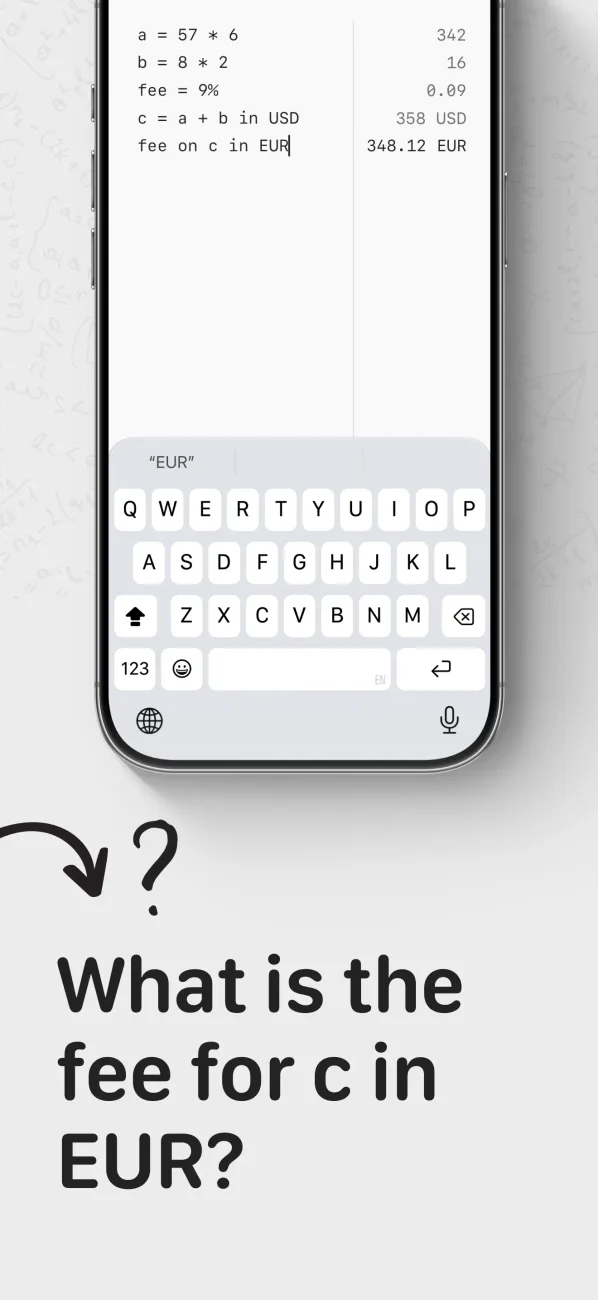
forget where you were. The notepad lets you write the whole thing as
text — every line worked out as you type it:
rent = 1200
utilities = 85
rent + utilities 1285
Name your values and reuse them. It reads plain English too:
20 ml in tsp
100 USD in EUR
20% off 80
Also good for
- Travelling — convert as you go, the whole day's spending on one page
- Cooking — cups, ounces, Fahrenheit, all converted in one place
- Estimating materials — add up three walls, divide by coverage per tin
- Quoting work — change one number, everything recalculates
Three more calculators
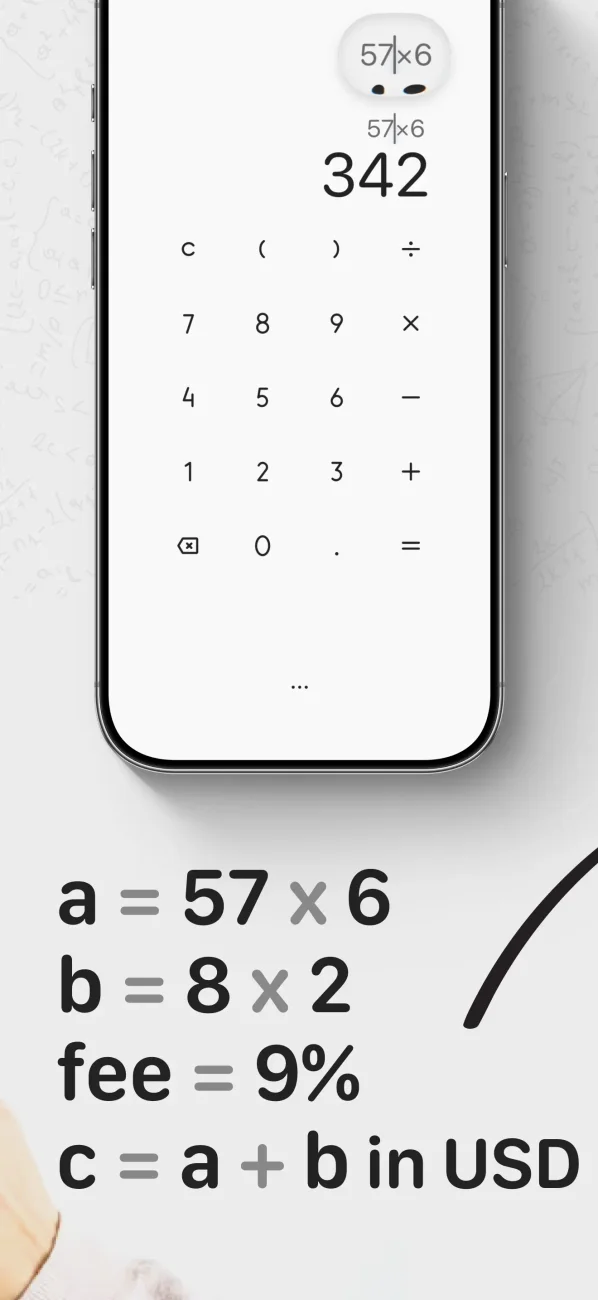
- Basic — large type, generous spacing, your working shown as you build it
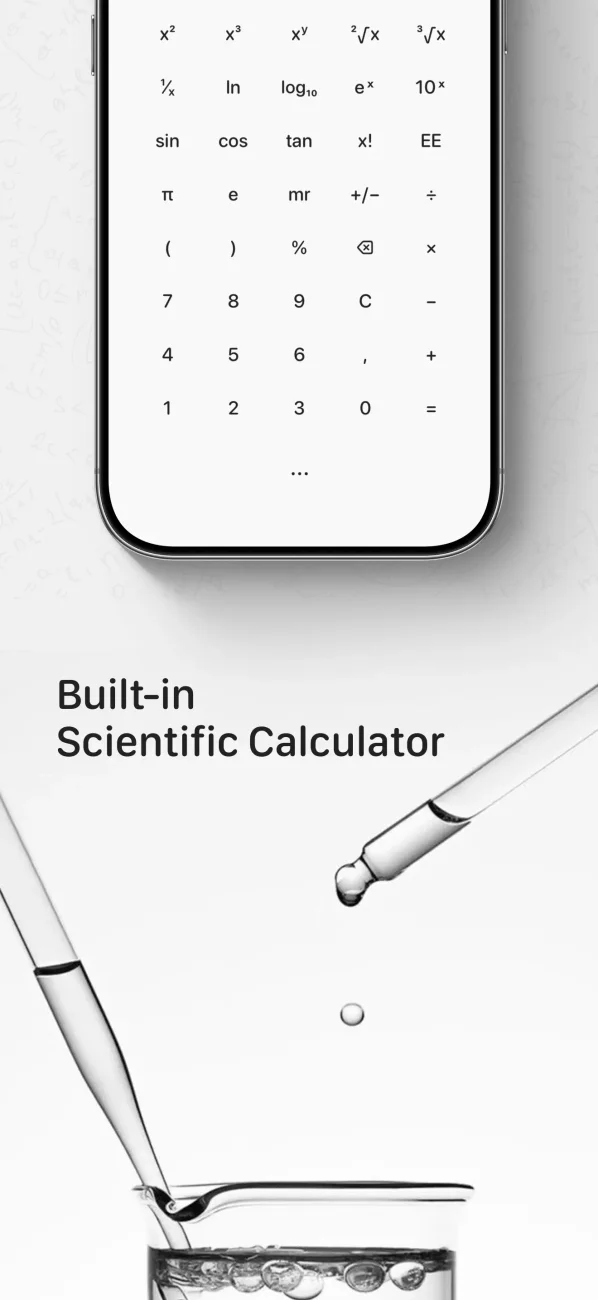
- Scientific — trigonometry, logarithms, powers and roots, 2nd key cycles four layers
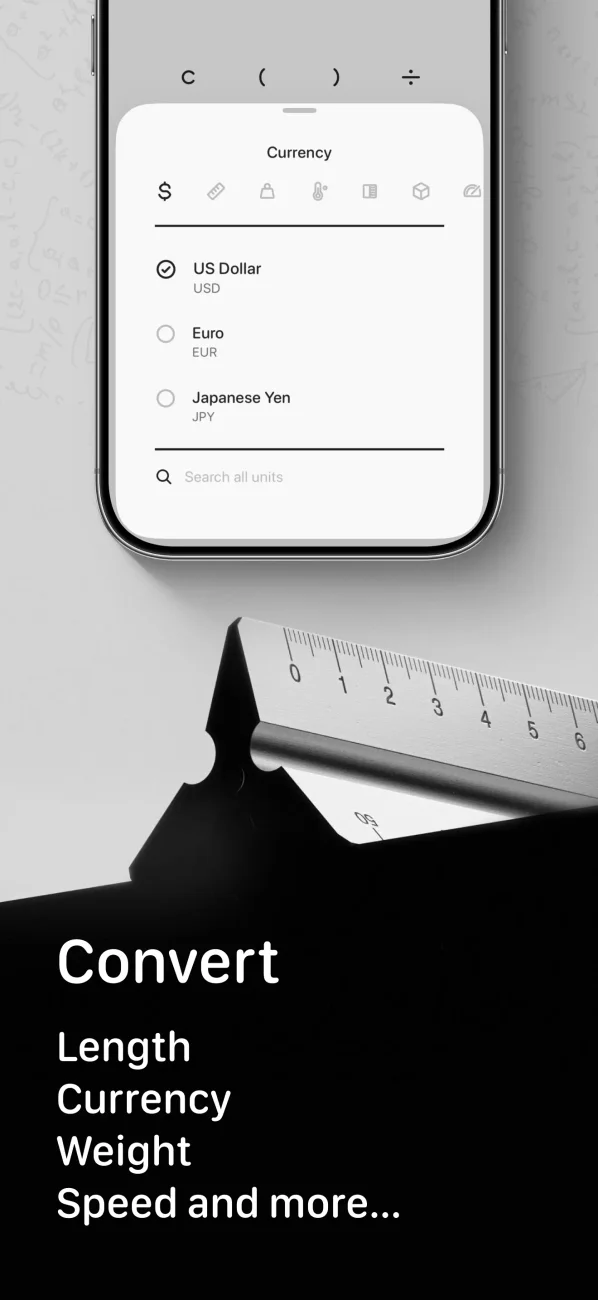
- Convert — 123 units across 15 categories, currency rates update automatically
Things you can adjust
- Number format — comma, period, space, apostrophe, or none
- Decimal places — full precision, or fixed to a number you choose
- Appearance — light, dark, true black, or follow the system
- Startup page — pick which one opens when you launch the app
- Haptics — tune the strength or switch it off
Also inside
- History, with notes you can attach
- Control Centre button for one-tap access
- Available in many languages, with unit names and keywords in each
Built on minimalist principles
Clean design, smooth interaction, no noise — only what actually matters.
The Calculator is free to use. Convert and Notepad are Premium features.
Terms of Use: https://www.minlsm.com/terms
Privacy Policy: https://www.minlsm.com/privacy
What’s new
Version 1.2.5 · Oct 14, 2026
- Fixed long calculations sometimes being cut off on the right while typing.
- Drag the cursor to the edge of the screen to scroll through a long calculation.
App privacy
What YiDe Liu declares on the App Store about how this app handles data.
-
Data not collected
The developer does not collect any data from this app.
Privacy practices may vary, for example with the features you use or your age.
Information
- Seller
- YiDe Liu
- Category
- Utilities
- Version
- 1.2.5
- Updated
- Oct 14, 2026
- Released
- May 28, 2025
- Size
- 16.5 MB
- Requires
- iOS 16.6 or later
- Age rating
- 4+
- Price
- Free
- In-app purchases
- Yes
- Languages
- English, Czech, Danish, Dutch, Finnish, French, German, Greek, Hungarian, Italian, Japanese, Korean + 9 more
- Copyright
- © minlsm
You might also like
-
 Minimal CalcUtilities
-
 Subber - Store Your BookmarksEverything in one place
-
 The Widget: Creative MakerCustom your clock widget!
-
 Life Dots: Visualize TimeVisualize your life in dots
-
 Clink: Custom KeyboardsThemes, fonts & swipe typing
-
 Quiche BrowserPrivate, Fast, Customizable
-
 Pop Out Timer Stopwatch ClockOn-screen floating above apps
-
 Ora: World ClockIt’s about time.
-
 Clutter - Screenshot OrganizerClean up. Save what matters.
-
 Clipboard Manager - OneTapCopy Paste History & Shortcuts