Clients – Contacts & Projects
Track both in one app
Designed for iPhone, iPad, Mac
$9.99
- Age rating4+
- CategoryProductivity
- DeveloperDavid Wilder
- LanguagesEnglish
- Size15.0 MB
Links to the official App Store page
Download.org hosts no file of Clients – Contacts & Projects. The button opens its official App Store page, published by David Wilder. Listing last checked on Nov 20, 2026.
Screenshots

About
Stop opening three apps every time a client calls.
Clients is a native iPhone, iPad, and Mac app that connects your contacts, your notes, and your projects in one app. Your client history, your active projects, and your follow-ups all live together, so you always know where things stand before you pick up the phone, go into a meeting, or send that email.
It's not trying to replace your project management or your contacts app or your notes app. It's all three, in one app.
CLIENTS, NOTES, AND PROJECTS, CONNECTED
Most apps keep your clients in one place and your work in another. Clients links them. Every client has their own projects, conversation history, notes, and follow-ups, so the context you need is always one tap away.
A DASHBOARD THAT TELLS YOU WHAT NEEDS YOU
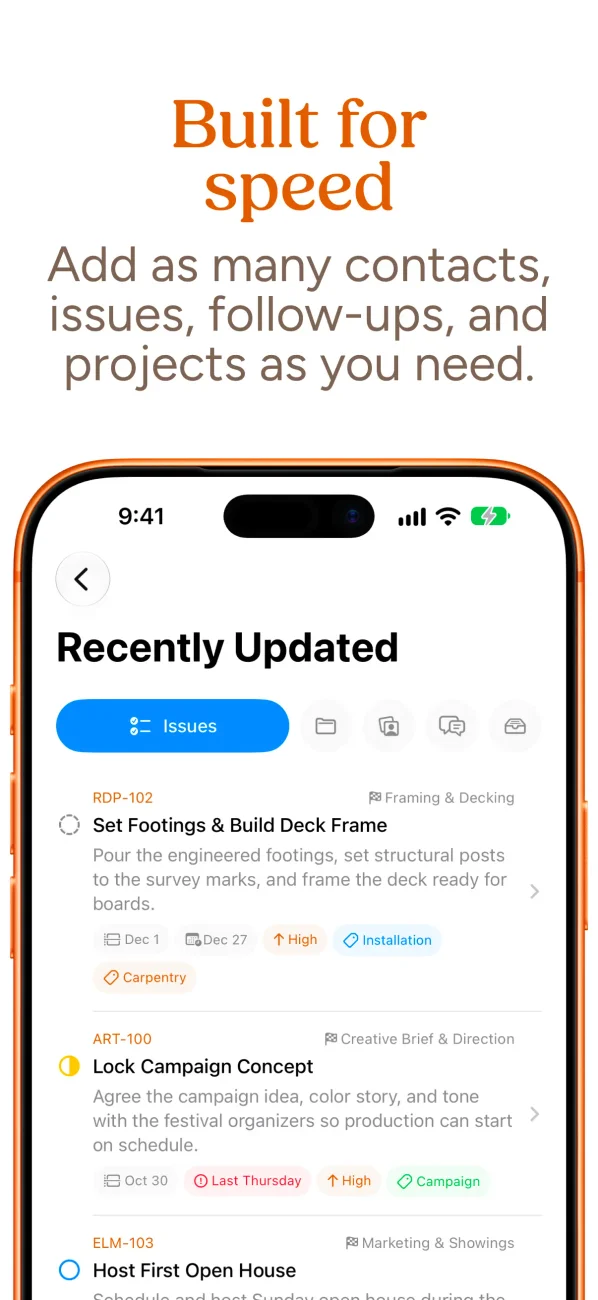
Open the app to a short written summary of your day, then Today, Upcoming, and Recent Issues. See what's overdue, who you're waiting on, and which follow-ups you owe, and tap any of it to go straight there.
CLIENT HISTORY
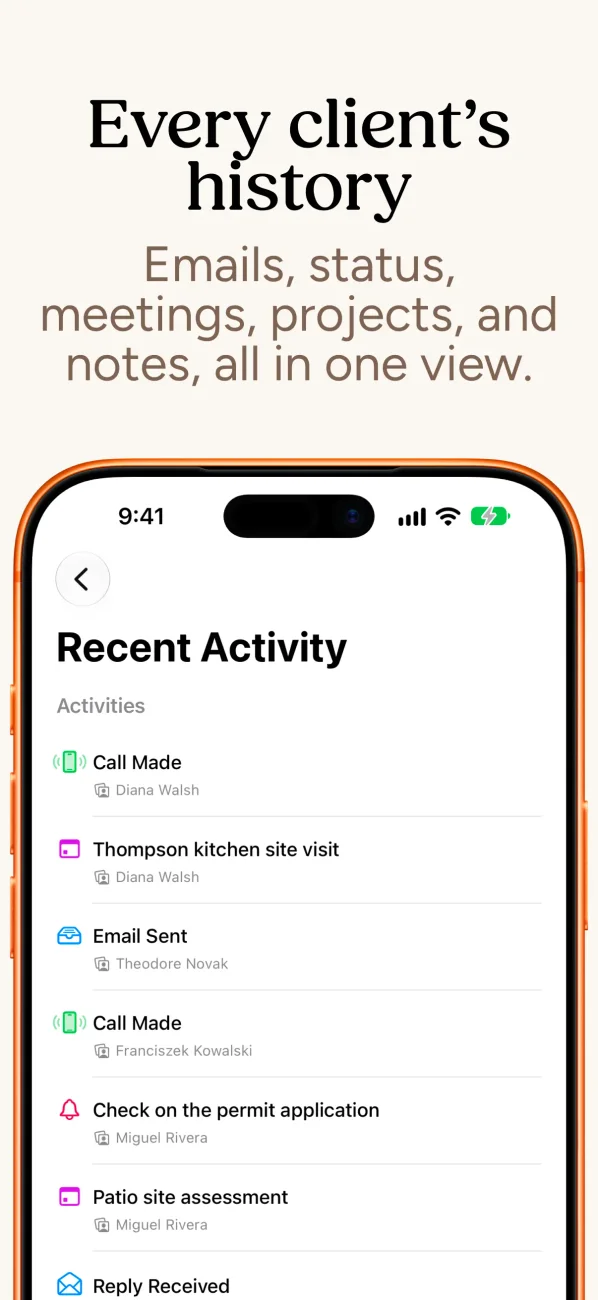
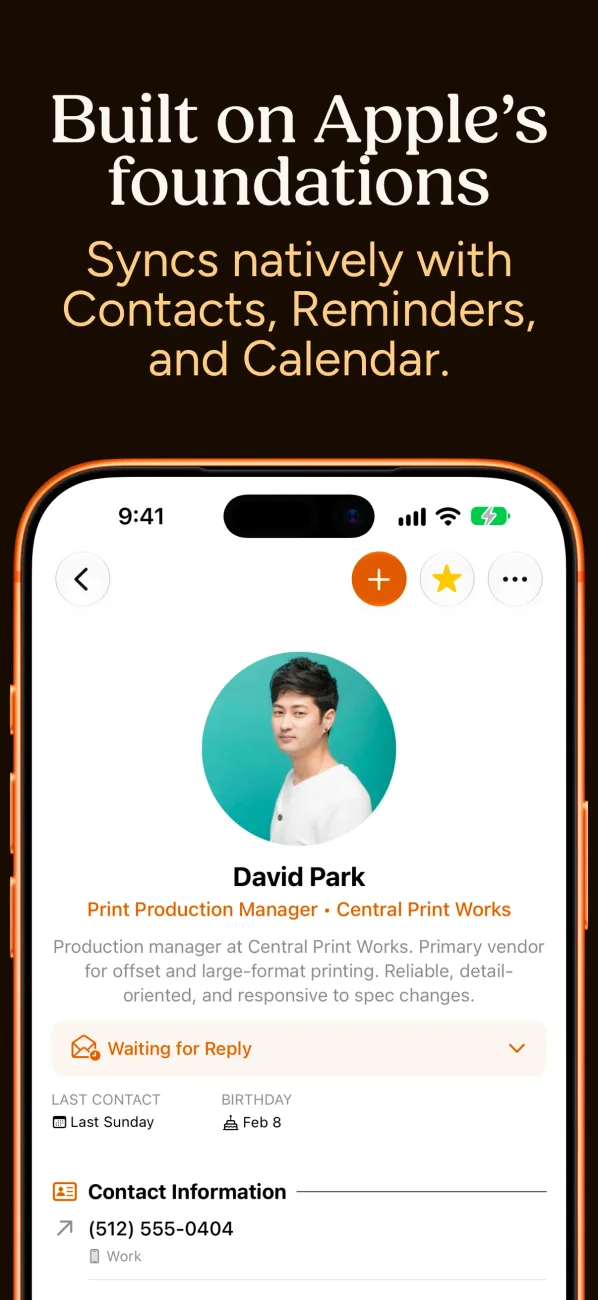
Log every call, meeting, and email as it happens. Each client has a running timeline and a relationship status, so you always know what was said and whose move it is.
WORKS WITH APPLE CONTACTS, CALENDAR, AND REMINDERS
Choose the people you want to track from Apple Contacts. Their details stay in one place and stay up to date. Meetings go into Apple Calendar and follow-ups into Apple Reminders, so they show up on every device you own.
PROJECTS, MILESTONES, AND ISSUES
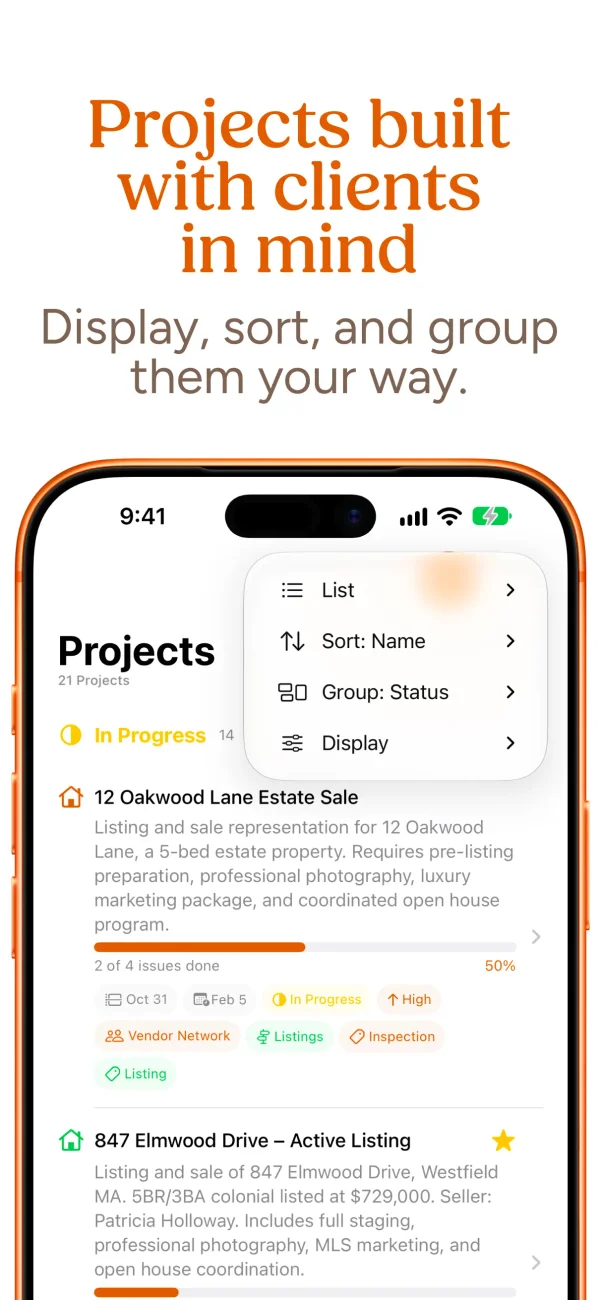
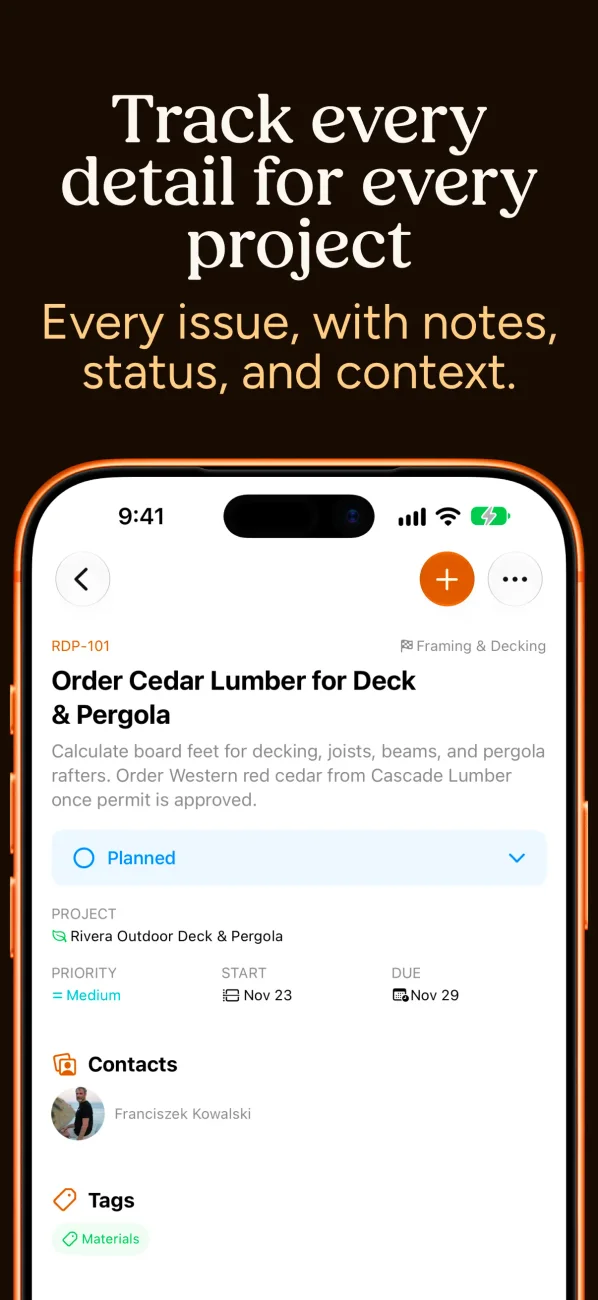
Track every project from start to finish with milestones, issues, and sub-issues. Organize work with teams, tags, statuses, and priorities, without the complexity of tools built for large teams.
LISTS AND BOARDS
View projects, issues, and clients as a list or as a board, grouped and sorted the way you work. Drag a card to change its status, and add an issue straight into a column.
SIRI AND SHORTCUTS
Log a call, add an issue, set a follow-up, or ask what's due today, without opening the app.
FAST, HOWEVER MUCH YOU TRACK
Clients 2 was rebuilt for speed. It opens instantly whether you have a handful of issues or thousands.
AND MORE
• Favorites in the sidebar for your most active clients and projects
• Search across projects, issues, and people
• Export issues as PDF, Text, CSV, or JSON
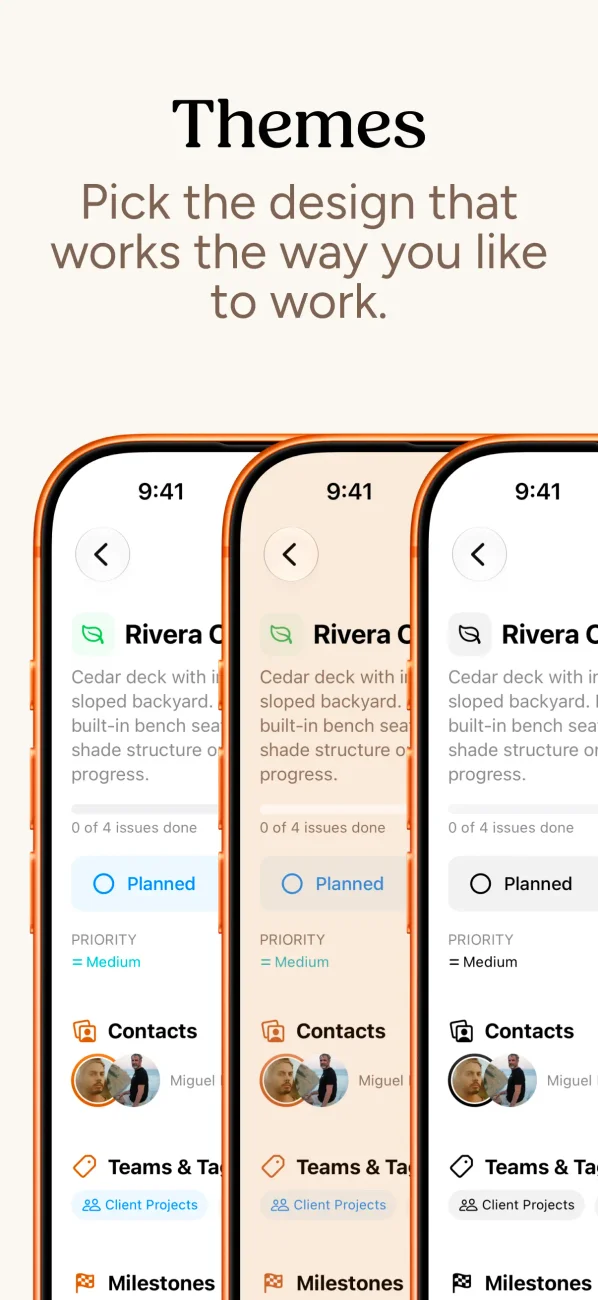
• Three themes, including a near-monochrome Noir
• On Mac, share a list from an email and turn each line into an issue
• iCloud sync across iPhone, iPad, and Mac
Built for professionals who keep people and projects moving.
What’s new
Version 2.1.1 · Nov 13, 2026
A BETTER DONE
Mark an issue done and it shows as done right away, with a little haptic. Then it fades out and the rows below slide up into place.
SAFER PROJECT DELETES
Swiping a project to Delete now asks first. Deleting a project also deletes its milestones, issues and attachments, which is a lot for one swipe.
SUB-ISSUES, YOUR WAY
A sub-issue can now sit in a different milestone than its parent. Pick one in its edit sheet, or drag it into any milestone column on a board.
ALSO
Email activities have clearer icons, so sent, replied and waiting for a reply each look different.
App privacy
What David Wilder declares on the App Store about how this app handles data.
-
Data not collected
The developer does not collect any data from this app.
Privacy practices may vary, for example with the features you use or your age.
Information
- Seller
- David Wilder
- Category
- Productivity
- Version
- 2.1.1
- Updated
- Nov 13, 2026
- Released
- Apr 8, 2026
- Size
- 15.0 MB
- Requires
- iOS 27.0 or later
- Age rating
- 4+
- Price
- $9.99
- Languages
- English
- Copyright
- © 2026 ItsWilder
You might also like
-
 QR Code Generator Studio ProMake dynamic QR codes
-
 Brainbits: Notes for IdeasCapture and grow ideas
-
 DeckPilot - Workflow ControlWorkflows, Macros & Shortcuts
-
 Weekr: Weekly & Daily PlannerHabits, to-dos & focus timer
-
 Brainee: Second Brain NotesBrain Dump Planner & Organizer
-
 Dextr Personal CRMYour Relationship Address Book
-
 Lineár CalendarSee the Bigger Picture
-
 Units: Unit converterMeasurement, Currency
-
 Anchor: Time Blocking PlannerDaily Calendar & Focus Timer
-
 Exoplan: AI Energy PlannerSmart Calendar & Time Blocking