Anchor: Time Blocking Planner
Daily Calendar & Focus Timer
Designed for iPhone, Mac
Free · In-app purchases
- Age rating4+
- CategoryProductivity
- DeveloperAlessandro Pluda
- LanguagesEnglish+ 5 more
- Size98.2 MB
Links to the official App Store page
Download.org hosts no file of Anchor: Time Blocking Planner. The button opens its official App Store page, published by Alessandro Pluda. Listing last checked on Nov 25, 2026.
Screenshots


About
A place for your tasks, projects, and daily plan.
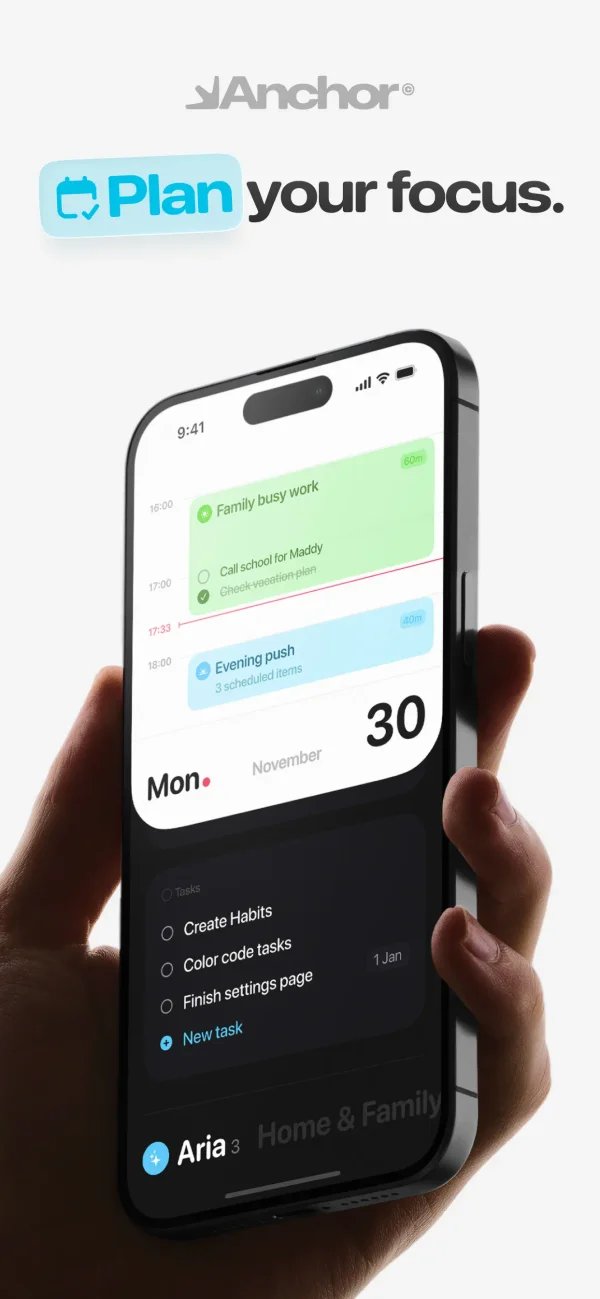
Anchor organizes your day around focus blocks. Group tasks into a block, give it some time in your calendar, and work through them at your own pace. When plans change, move things around.
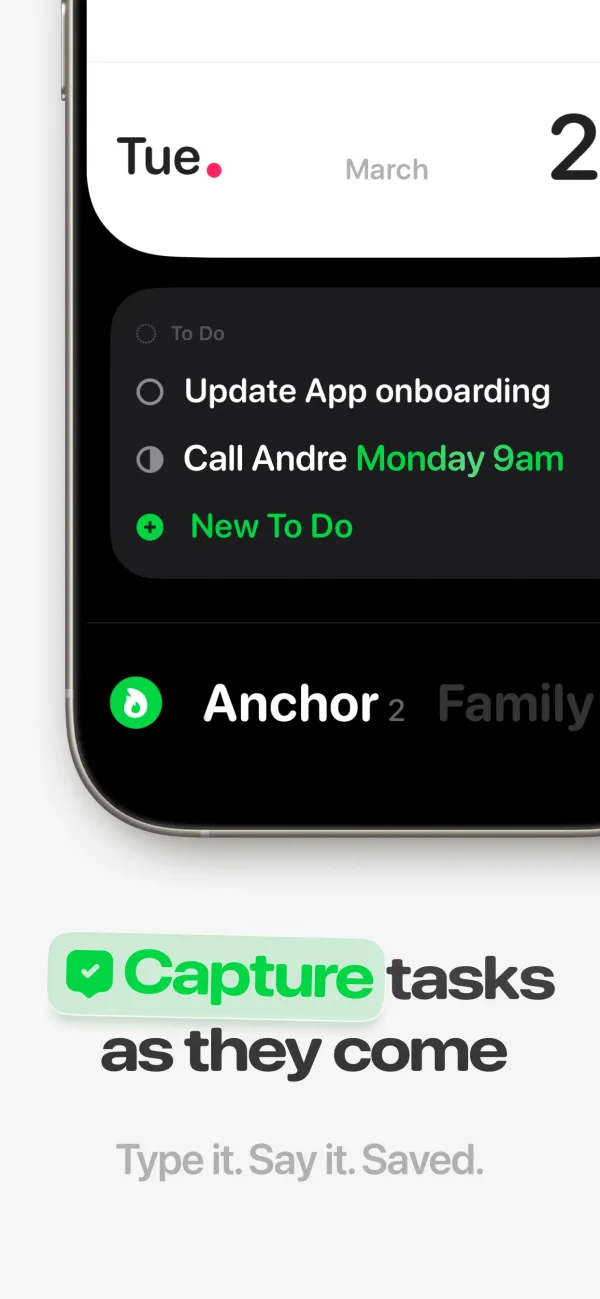
CAPTURE YOUR TASKS
Type a task as it comes to mind. Use Smart Dates to add a date as you type, or hold New To Do and talk through several things at once. Anchor turns what you say into tasks, with projects, dates, and urgency levels, privately with Apple Intelligence.*
KEEP PROJECTS ORGANIZED
Keep related tasks in projects. Add dividers to separate sections, notes to hold the details, and urgency levels to show what needs attention. Drag tasks into the order that works for you.
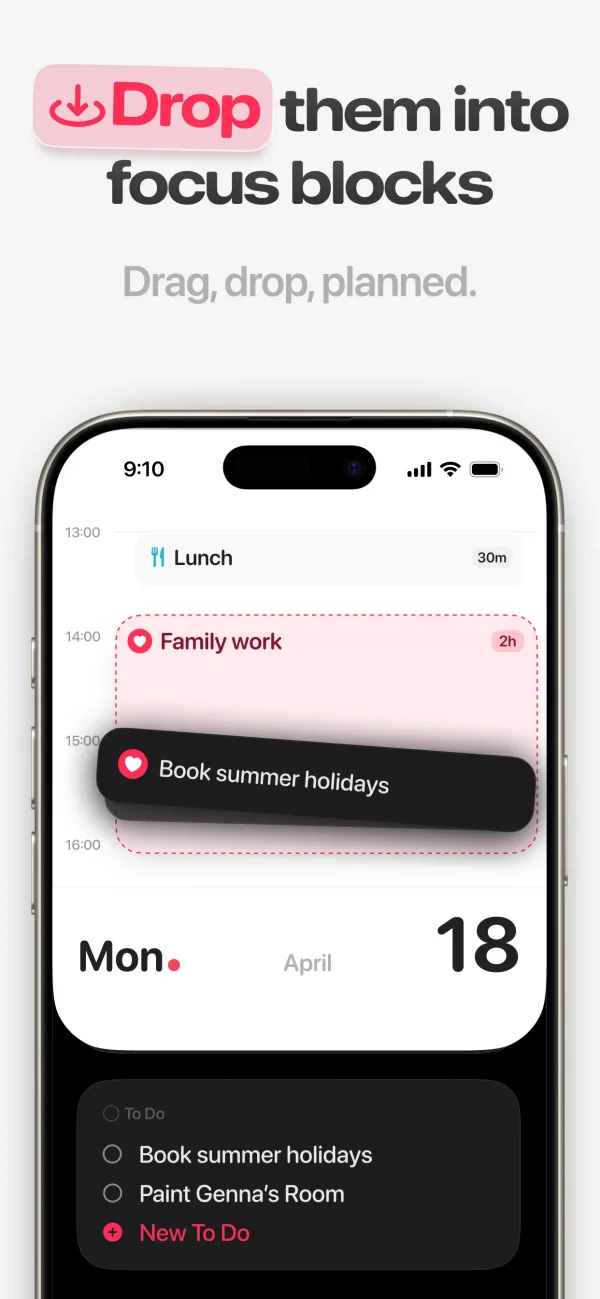
PLAN WITH FOCUS BLOCKS
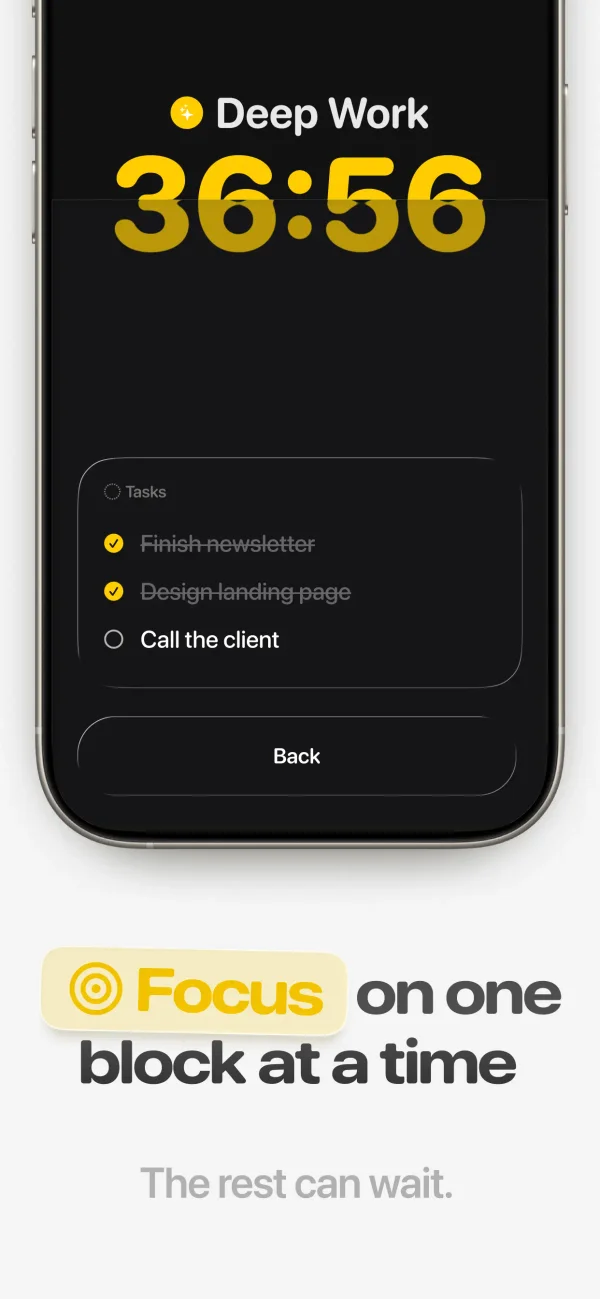
Bring tasks into a block alongside your calendar events. Set up repeating blocks for the regular parts of your week. Focus on one block at a time, and move unfinished tasks forward when you need to.
PICK UP ON ANOTHER DEVICE
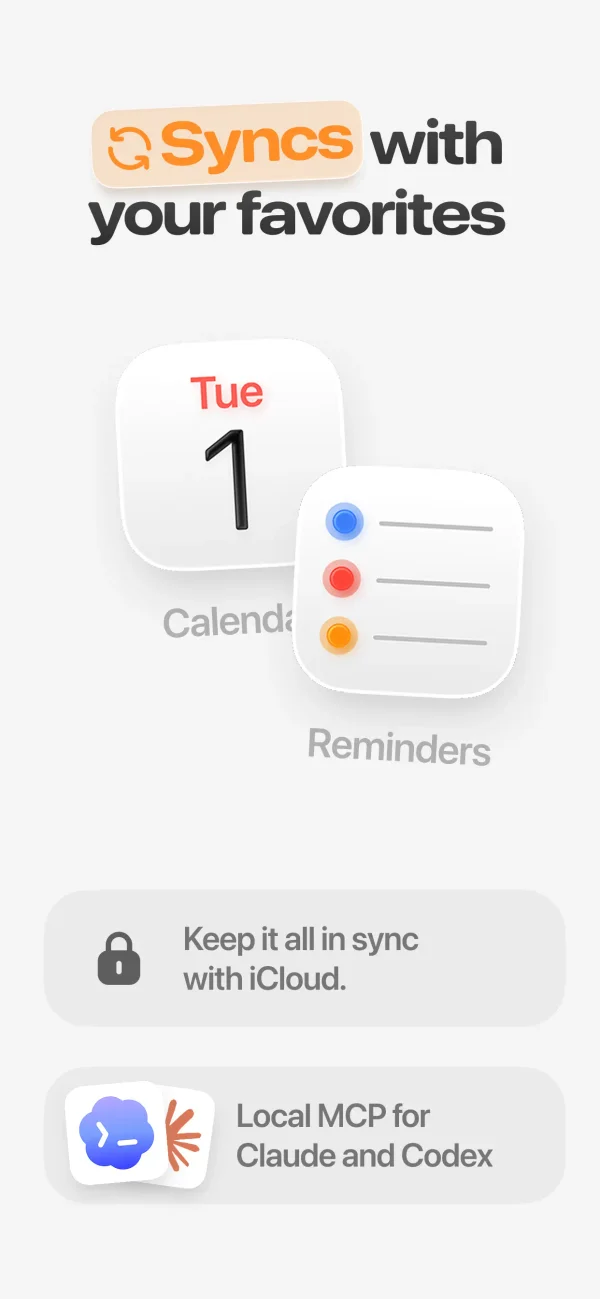
Your tasks, projects, and focus blocks sync through your private iCloud. Anchor is also available on Mac, so you can continue there.
CONNECTED TO YOUR DAY
• Apple Calendar and Reminders sync
• Widgets and Live Activity
• Siri shortcuts
• Repeating blocks and custom icons
• Works offline
• No separate Anchor account required
Available in English, German, French, Spanish, Italian, and Brazilian Portuguese.
MADE INDEPENDENTLY
Anchor is designed and built by an independent developer. No ads, no venture capital. Just an app that keeps getting better with feedback from the people who use it.
*Voice capture requires Super Anchor and a compatible iPhone with Apple Intelligence enabled, using a supported language.
Terms of Use: https://www.apple.com/legal/internet-services/itunes/dev/stdeula/
What’s new
Version 2.3 · Nov 23, 2026
• Repeating Tasks: Set a task to repeat from its date: daily, on weekdays, monthly and more. Check it off and it comes back on its next date. On iPhone and Mac, and in step with Apple Reminders.
• Emoji Icons and New Colors: Give a project or focus block an emoji as its icon: swipe to the second page of the icon picker. Peach, lilac and raspberry join the colors.
• More Ways to Repeat Blocks: Repeat a focus block on several weekdays, every few weeks or months, on chosen days of the month or its last day, or in chosen months of the year. On iPhone and Mac.
• Live Activity for Blocks with Tasks: Choose whether the Dynamic Island shows every focus block or only the ones with tasks. The same choice for the notch on the Mac.
Fixes
• Dragging a to do onto a repeating focus block no longer crashes Anchor.
• Changes you make in Anchor reach Apple Reminders within seconds.
• Your Reminders lists show up right after you give Anchor access to Reminders.
• A new focus block keeps the name you typed.
• All-day focus blocks set to repeat now show on every repeat day.
• Changing a repeating focus block with This and Future now reaches every later day.
• On Mac, ⌘Z no longer gets stuck after a sync with Reminders.
• A to do you just completed can be held and dragged to Delete right away.
• With Smart Dates off, words like "tomorrow" stay in the to do's name.
• To dos keep the same order on all your devices.
• On a closed iPhone Duo, the urgency slider no longer runs into the status column.
App privacy
What Alessandro Pluda declares on the App Store about how this app handles data.
-
Data not linked to you
May be collected but is not linked to your identity.
- Purchases
- Identifiers
- Usage data
- Diagnostics
Privacy practices may vary, for example with the features you use or your age.
Information
- Seller
- Alessandro Pluda
- Category
- Productivity
- Version
- 2.3
- Updated
- Nov 23, 2026
- Released
- Apr 7, 2026
- Size
- 98.2 MB
- Requires
- iOS 26.0 or later
- Age rating
- 4+
- Price
- Free
- In-app purchases
- Yes
- Languages
- English, French, German, Italian, Portuguese, Spanish
- Copyright
- © 2026, Alessandro Pluda
You might also like
-
 AI Calendar - Pocket CalDaily Planner, Tasks & Widgets
-
 Habit Tracker - DayriseStreaks, Routines & Motivation
-
 Pomodoro Timer: Tempo FocusStudy Tracker & App Blocker
-
 Habit Tracker // init.Habitsstreaks, routines & pixel grid
-
 Re:mindr - Quick RemindersReminder, ToDo & Planner
-
 Offload ADHD OrganizerAI To Do List from Brain Dump
-
 Focus Timer - StudiousStudy Planner & Pomodoro
-
 Things take time: Life trackerProgress & habit journal
-
 Ivy: Plan. Do. Reflect.Daily commitment and reminders
-
 ThisDay: Planner & RemindersTasks, habits and reminders