
ClientWorkSystem
Plan, script & record content
Designed for iPhone, iPad, Mac
Free
- Age rating4+
- CategoryProductivity
- DeveloperTiberiu Nedelea
- LanguagesEnglish+ 2 more
- Size54.5 MB
Links to the official App Store page
Download.org hosts no file of ClientWorkSystem. The button opens its official App Store page, published by Tiberiu Nedelea. Listing last checked on Nov 20, 2026.
Screenshots
About
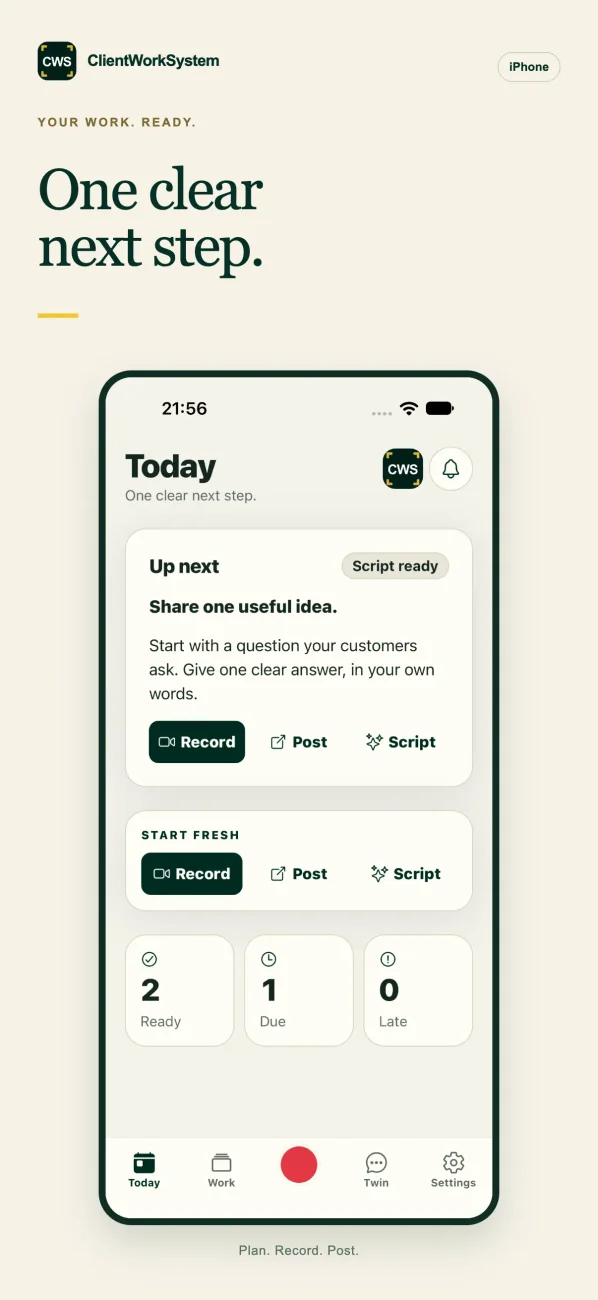
ClientWorkSystem helps busy service business owners plan social content, prepare scripts, record videos, and move each piece of work toward delivery.
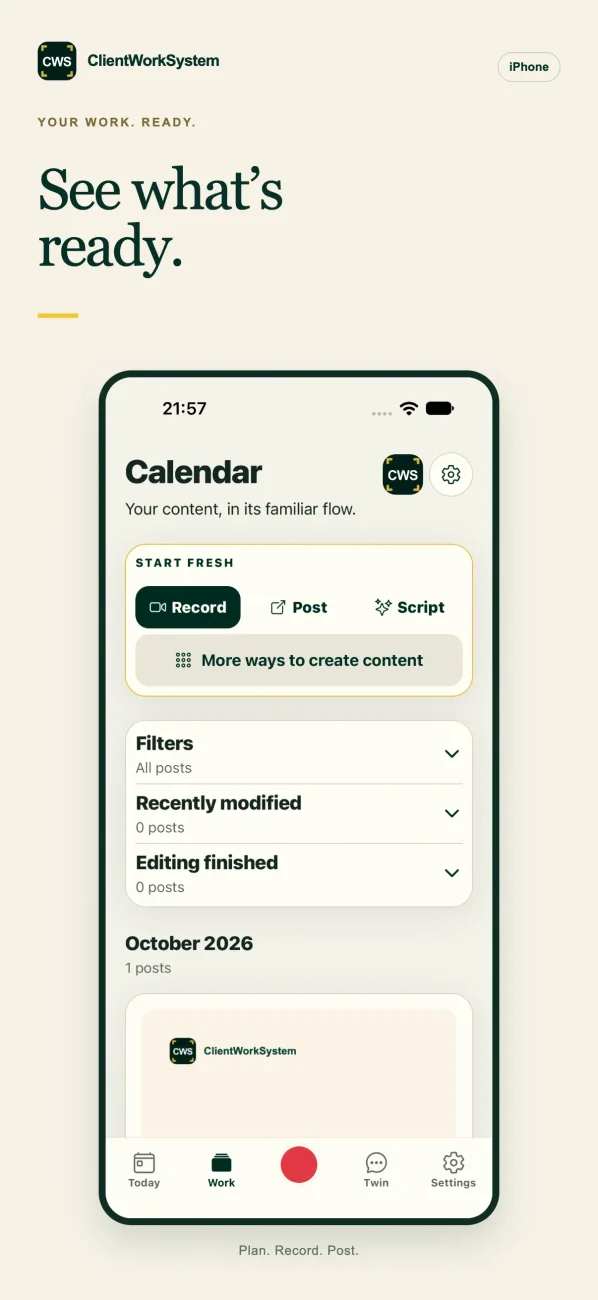
Know what is ready today. Open your content calendar and see the next useful step.
Record with the words in front of you. Keep your script on screen while you film, so you can speak clearly without learning every line.
Keep work safe when the internet drops. Recordings stay on your iPhone until they can upload safely. Reopen the app and retry without starting again.
Turn an idea into a post. Use Quick Post to begin with a point, photo, or voice note. Ask your private Digital Twin when you need a useful next move.
Sign in to your existing ClientWorkSystem account using your email address, private sign-in link or access code. You can also scan your sign-in QR code using the camera control on the sign-in screen. Use the same private workspace across mobile and web.
Camera, microphone, photos, and notifications are used only when you choose features that need them.
What’s new
Version 1.0.32 · Nov 12, 2026
Our biggest update ever. Now you can call your mascot and simply talk.
TALK TO YOUR MASCOT
• Tap the green button in Chat and start talking. No typing.
• Your mascot answers out loud, in real time.
• Ask for a post, a graphic or a video. It gets started while you talk.
• Watch your mascot act out the call and bring your finished work.
• You get a short summary in Chat when the call ends.
MEET YOUR MASCOT
• Build your own brand mascot and give it a name.
• It lives in Chat, reacts to you and brings your finished work.
• Add it to your graphics with one tap.
THREE VERSIONS, YOU PICK
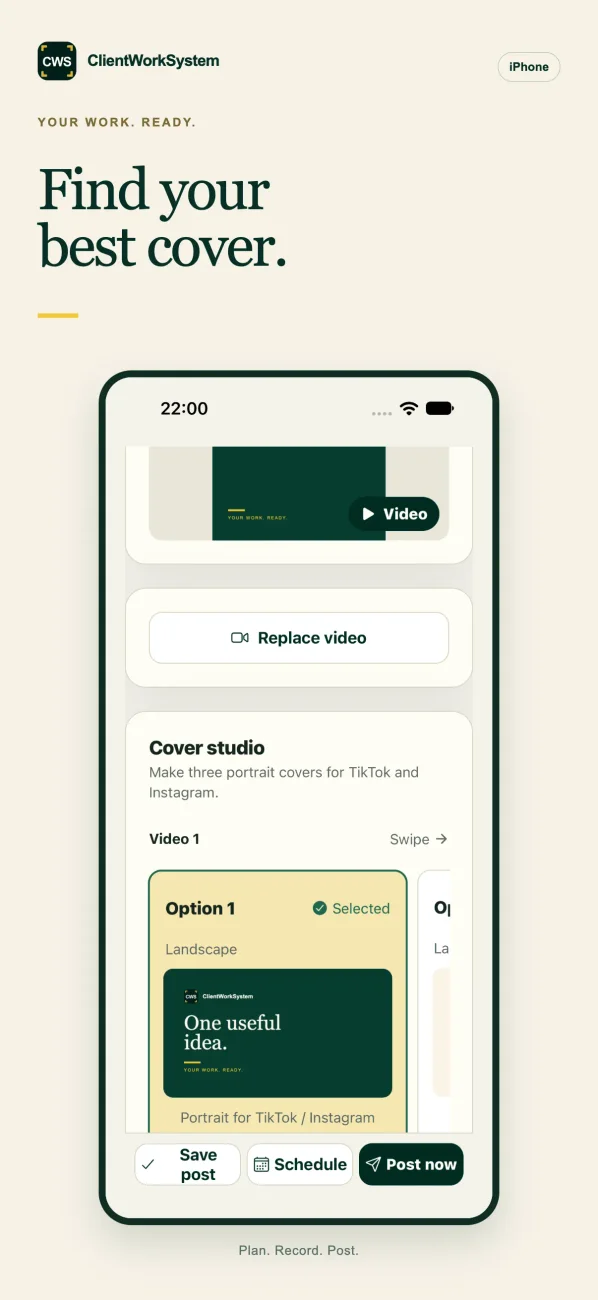
• Every graphic now comes in three versions.
• Swipe to choose. Tap to see it big. Pinch to zoom.
• Pick your own photos and choose the main picture.
• Remove one picture from a post with a light tap.
FASTER, CALMER PROCESSING
• Videos are prepared on your phone, so they send much faster.
• Uploads carry on when you leave the app or lock the phone.
• Exact MB and time left, on the lock screen and Apple Watch.
• Lost signal? Nothing is lost. It picks up where it stopped.
• Running work stays pinned at the top of Chat.
ONE COACH CHAT
• One conversation for everything, with replies, threads and reactions.
• Answers appear word by word.
• Play films and open photos full screen, right in Chat.
• Paste a photo straight in, or add several photos to one message.
ALSO NEW
• Weekly profile check with one clear action for the week.
• Dark mode that follows your phone.
• Swap the music on a film with one tap.
• What you sell: add products and services with real photos.
• Clear posting status, so you never post twice.
• Smarter home-screen widgets.
FIXED
• Create keeps going when you switch apps.
• Pictures retry by themselves on a weak connection.
• Notifications open the exact message.
• Closing the app no longer crashes it.
App privacy
What Tiberiu Nedelea declares on the App Store about how this app handles data.
-
Data linked to you
May be collected and linked to your identity.
- Contact info
- User content
- Identifiers
- Usage data
Privacy practices may vary, for example with the features you use or your age.
Information
- Seller
- Tiberiu Nedelea
- Category
- Productivity
- Version
- 1.0.32
- Updated
- Nov 12, 2026
- Released
- Jul 28, 2026
- Size
- 54.5 MB
- Requires
- iOS 16.4 or later
- Age rating
- 4+
- Price
- Free
- Languages
- English, Romanian, Spanish
- Copyright
- © 2026 LPV GLOBAL LTD
You might also like
-
 links for latereffortless bookmark management
-
 Second HomeProductivity
-
 ScreenMeet SupportProductivity
-
 SNAPmobileProductivity
-
 IAAPA Connect+Productivity
-
 Tinker by ShopifyFrom idea to asset
-
 Playbook - Creative StorageCreatives: Make the switch!
-
 Endless PaperInfinite canvas to grow ideas
-
 Quip - Docs, Chat, SheetsProductivity
-
 Minted: The Address BookCollect mailing addresses