
links for later
effortless bookmark management
Designed for iPhone, iPad, Mac
Free · In-app purchases
- Age rating17+
- CategoryProductivity
- DeveloperDev Shahani
- LanguagesEnglish
- Size11.4 MB
Links to the official App Store page
Download.org hosts no file of links for later. The button opens its official App Store page, published by Dev Shahani. Listing last checked on Nov 24, 2026.
Screenshots

About
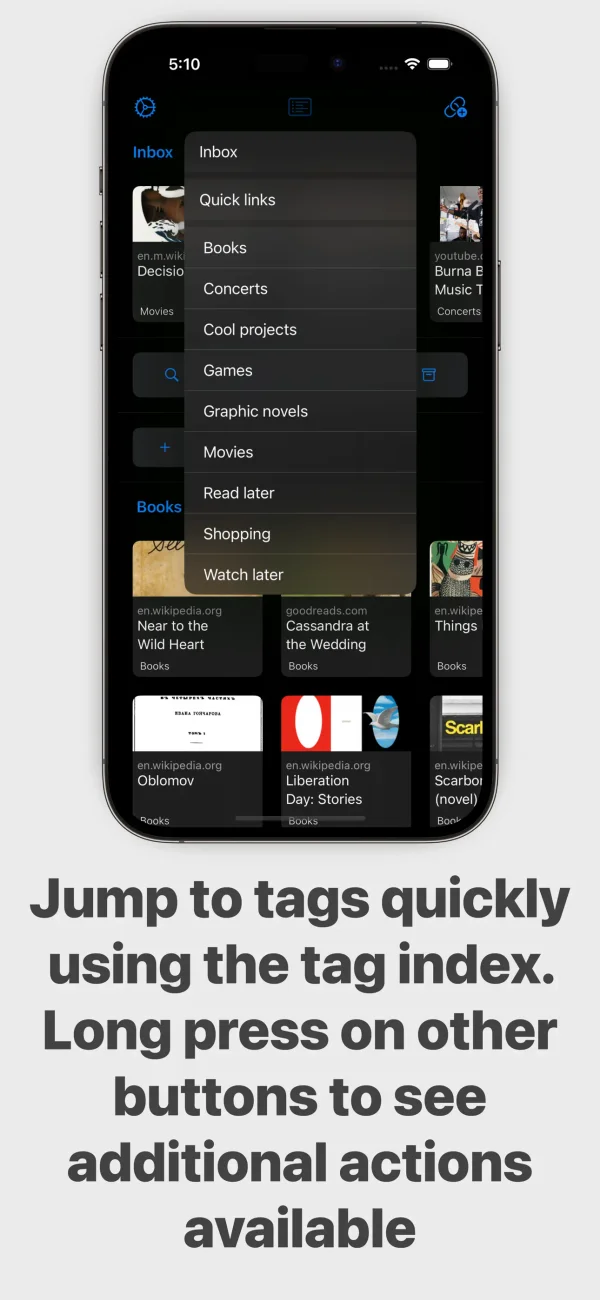
Links for Later gives you a fast and easy way to save, organize, and find links! Links include rich previews and automatically sync across all your iOS and macOS devices.
Who is this good for? Links for Later is perfect for people who:
- Save a lot of things for later (recipes, articles, tweets, shopping wish lists)
- Can't stand having a lot of tabs open
- Like organizing saved links
- Think their browser's bookmarking solution involves too many steps
What can it do?
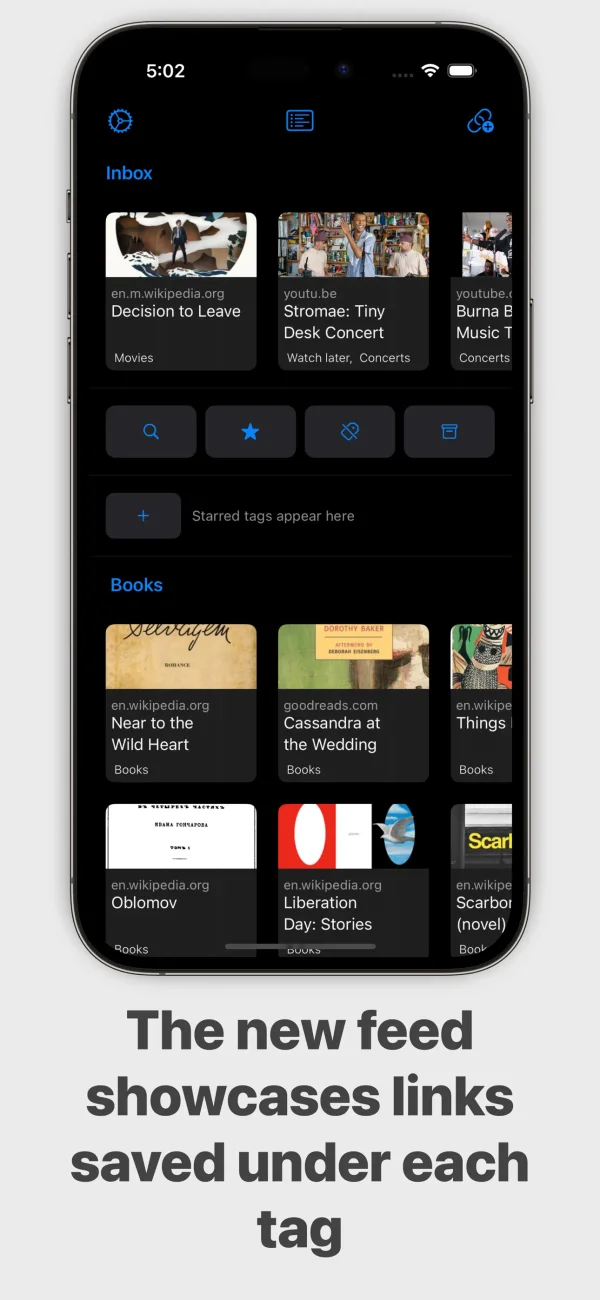
- Give you a great overview of all your saved links in the home feed
- Save links fast
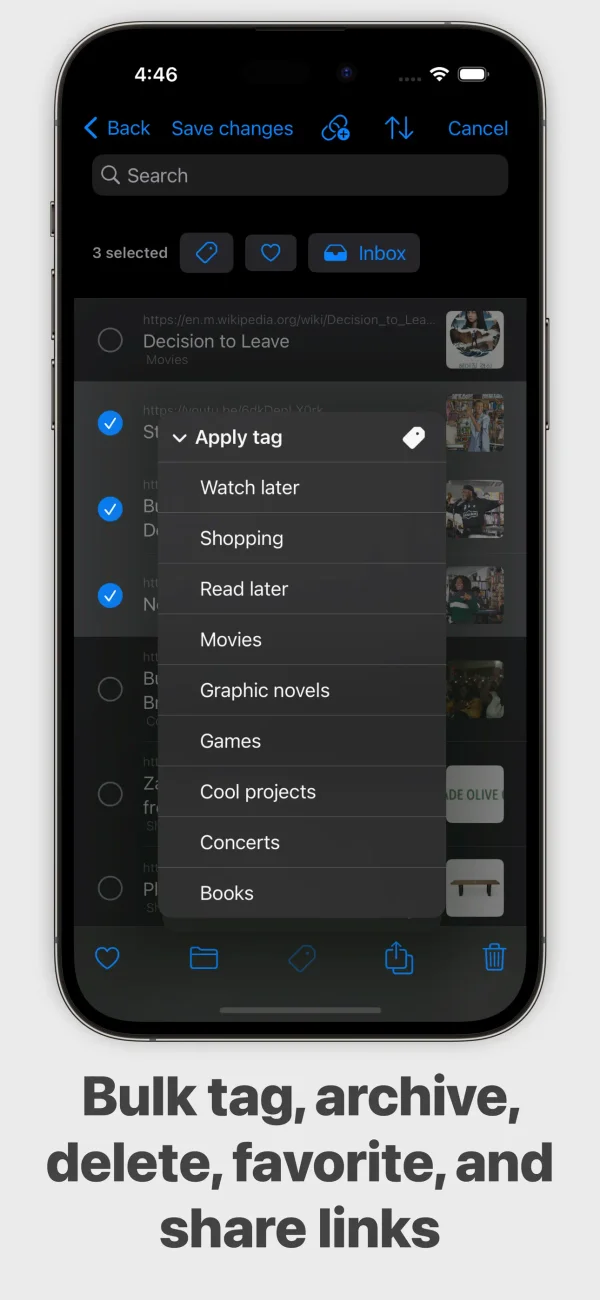
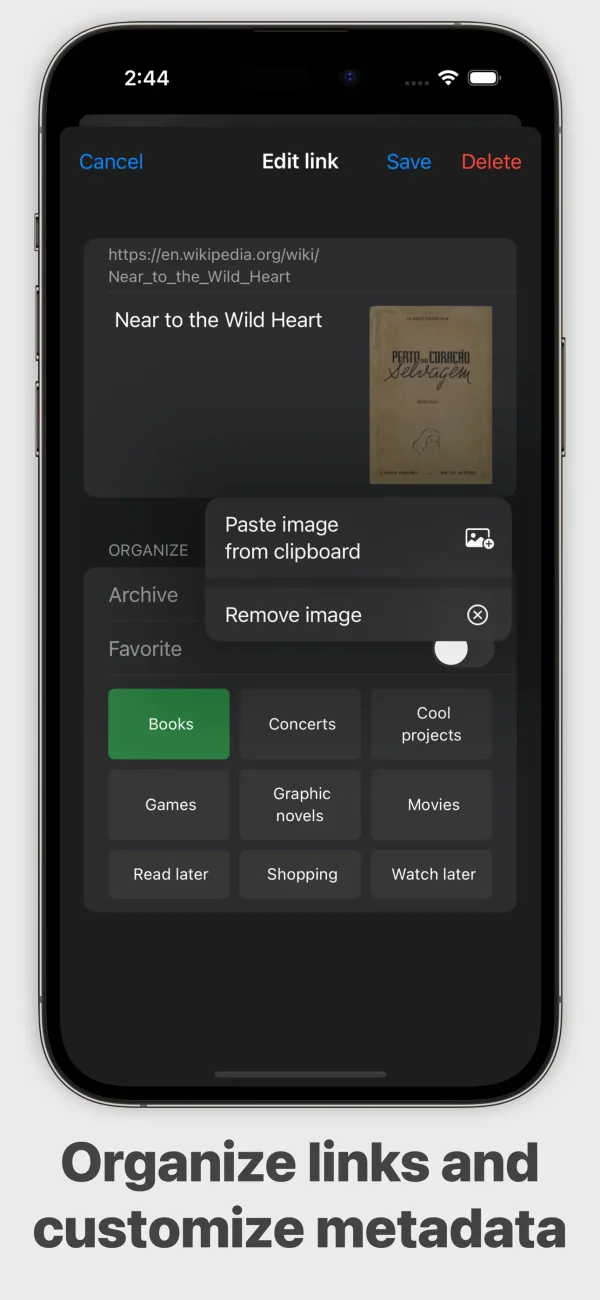
- Tag links
- Filter links
- Find links by their URL or title
- Display rich previews to help you identify saved links faster
- Hide and unhide saved links
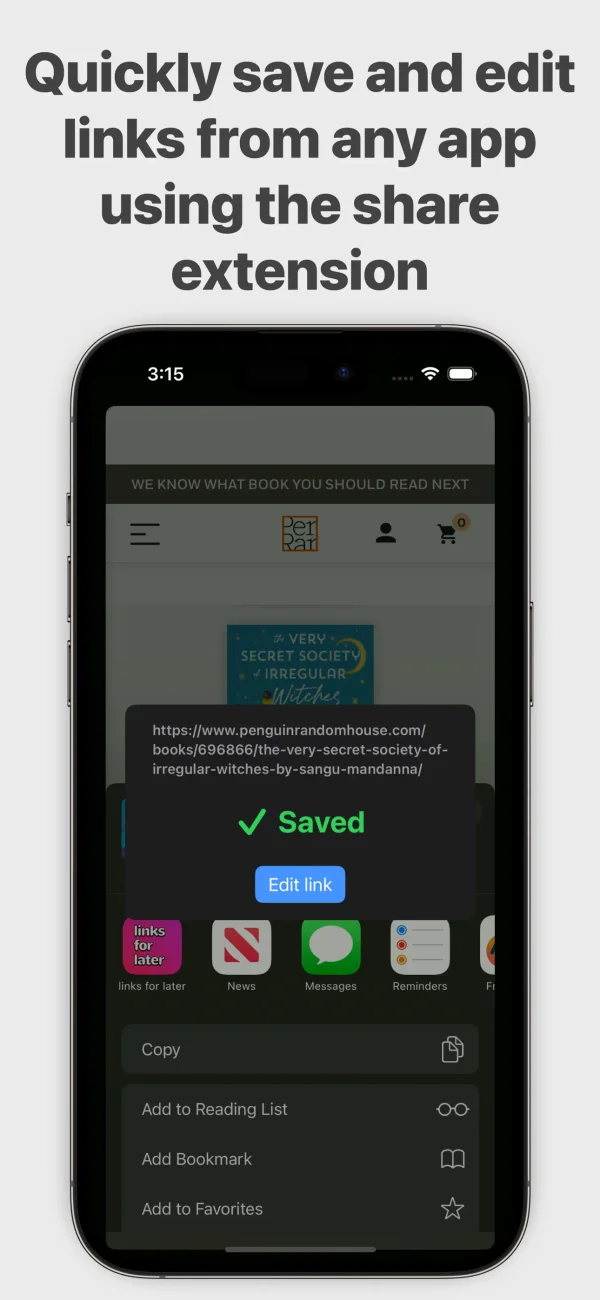
Enable the Share Extension for fast saving:
(iOS 14 users please note you may have to restart your device after installing the app for it to appear in your share extensions list)
1. Open Safari on your device
2. Tap the Share button
3. Swipe to the end of the row with app icons
4. Tap Edit
5. Find Links for Later, add it to your favourites, and drag it to the front of the list
6. Use the newly enabled extension to save links as fast as you can find them!
What’s new
Version 3.10 · May 22, 2025
Minor version fixes:
- (New) Fixed an issue where the share extension wouldn't work from the Youtube app (thanks to David for emailing in)
- (New) Swipe a link to carry out actions like editing, favouriting, or archiving
- (New) Repositioned delete, favourite, and read actions to the bottom of the screen for easier access in the link editor
- Hopefully fixes app crashing issue in iOS 18 (thanks to Mateo for emailing in)
- Added accessibility label to tag selection when editing a link so VoiceOver can say whether a tag is selected or not (thanks to Henk for emailing in)
- Fixed issue where share extension wouldn't save App Store links (thanks to Terry for emailing in)
- Links opened from widgets are shown in the Home Feed (can be turned off from in-app Settings)
- Widget configuration supports shuffling links (re-add Widget for option to appear)
- Fixed issue where widgets wouldn't display a message when no links are found for provided configuration
Version 3 features several enhancements focused on optimizing your link-saving, organization, and viewing experience.
Key features:
- Feed view: the newly introduced feed view places a strong focus on making your saved links more visible and easily accessible.
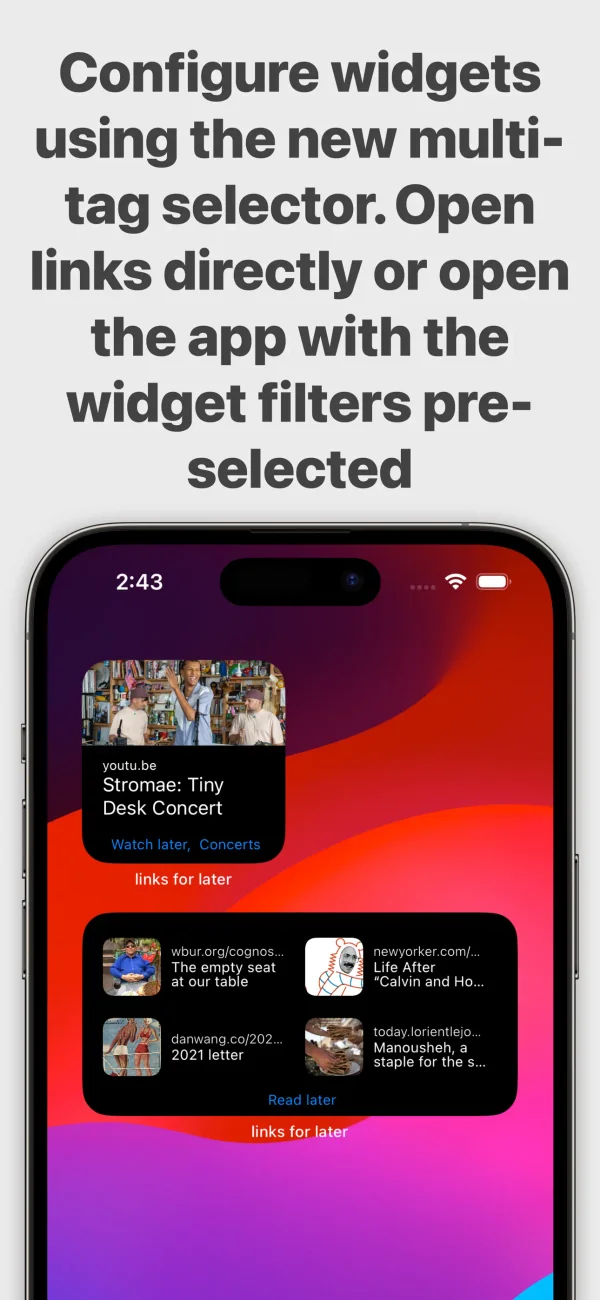
- Widgets: when configuring widgets you can now select multiple tags, and are also provided a list of available tags to use as filters. Tapping on the widget name opens the app with those same filters pre-selected.
Note: Delete and re-add the widget if this feature is not visible after updating the app.
- Share extension: a re-vamped experience makes it faster to save links from other apps. The extension has also been updated to use the same link editor available in-app.
- In-app save link: the in-app paste button to save links has been updated to be more performant. It also gives you a preview of the saved link as well as easy edit access.
- Link editor: images can now be added / replaced / removed
- Image previews: enable monochrome mode from the in-app Settings
- Update the app logo with an in-app purchase (all other features are free)
App privacy
What Dev Shahani declares on the App Store about how this app handles data.
-
Data not collected
The developer does not collect any data from this app.
Privacy practices may vary, for example with the features you use or your age.
Information
- Seller
- Dev Shahani
- Category
- Productivity
- Version
- 3.10
- Updated
- May 22, 2025
- Released
- Feb 14, 2021
- Size
- 11.4 MB
- Requires
- iOS 17.0 or later
- Age rating
- 17+
- Price
- Free
- In-app purchases
- Yes
- Languages
- English
- Copyright
- © dev shahani
You might also like
-
 Linkboard: Bookmarks & RSSOrganize, Tag & Read It Later
-
 Brace.to - Bookmark ManagerSimple & Private Saving Links
-
 Marcit: Bookmark ManagerProductivity
-
 Check LaterQuickly save and check later
-
 Link List - Save LinksLink management
-
 Bookmarks - Read LaterSave links, url manager
-
 Bookmark Safe - Url managerSecurely manage favorite sites
-
 Rubra, Interactive Creator HubTurn Content Into Experiences
-
 Luckynote: Message YourselfSave reels, links & notes
-
 Bookmark WalletLinks, notes, todos together