
Clipboard Manager: Auto Paste
Copy History, Custom Keyboard
Designed for iPhone, iPad
In-app purchases
- Age rating4+
- CategoryProductivity
- DeveloperYakup Arslan
- LanguagesEnglish
- Size70.0 MB
Links to the official App Store page
Download.org hosts no file of Clipboard Manager: Auto Paste. The button opens its official App Store page, published by Yakup Arslan. Listing last checked on Nov 13, 2026.
Screenshots

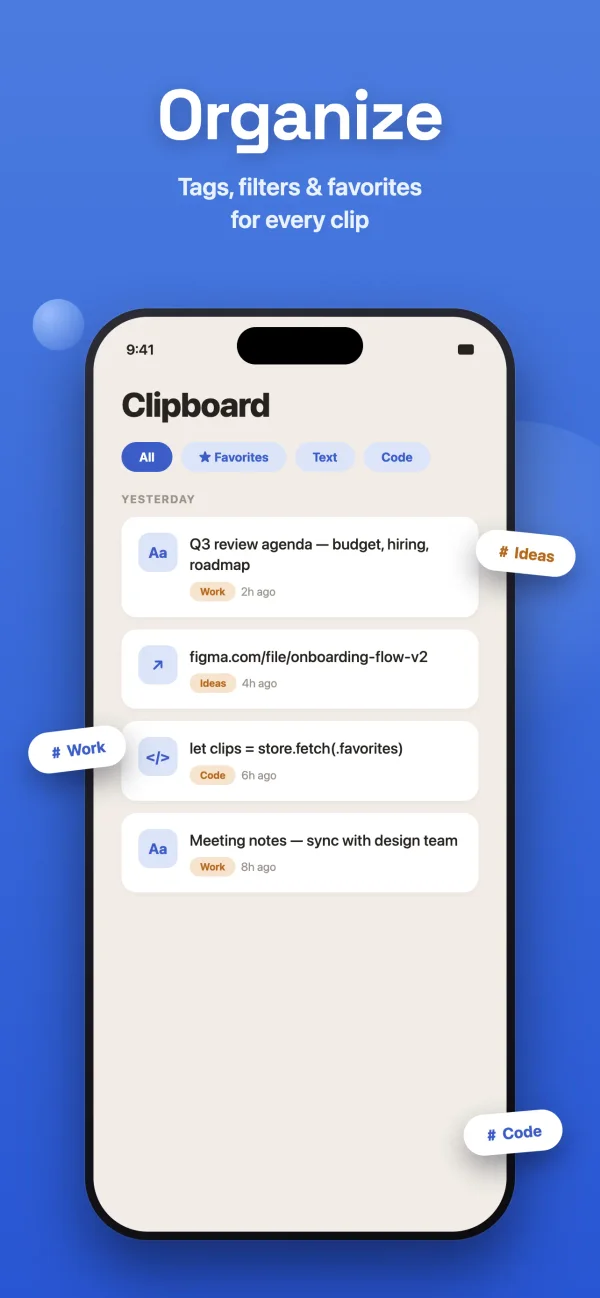
About
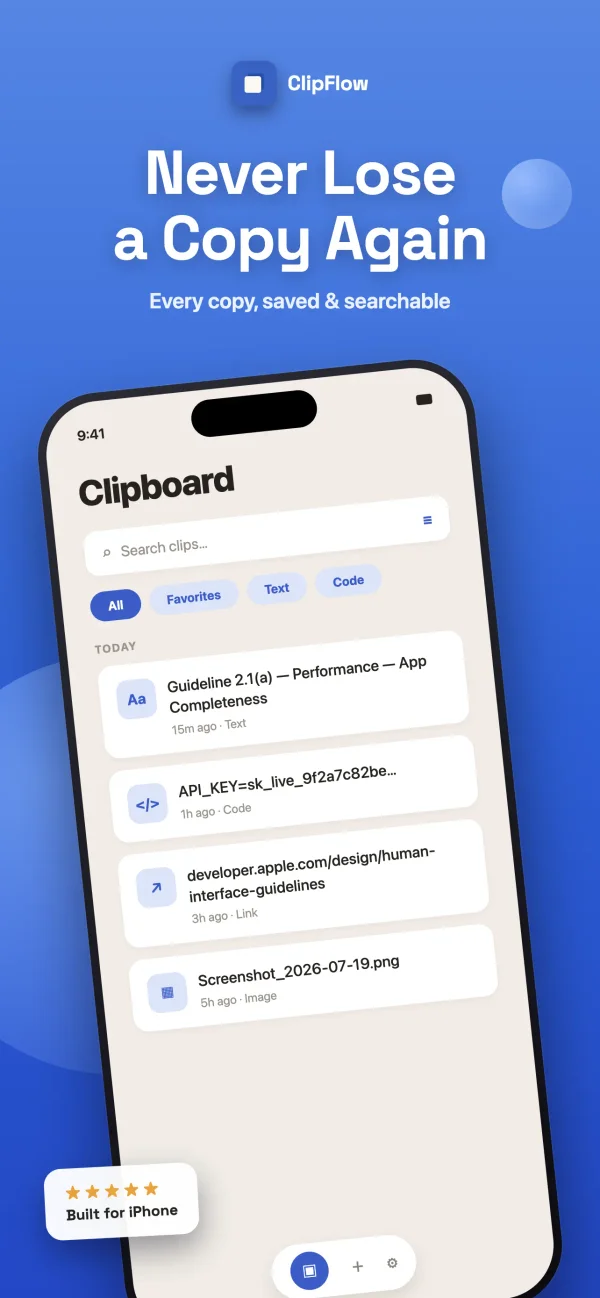
ClipFlow is the fast, secure clipboard manager built for people who copy and paste all day. Never lose a copied link, password, or snippet again — with a built-in Auto Paste Keyboard that saves you time on every repetitive task.
Why Choose ClipFlow?
Unlimited Clipboard History
ClipFlow automatically saves everything you copy. Browse your full history and paste anything instantly with a single tap.
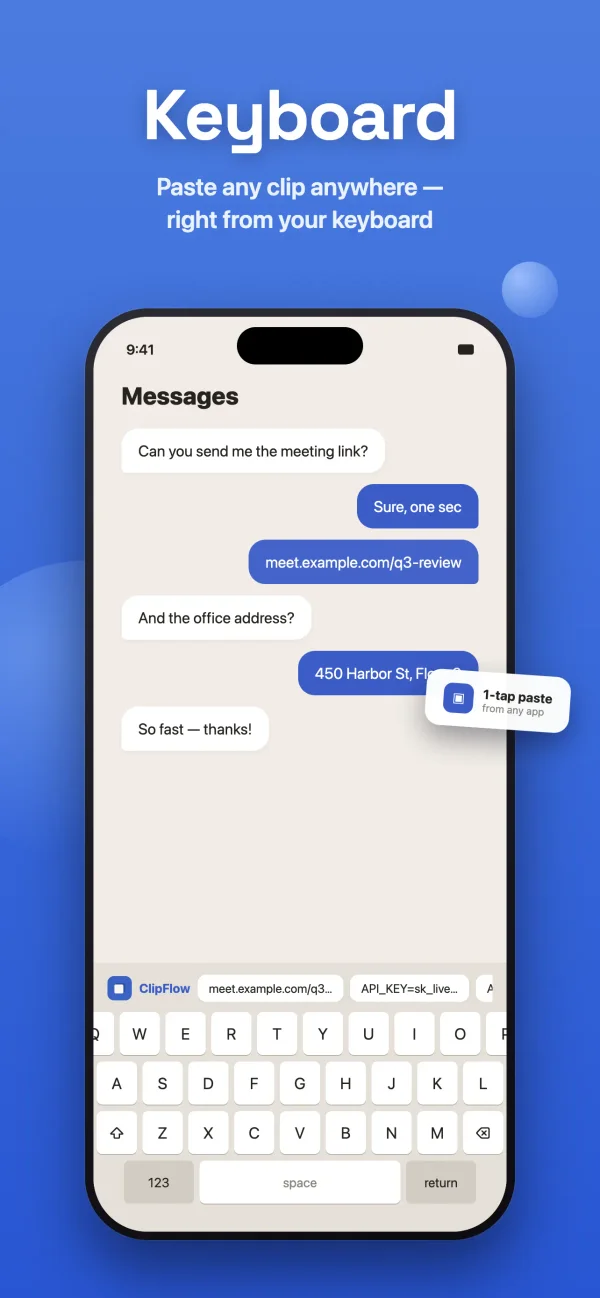
Smart Auto Paste Keyboard
Switch to the custom ClipFlow keyboard to access your saved snippets directly inside any app — no more switching back and forth.
Scan Text From Photos (OCR)
Turn any photo, screenshot, or document into editable text in seconds. No typing required.
Templates & Custom Snippets
Save frequently used replies, addresses, or hashtags as reusable snippets, and capture new notes straight to your board anytime.
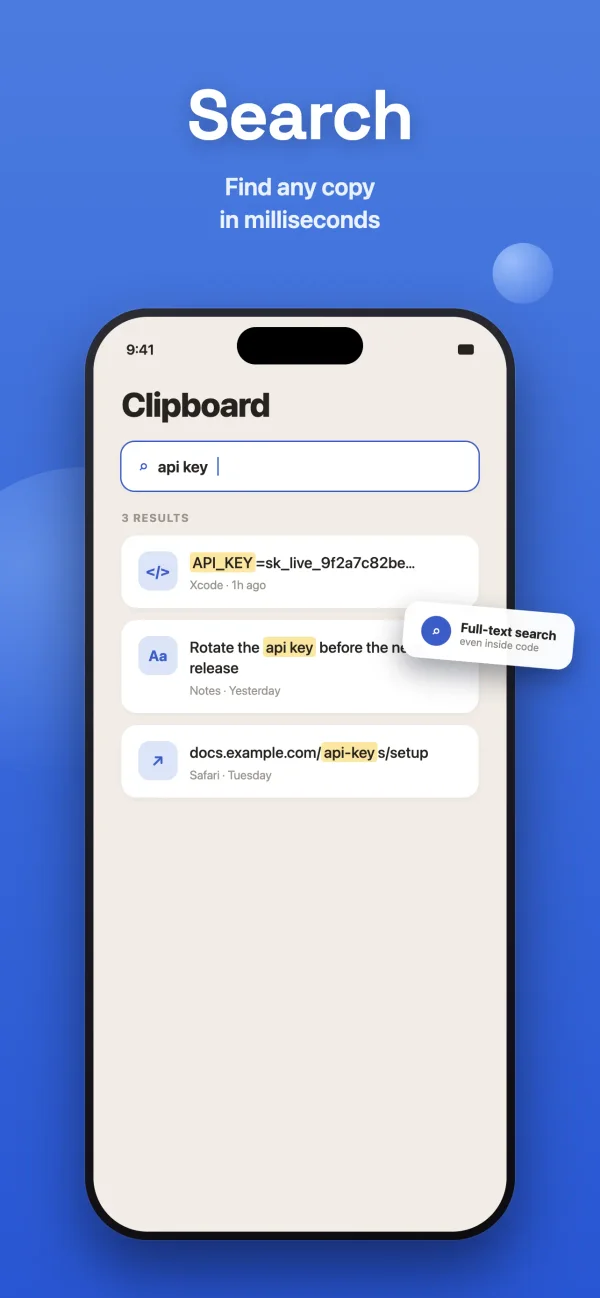
Smart Tags & Millisecond Search
Keep your board organized with custom tags, and find exactly what you need in seconds with lightning-fast search.
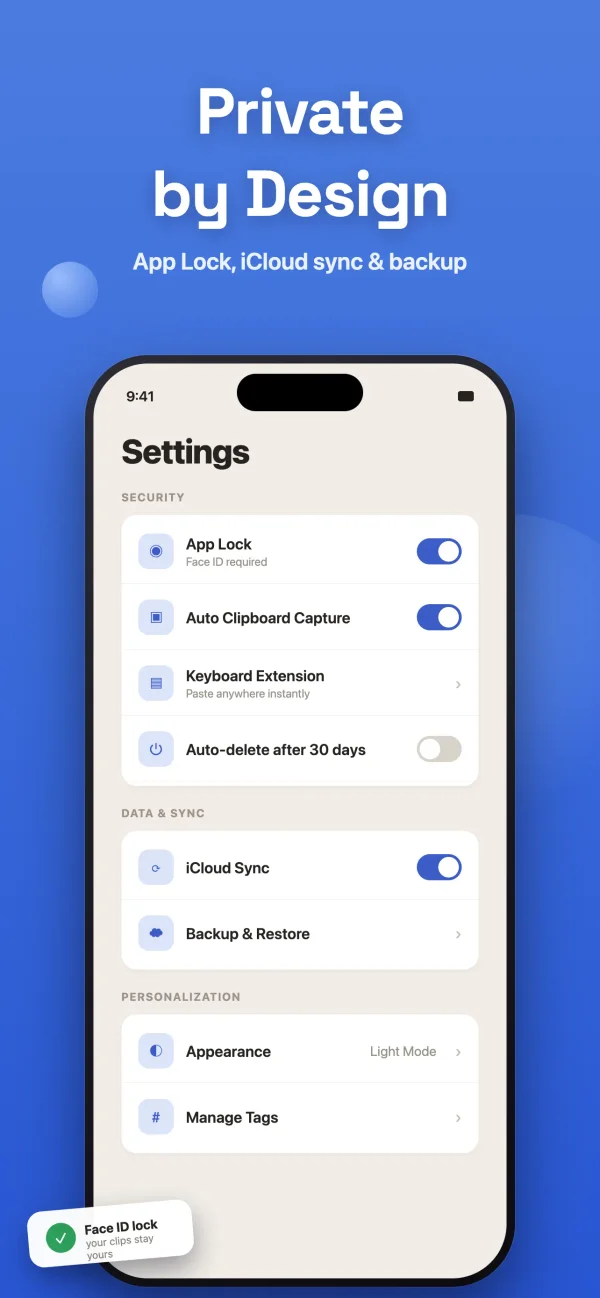
Face ID Lock & Secure Cloud Sync
Your clipboard can hold sensitive data. Protect it with Face ID and encryption, and keep everything in sync across your devices with secure cloud backup.
Key Features at a Glance:
• Auto Paste Keyboard for repetitive typing
• OCR — extract text from photos instantly
• Cross-device Cloud Sync
• Millisecond-fast search
• Custom tags for organization
• Face ID–protected secure notes
Stop repeating yourself. Download ClipFlow and take control of your clipboard today.
Terms of Use: https://www.apple.com/legal/internet-services/itunes/dev/stdeula/
What’s new
Version 1.2 · Sep 2, 2026
We’ve redesigned the onboarding flow for a quicker setup and improved our translations for a better global experience.
Bullet Points
Smoother Setup: A revamped onboarding flow to get you started faster.
Better Translations: Expanded language support and improved localizations.
Casual & Punchy
Getting started is easier than ever! We’ve streamlined our setup screens and updated our translations so the app feels right at home, no matter where you are.
App privacy
What Yakup Arslan declares on the App Store about how this app handles data.
-
Data not collected
The developer does not collect any data from this app.
Privacy practices may vary, for example with the features you use or your age.
Information
- Seller
- Yakup Arslan
- Category
- Productivity
- Version
- 1.2
- Updated
- Sep 2, 2026
- Released
- Jul 27, 2026
- Size
- 70.0 MB
- Requires
- iOS 17.0 or later
- Age rating
- 4+
- In-app purchases
- Yes
- Languages
- English
- Copyright
- © 2026 ClipFlow
You might also like
-
 Reccall: Clipboard & SnippetsYour clipboard, one tap away
-
 Figgy for FigmaUI Design & Prototypes on iPad
-
 Copy History: ClipboardClip manager & paste keyboard
-
 TypeFlow: AI Keyboard & WriterTranslate, Grammar spell Check
-
 CopyPaste - Paste Quickly NowCopy and paste quickly!
-
 Scanner Keyboard: CameraBoardQR Barcode Reader Input
-
 Socialite: Stay ConnectedRelationship Accountability
-
 Lock Screen DrawLockscreen Drawing Widget
-
 AI Keyboard Extension: TypeBotGrammar & Translator Keyboard
-
 Instaclean - bulk mail cleanerBlock & delete junk emails