
CopyPaste - Paste Quickly Now
Copy and paste quickly!
Designed for iPhone, iPad, iPod touch
Free · In-app purchases
- Age rating4+
- CategoryProductivity
- Developernaoki otsu
- LanguagesEnglish+ 23 more
- Size49.4 MB
Links to the official App Store page
Download.org hosts no file of CopyPaste - Paste Quickly Now. The button opens its official App Store page, published by naoki otsu. Listing last checked on Nov 25, 2026.
Screenshots
About
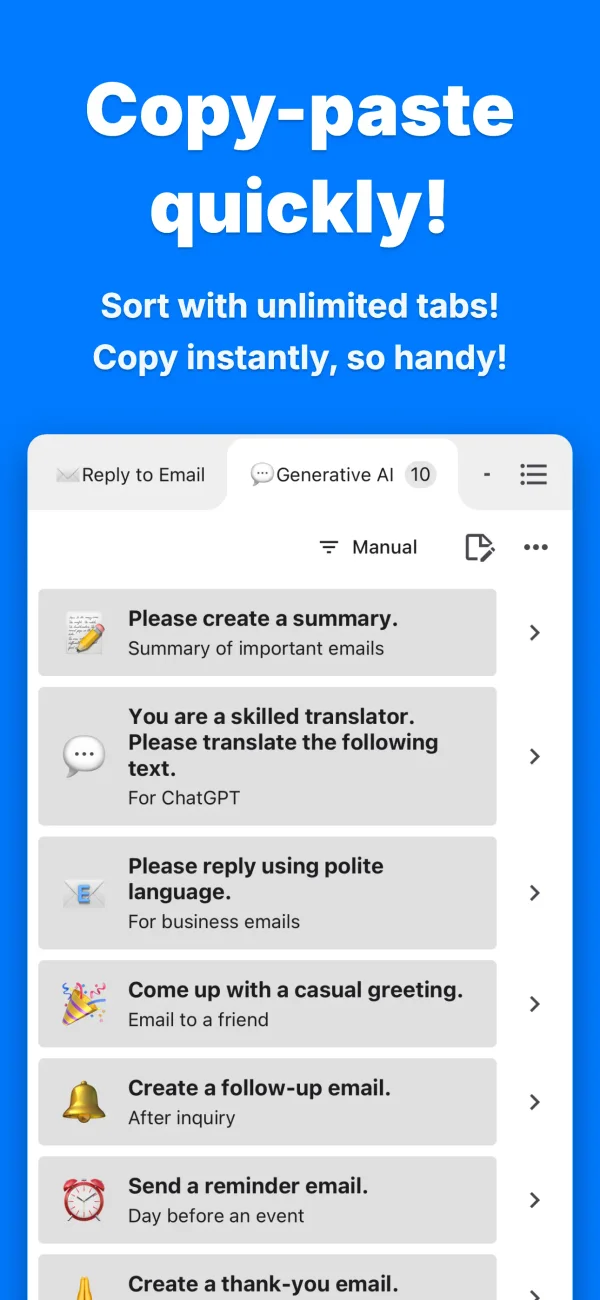
Save the text you want to copy and paste it instantly whenever you need it!
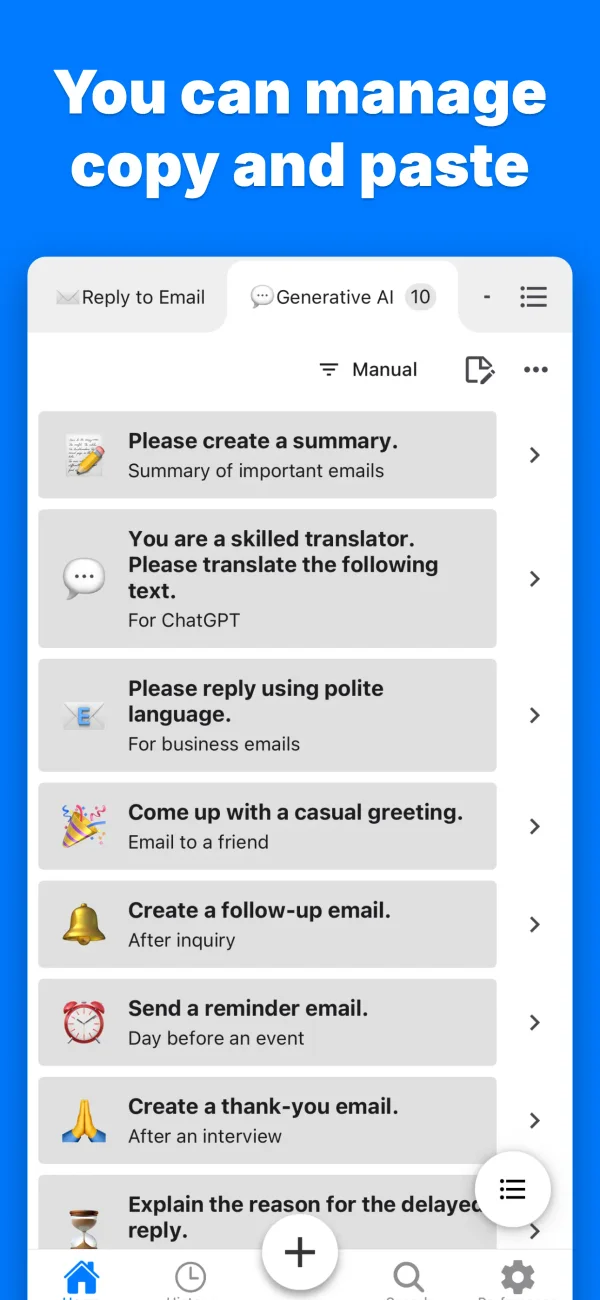
Packed with powerful features: copy saved text with a single tap, insert text right from the custom keyboard, unlimited tabs, drag-and-drop reordering, text search, copy from history, dark mode support, and much more.
■ One-Tap Copy
Copy any text you've saved with a single tap, so you can paste it the moment you need it!
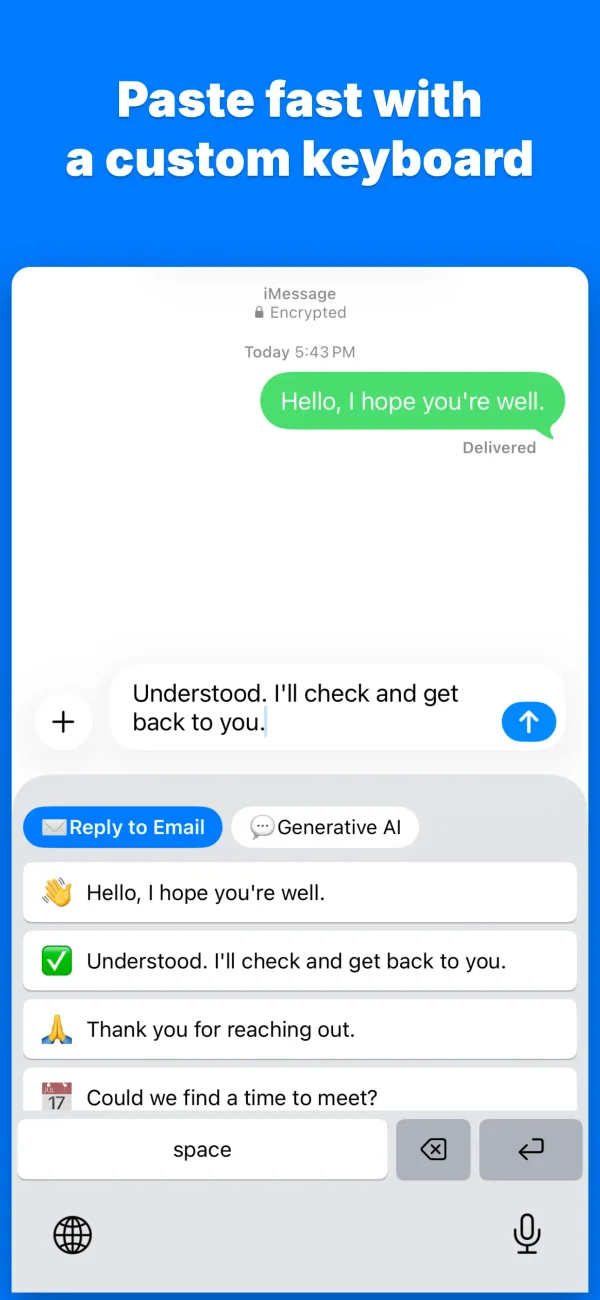
■ Custom Keyboard
Add the app's keyboard to insert your saved text with a single tap while typing in other apps, such as messaging or email. No need to switch apps.
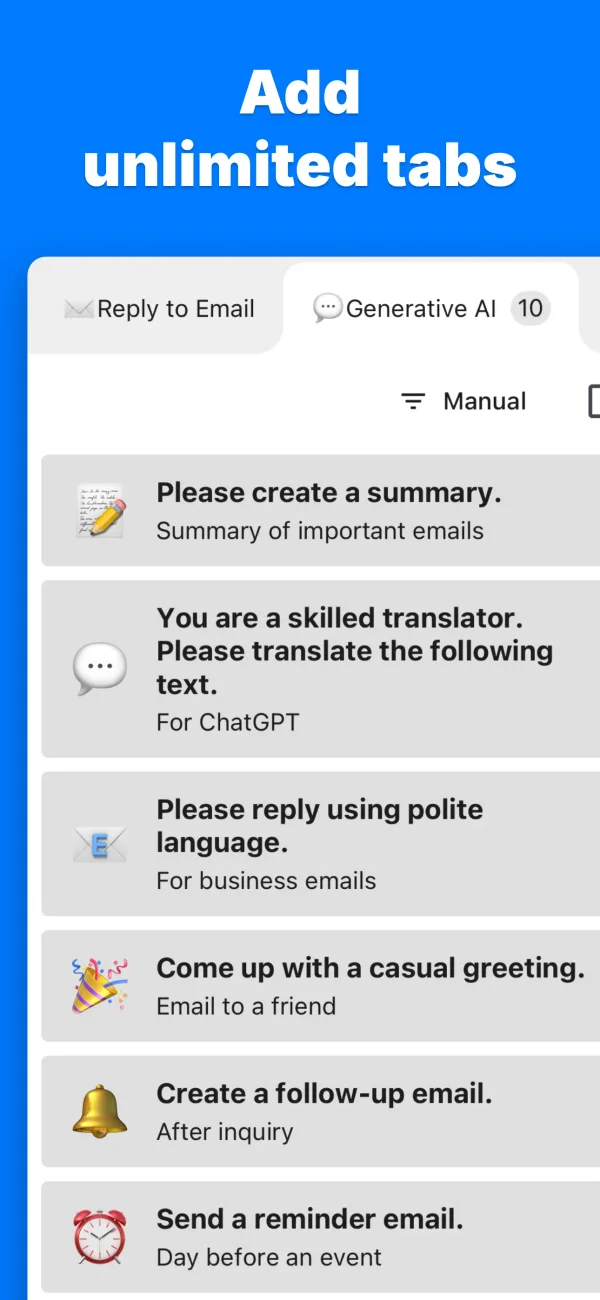
■ Unlimited Tabs
Organize your items by category with unlimited tabs.
■ Drag & Drop Reordering
No tapping needed to move items around. Just drag and drop to rearrange them with ease.
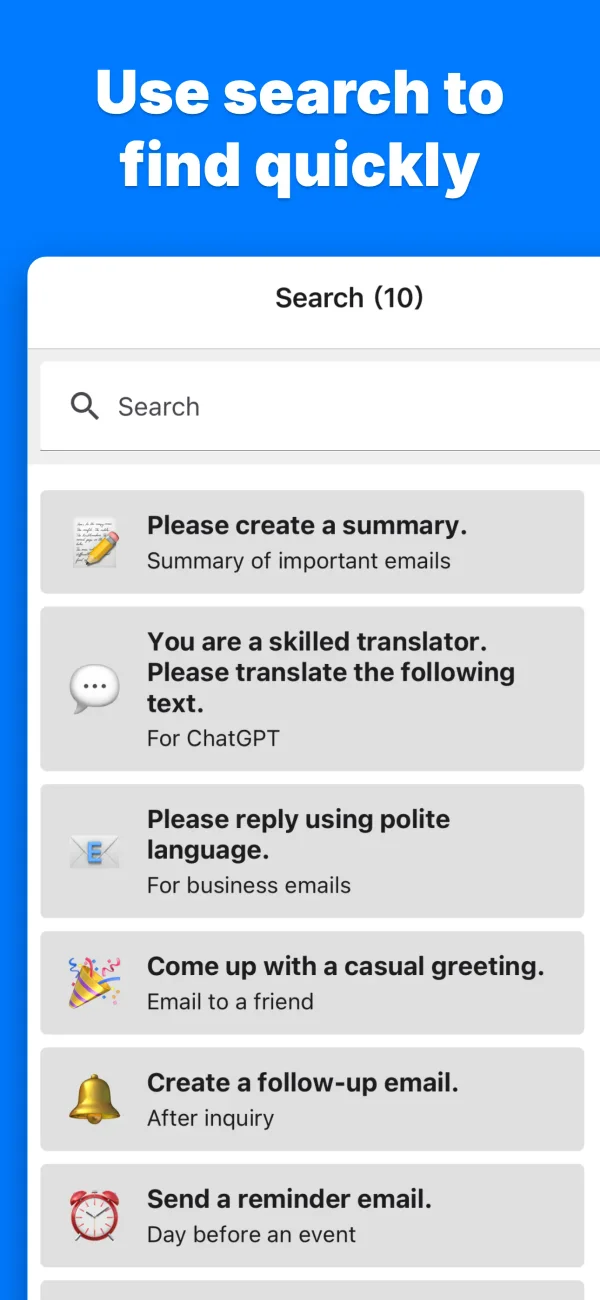
■ Search
Instantly find any of your saved text with a quick search.
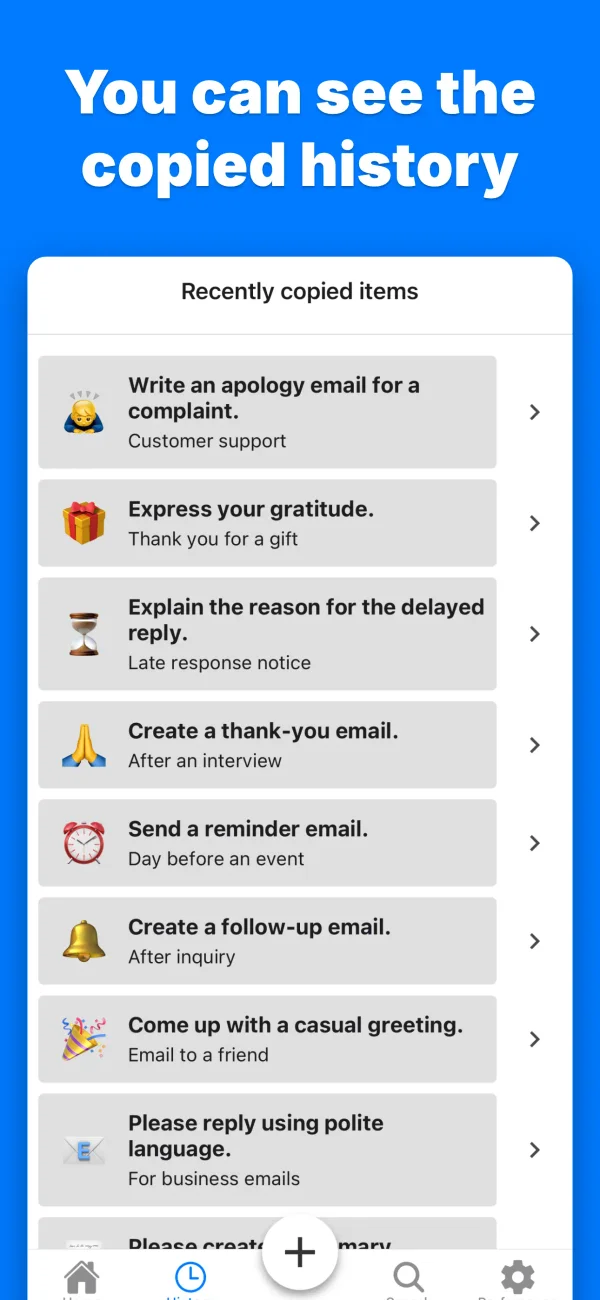
■ Copy from History
View your recently copied items and quickly copy text straight from your history.
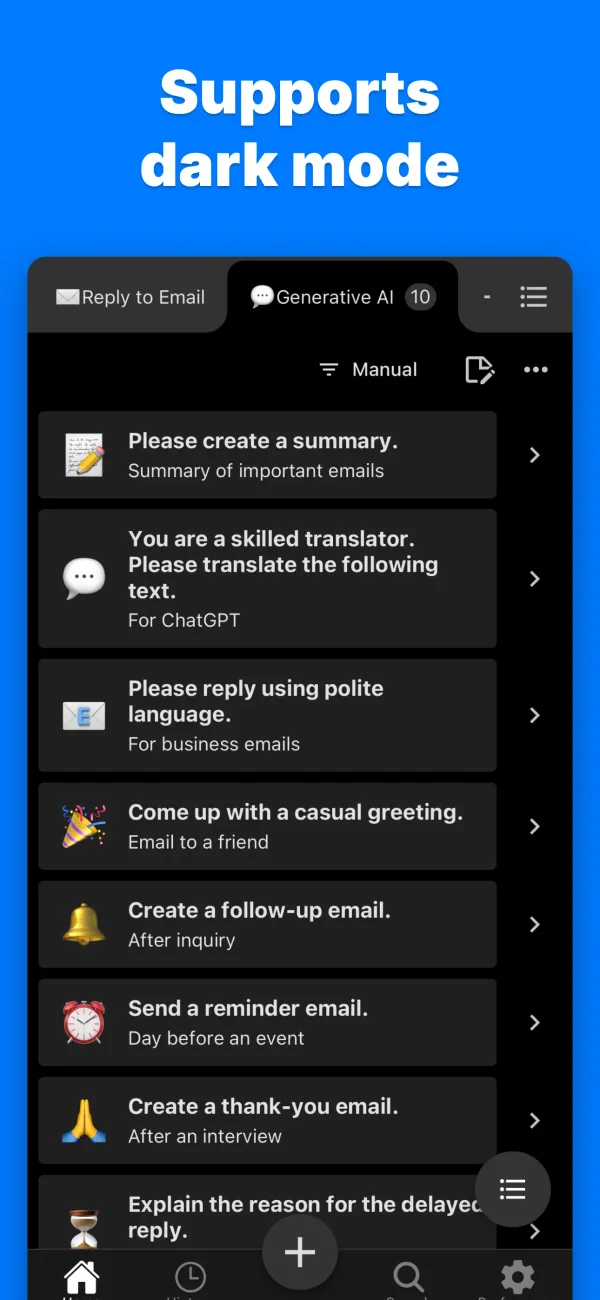
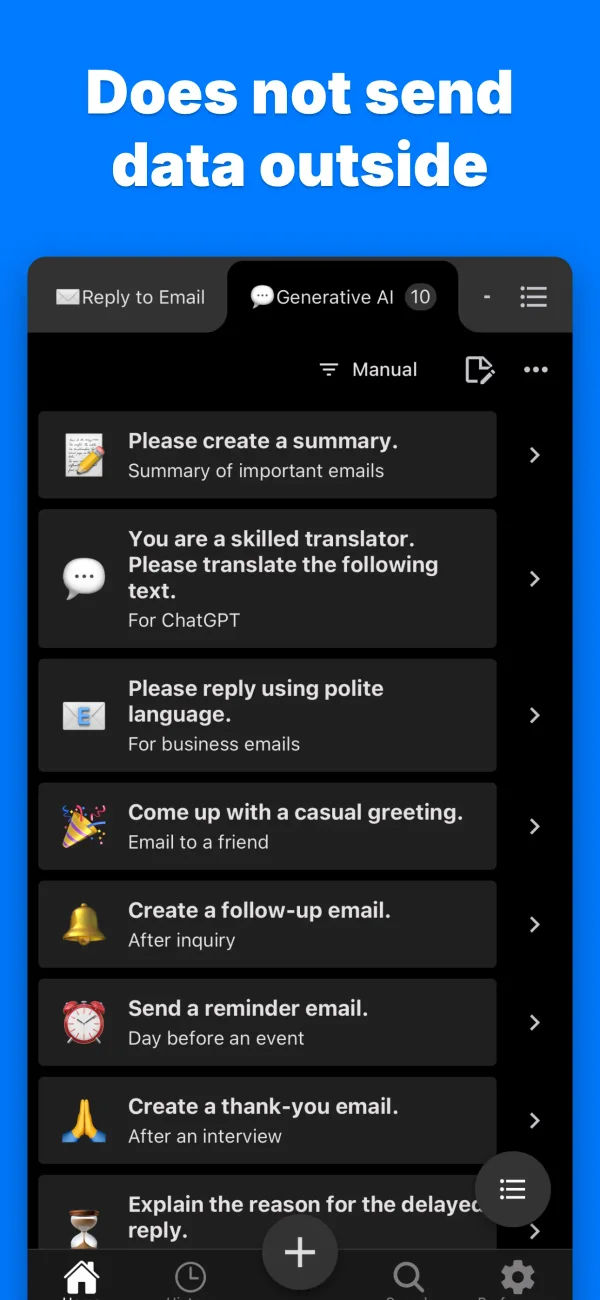
■ Dark Mode
A beautiful dark mode that's easy on the eyes.
■ Notifications
Get notified at a time you choose with a message of your choice, so you never forget a thing.
■ Biometric Authentication
With biometric authentication, only you can open the app, giving you maximum security.
■ CSV Export
Export all your data to CSV for backups, or to share with AI when you need advice.
■ No Login Required
No annoying sign-up required. Start using it right away without logging in.
■ Tab Notes
Leave notes freely for each tab.
■ Rock-Solid Security
Your data is never sent anywhere and stays fully protected on your device.
■ Terms of Use
https://naokiotsu.com/term-of-use
■ Privacy Policy
https://naokiotsu.com/privacy-policy
■ Support
If you have any questions or requests, feel free to reach out anytime through the in-app contact form or at the email address below.
info@naokiotsu.com
What’s new
Version 5.26.1 · Nov 24, 2026
- The latest version includes new features, bug fixes, and performance improvements.
Thank you for always using our app.
We will continue to develop it with the valuable feedback from everyone.
If you have any requests or encounter any issues, please feel free to contact us through "Send Feedback" in the app settings or at info@naokiotsu.com.
App privacy
What naoki otsu declares on the App Store about how this app handles data.
-
Data used to track you
May be used to track you across apps and websites owned by other companies.
- Usage data
-
Data linked to you
May be collected and linked to your identity.
- Usage data
-
Data not linked to you
May be collected but is not linked to your identity.
- Usage data
Privacy practices may vary, for example with the features you use or your age.
Information
- Seller
- Naoki Otsu
- Category
- Productivity
- Version
- 5.26.1
- Updated
- Nov 24, 2026
- Released
- Sep 12, 2023
- Size
- 49.4 MB
- Requires
- iOS 15.1 or later
- Age rating
- 4+
- Price
- Free
- In-app purchases
- Yes
- Languages
- English, Czech, Danish, Dutch, French, German, Hindi, Hungarian, Indonesian, Italian, Japanese, Korean + 12 more
- Copyright
- Copyright © 2023 CopyPaste.
You might also like
-
 Copy & Paste - Clipboard AppHashtag Password Copy Paste
-
 CopyNote: Keyboard ShortcutsSnippets, templates, keyboard
-
 Paste Manager - Clipboard syncOrganize data, copy and paste
-
 QuickPaste - Clipboard ManagerCopy,Paste with Smart Keyboard
-
 CopyPasteClipEasy copy and paste tool
-
 Clipster - Universal ClipboardCopy/paste history with sync
-
 Snippeta - copy, manage, pasteText manager & paste keyboard
-
 Copy 'Em + Paste KeyboardCopy. Paste. Organize. Sync.
-
 Dmyst - Clipboard ManagerDirect Message Yourself Notes
-
 PasteDock: Clipboard ManagerCopy & Paste Text and Images