- Age rating4+
- CategoryProductivity
- DeveloperZEC Inc.
- LanguagesEnglish+ 22 more
- Size7.2 MB
Links to the official App Store page
Download.org hosts no file of ClipMD. The button opens its official App Store page, published by ZEC Inc. Listing last checked on Nov 18, 2026.
Screenshots
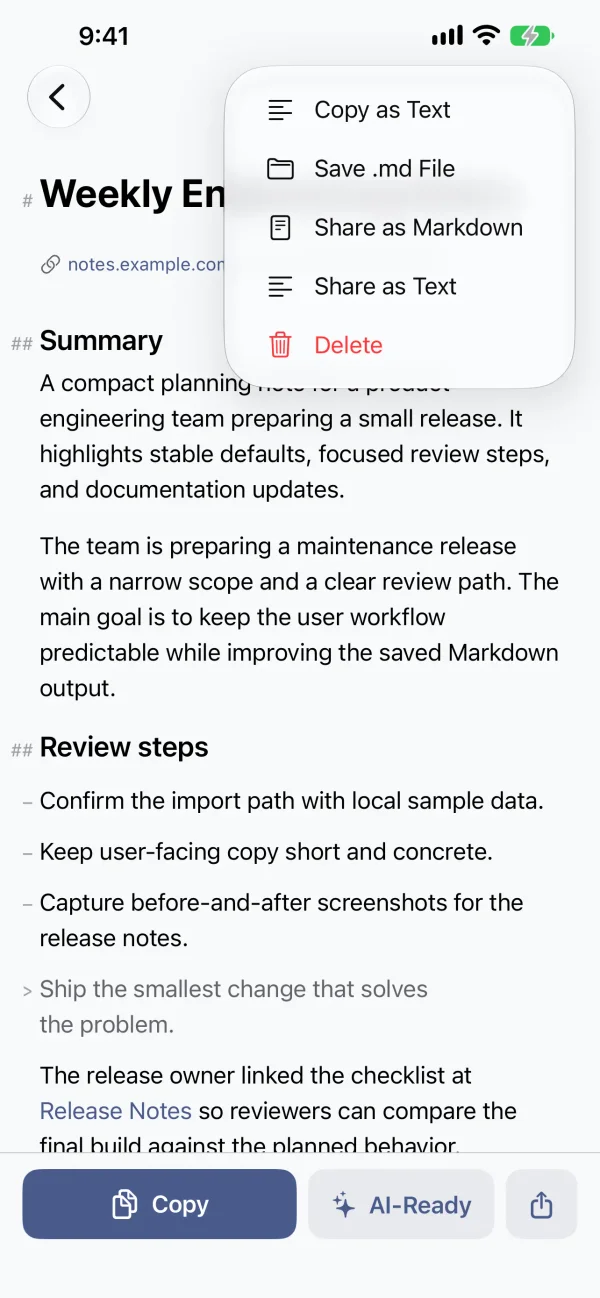


About
ClipMD turns web pages and copied text into clean Markdown clips you keep on your device.
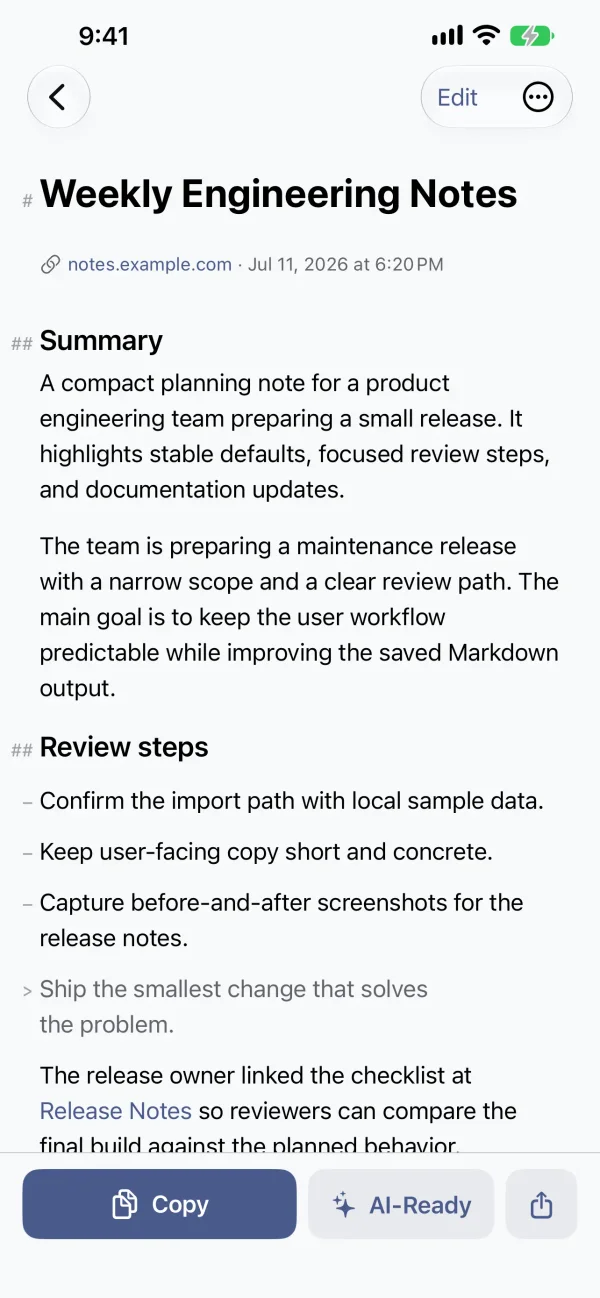
Paste a URL or share a page to ClipMD, and it extracts the article body and converts it to Markdown - headings, lists, and links included. Copy the result into your notes app, or keep it in ClipMD as a reading archive.
Features:
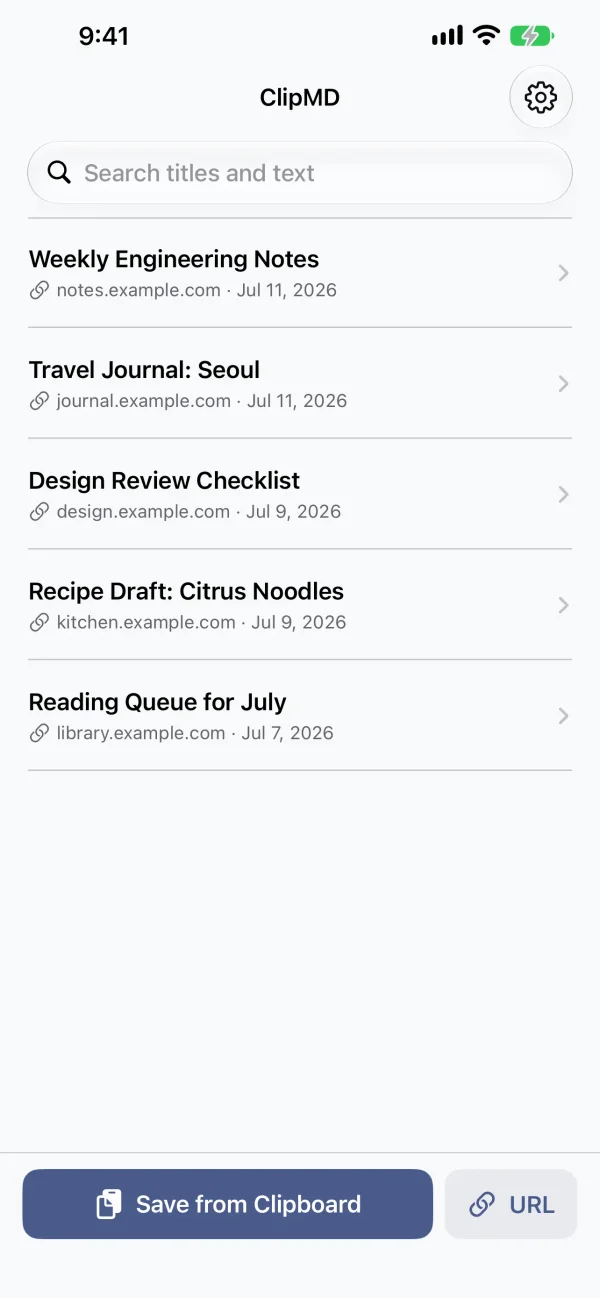
- Convert web pages to Markdown by URL or from the share sheet
- Convert copied text in one tap
- Clean extraction focused on the article body
- Copy, share, edit, or delete any clip
- Save .md files to a chosen folder or Obsidian vault
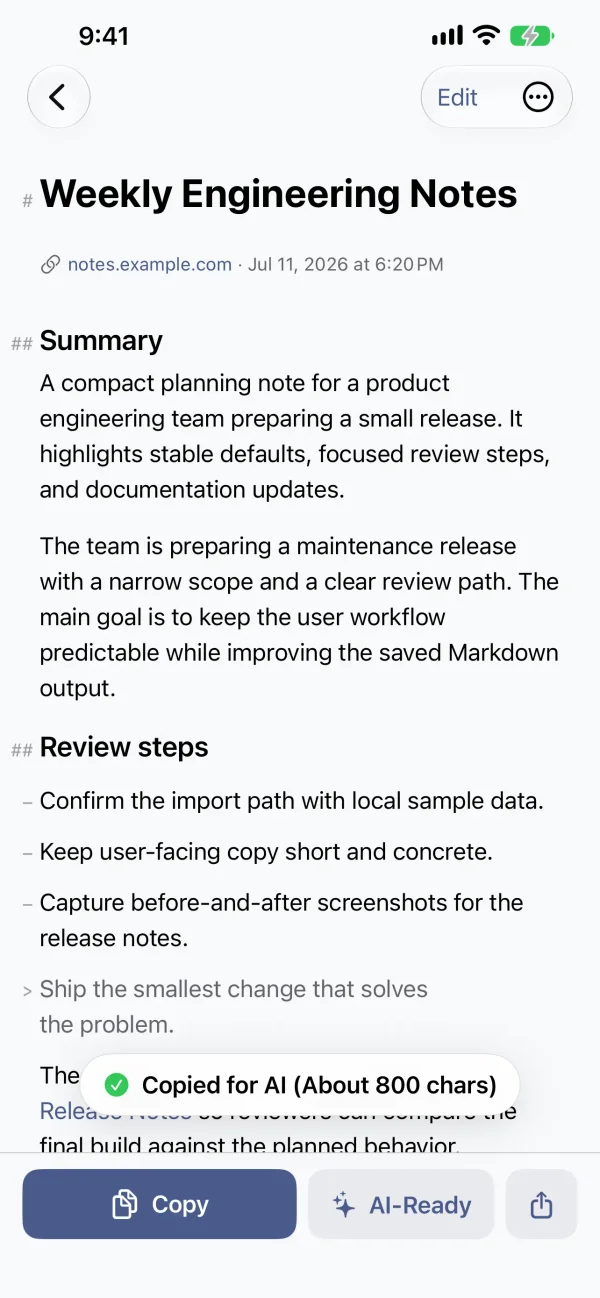
- Copy an AI-ready version with clear summary and body sections
- Convert URLs or clipboard text from Apple Shortcuts
- Search clip titles and text
- Clips are stored locally on your device
- Pages are fetched only when you request them; subscriptions use the App Store
- No account, no telemetry, no ads, no tracking
Made for note-takers who live in Markdown: clip it now, paste it anywhere later.
ClipMD Pro (optional subscription)
- Convert up to 20 URLs together, with progress, stop controls, and a list of failed URLs
- Choose AI prompt templates, or add, edit, and reorder your own
- Copy long text in parts, using a character limit and paragraph breaks
- Customize front matter fields, their order, and filenames with Obsidian, Notion, and GitHub presets
Your existing features stay free. Pro is available monthly or yearly. The yearly plan includes a one-week free trial for eligible subscribers. Price and renewal terms are shown before you subscribe. Subscriptions renew automatically unless canceled at least 24 hours before the current period ends. Manage or cancel in App Store subscription settings.
Terms of Use: https://www.apple.com/legal/internet-services/itunes/dev/stdeula/
Privacy Policy: https://zec-inc.jp/privacy
What’s new
Version 1.5.0 · Nov 5, 2026
Now ready for iPhone Duo. Open it up to read your saved Markdown on the big screen. Copy and AI-ready export work just the same.
App privacy
What ZEC Inc. declares on the App Store about how this app handles data.
-
Data not collected
The developer does not collect any data from this app.
Privacy practices may vary, for example with the features you use or your age.
Information
- Seller
- ZEC Inc.
- Category
- Productivity
- Version
- 1.5.0
- Updated
- Nov 5, 2026
- Released
- Jul 16, 2026
- Size
- 7.2 MB
- Requires
- iOS 17.5 or later
- Age rating
- 4+
- Price
- Free
- In-app purchases
- Yes
- Languages
- English, Czech, Danish, Dutch, Finnish, French, German, Indonesian, Italian, Japanese, Korean, Norwegian Bokmål + 11 more
- Copyright
- © 2026 ZEC
You might also like
-
 Omoidase - Read Later with AIFind saves with vague words
-
 AnagnosiA Markdown reader and editor
-
 crosovrYour Web Apps Organized
-
 LETIME SmartYour Herbal Extraction Partner
-
 Conoted: Search for TelegramScans messages & Sends finds
-
 Justnote - Note Taking AppSimple & Private Taking Notes
-
 Notelane - Markdown EditorYour notes, your own storage
-
 Fused Encrypted Email and ChatEPRIVO Private Telegram & Mail
-
 Deer: Note, Outline, MindMapStructured Notes
-
 Extended File InfoSee more about your file