
- Age rating4+
- CategoryUtilities
- DeveloperBenedikt Jonas
- LanguagesEnglish
- Size4.3 MB
Links to the official App Store page
Download.org hosts no file of Clipmunk – Save Copied Text. The button opens its official App Store page, published by Benedikt Jonas. Listing last checked on Nov 12, 2026.
Screenshots
About
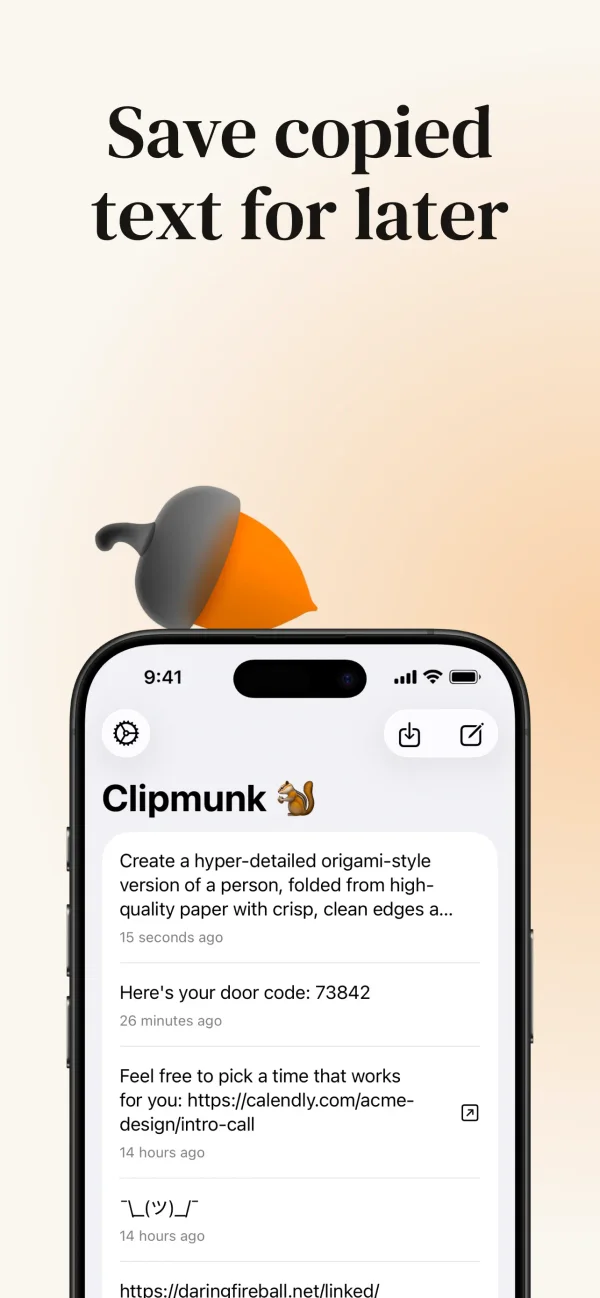
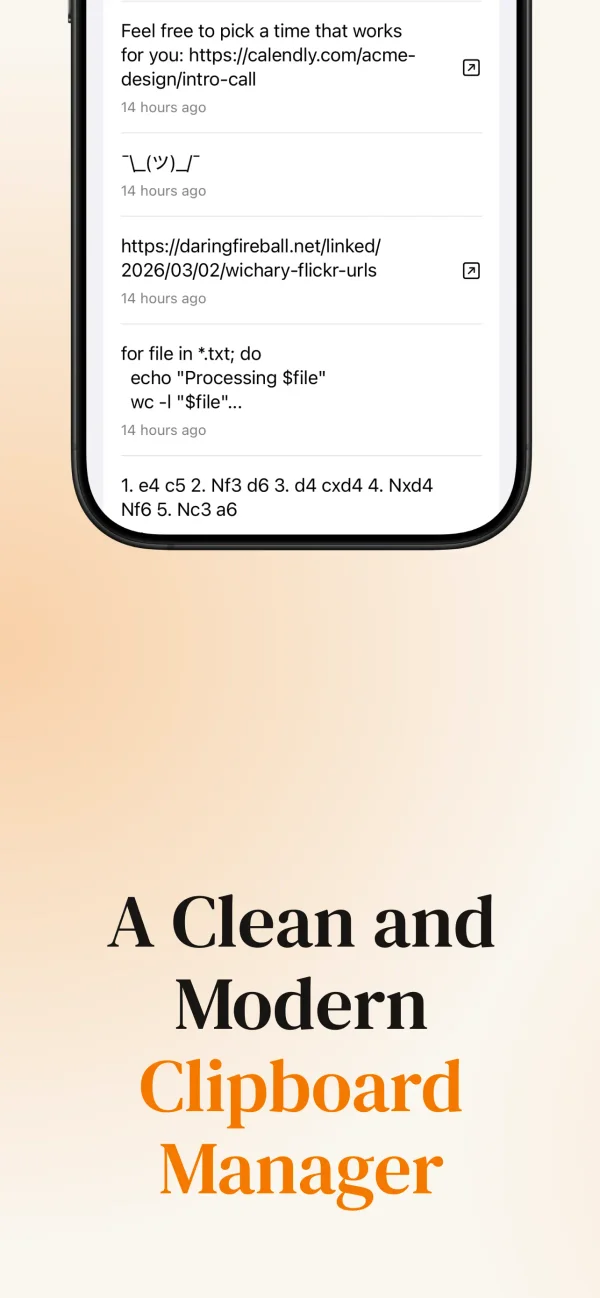
Clipmunk is a clean and modern clipboard manager for iPhone and iPad.
Save copied text for later.
Clipmunk keeps the bits you still need: message drafts, prompts, links, code snippets, and every small piece of text you do not want to lose in the shuffle.
Features:
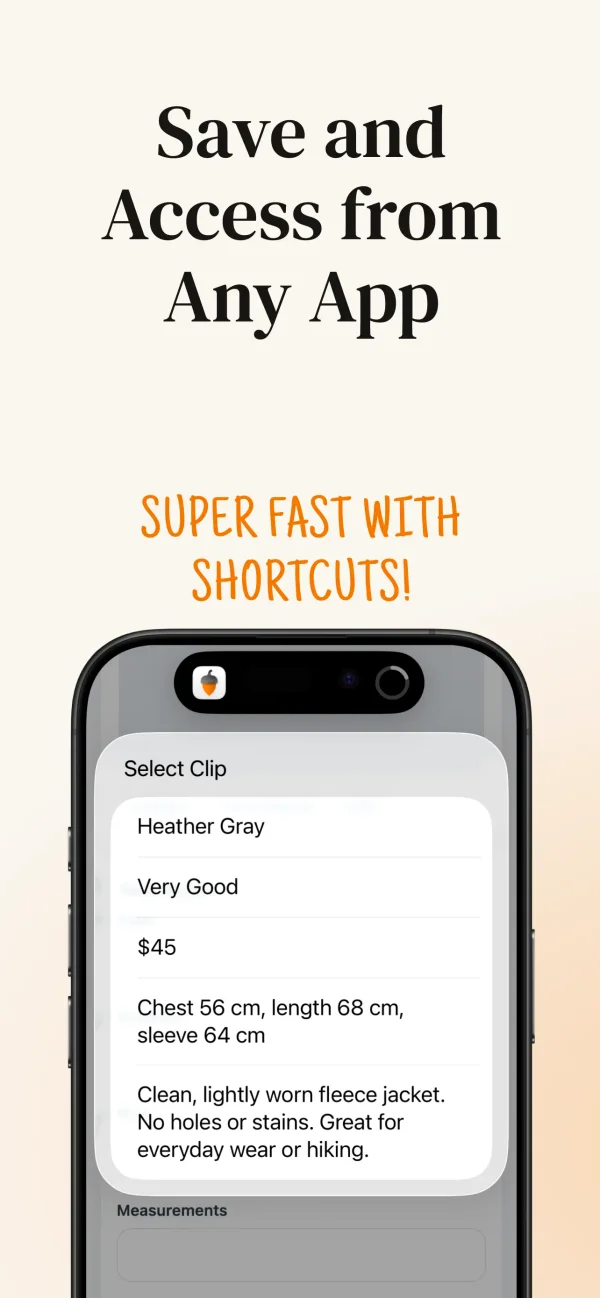
• Save and access clips in any app, seamlessly.
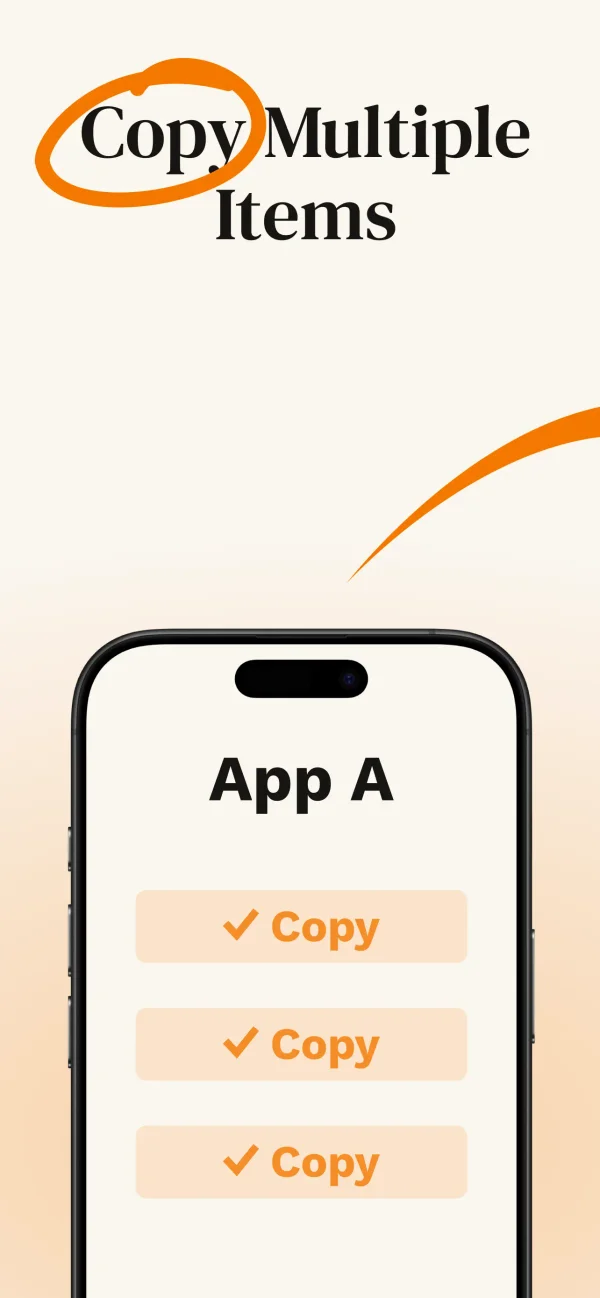
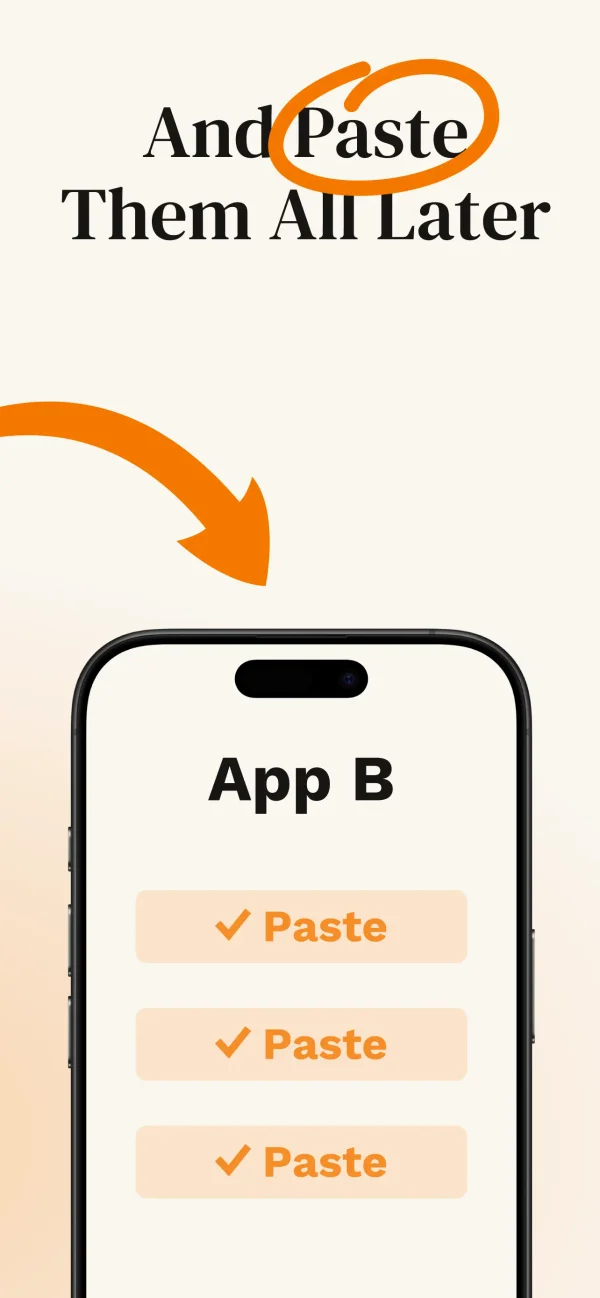
• Copy and paste multiple items without going back and forth.
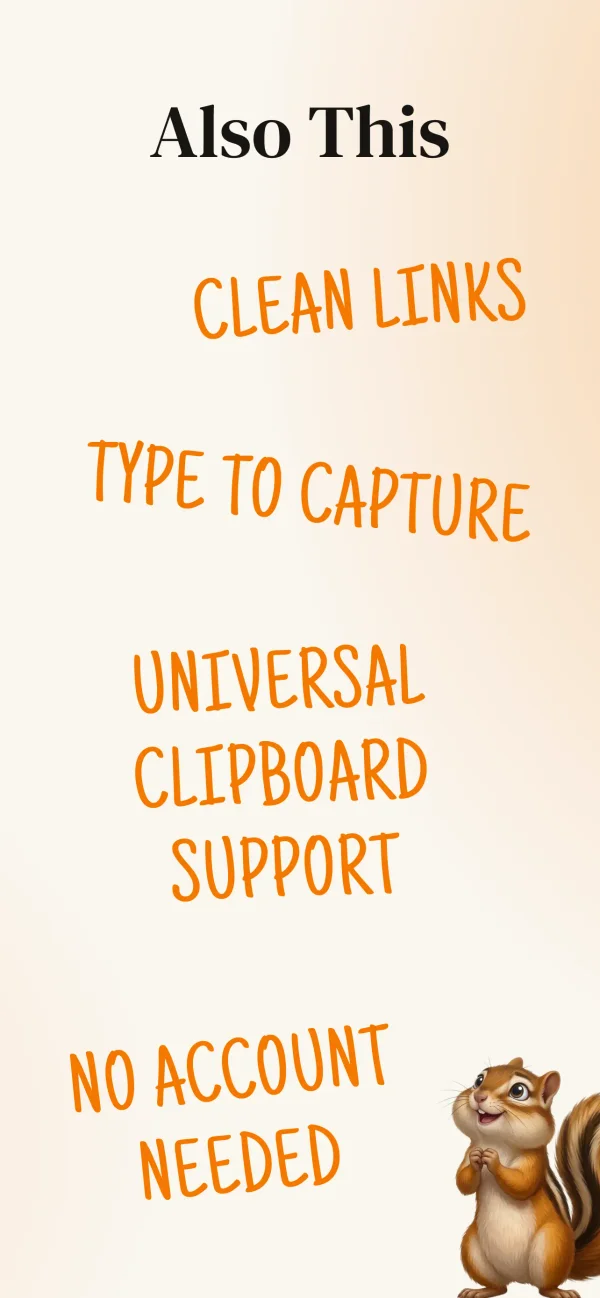
• Share clean links without the tracking clutter.
• Convert rich text into plain text.
• Auto-capture the clipboard continuously on iPad.
• Works with Universal Clipboard across your Apple devices.
• Works with Apple Shortcuts.
• No accounts, no upsell, no data collected.
Clipmunk makes it super easy to save text from anywhere in iOS and iPadOS and quickly access it again whenever you need it.
App privacy
What Benedikt Jonas declares on the App Store about how this app handles data.
-
Data not collected
The developer does not collect any data from this app.
Privacy practices may vary, for example with the features you use or your age.
Information
- Seller
- Benedikt Jonas
- Category
- Utilities
- Version
- 1.0
- Updated
- Apr 13, 2026
- Released
- Apr 13, 2026
- Size
- 4.3 MB
- Requires
- iOS 26.2 or later
- Age rating
- 4+
- Languages
- English
- Copyright
- © 2026 Benedikt Jonas
You might also like
-
 CookieCrumble for SafariManage Cookies by Domain
-
 Screenshot Organizer & CleanerFind Any Screenshot Instantly
-
 KeyForge - Password GeneratorSecure Password Generator
-
 ClipStack — Clipboard ManagerClipboard History & Manager
-
 ClipboardNotiClipboard in a notification
-
 MessageSealPost-Quantum Text Encryption
-
 Pastenel - Clipboard HistoryKeyboard Paste & Text Search
-
 BurnPony: Self-Destruct NotesEncrypted secrets, one link
-
 AT ToolboxAT Protocol in your Shortcuts
-
 Copy Paste ClipBoard ManagerHistory, Keyboard & Snippets