
Copy Paste ClipBoard Manager
History, Keyboard & Snippets
Designed for iPhone, iPad, Mac
Free · In-app purchases
- Age rating4+
- CategoryUtilities
- DeveloperAppieTap
- LanguagesEnglish+ 2 more
- Size10.8 MB
Links to the official App Store page
Download.org hosts no file of Copy Paste ClipBoard Manager. The button opens its official App Store page, published by AppieTap. Listing last checked on Nov 24, 2026.
Screenshots


About
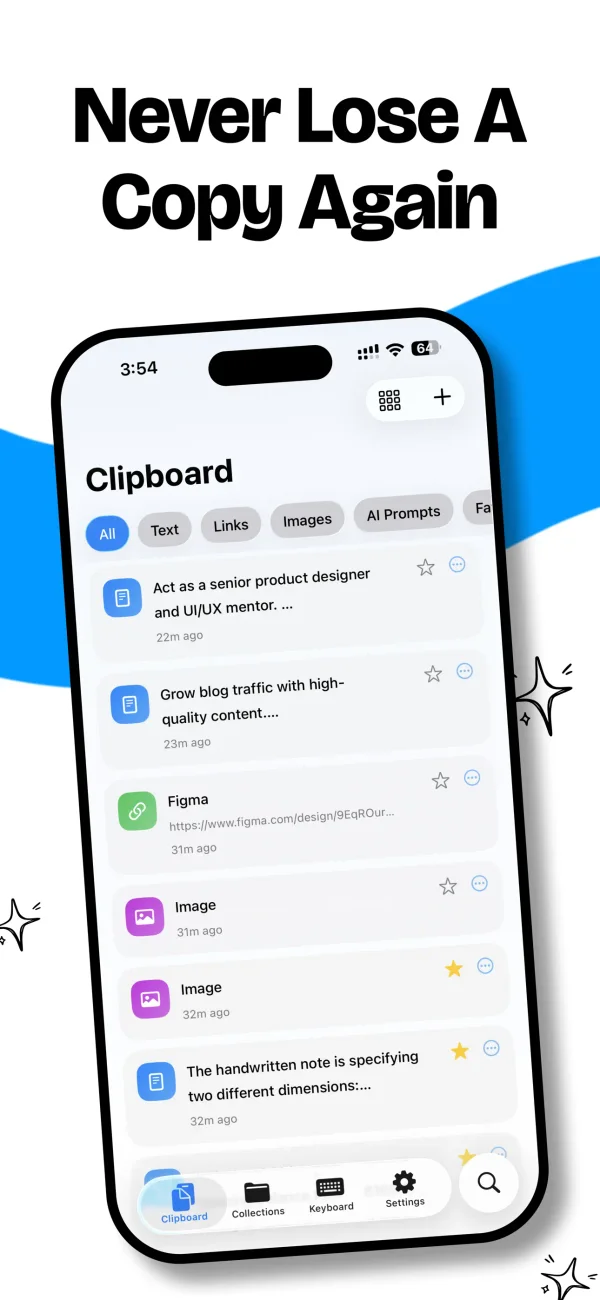
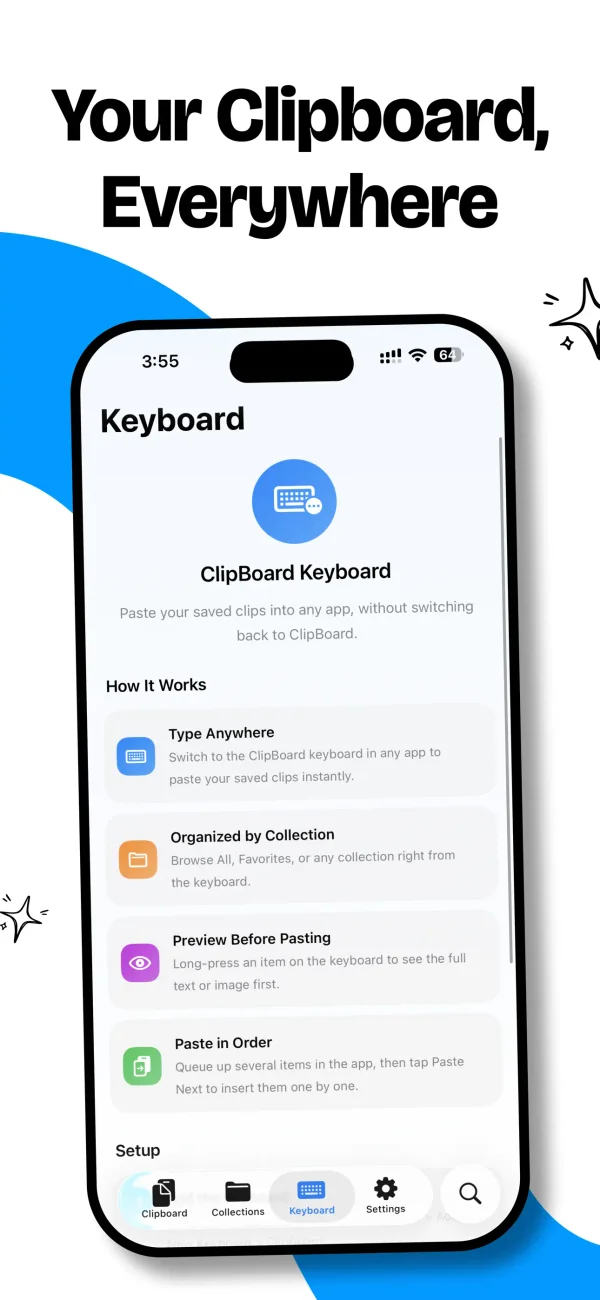
ClipBoard keeps everything you copy in one place and lets you paste it anywhere with its custom keyboard.
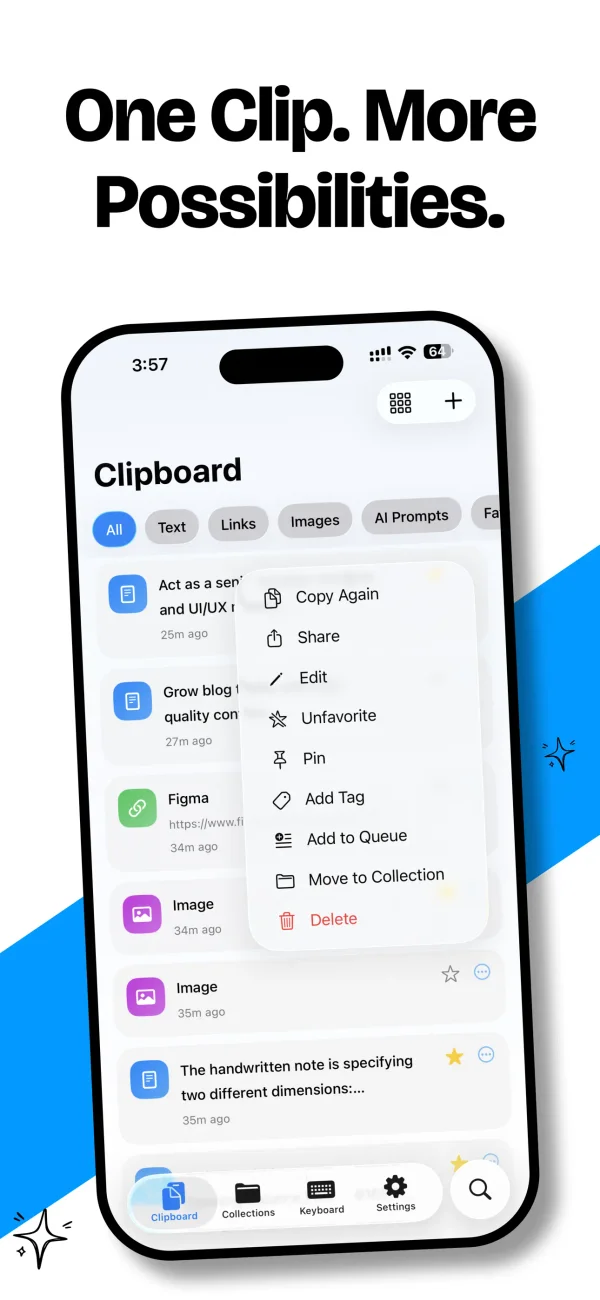
Copy a piece of text, a link, or an image, then open ClipBoard or its keyboard and the clip is saved to your history. Search it, organize clips into collections, and pin favorites. When you need something back, tap a clip to copy it, drag it into another app, or paste it straight from the ClipBoard keyboard without switching apps.
KEY FEATURES
• Clipboard history: every clip you save, in one searchable list
• ClipBoard keyboard: paste any saved clip into any app
• Snippets: save phrases you type often and insert them from the keyboard with one tap
• Instant search across everything you've saved
• Collections: organize clips into groups that fit how you work
• Favorites: keep the important clips a tap away
• Drag and drop: drag a clip into any app on iPhone and iPad
• Share extension: save text, links, and images from any app's share sheet
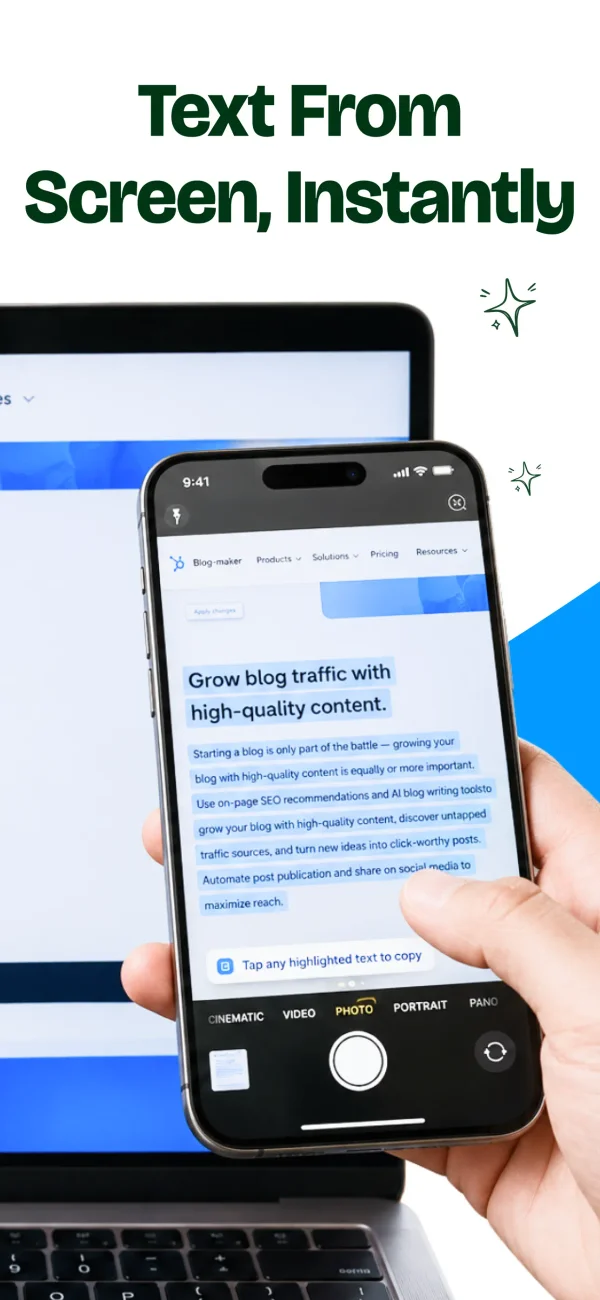
• Scan Text: capture printed text with your camera, recognized on your device
• Link titles (optional): saved links keep their page titles
• iCloud sync (optional): your clips and snippets on every device you own
HOW CAPTURE WORKS
iOS does not let apps read the clipboard in the background. ClipBoard saves the current clipboard each time you open the app or its keyboard, and you can save anything else through the share sheet. Nothing is captured while ClipBoard is closed.
PRIVATE BY DESIGN
Your clips stay on your device. No account, no tracking, and nothing you copy is sent to us. The keyboard reads only the clips you have saved. It never logs what you type. If you turn on sync, it goes through your personal iCloud.
CLIPBOARD PRO
Your first 10 clips are free, with search, the keyboard, snippets, and iCloud sync included. ClipBoard Pro unlocks all of your history after that. Choose a monthly or yearly subscription, or a one-time lifetime purchase.
Privacy Policy: https://appietap.tech/clipboard/privacy-policy
Terms of Use: https://appietap.tech/clipboard/terms
What’s new
Version 1.0.6 · Nov 23, 2026
Small improvements behind the scenes.
App privacy
What AppieTap declares on the App Store about how this app handles data.
-
Data not linked to you
May be collected but is not linked to your identity.
- Usage data
- Diagnostics
Privacy practices may vary, for example with the features you use or your age.
Information
- Seller
- AppieTap LLC
- Category
- Utilities
- Version
- 1.0.6
- Updated
- Nov 23, 2026
- Released
- Sep 4, 2026
- Size
- 10.8 MB
- Requires
- iOS 18.0 or later
- Age rating
- 4+
- Price
- Free
- In-app purchases
- Yes
- Languages
- English, French, Japanese
- Copyright
- © 2026 AppieTap LLC
You might also like
-
 Light Clipboard: Quick PasteSnippet keyboard, tap to paste
-
 Clipboard Keyboard - TapPasteSave Snippets & Paste Anywhere
-
 Recopy - Copy & PasteCopy, Organize, Search, Paste
-
 Porte BagageSave your conversations data !
-
 Bilingual: Native TranslateTranslate where you type
-
 Copy This: Save Your ClipboardPrivate, quick clip history
-
 Click PasteReuse clipboard items locally
-
 Infrascale Online BackupUtilities
-
 ClipboardBuddyUtilities
-
 コピー履歴・定型文・AIキーボード|RiReKey(履歴)Utilities