
Clippar: Golf Highlights
Auto trim & trace your shots
Designed for iPhone, iPod touch
In-app purchases
- Age rating4+
- CategorySports
- DeveloperClippar Pty Ltd
- LanguagesEnglish
- Size235.3 MB
Links to the official App Store page
Download.org hosts no file of Clippar: Golf Highlights. The button opens its official App Store page, published by Clippar Pty Ltd. Listing last checked on Nov 28, 2026.
Screenshots
About
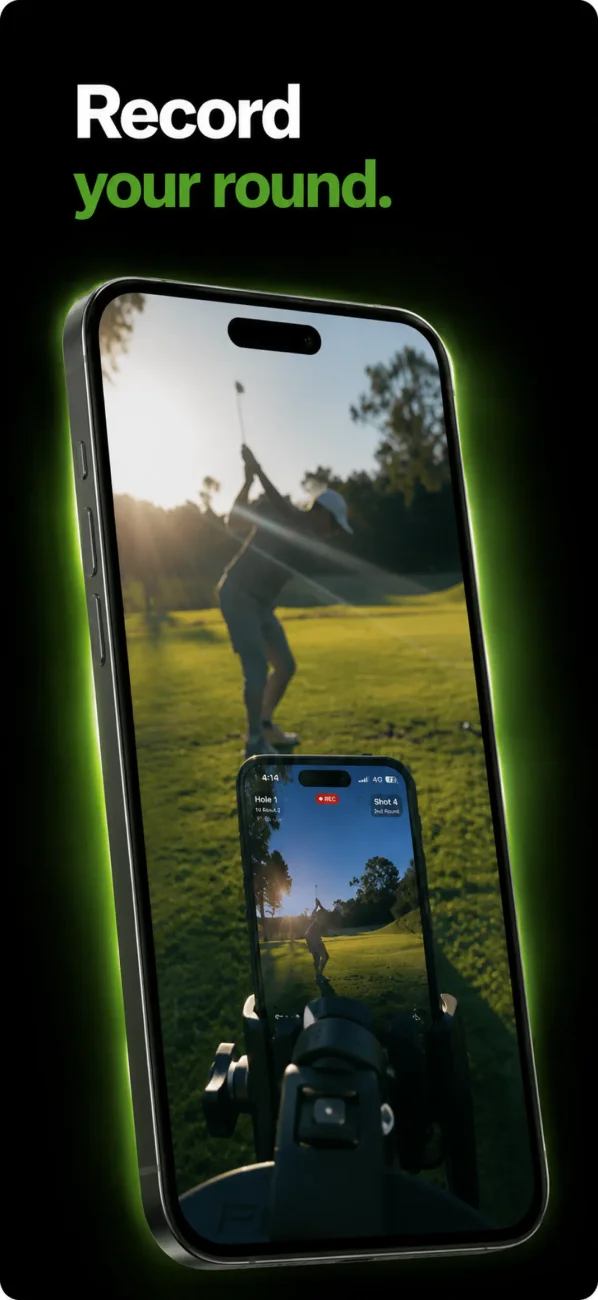
Clippar films your round of golf and cuts it into a highlight reel. No editing.
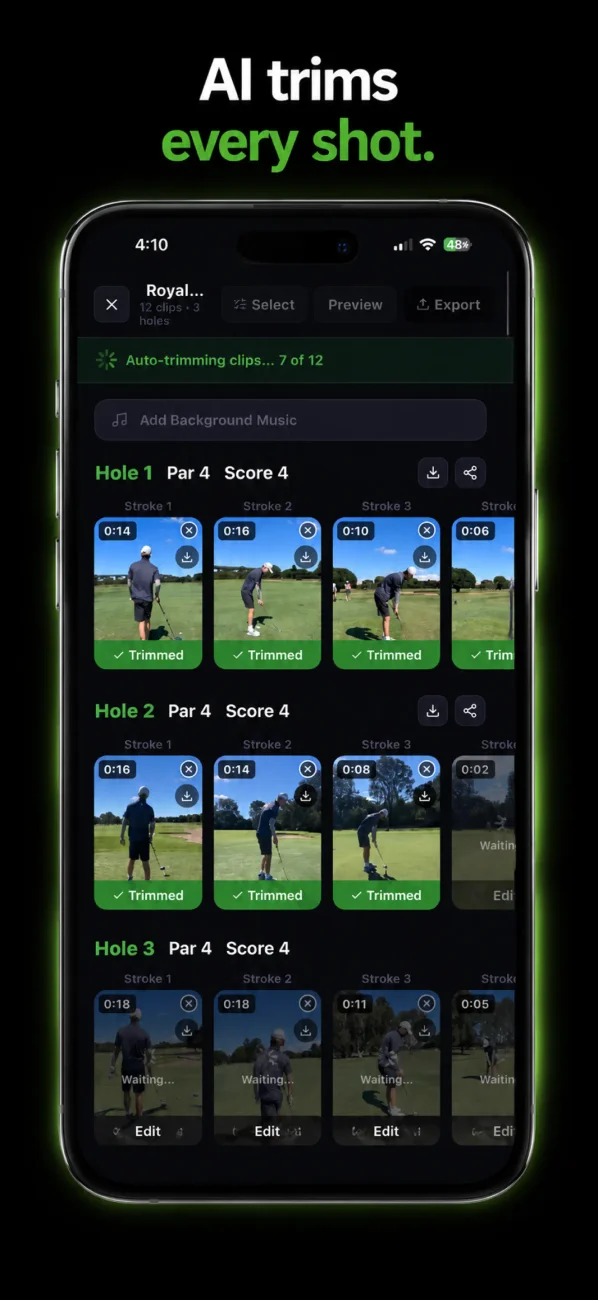
Clip your phone to your bag or buggy and tap a small Bluetooth clicker before and after each shot, or use the button on screen. Clippar finds the swing in each recording, trims away the walk-up and the waiting, and puts the round together hole by hole, on your phone.
HOW IT WORKS
• Mount your phone on your bag or buggy.
• Tap the clicker before and after each shot. The phone stays where it is.
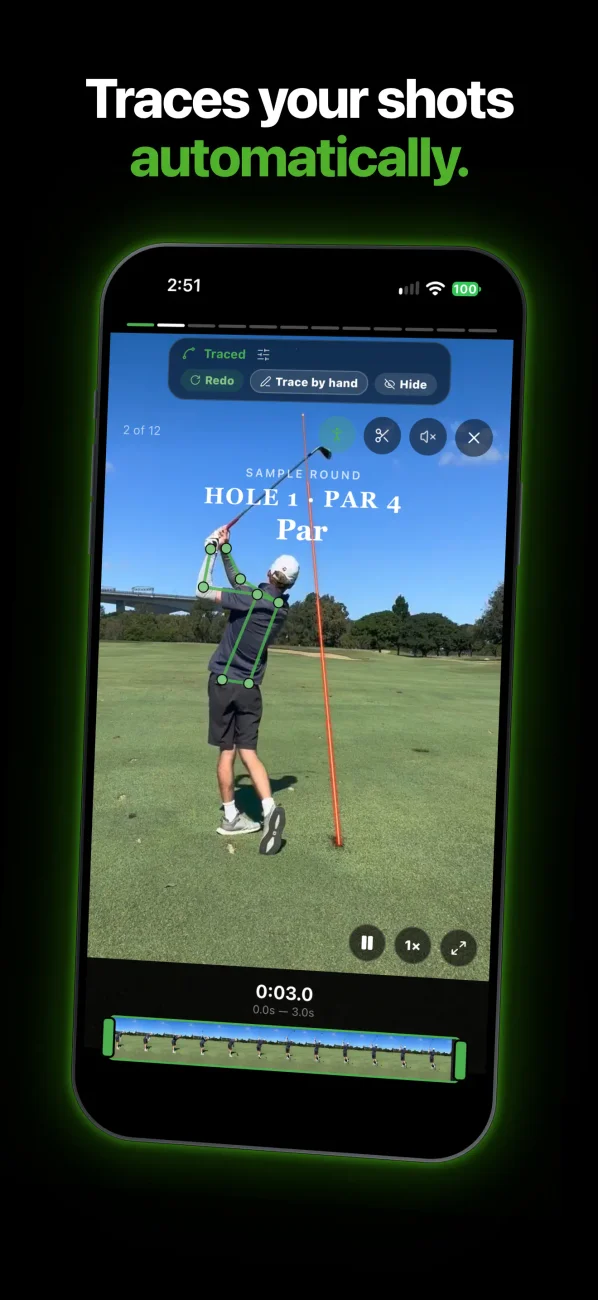
• Clippar finds the swing and cuts to the shot. If it can't find one, it says so and leaves that shot for you to trim.
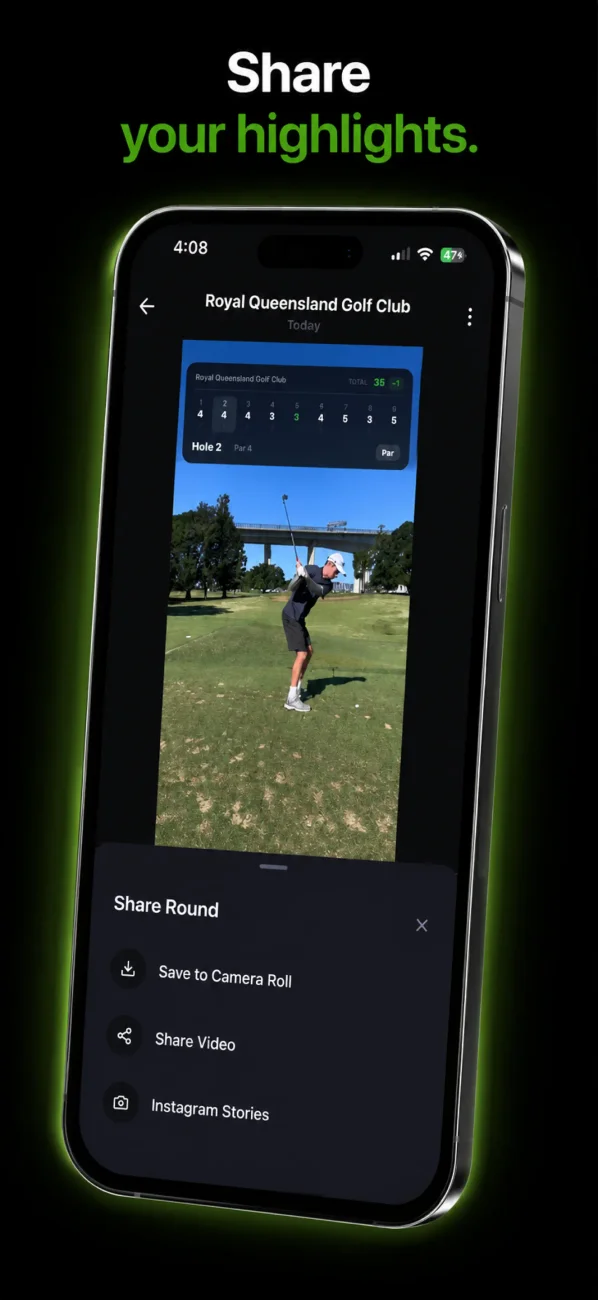
• Pick a scorecard, then share the whole round or just a few holes.
SEE IT BEFORE YOU PLAY
There is already a round in the app when you sign in: three real holes, filmed on course, cut and traced. A short guided walkthrough shows you the reel, the editor and export before you record anything of your own.
SHOT TRACER
On full swings, Clippar looks for your ball in the footage. Where it can follow it, it draws an estimated line of the ball's flight onto the video, and before it draws it checks that what it's following really is a ball. A first line shows quickly, then sharpens, and you can cancel a trace at any time. Some shots it can't follow, such as a ball lost against the sky or hit into a low sun, and those are left as filmed. You can draw the line yourself in a few taps, then set its direction and shape.
TRACER PRESETS
Make the line yours: pick its colour (rainbow too), thickness and style, add a shadow under it, a crash-zoom onto where the ball lands, or the path of your club.
AT THE RANGE
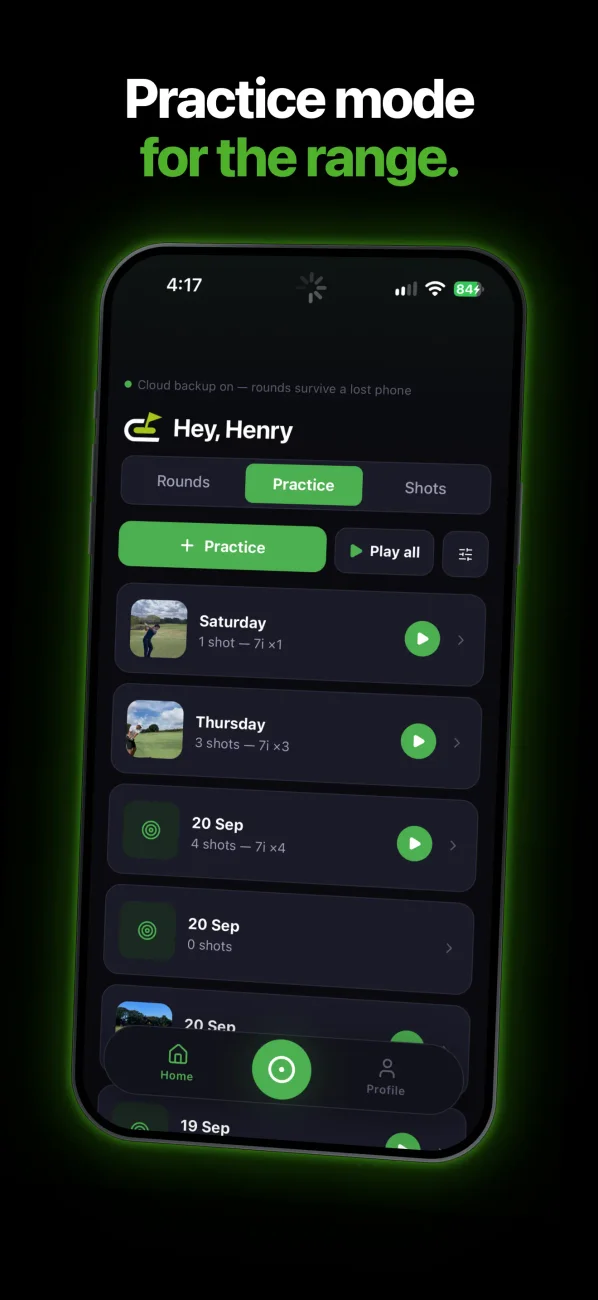
Film a practice session by club, trim every shot to the same length in one go, and play the whole session back as one reel.
GAMES
Play tic-tac-toe at the range: the board sits on the camera screen and each traced shot picks a square.
YOUR LIBRARY
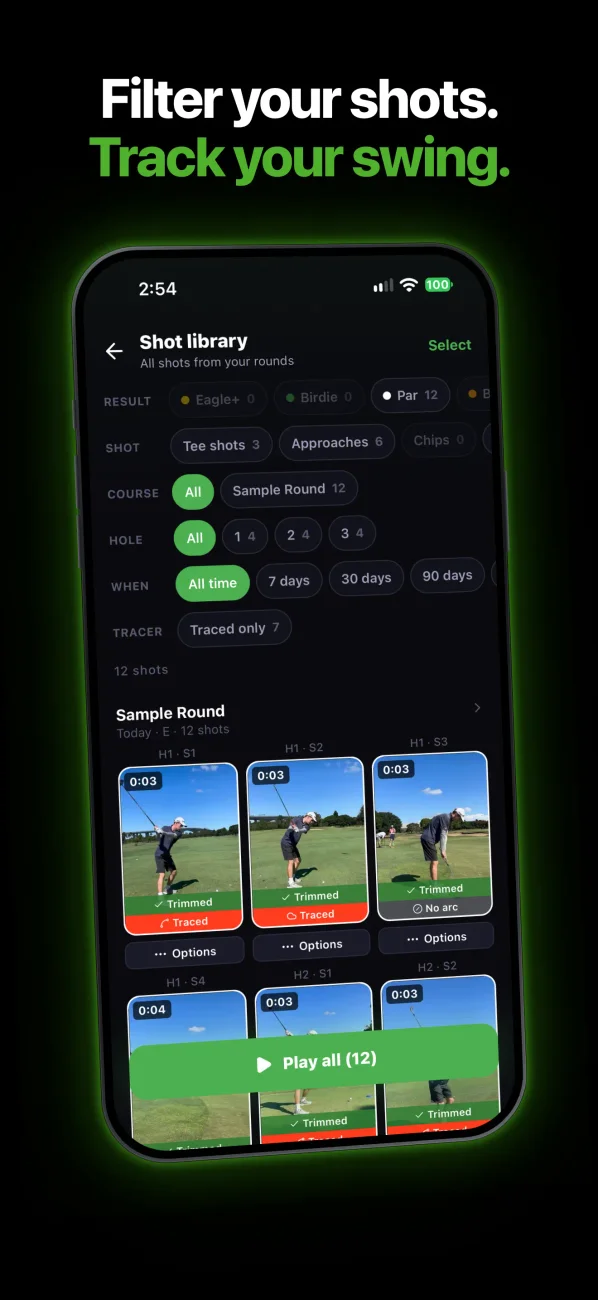
Home keeps your rounds, practice sessions and single shots side by side. Filter shots by result, course, hole or club, and use Play all to watch them back to back. Import videos from Photos, or record more shots into a round you've already finished.
YOUR SCORE ON THE REEL
Five scorecard designs, or none at all. Share or save just a few holes and Clippar asks whether to add the card, which then shows only those holes.
WHAT ELSE
• Trim any shot, reorder them, drop the ones you'd rather forget.
• Choose to save each shot you record to a Clippar album in Photos, or turn on Cloud backup, so your golf survives deleting the app.
• Single shots: zoom in, name a shot, and add the course and club.
• Pick exactly which shots to share or save.
• Leave the app mid-export and it pauses, then picks up where it left off.
TRY IT FREE
Clippar is free to download, and your first shots are traced free. You can start a 7-day free trial of Clippar Pro. After the trial, recording or importing a round or a practice session needs Clippar Pro, which also includes:
• Unlimited highlight reels and exports.
• The automatic shot tracer.
• Cloud backup, when you switch it on: your clips upload in the background, and your library restores on a reinstall or a new phone.
Subscriptions are billed through your Apple ID and renew automatically unless cancelled at least 24 hours before the end of the period. Manage or cancel anytime in your App Store account settings.
Privacy Policy: https://clippargolf.com/privacy
Terms of Service: https://clippargolf.com/terms
What’s new
Version 1.3.7 · Nov 27, 2026
Import your first 3 shots and see them traced, free.
A new Clippar Pro screen, with your plan's price up front.
Share or save a shot in one tap from its screen.
Fixed the Clippar Pro screen after sign-up closing by itself, and a small dot that could appear at the end of the shot line.
App privacy
What Clippar Pty Ltd declares on the App Store about how this app handles data.
-
Data linked to you
May be collected and linked to your identity.
- Purchases
- Location
- Contact info
- User content
- Identifiers
- Usage data
- Other data
-
Data not linked to you
May be collected but is not linked to your identity.
- Contact info
- Identifiers
- Usage data
- Diagnostics
Privacy practices may vary, for example with the features you use or your age.
Information
- Seller
- Clippar Pty Ltd
- Category
- Sports
- Version
- 1.3.7
- Updated
- Nov 27, 2026
- Released
- Oct 24, 2026
- Size
- 235.3 MB
- Requires
- iOS 15.1 or later
- Age rating
- 4+
- In-app purchases
- Yes
- Languages
- English
- Copyright
- © 2026 Clippar Pty Ltd