
PracticeLoop
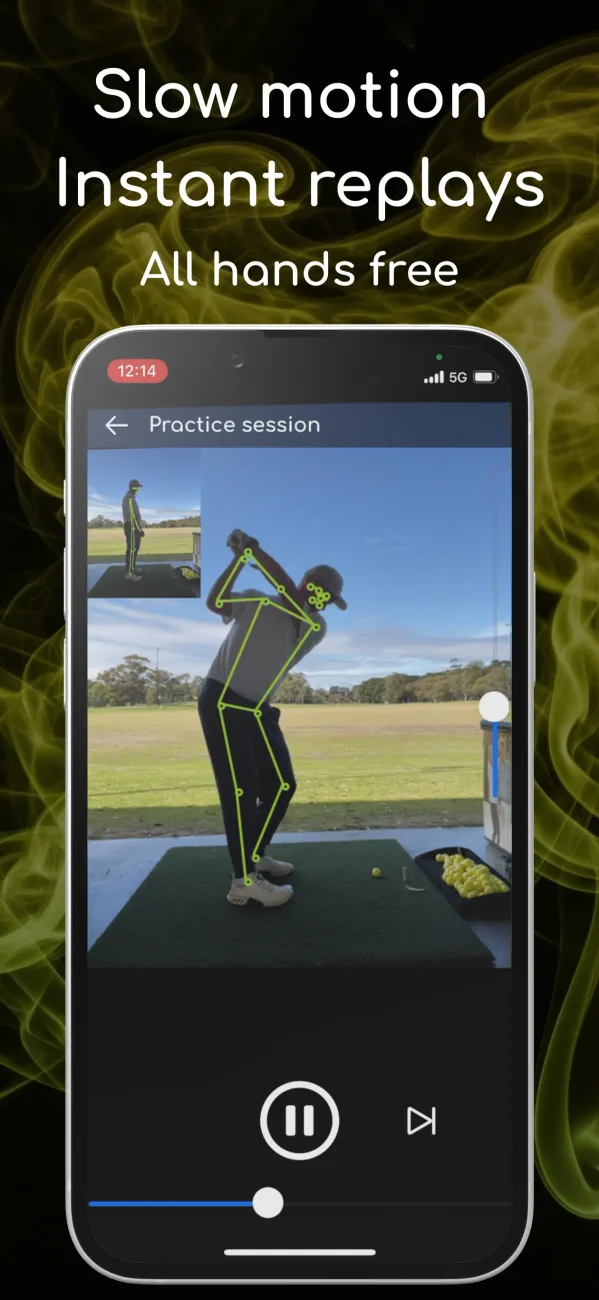
Instant slow-motion replays
Designed for iPhone, iPad
Free · In-app purchases
- Age rating4+
- CategorySports
- DeveloperOrmond Code
- LanguagesEnglish
- Size145.7 MB
Links to the official App Store page
Download.org hosts no file of PracticeLoop. The button opens its official App Store page, published by Ormond Code. Listing last checked on Nov 23, 2026.
Screenshots
About
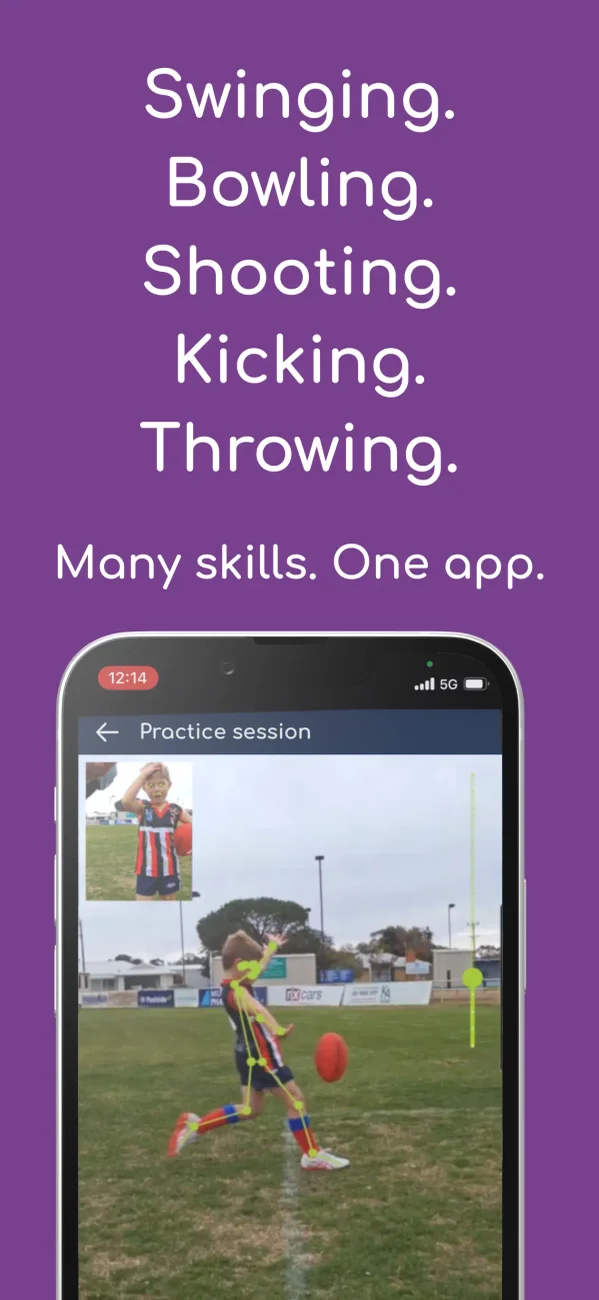
- PracticeLoop detects the skill you are practicing, then shows a delayed, slow motion replay. Automatically, all hands free.
(Skills include golf swings, cricket bowling, basketball shots, football kicks, and throwing)
- Analyze your golf swing, including spine angle, hip movement, hand path, flying elbow, and more.
- Analyze your cricket bowling, including arm angle, elbow angle, feet alignment, stride length, and more.
- Visualize your progress with metrics showing averages, trends, consistency, and success rate over time.
- Your best, worst, and improvement areas are highlighted so you know where to focus your practice energy.
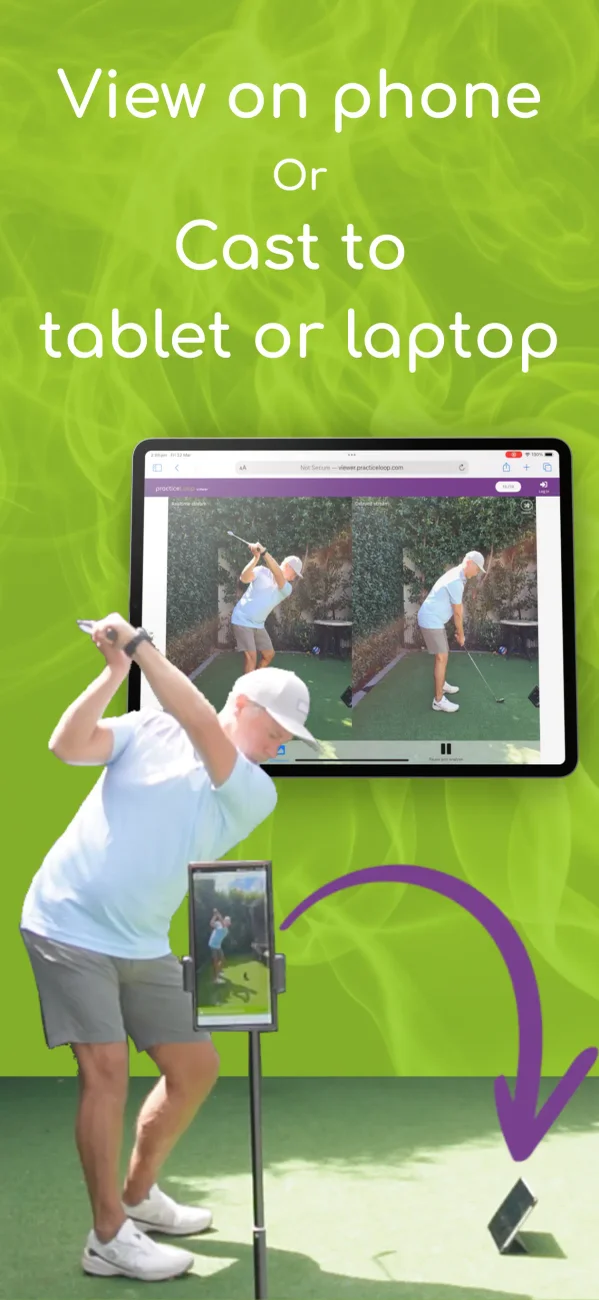
- Watch the replay directly on your phone, or cast to a tablet, laptop, or another phone to view on a bigger screen, from any angle.
(It only needs WiFi and a browser, cast to iPad, iPhone, any tablet/phone, Windows or Mac PC)
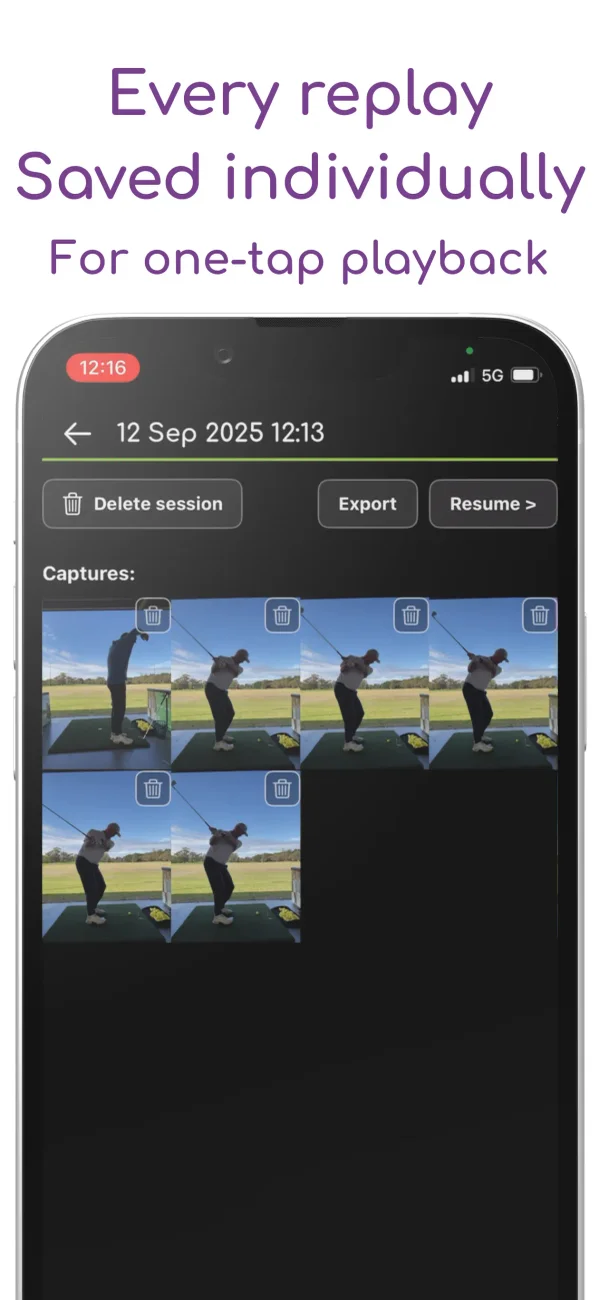
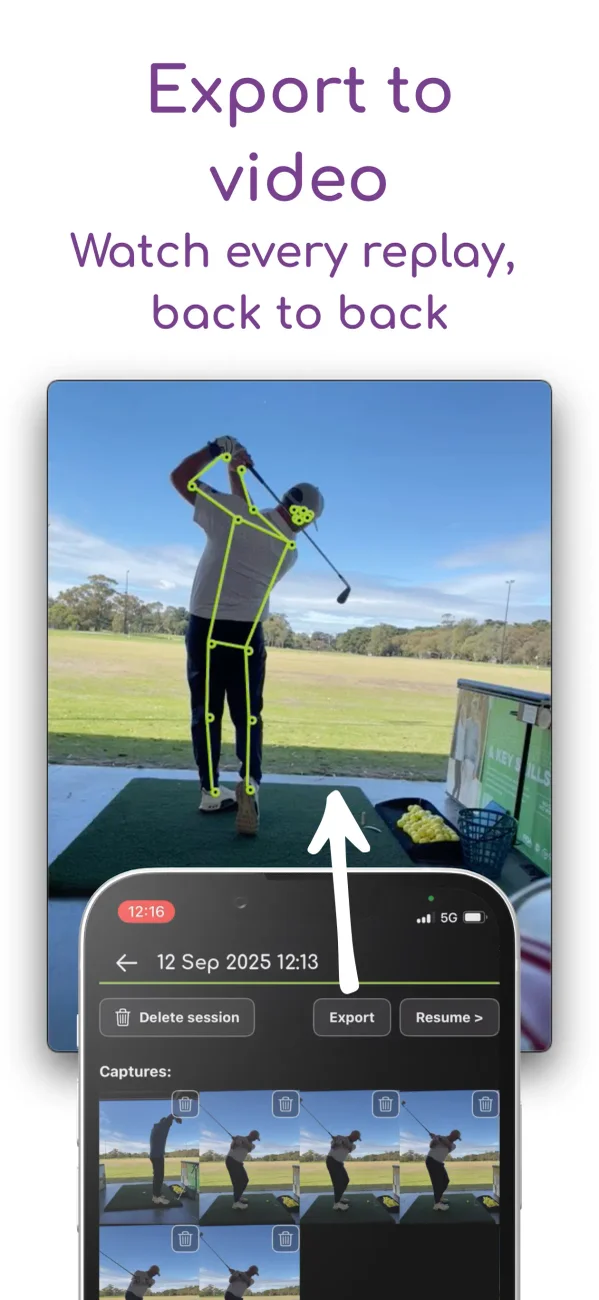
- Each replay is saved individually to your library. So you can re-watch any replay with a single tap.
- Export an entire series of replays to a continuous video. No breaks.
- Change replay speed from anywhere between real-time and 1/10 speed.
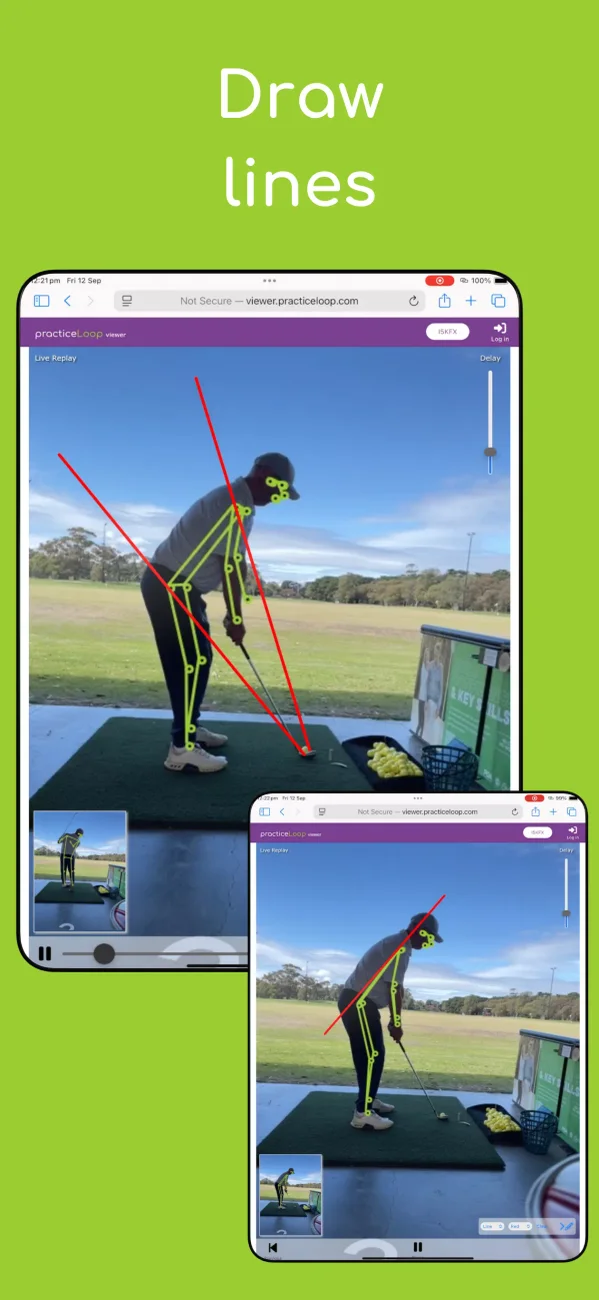
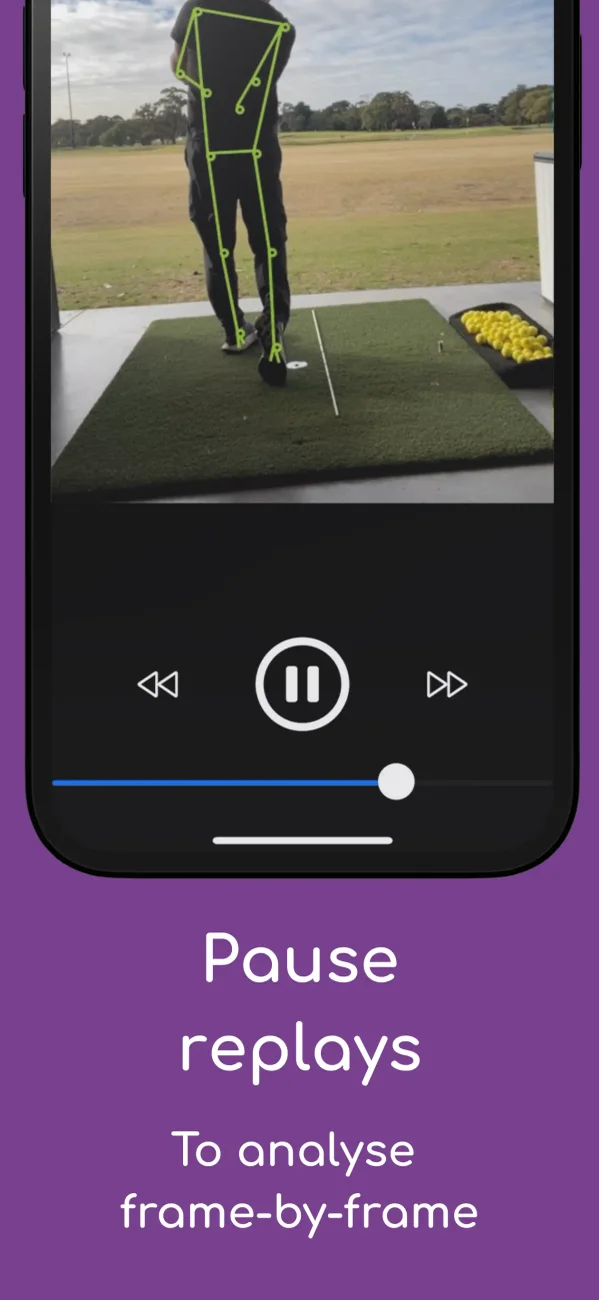
- Pause the replay to analyse frame-by-frame and draw lines.
- Configure the delay before the replay starts, and how much of your action to capture.
Whether it's Golf, Cricket, Basketball, Baseball or Football, video feedback is a great way to improve your chosen skill, and with PracticeLoop, you can spend more time practicing and less time fiddling with your phone to watch replays.
Terms of Use
https://www.apple.com/legal/internet-services/itunes/dev/stdeula/
What’s new
Version 2.0.0 · Nov 21, 2026
Analyze your golf swing in real-time, including spine angle, hip movement, flying elbow, head movement, hand path and more. Visualize your progress with metrics showing averages, trends, consistency, and success rate over time. Discover your best, worst, and improvement areas, which are highlighted you know where to focus your practice energy.
App privacy
What Ormond Code declares on the App Store about how this app handles data.
-
Data linked to you
May be collected and linked to your identity.
- Identifiers
-
Data not linked to you
May be collected but is not linked to your identity.
- Contact info
- Usage data
- Diagnostics
Privacy practices may vary, for example with the features you use or your age.
Information
- Seller
- STEVEN IAN BALDWIN
- Category
- Sports
- Version
- 2.0.0
- Updated
- Nov 21, 2026
- Released
- Feb 14, 2023
- Size
- 145.7 MB
- Requires
- iOS 17.6 or later
- Age rating
- 4+
- Price
- Free
- In-app purchases
- Yes
- Languages
- English
- Copyright
- © 2026 Ormond Code
You might also like
-
 Ryform Golf: AI Swing AnalyzerYour Personal AI Golf Coach
-
 DualSwing: Golf Swing AnalyzerDual Camera Slow Motion Swing
-
 Sticks: AI Cricket CoachBatting feedback you hear
-
 Clippar: Golf HighlightsAuto trim & trace your shots
-
 Golf Apps - Swing TrackerStats, Coach, Range scorecard
-
 RangeWise: Golf Shot CaddieClub Distances, Chip & Putt
-
 SwingLoop: Golf Swing ReplayAuto video. One device or two.
-
 CoachMe NetballNetball Coaching Toolkit
-
 UpT: Your Golf Swing AnalyzerAI Coach for Golf Shot & Swing