Clips: Work Photo Camera
Keep Work Photos Separate
Designed for iPhone, iPad
Free · In-app purchases
- Age rating4+
- CategoryProductivity
- DeveloperGibeom Lee
- LanguagesEnglish+ 7 more
- Size39.9 MB
Links to the official App Store page
Download.org hosts no file of Clips: Work Photo Camera. The button opens its official App Store page, published by Gibeom Lee. Listing last checked on Nov 23, 2026.
Screenshots


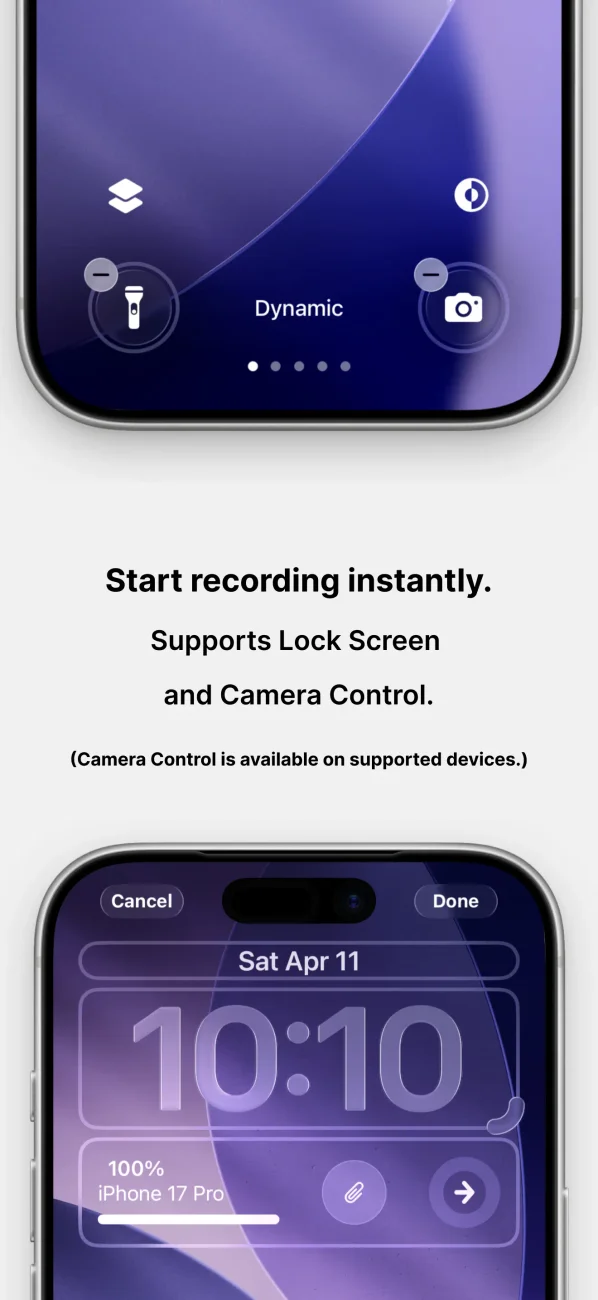
About
Looking for a memory in your photo gallery, only to find work photos, documents, receipts, and reference images instead?
Clips is a camera app designed to help you separate records from memories.
Memories in your gallery. Records in Clips.
Keep the photos and videos you need for work, study, projects, and daily records in Clips, while leaving your Photo Library for the moments that matter most.
Key Features
1. Dedicated Camera for Records
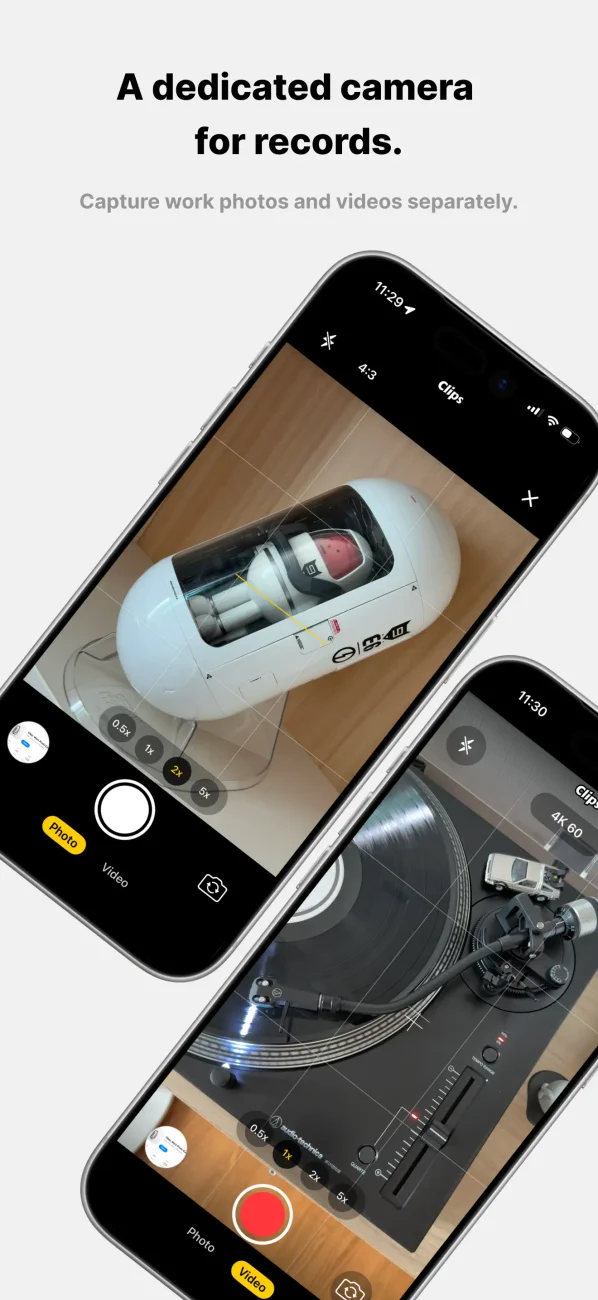
Clips is built for capturing records.
Store work photos, receipts, documents, reference materials, study notes, project updates, and more directly in Clips.
2. Separate Records from Memories
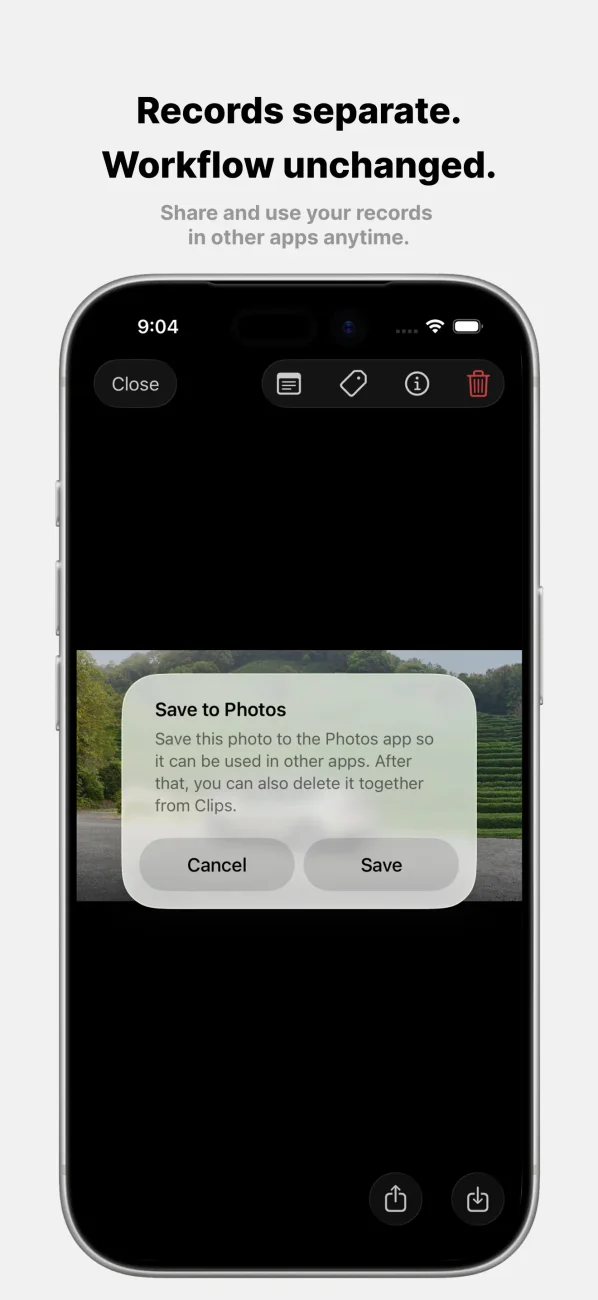
Keep record photos and videos separate from your personal memories.
Manage records in Clips and keep your photo gallery focused on the moments you want to remember.
3. Organize with Tags & Notes
Add tags and notes to photos and videos.
Easily organize, search, and revisit important records later.
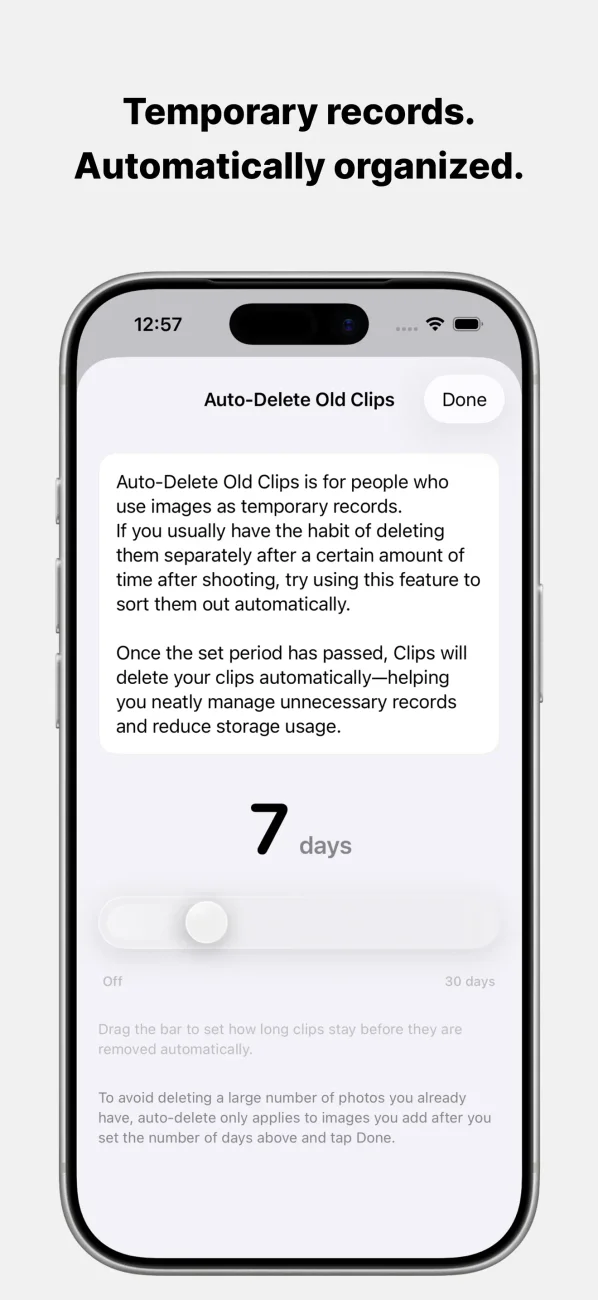
4. CleanUp
Stored records can also be cleaned up easily.
Keep your records safely in Clips while maintaining a cleaner photo gallery.
5. Import Existing Photos & Videos
Already have photos in your gallery?
Import them into Clips using the Share Sheet and organize them alongside your other records.
Perfect For
• People who take lots of work-related photos
• Anyone whose gallery feels cluttered
• Students capturing study materials
• People documenting projects and progress
• Anyone who wants to separate memories from records
Memories in your gallery. Records in Clips.
Clips
What’s new
Version 1.3.4 · Nov 17, 2026
- Improved iCloud storage optimization. Automatic mode now optimizes photos and videos you haven’t used in a while sooner than before.
- Added Map View (Beta) so you can find photos and videos by where they were taken, as long as they have location data.
- You can now see more clearly how much storage the app uses on your device and how much space iCloud has saved.
- Reduced unnecessary storage use when restoring after reinstalling the app. You can now choose to keep originals in iCloud and download them as needed, or download all originals to your device.
- Fixed issues with saving photo notes and displaying gallery thumbnails, and improved app stability.
App privacy
What Gibeom Lee declares on the App Store about how this app handles data.
-
Data not collected
The developer does not collect any data from this app.
Privacy practices may vary, for example with the features you use or your age.
Information
- Seller
- Gibeom Lee
- Category
- Productivity
- Version
- 1.3.4
- Updated
- Nov 17, 2026
- Released
- Mar 15, 2026
- Size
- 39.9 MB
- Requires
- iOS 18.6 or later
- Age rating
- 4+
- Price
- Free
- In-app purchases
- Yes
- Languages
- English, French, German, Japanese, Korean, Russian, Simplified Chinese, Traditional Chinese
- Copyright
- Copyright © 2026 RATEL
You might also like
-
 blarblar: Quick Notes WidgetNotes on your home screen
-
 TapRecOne-Tap Voice Recorder Watch
-
 Brio: Daily Planner, Todo ListTime Block & ADHD Organizer
-
 Morphis: Focus Timer & SoundsWhite Noise, Sleep & Pomodoro
-
 Dotly - Habit TrackerTrack Habits. Count Every Day.
-
 PaperCalAesthetic calendar & widgets
-
 Social ArchiverSave what matters
-
 Frames: Photo CalendarCute Personal Monthly Planner
-
 TimeTill: Countdown WidgetTrack Events & Count Up Days
-
 Clipboard Manager - ClipBoxCopy History & Paste Keyboard