
- Age rating4+
- CategoryPhoto & Video
- DeveloperYU LIU
- LanguagesEnglish
- Size3.8 MB
Links to the official App Store page
Download.org hosts no file of Clipzelo: Video Compressor. The button opens its official App Store page, published by YU LIU. Listing last checked on Nov 24, 2026.
Screenshots


About
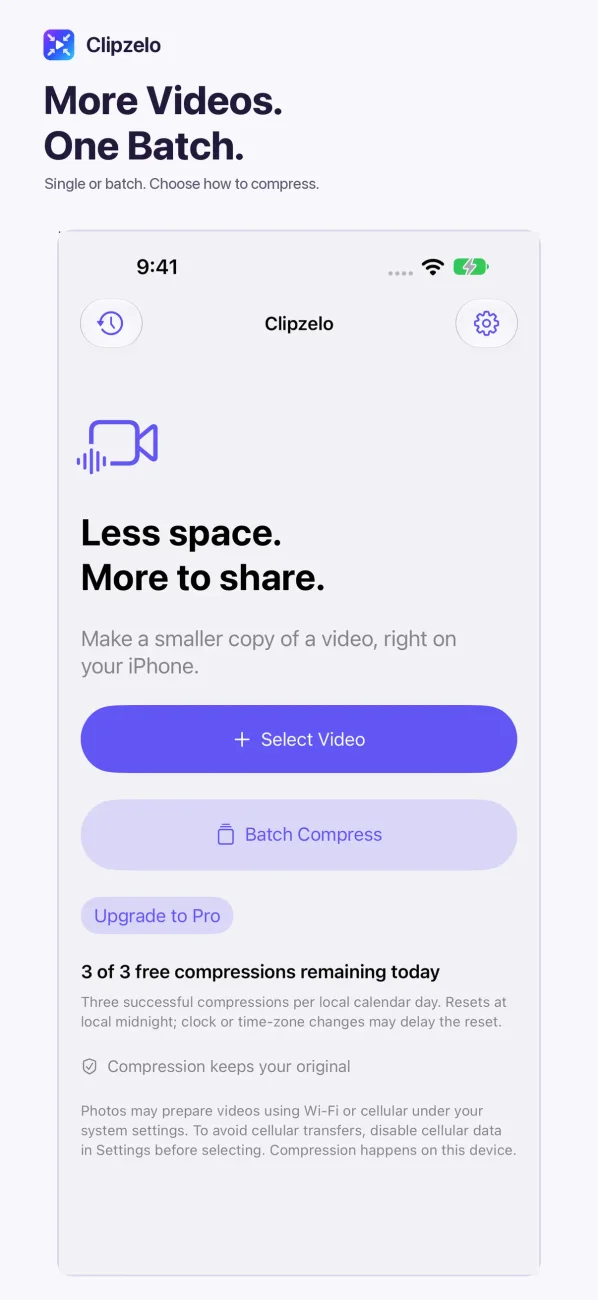
Make smaller video copies on your iPhone, with a preview before you commit.
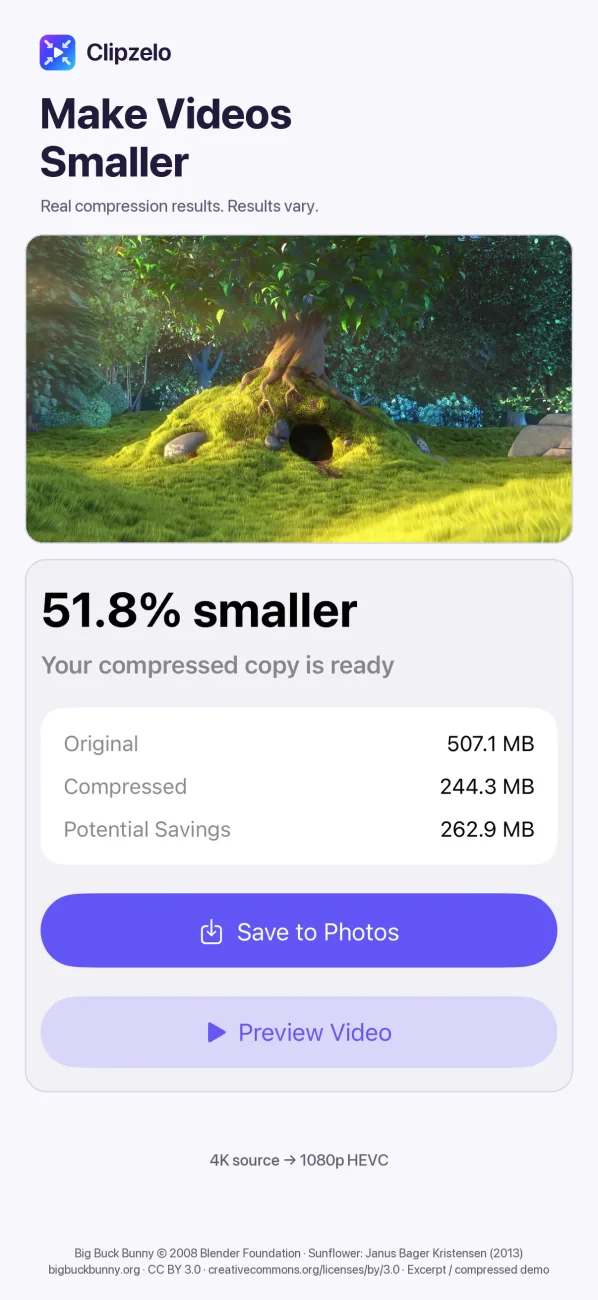
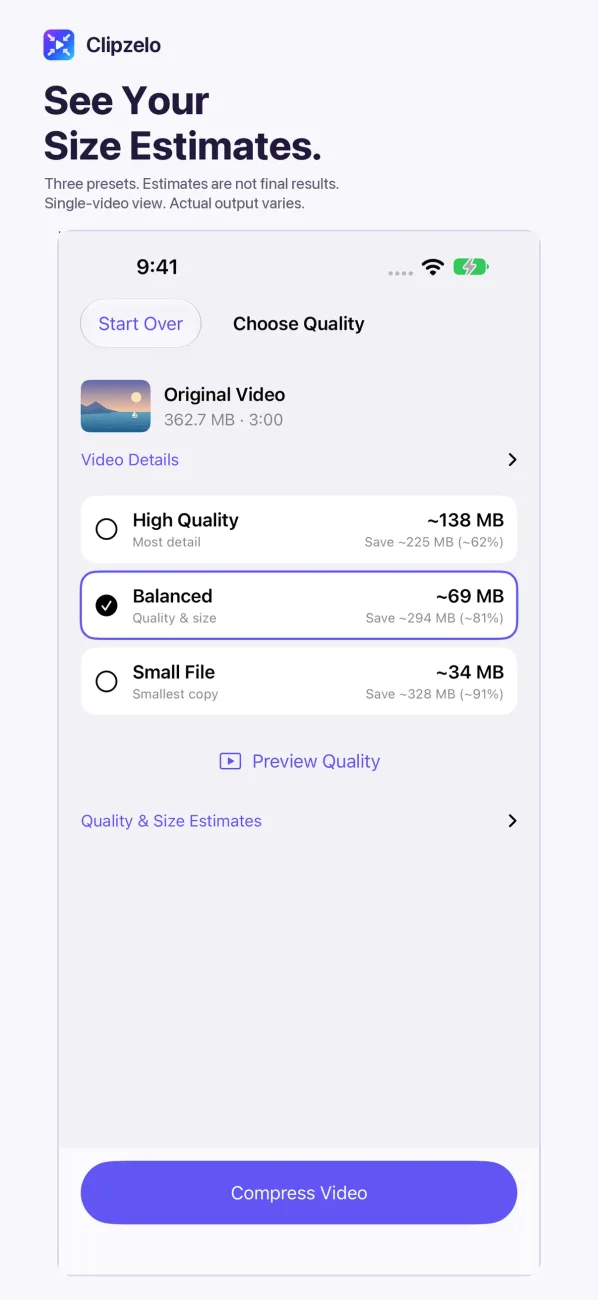
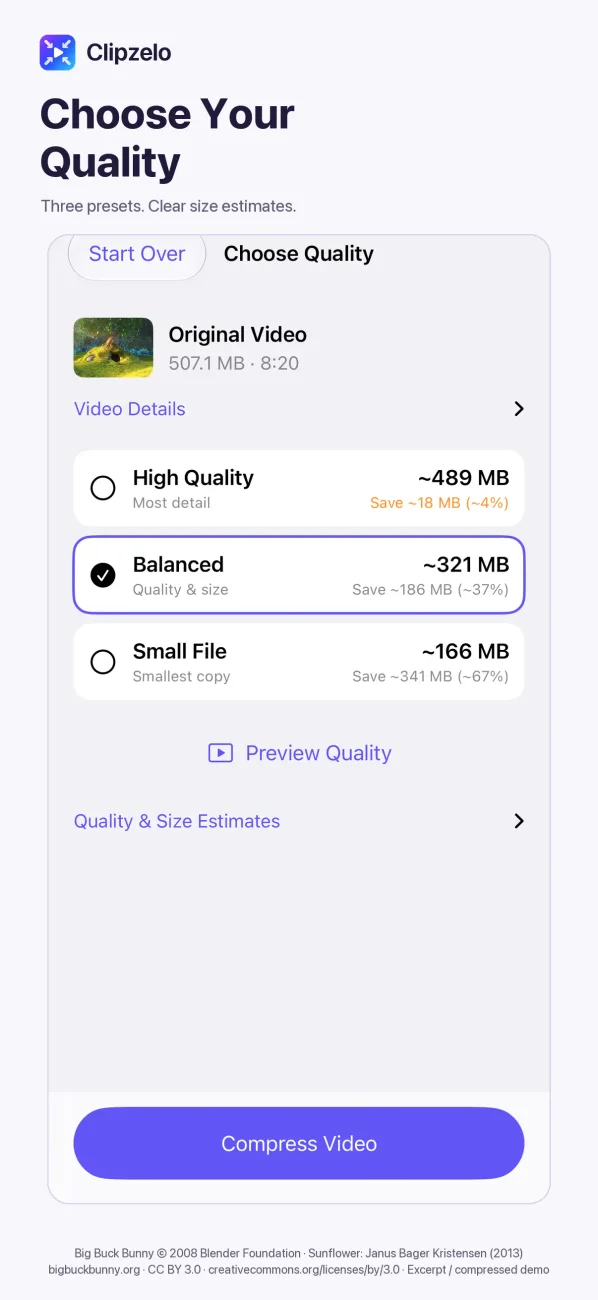
Clipzelo uses on-device HEVC encoding to help reduce video file sizes. Choose High Quality, Balanced or Small File, then review the result before saving or sharing. File sizes and visual quality vary by video; compression can sometimes produce a larger file.
BATCH COMPRESSION
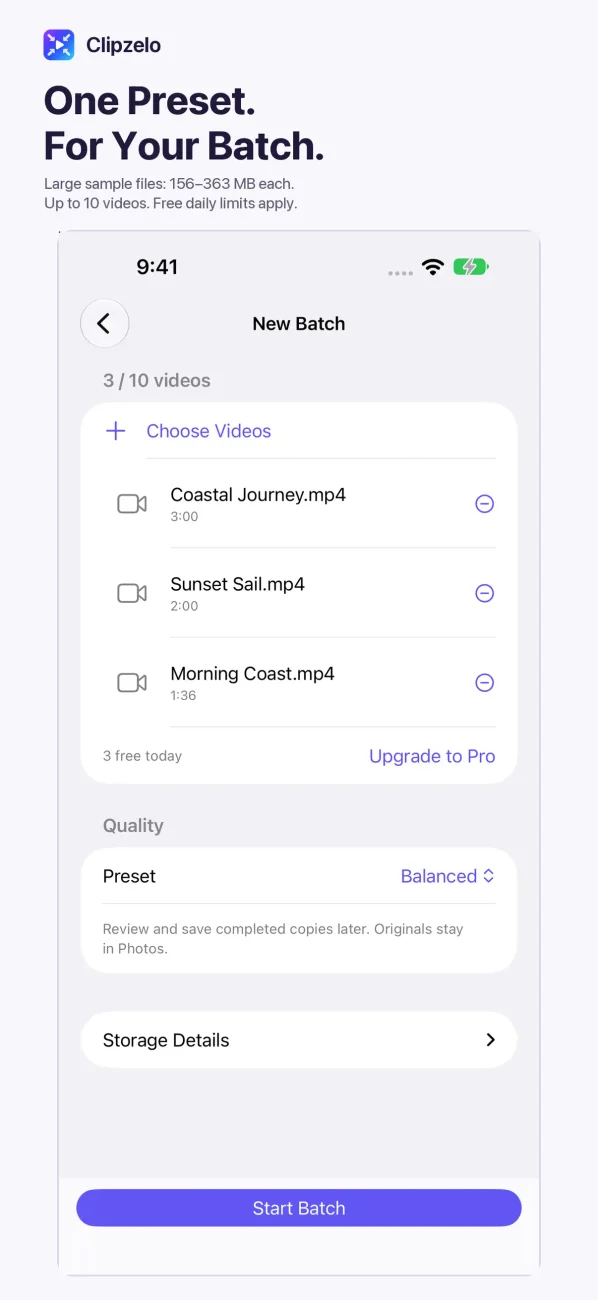
Choose up to 10 videos, apply one quality preset and process them one at a time. Free batch selection is limited to your remaining daily allowance. Start, Resume and Retry require Wi-Fi; preparing iCloud videos can still fail when Wi-Fi is available. Single-video compression remains available over cellular.
REVIEW ON YOUR TERMS
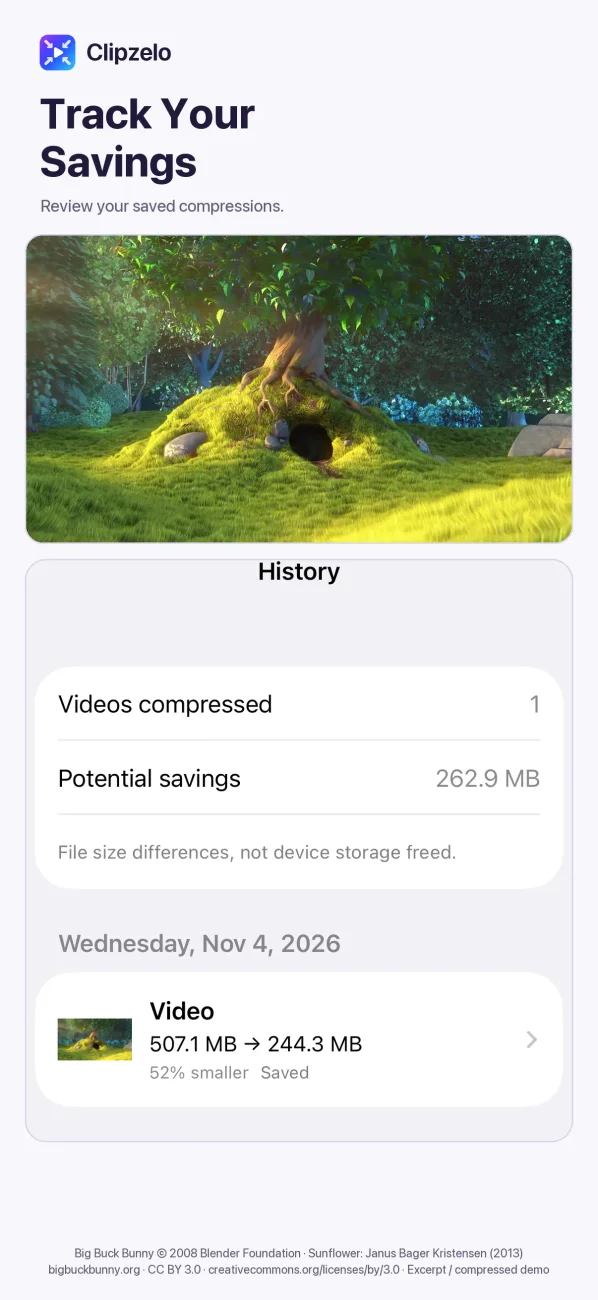
Completed batch results stay in the app for Manual Review until you save or explicitly discard them. Save completed copies to Photos when you are ready. Failed or uncertain saves keep their local results for recovery. Saved batch copies can release redundant app storage after verification when no longer in use.
YOUR ORIGINALS STAY UNDER YOUR CONTROL
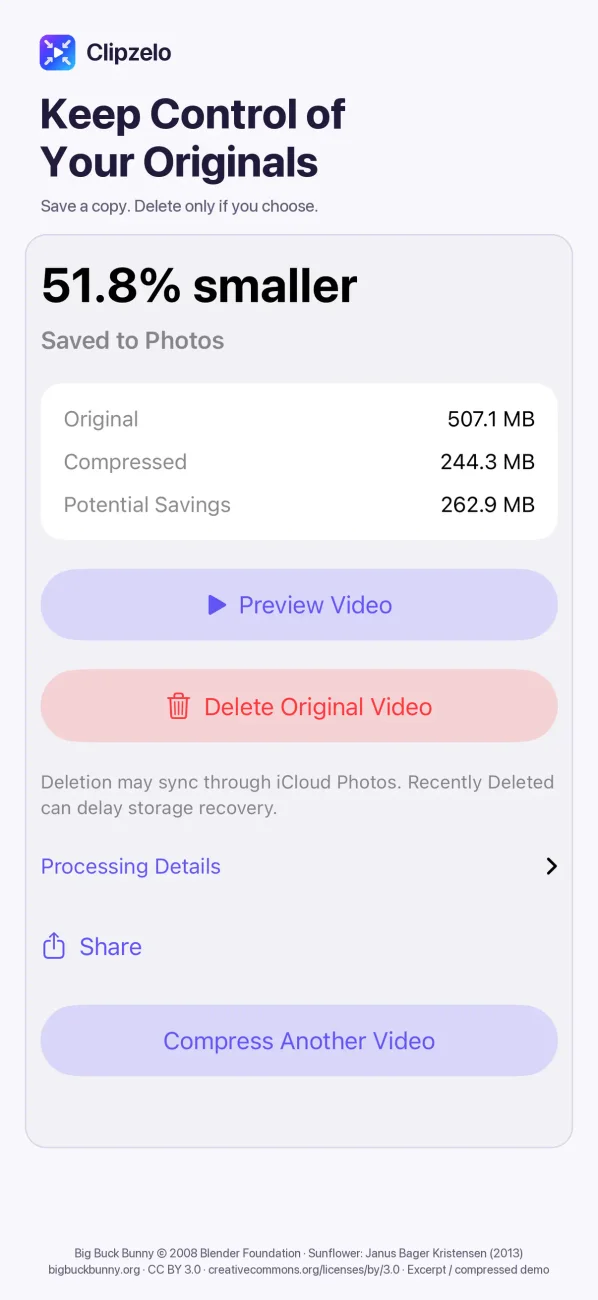
Compression creates a separate copy. Optional Delete Original or Delete Originals requires verified saved replacements, your selection and explicit confirmation. Deletion is never automatic. Photos may retain deleted originals in Recently Deleted, so the displayed file-size difference is not a promise of immediately freed device storage.
PREVIEW AND COMPARE
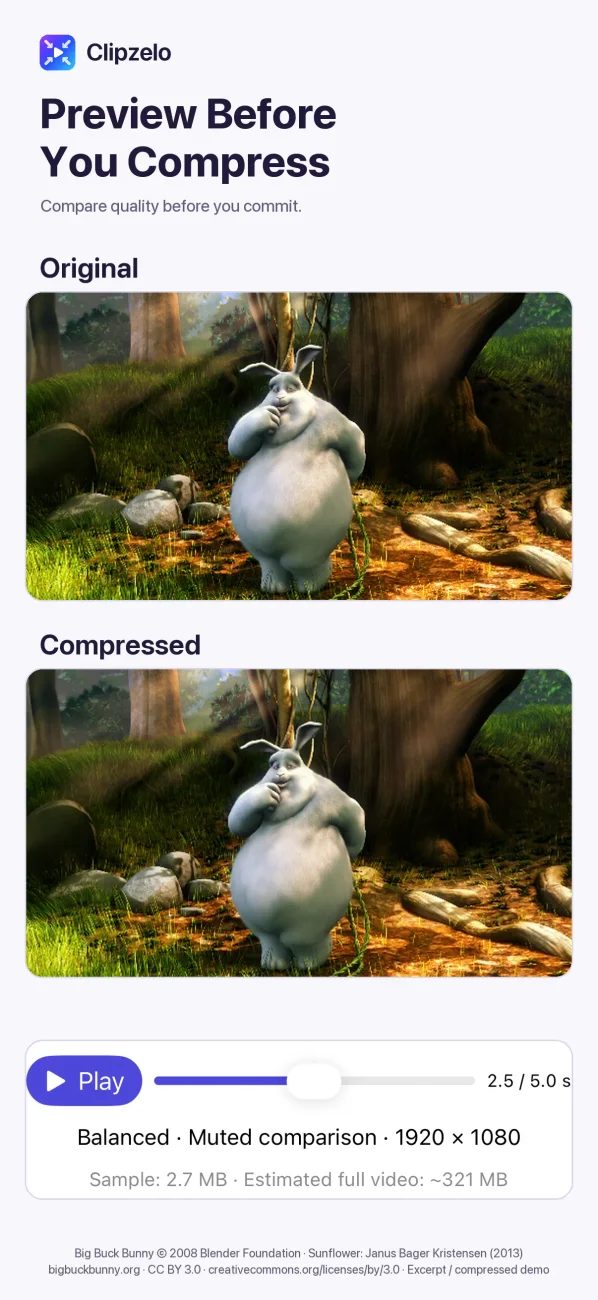
For a single video, compare a real five-second sample with the original before full compression. Use the synchronized playback and scrubber to check detail and motion. A short sample cannot represent every scene.
BACKGROUND PROGRESS
On supported iOS versions, system-managed background processing can show progress on the Lock Screen and Dynamic Island where available. Execution depends on iOS and can be interrupted; background completion is not guaranteed. Return to Clipzelo to review job state and use the available Resume or Retry action.
FREE AND LIFETIME PRO
Free includes three successful compressions per device-local calendar day. Failed or canceled jobs, saving and original deletion do not spend another compression. Lifetime Pro removes the daily compression limit with a one-time purchase, not a subscription. Price is shown by the App Store in your region. Restore Purchases is available for an existing purchase.
Compression runs on your device. Photos and iCloud retrieval, App Store purchases and sharing can use network services. Clipzelo requires iOS 26 or later.
What’s new
Version 1.2.0 · Nov 22, 2026
New in 1.2.0: Batch Compression
- Select up to 10 videos with one quality preset and compress them sequentially. Free users can select up to their remaining daily allowance.
- Start, Resume and Retry batches on Wi-Fi. Single-video compression remains available over cellular.
- Follow batch progress and return to saved job state. System-managed background processing is available when supported and permitted by iOS; completion is not guaranteed.
- Review completed results when you are ready, then save them to Photos. Unsaved results remain available for Manual Review until saved or explicitly discarded.
- Optionally select and delete originals after their saved replacements are verified, with your explicit confirmation. Originals are never deleted automatically.
Free still includes three successful compressions per device-local day. Existing Lifetime Pro purchases continue to remove the daily compression limit.
App privacy
What YU LIU declares on the App Store about how this app handles data.
-
Data not collected
The developer does not collect any data from this app.
Privacy practices may vary, for example with the features you use or your age.
Information
- Seller
- YU LIU
- Category
- Photo & Video
- Version
- 1.2.0
- Updated
- Nov 22, 2026
- Released
- Nov 2, 2026
- Size
- 3.8 MB
- Requires
- iOS 26.0 or later
- Age rating
- 4+
- Price
- Free
- In-app purchases
- Yes
- Languages
- English
- Copyright
- © 2026 Yu Liu
You might also like
-
 SnapErase: Remove BackgroundPhoto & Video
-
 Video Compressor & MergeCompress & Edit Videos
-
 BIG SHOWZoom In on Photos!
-
 DeepColors: Underwater PhotoDive Video & Color Correction
-
 Arc Player - Video PlayerVideo Player All Format
-
 Screen Recorder ™ Record ShotCapture Recording for iPhone
-
 LUT Studio: Color Grading AppCinematic Filters for Video
-
 CamX - USB CameraUVC Camera Capture
-
 BG Remove: Background EditorAuto Photo Background Changer