
Clive: SSH & Mosh Terminal
SFTP, tmux & agentic coding
Designed for iPhone, iPad
Free · In-app purchases
- Age rating4+
- CategoryDeveloper Tools
- DeveloperPhilip Orange
- LanguagesEnglish+ 11 more
- Size34.2 MB
Links to the official App Store page
Download.org hosts no file of Clive: SSH & Mosh Terminal. The button opens its official App Store page, published by Philip Orange. Listing last checked on Nov 18, 2026.
Screenshots

About
Clive is an SSH and Mosh terminal for iPhone and iPad that keeps your place on the server.
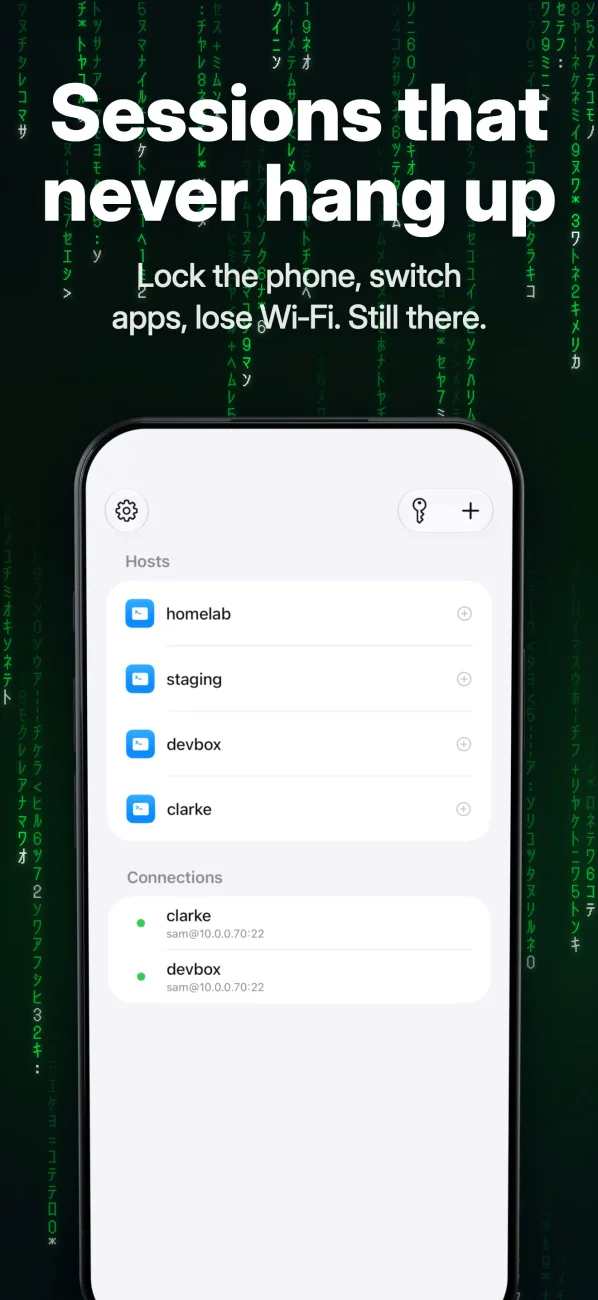
Phones are hostile to terminals. You switch apps to copy a code, the screen locks, you walk out of Wi‑Fi, and the connection is gone with your output and the job you were watching. Clive keeps the session on the server and brings you straight back to it.
WHY SESSIONS THAT SURVIVE CHANGE EVERYTHING
• Walk away. Start a coding agent, a build or a training run, pocket the phone, and check on it from the train.
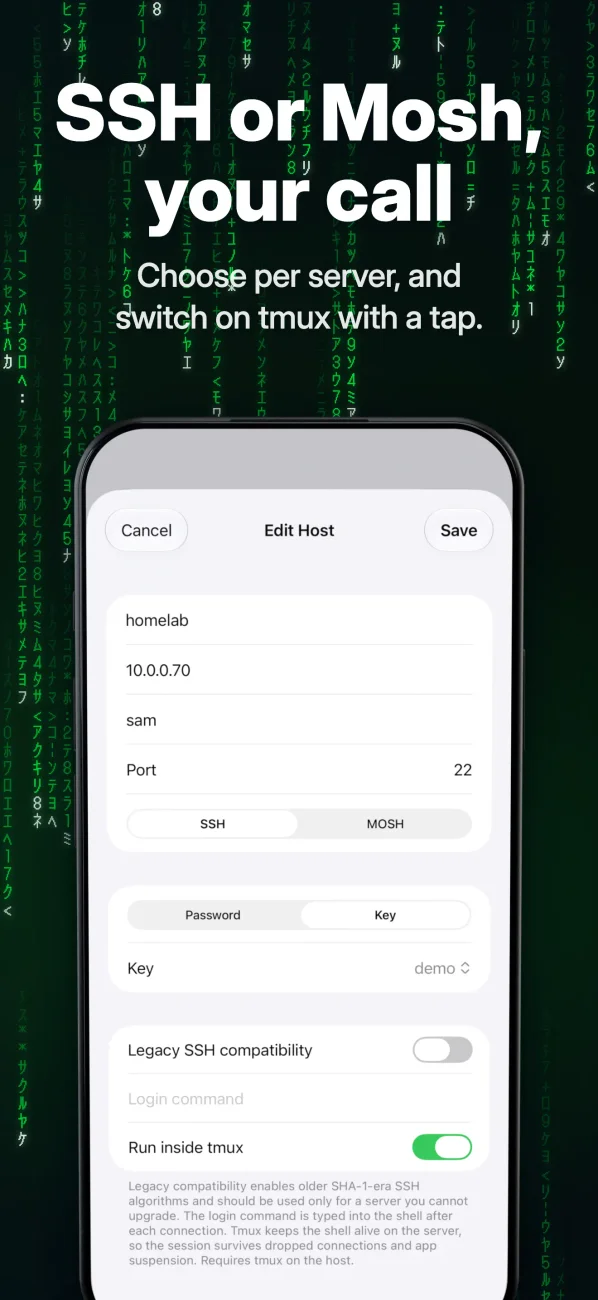
• Nothing is lost. Mosh rides out locks, app switches and network changes without reconnecting. tmux keeps your shell and scrollback alive on the server, so even a session you closed days ago is still there.
• Pick up where you left off. Clive lists the sessions it left on each server. Tap one to resume it, or end the ones you are done with.
• No tricks. No keep-alive hacks and no battery drain. The right protocols, used properly, with automatic reconnect when the network returns.
MADE FOR AGENTIC CODING
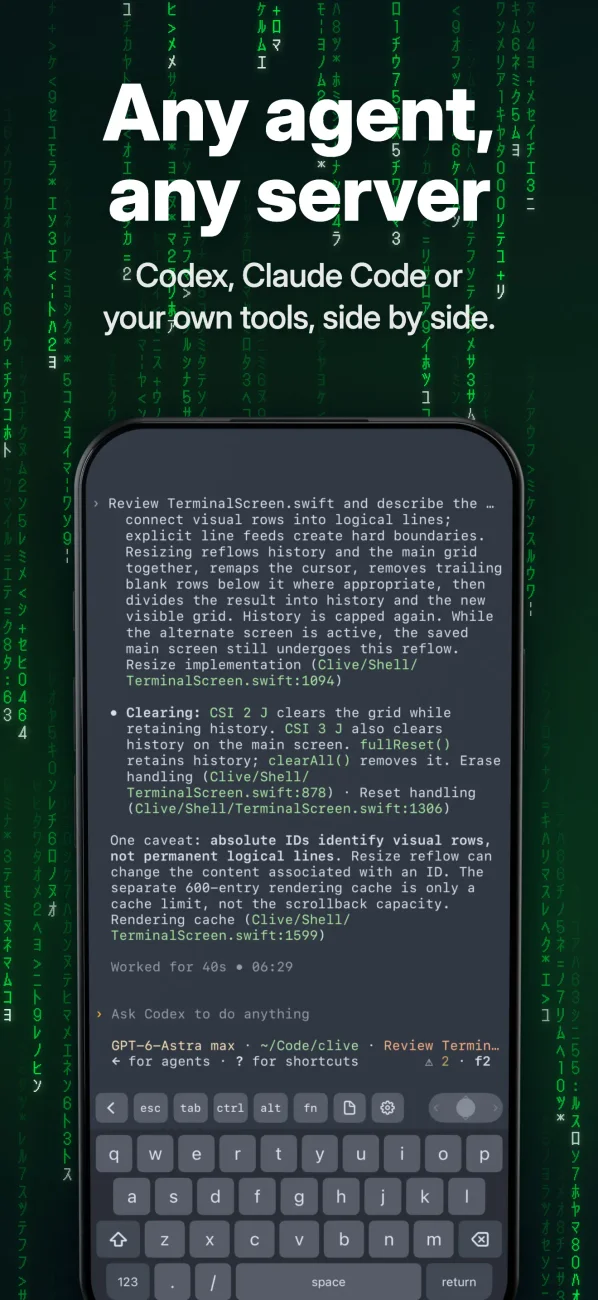
• Claude Code, Codex and any other terminal agent run as they do on your desktop, in full colour.
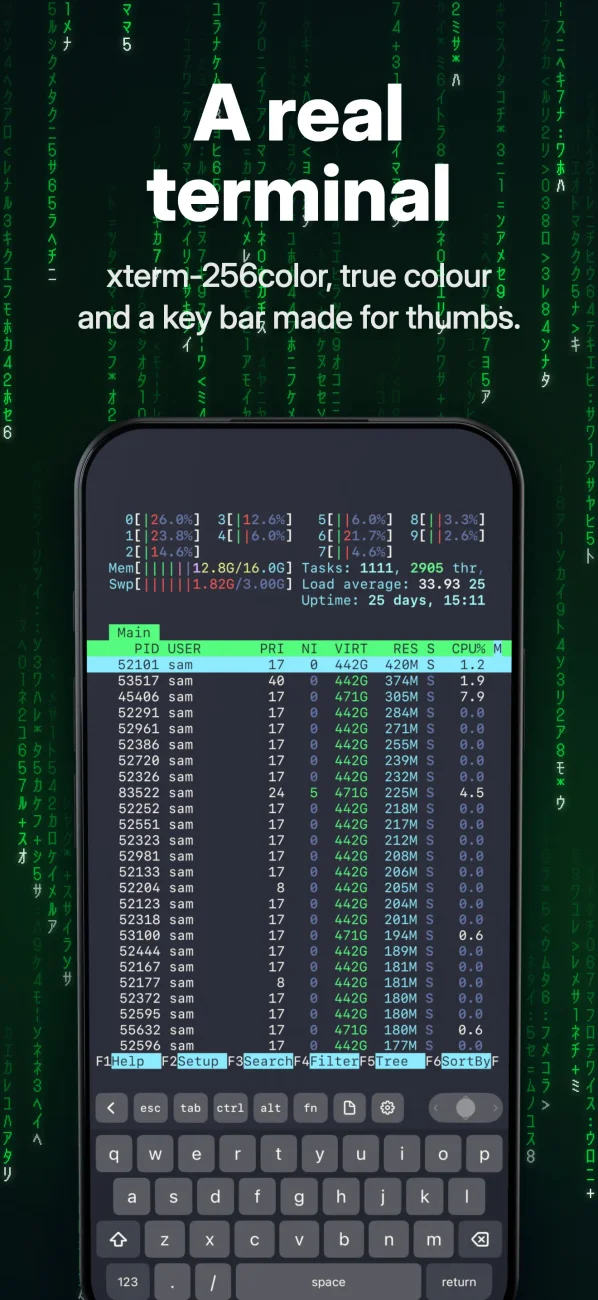
• A keyboard built for the terminal: Esc, Tab, Ctrl, arrows and a joystick-style key bar, plus full hardware-keyboard support.
• Several connections at once, even to the same server.
A REAL TERMINAL
• xterm-256color with true colour, so TUIs, games and editors look as they should.
• Ten themes, or let Clive match its own chrome to the colours of the program on screen. (Themes and custom fonts are Clive Pro)
• Adjustable scrollback and two-finger scrolling that reaches the program itself.
YOUR FILES, RIGHT THERE
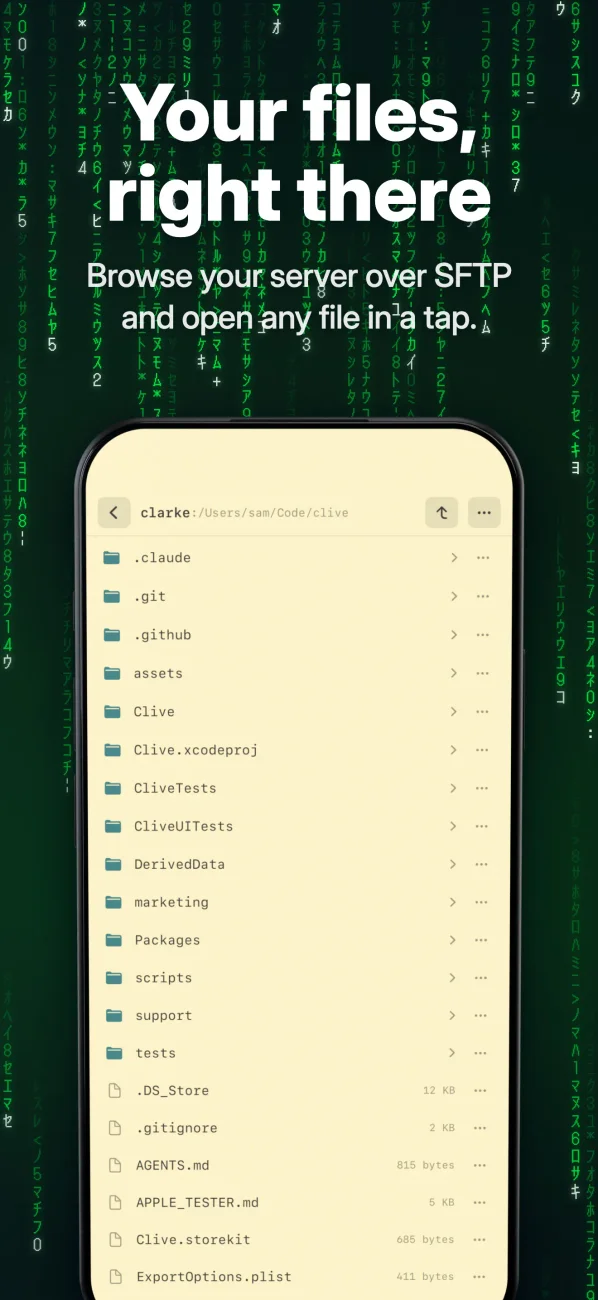
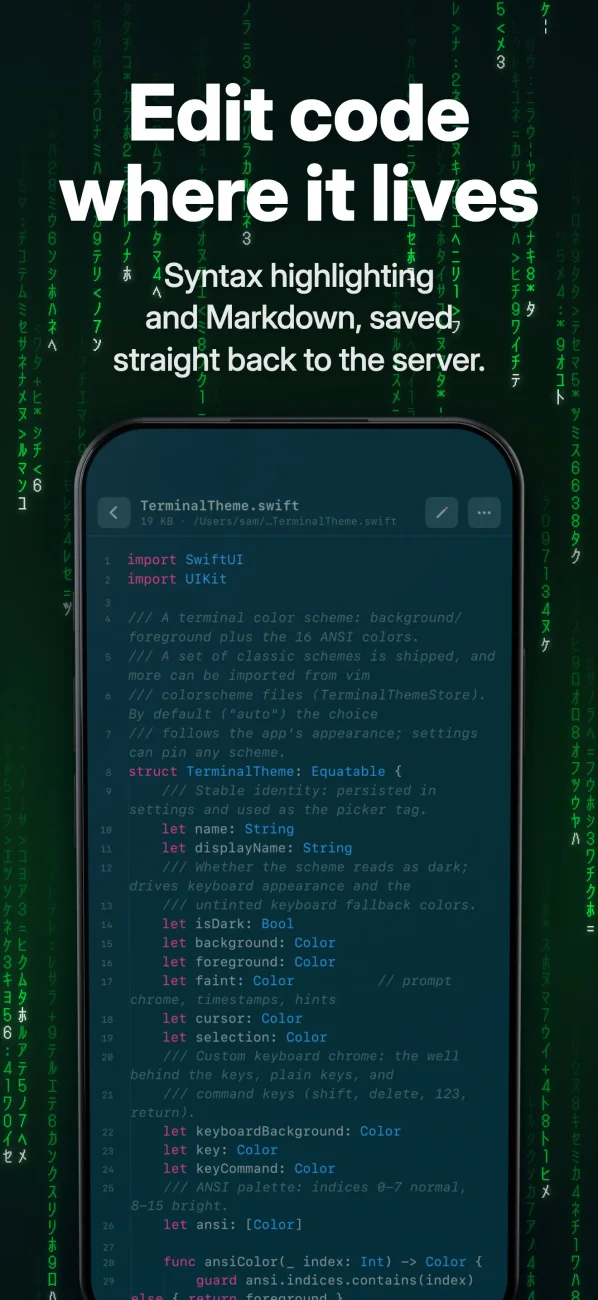
• A built-in SFTP browser with a code editor, syntax highlighting and Markdown rendering. (Clive Pro)
• Rename, create folders, delete, or jump straight to a path. Save-conflict warnings keep your draft when the remote file has changed.
• Type "open" and a path at any prompt and the file opens in Clive.
YOUR KEYS, PROTECTED
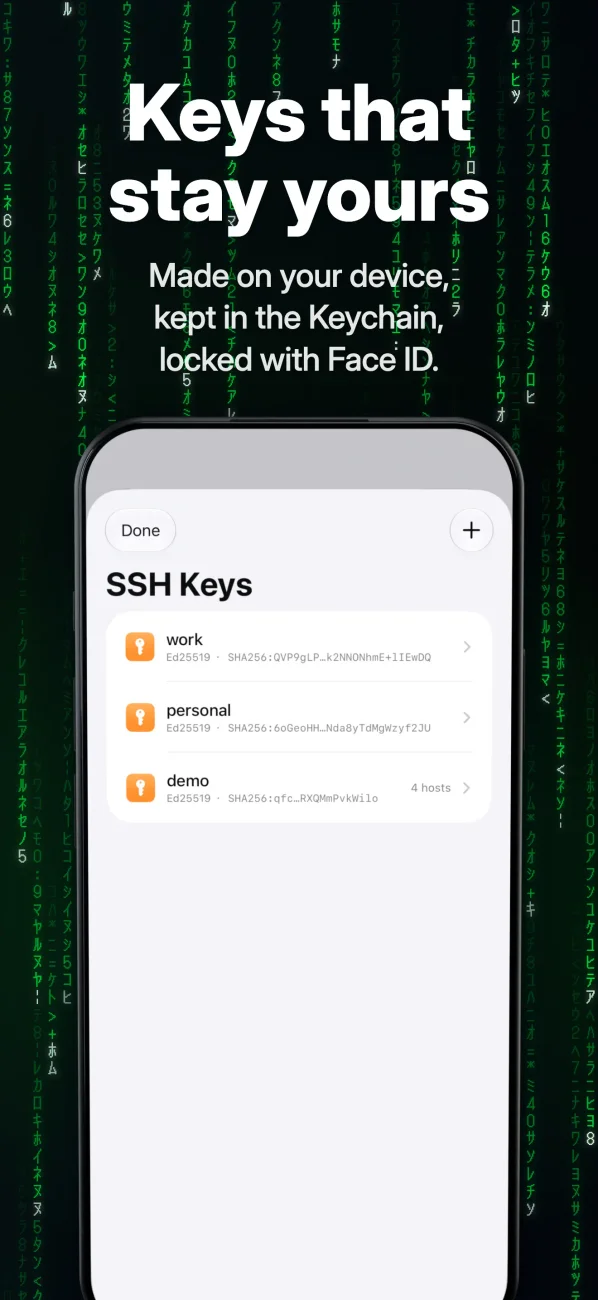
• Verify each new server's fingerprint; a changed host key blocks the connection until you replace the trust yourself.
• Generate Ed25519 keys on the device or import your own. Private keys and passwords stay in the Keychain, behind Face ID if you choose.
• Optional iCloud sync shares hosts and eligible secrets through your own iCloud Keychain. Secure Enclave keys never leave their device.
CALM BY DESIGN
• No account, no ads, no tracking. Your traffic goes only to the servers you add.
• One app for iPhone and iPad, with a side-by-side layout on wide screens.
CLIVE PRO
Clive Pro is a one-time purchase that adds themes, custom fonts, the SFTP browser and the file viewer and editor, after a seven-day full-access trial. Everything else is free: the terminal, SSH, Mosh, tmux, hosts, keys and iCloud sync. No subscription.
Pull out your phone. Your session is right where you left it.
What’s new
Version 1.2 · Oct 20, 2026
• Resume or end the tmux sessions you left on each server, straight from the host list.
• New app icon and launch screen.
• Faster startup, better symbol rendering, improved keyboard layout.
App privacy
What Philip Orange declares on the App Store about how this app handles data.
-
Data not collected
The developer does not collect any data from this app.
Privacy practices may vary, for example with the features you use or your age.
Information
- Seller
- Philip Orange
- Category
- Developer Tools
- Version
- 1.2
- Updated
- Oct 20, 2026
- Released
- Aug 16, 2026
- Size
- 34.2 MB
- Requires
- iOS 17.0 or later
- Age rating
- 4+
- Price
- Free
- In-app purchases
- Yes
- Languages
- English, Arabic, Bengali, French, German, Hindi, Indonesian, Portuguese, Russian, Simplified Chinese, Spanish, Urdu
- Copyright
- © 2026 Philip Orange
You might also like
-
 EzsshYour AI SSH Terminal
-
 ShellConnectMobile SSH workspace
-
 BentoTermWatch & talk to your agents
-
 YoloShell-SSH Terminal VNC RDPHerdr, sshfs & remote desktop
-
 AgentmuxSSH Terminal for AI Agents
-
 Conduit: SSH, Mosh & SFTPSSH, Mosh and SFTP client
-
 Redock - SSH / Mosh Terminaltmux & AI coding agents
-
 CodeAgent: AI Agent MonitorApprove coding agents remotely
-
 Hey Terminal: SSH ClientKeyboard-first shell for iPad
-
 Vibe Pocket: AI Coding AgentsNo computer needed