
Hey Terminal: SSH Client
Keyboard-first shell for iPad
Designed for iPhone, iPad
Free
- Age rating9+
- CategoryDeveloper Tools
- DeveloperJONGMIN CHOI
- LanguagesEnglish
- Size14.1 MB
Links to the official App Store page
Download.org hosts no file of Hey Terminal: SSH Client. The button opens its official App Store page, published by JONGMIN CHOI. Listing last checked on Nov 17, 2026.
Screenshots
About
Your work machine, from your iPad.
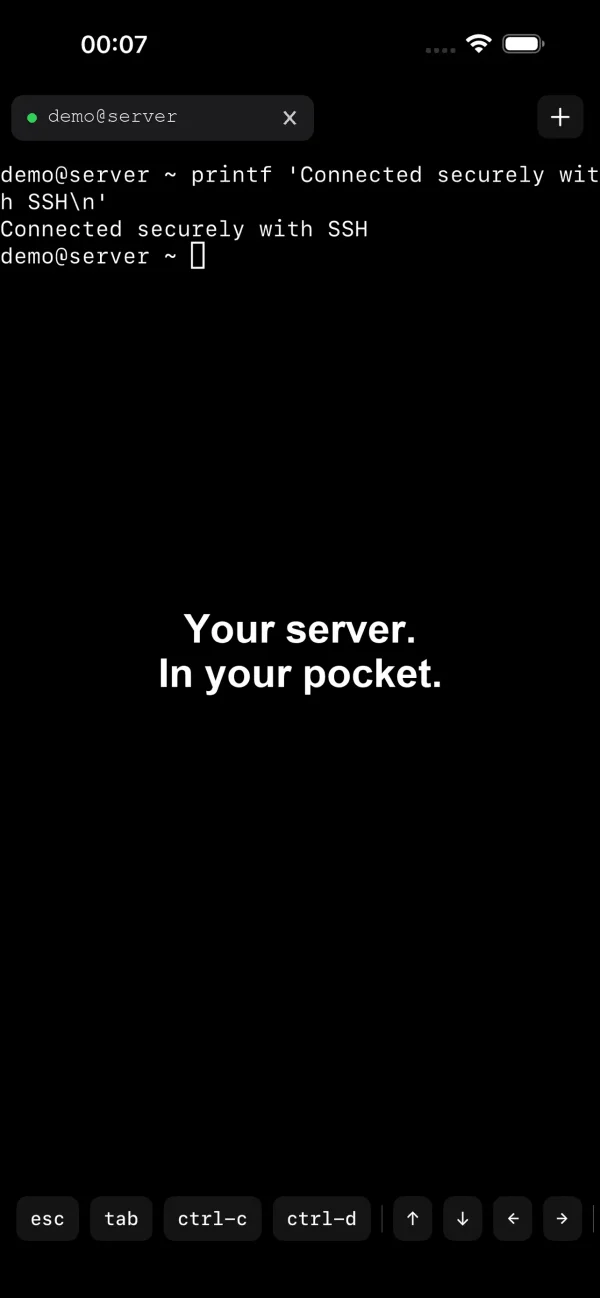
Your work computer can stay at home or in the office. Connect to it over SSH with Hey Terminal, open Codex or Claude Code there, and continue working on your project from your iPad.
A keyboard-first terminal for iPad
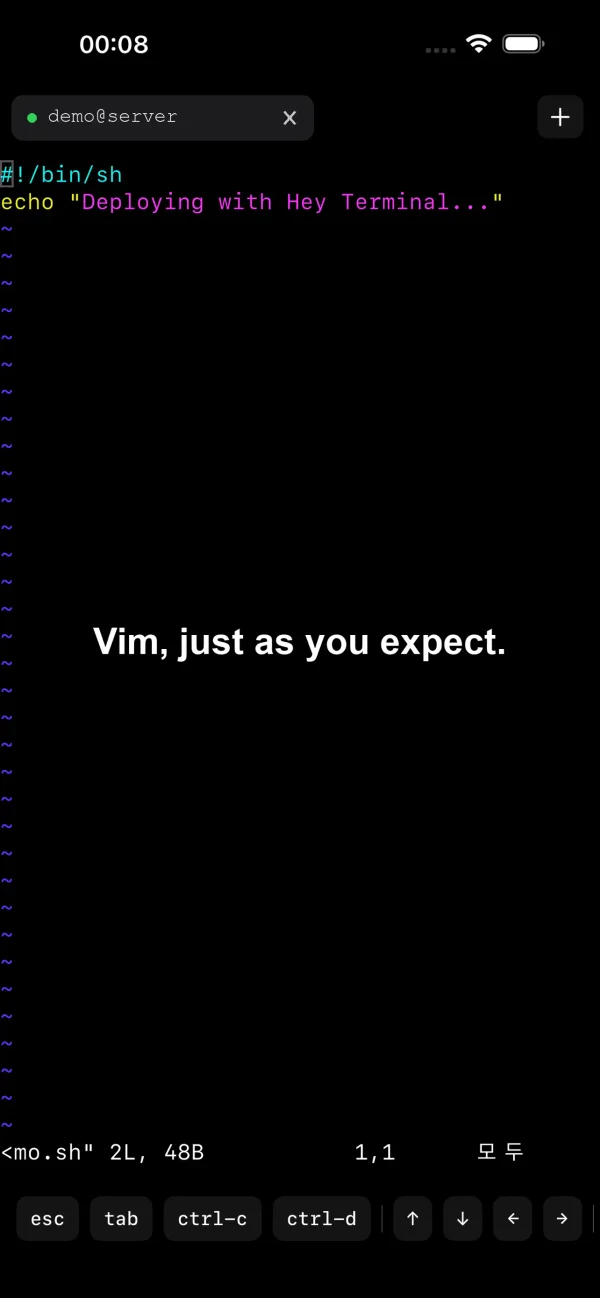
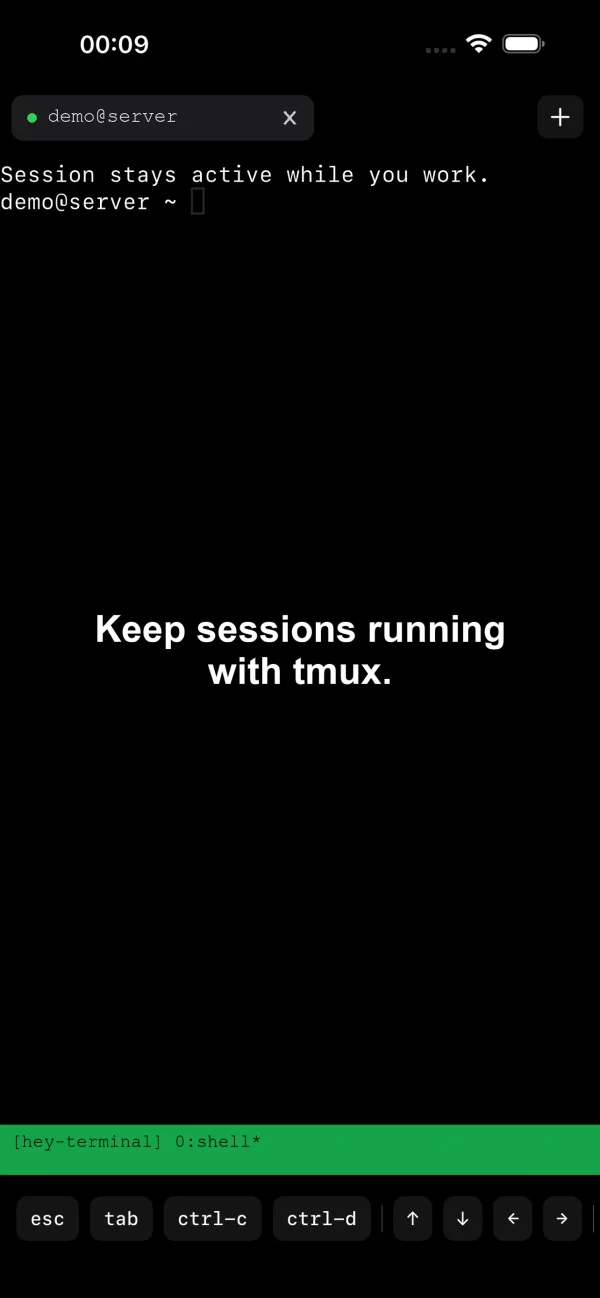
Use a physical keyboard to enter prompts and run commands. Review your project with your remote CLI, edit files with vim, or work in tmux when those tools are available on your computer.
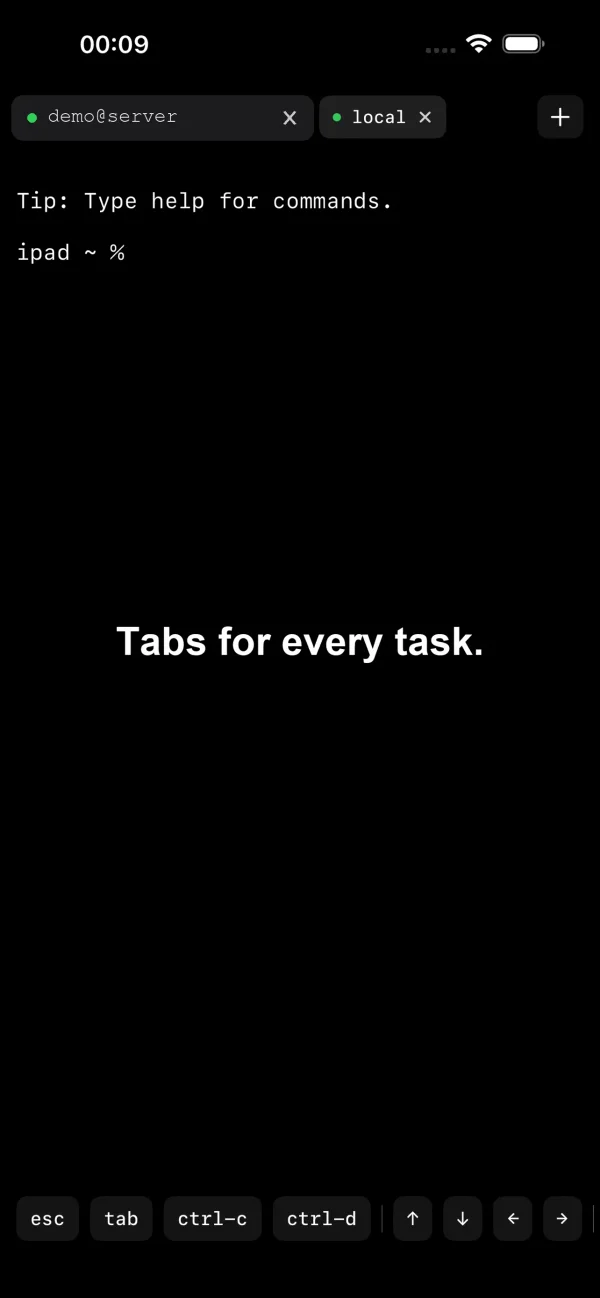
Keep different connections in separate tabs. Create a tab with Command-T, close it with Command-W, and switch with Command-1 through Command-9.
Quick remote work on iPhone
When your computer isn't with you, connect for a short command, check a project file, or send a follow-up request to your remote CLI.
SSH and a local terminal
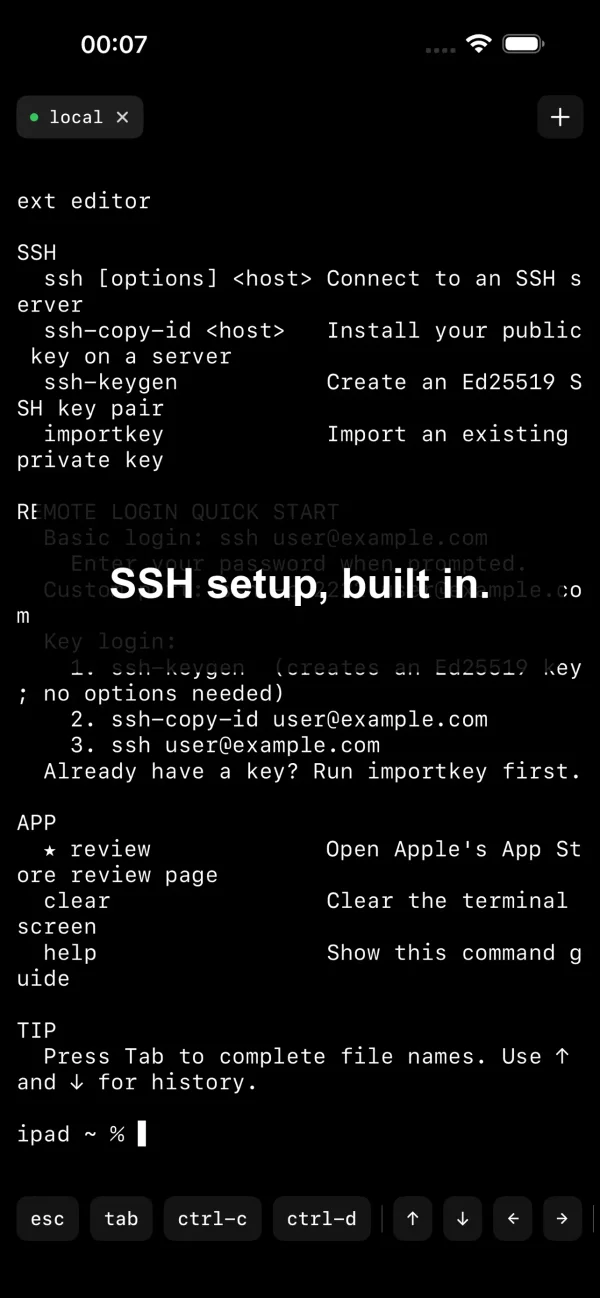
Connect with an SSH command or a configured host alias. Authenticate with a password or SSH key. Use the local terminal for basic file commands and SSH key generation.
Before you connect
You need a computer or server with SSH enabled that you can reach from your device. Remote tools run on that machine, not inside Hey Terminal. Install and configure the tools you want to use there, with any required accounts. Your remote machine must be powered on and accessible.
No app account or subscription required.
What’s new
Version 1.3.19 · Nov 7, 2026
Adjust terminal text size in Settings, from 12 to 32 points.
App privacy
What JONGMIN CHOI declares on the App Store about how this app handles data.
-
Data linked to you
May be collected and linked to your identity.
- Contact info
- User content
- Identifiers
- Usage data
-
Data not linked to you
May be collected but is not linked to your identity.
- Search history
- Identifiers
Privacy practices may vary, for example with the features you use or your age.
Information
- Seller
- JONGMIN CHOI
- Category
- Developer Tools
- Version
- 1.3.19
- Updated
- Nov 7, 2026
- Released
- Mar 26, 2026
- Size
- 14.1 MB
- Requires
- iOS 17.6 or later
- Age rating
- 9+
- Price
- Free
- Languages
- English
- Copyright
- © 2026 soonispapa
You might also like
-
 Shepherd: AI Agents & SSHControl herdr from your iPhone
-
 SSH TerminatorDeveloper Tools
-
 TouchQube TerminalSecure SSH Terminal Client
-
 TermCOW - Stable SSH TerminalDesktop SSH, Jump Host, SFTP
-
 Hermit SSHSSH Client for AI Coding CLIs
-
 Nice SSHAll Your Hosts in One Place
-
 CatClaw TerminalAI Terminal + SSH + Dev Tools
-
 Terminalko - SSH TerminalRemote server & SFTP client
-
 SSH Client & Terminal - CuraShell, SFTP, Docker & Monitor
-
 teletype computerIt's a terminal app.