
Cloak: App Locker
Screen Time modes & automation
Designed for iPhone, iPad
Free · In-app purchases
- Age rating4+
- CategoryProductivity
- DeveloperAilton Vieira Pinto Filho
- LanguagesEnglish+ 22 more
- Size35.7 MB
Links to the official App Store page
Download.org hosts no file of Cloak: App Locker. The button opens its official App Store page, published by Ailton Vieira Pinto Filho. Listing last checked on Nov 20, 2026.
Screenshots
About
Cloak helps you control access to the apps that matter, automatically.
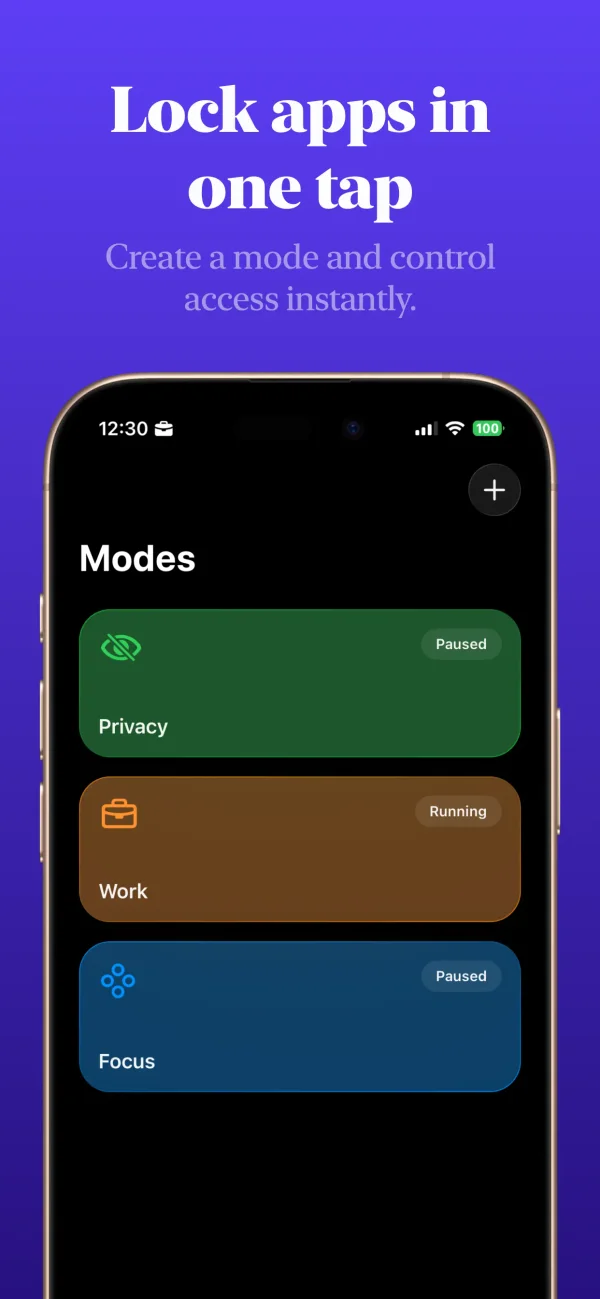
Create Modes that lock selected apps by place, schedule, or a manual switch. When you need access again, pause with one tap and let Cloak resume on your terms.
HOW IT WORKS
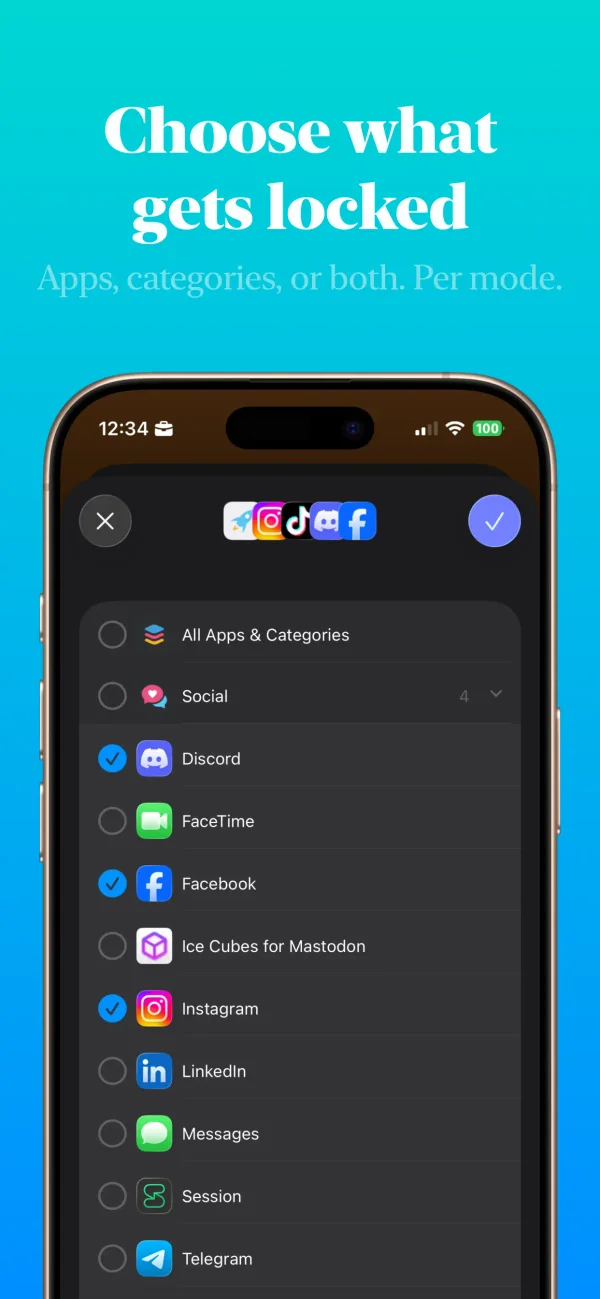
- Pick the apps you want controlled
- Create a Mode (Work, Focus, Personal, Travel…)
- Choose when it runs: trusted areas, restricted areas, schedule, or manual
TWO LOCK STYLES
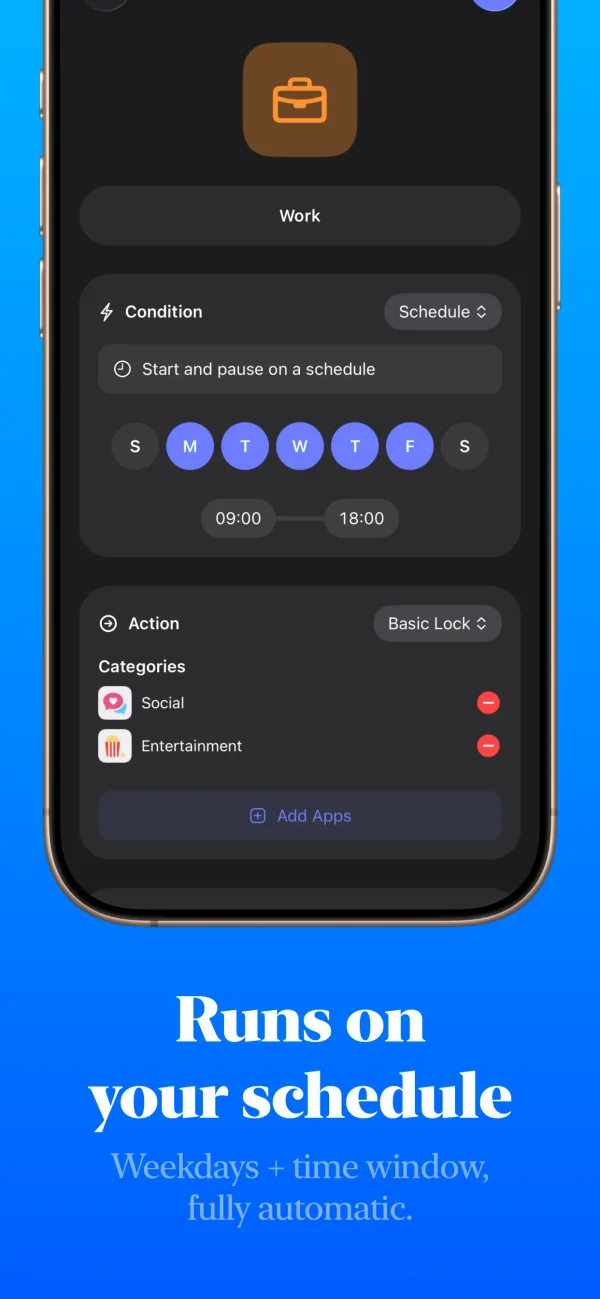
- Basic Lock: apps stay visible but won’t open while a mode is active
- Advanced Lock: uses system behavior to make selected apps unavailable while active (iOS may adjust Home Screen layout when apps return)
TRUSTED AREAS, RESTRICTED AREAS & SCHEDULES
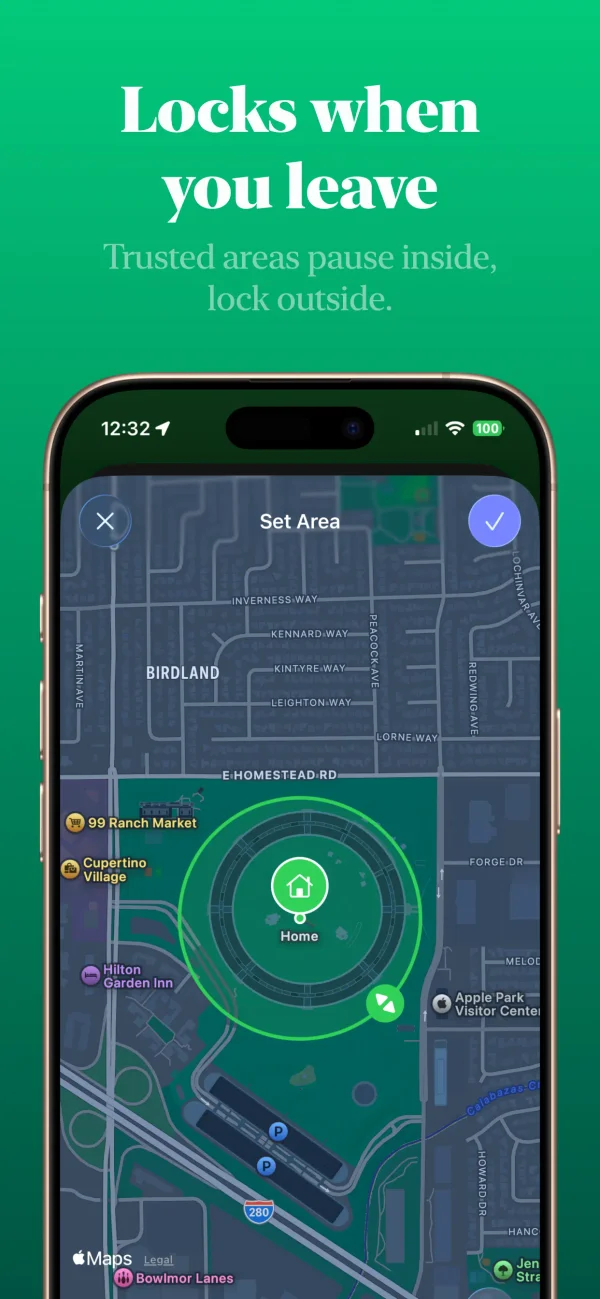
- Pause inside trusted places and lock again when you leave
- Lock inside restricted areas (for specific places you choose)
- Run on a repeating schedule (weekdays + time window)
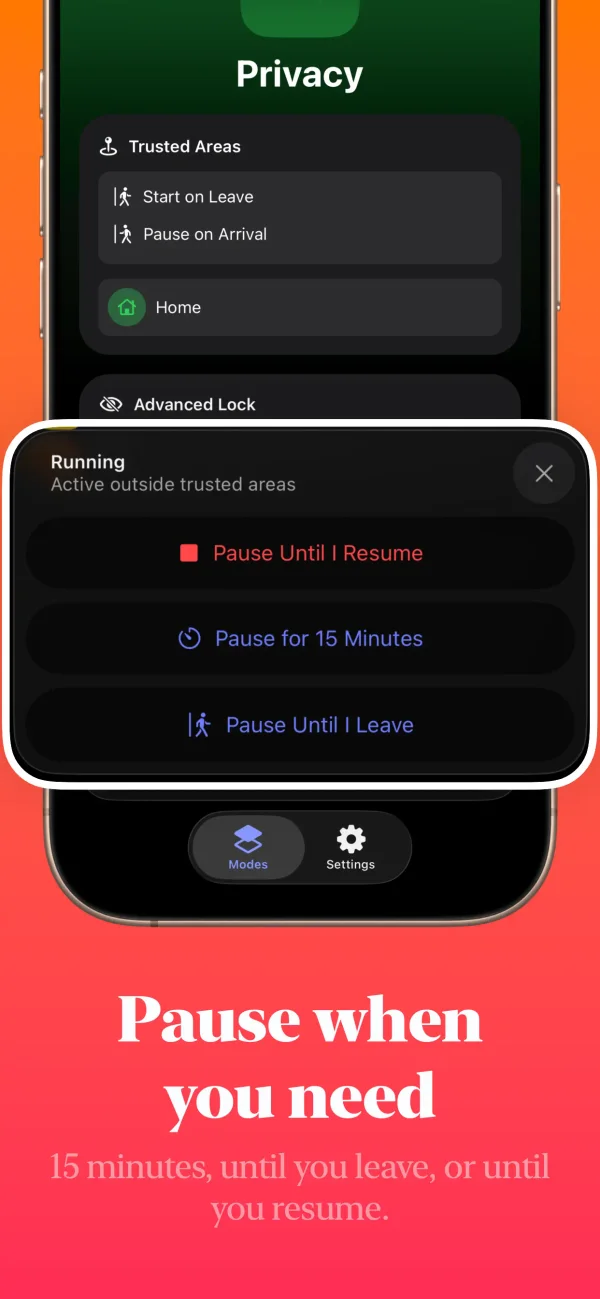
PAUSE WHEN YOU NEED TO
- Pause for 15 minutes
- Pause until you leave (temporary location hold)
- Pause until you resume manually
LOCK SCREEN STATUS
- See whether Cloak is active or paused
- View a countdown when paused (Live Activity) and resume quickly
NOTES & REQUIREMENTS
- Cloak uses Apple Screen Time controls to apply locks. You’ll be asked to grant Screen Time permission during setup.
- Location-based modes require location permission. iOS limits region monitoring (typically up to 20 areas per app).
- App selection limits can apply depending on the lock style and Apple system behavior.
Terms of Use: https://www.apple.com/legal/internet-services/itunes/dev/stdeula/
What’s new
Version 1.6.0 · May 25, 2026
- Cloak now speaks 5 more languages: Italian, Turkish, Traditional Chinese, Armenian, and Pashto.
- Apps no longer get stuck blocked after adding a new trusted area, or after a temporary pause ends.
App privacy
What Ailton Vieira Pinto Filho declares on the App Store about how this app handles data.
-
Data not linked to you
May be collected but is not linked to your identity.
- Purchases
- Identifiers
- Usage data
Privacy practices may vary, for example with the features you use or your age.
Information
- Seller
- Ailton Vieira Pinto Filho
- Category
- Productivity
- Version
- 1.6.0
- Updated
- May 25, 2026
- Released
- Dec 10, 2025
- Size
- 35.7 MB
- Requires
- iOS 18.0 or later
- Age rating
- 4+
- Price
- Free
- In-app purchases
- Yes
- Languages
- English, Arabic, Armenian, Czech, Danish, Dutch, French, German, Hindi, Italian, Japanese, Korean + 11 more
- Copyright
- © 2026 Ailton Vieira
You might also like
-
 DayVo: Searchable Voice MemosTiny AI Voice Notes, Live Text
-
 MinTask GTD – Task ManagerEisenhower Matrix Productivity
-
 Clipboard Manager: Quick PasteCopy Text & Keyboard History
-
 Shelver: Home OrganizationHome Inventory Tracker
-
 Plana: Smart Daily PlannerProductivity
-
 EchoDay: AI Calendar PlannerAsk Your Calendar Anything
-
 ArticleCast: AI Podcast MakerText to Speech Article Reader
-
 FlickNote: Voice to ActionSpeak. Track. Follow up.
-
 Focus Timer & Tracker - STAKDStudy Timer · ADHD & Deep Work
-
 Magicley AI - Abra(chat)dabraCreate Chatbot, Audio & Visual