
Clipboard Manager: Quick Paste
Copy Text & Keyboard History
Designed for iPhone, iPad, Mac
Free · In-app purchases
- Age rating4+
- CategoryProductivity
- DeveloperIhsan Ullah
- LanguagesEnglish+ 11 more
- Size36.8 MB
Links to the official App Store page
Download.org hosts no file of Clipboard Manager: Quick Paste. The button opens its official App Store page, published by Ihsan Ullah. Listing last checked on Nov 22, 2026.
Screenshots

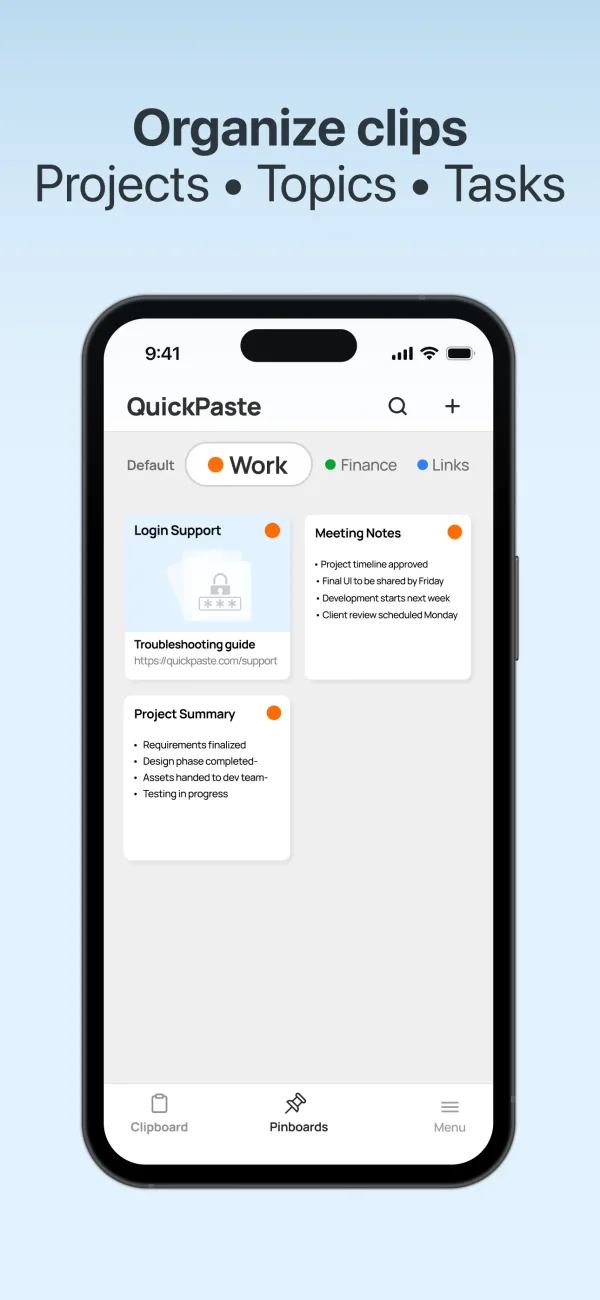
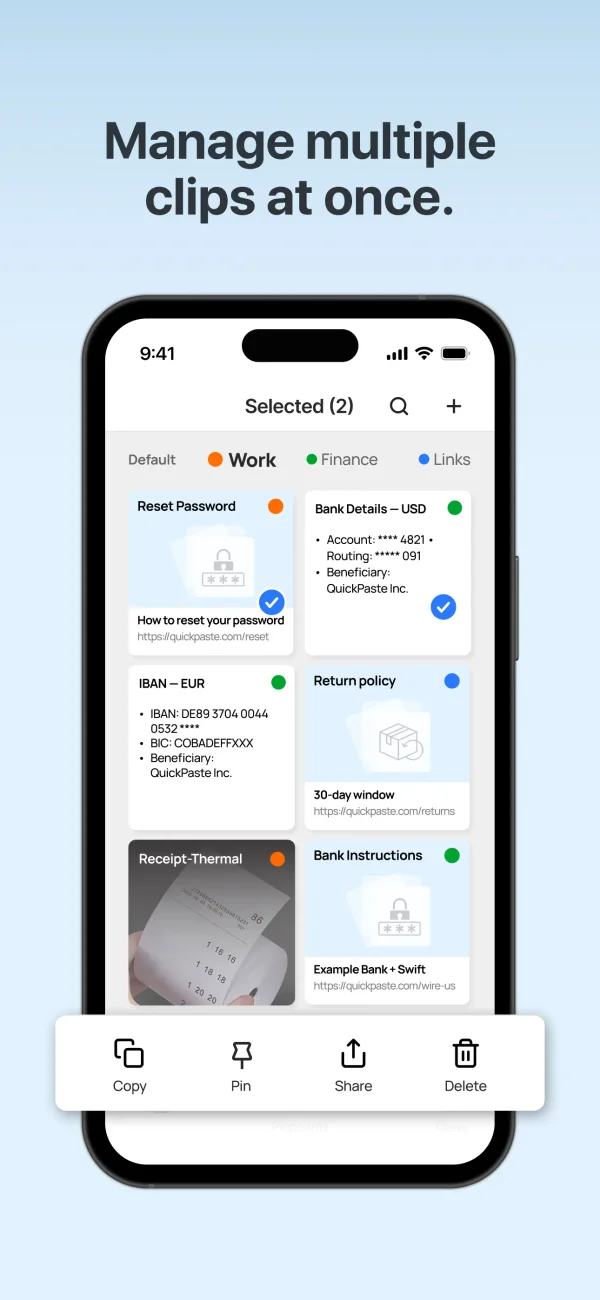
About
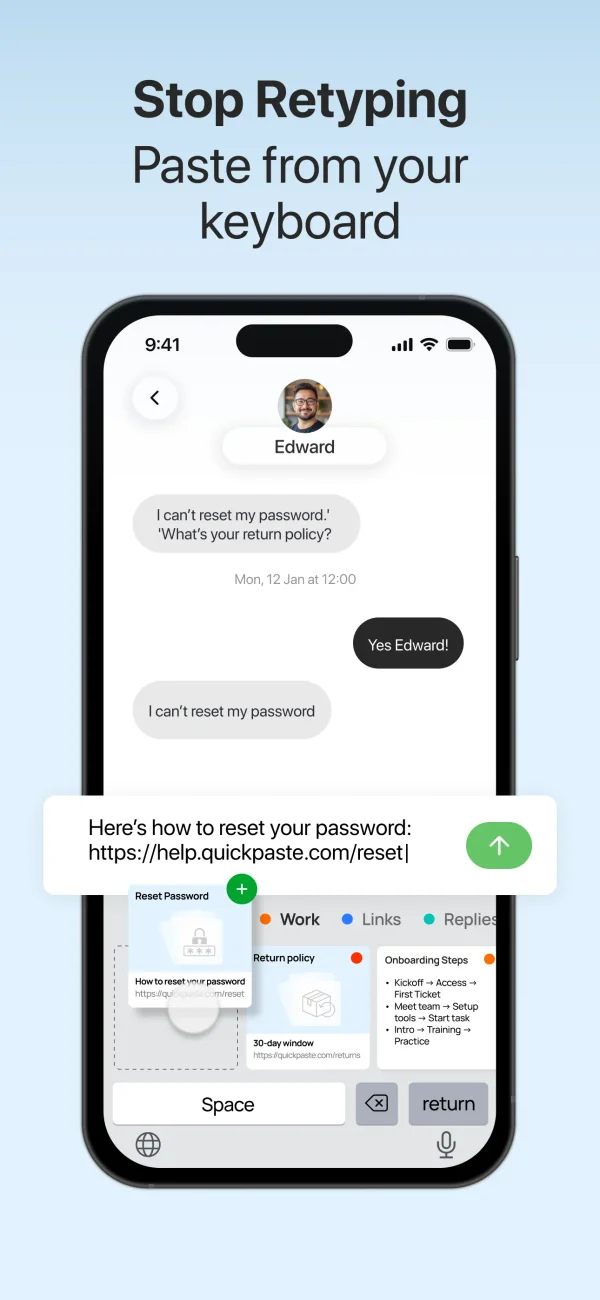
Paste directly from the keyboard on iPhone and Mac! QuickPaste is the copy paste keyboard manager that stores everything in your clipboard history, so you never lose copied text again. Sync your clipboard across iPhone, iPad, and Mac with iCloud.
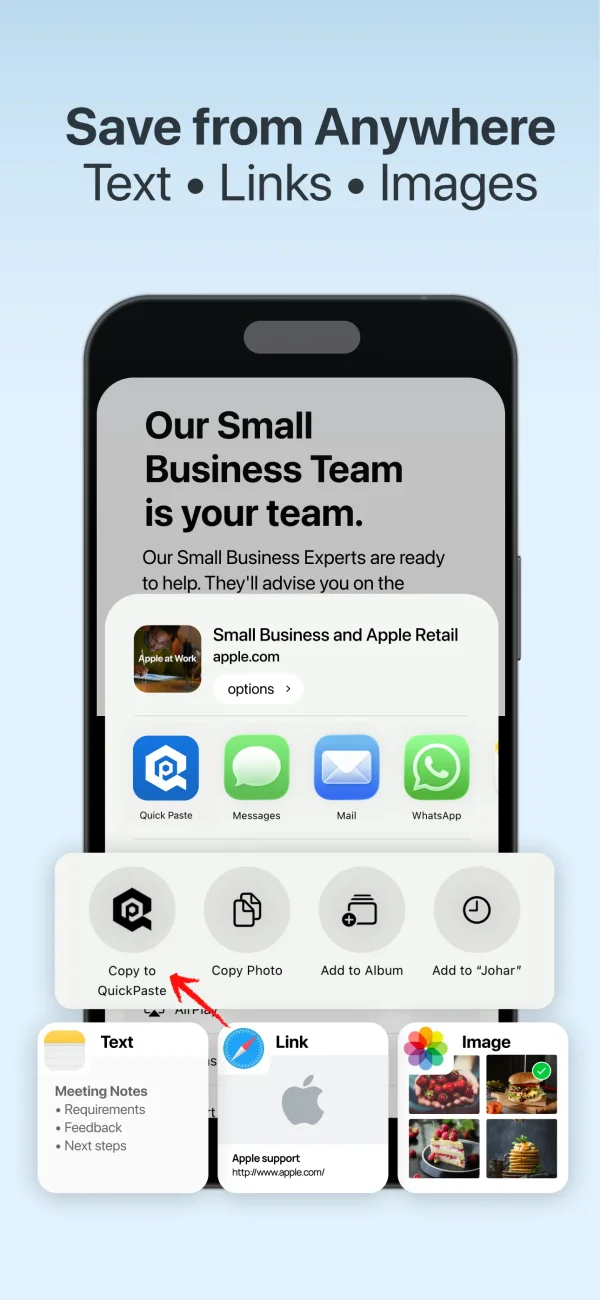
QuickPaste clipboard manager handles text, links, images, passwords, addresses, emails, code snippets, bank details, and quick notes. Every clipboard item is protected with Face ID, so only you can access your saved clips, anytime, anywhere.
QuickPaste - Keyboard Manager
* Store and organize every clipboard item
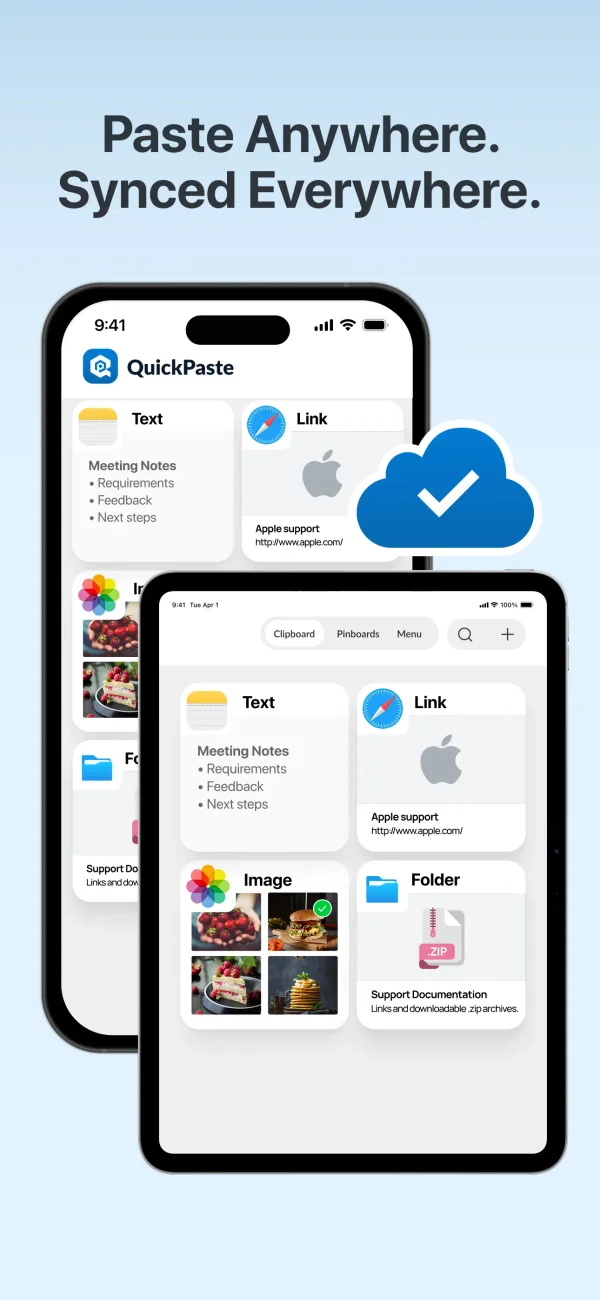
* Clipboard sync across iPhone, iPad, and Mac with iCloud
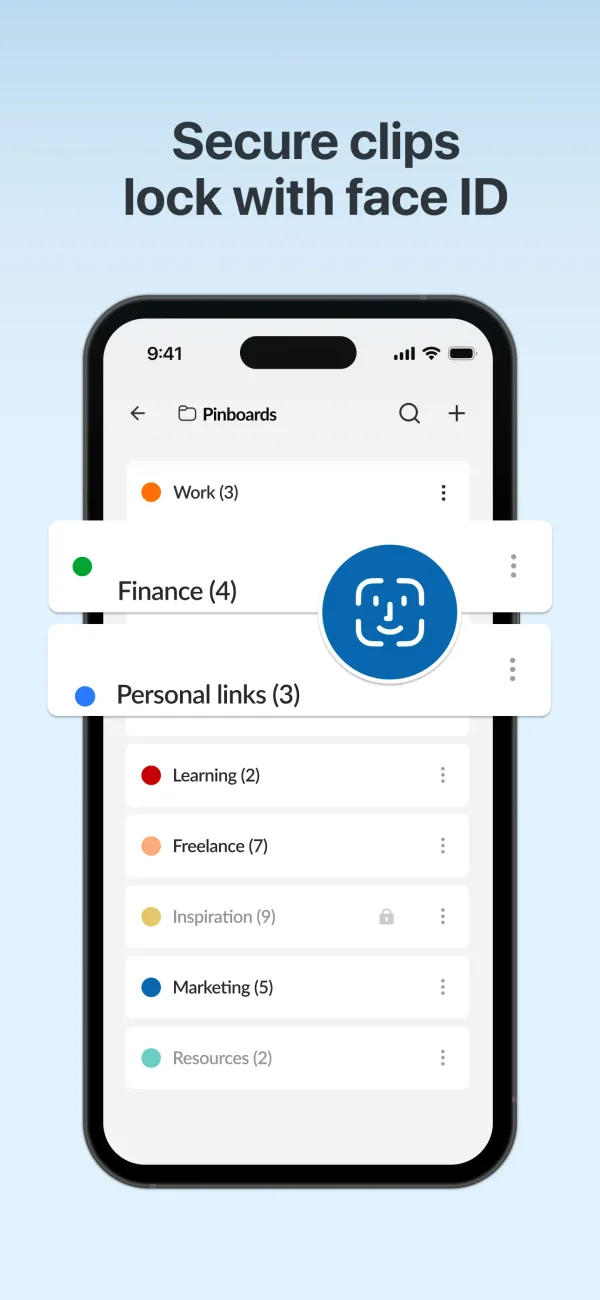
* Create pinboards and shortcuts for used phrases
* Secure clipboards with Face ID lock
* Pin frequently used items for one tap access
* Use the paste keyboard to insert anything directly in any app
* Easy access to your full clipboard history
iCloud Sync: Your Clipboard on Every Device
* Copy on your iPhone, paste on your Mac or iPad
* Pinboards and pinned items sync automatically
Customize Your Pinboards
* Add or remove items from pinboards
* Rename or swap pinboards
* Change colors
Your Data Is Secure: Your clips are protected by Face ID lock. You control what to add, what to delete, and what to pin.
How to Copy and Paste with QuickPaste?
Step 1: Enable the Action Extension for limitless copying
Step 2: Switch to the paste keyboard in any app and tap any clipboard item to paste it
Go Premium
QuickPaste offers a premium plan designed to make your workflows even simpler and more efficient. Your payment will be charged to your iTunes Account at confirmation of purchase. Secondly, your subscription will renew automatically, but you can turn off auto-renewal by accessing your Account Settings 24 hours before the end of the current period.
For suggestions regarding Quick Paste - Clipboard Manager, Contact us at codebuster2021@gmail.com
Terms of Use: https://www.apple.com/legal/internet-services/itunes/dev/stdeula/
What’s new
Version 1.1.5 · Oct 26, 2026
- Dark and light mode.
- Quick preview option.
- Improved visuals and user experience.
- Open links in your browser.
App privacy
What Ihsan Ullah declares on the App Store about how this app handles data.
-
Data used to track you
May be used to track you across apps and websites owned by other companies.
- Identifiers
Privacy practices may vary, for example with the features you use or your age.
Information
- Seller
- Ihsan Ullah
- Category
- Productivity
- Version
- 1.1.5
- Updated
- Oct 26, 2026
- Released
- Oct 24, 2025
- Size
- 36.8 MB
- Requires
- iOS 16.0 or later
- Age rating
- 4+
- Price
- Free
- In-app purchases
- Yes
- Languages
- English, Arabic, French, German, Italian, Korean, Portuguese, Simplified Chinese, Spanish, Traditional Chinese, Turkish, Vietnamese
- Copyright
- © Code Buster - 2024
You might also like
-
 CopyMate: Clipboard ManagerHistory, Summary, Reply & OCR
-
 Contacts Master:Clean & ExportClean, Export, Import Contacts
-
 WriteVoice: Dictation & NotesVoice keyboard & Transcription
-
 KernelAI - Offline AI ChatPrivate Local AI Assistant
-
 ChatNow AI:All-Round AssistantAI Chatbot & Image Generator
-
 Glazr XLSX & CSV File EditorOffline XLSX & CSV Editor
-
 Textify: AI Reply KeyboardGrammar Check, Tone & Rewrite
-
 Magic Launcher Widgets ProWidgets, Launchers, AI Toolkit
-
 PNG to PDFConvert photo to document
-
 TextTuner: Swiftkey KeyboardAI Text Message