
- Age rating4+
- CategoryBusiness
- DeveloperTony Marouni
- LanguagesEnglish
- Size55.2 MB
Links to the official App Store page
Download.org hosts no file of Clock-Clock. The button opens its official App Store page, published by Tony Marouni. Listing last checked on Nov 22, 2026.
Screenshots

About
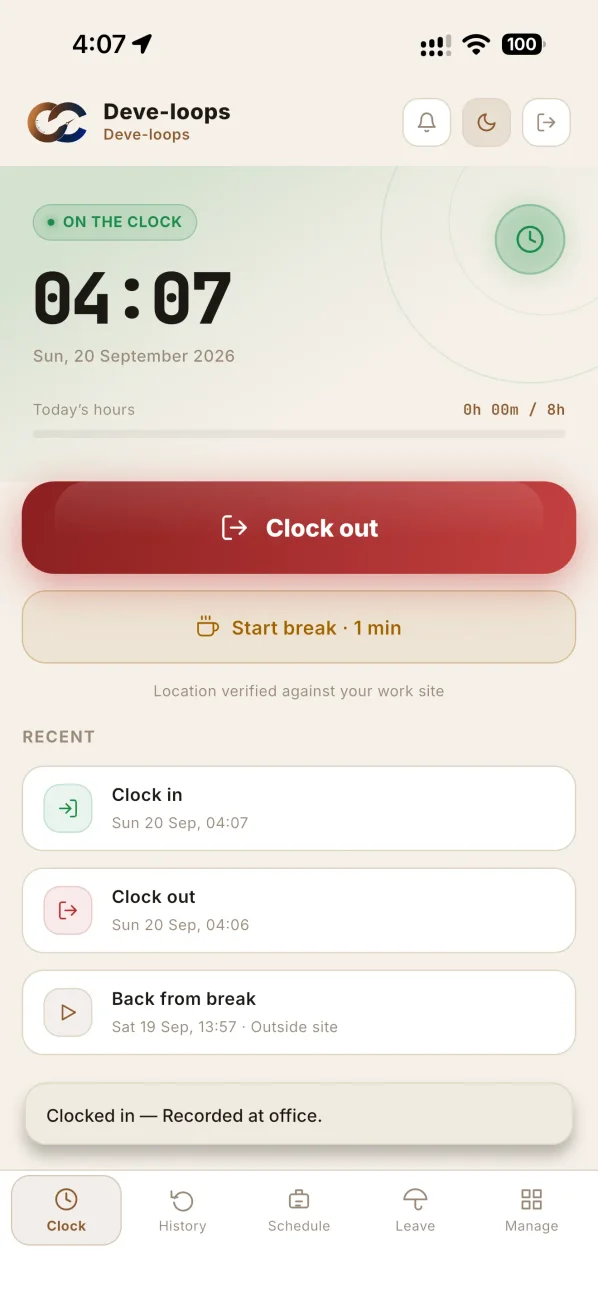
Clock-Clock is a simple, honest time clock for companies. Employees clock in and out from their own phone at the work site, and managers see hours, breaks, schedules and leave in one place.
FOR EMPLOYEES
• Clock in and out with one tap. Your location is checked only at the moment you punch, never in the background.
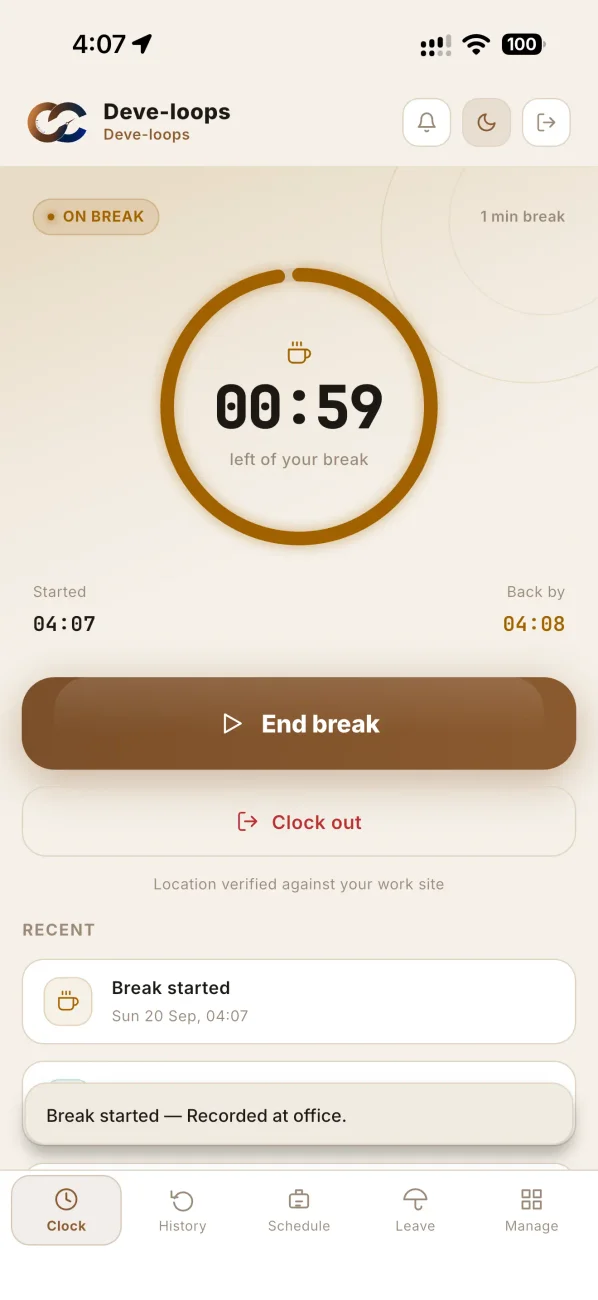
• Take your break with a countdown, and get a notification when it ends.
• See your hours for the last 30 days, shift by shift.
• Request holiday, sick or unpaid leave, and follow what happens to it.
• No signal? Punches are saved on the phone and sent when you are back online.
FOR MANAGERS
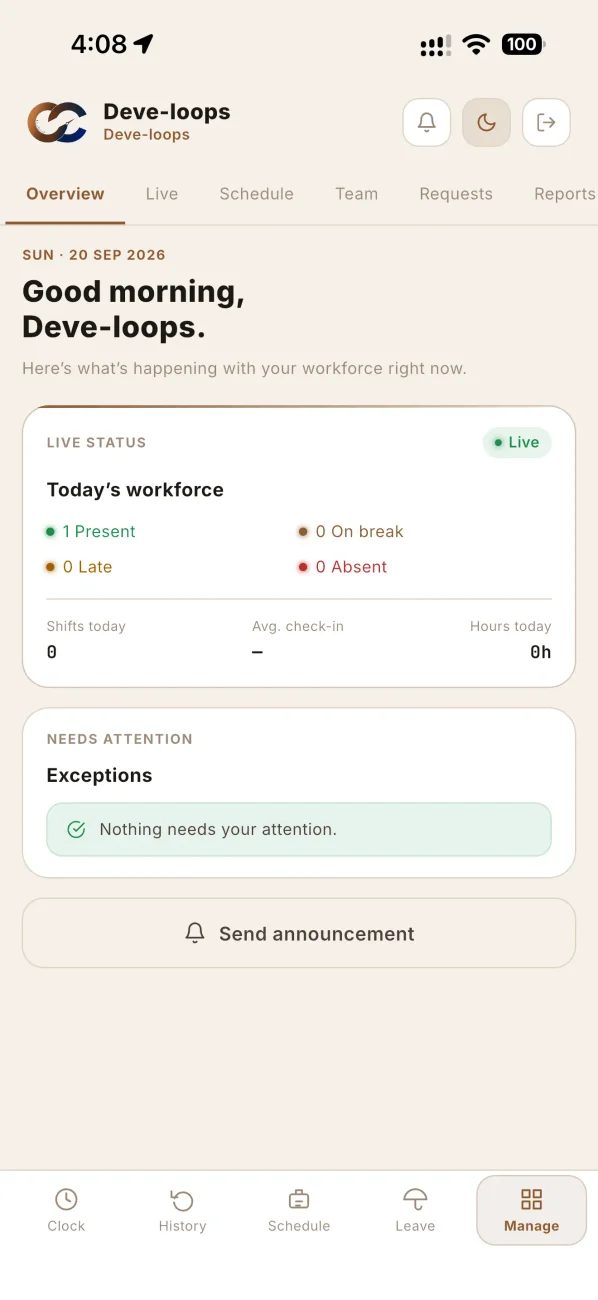
• See who is on the clock, on a break, late or absent, live.
• Approve leave, phone changes and punches that need a second look, right from your phone.
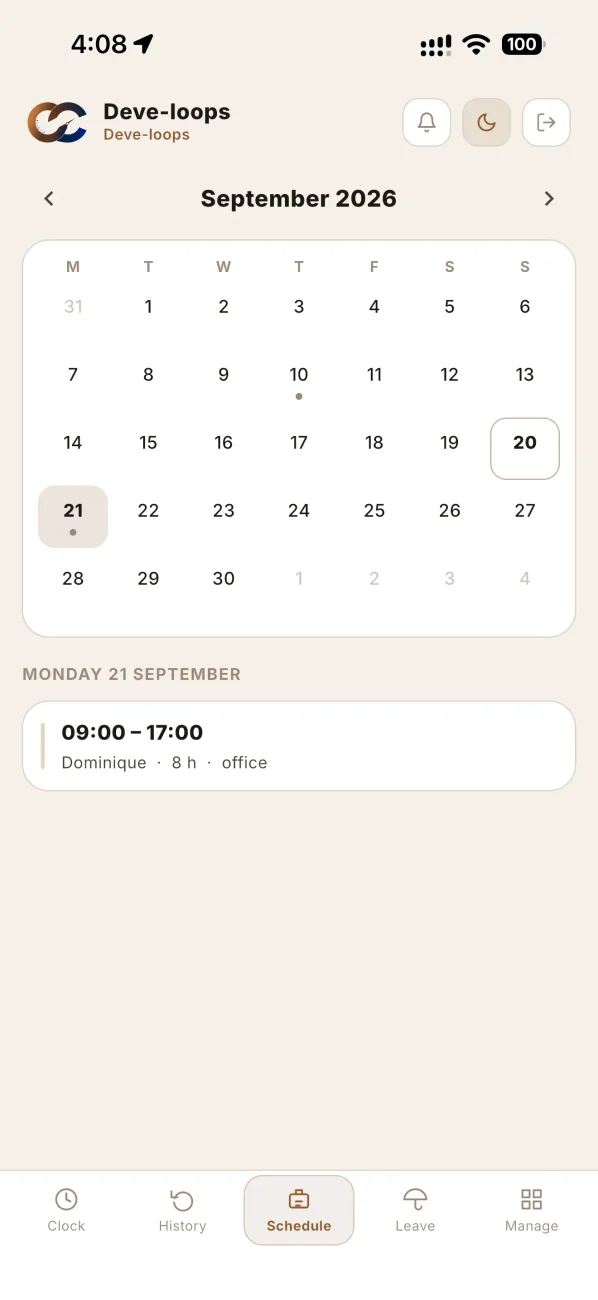
• Build the weekly schedule and see who turned up.
• Reports of hours, breaks and exceptions, exported as Excel workbooks.
• Send an announcement to everyone or to one department.
BUILT TO BE TRUSTED
• Location checked against your work sites: a punch from outside is recorded and flagged for review, not refused.
• Optional code at the door: print a code for a work site and staff scan it when they clock in and out. Their location is still checked, so a code scanned away from the site is flagged with the distance.
• Phone flat, forgotten or in the repair shop? A manager adds the punch by hand, recorded as a manual entry with their name on it.
• Give each department supervisor exactly the powers you want them to have.
• One phone per person, so nobody clocks in for a colleague - or switch it off for a shared handset at the door.
• Fake GPS apps are detected and the punch is flagged.
• Every change a manager makes is kept in an audit log.
• Departments with supervisors who see only their own team.
GETTING STARTED
Employees join their company with the invite code their manager gives them, then clock in at their work site. Managers run the team from the Manage tab, or from the web dashboard at clockclock.app, in light and dark mode.
Questions? support@clockclock.app
What’s new
Version 1.1.5 · Nov 21, 2026
Bug fixes and improvements.
App privacy
What Tony Marouni declares on the App Store about how this app handles data.
-
Data linked to you
May be collected and linked to your identity.
- Financial info
- Location
- Contact info
- User content
- Identifiers
- Diagnostics
- Other data
Privacy practices may vary, for example with the features you use or your age.
Information
- Seller
- Tony Marouni
- Category
- Business
- Version
- 1.1.5
- Updated
- Nov 21, 2026
- Released
- Sep 24, 2026
- Size
- 55.2 MB
- Requires
- iOS 15.0 or later
- Age rating
- 4+
- Languages
- English
- Copyright
- © 2026 Deve-loops