Clock Gallery: Timeless Clocks
Focus on Work & Study
Designed for iPhone, iPad, Mac
Free · In-app purchases
- Age rating12+
- CategoryUtilities
- DeveloperTatsuya Kawaguchi
- LanguagesEnglish+ 11 more
- Size193.1 MB
Links to the official App Store page
Download.org hosts no file of Clock Gallery: Timeless Clocks. The button opens its official App Store page, published by Tatsuya Kawaguchi. Listing last checked on Nov 23, 2026.
Screenshots

About
Put a beautiful clock on your desk and focus on your work or study.
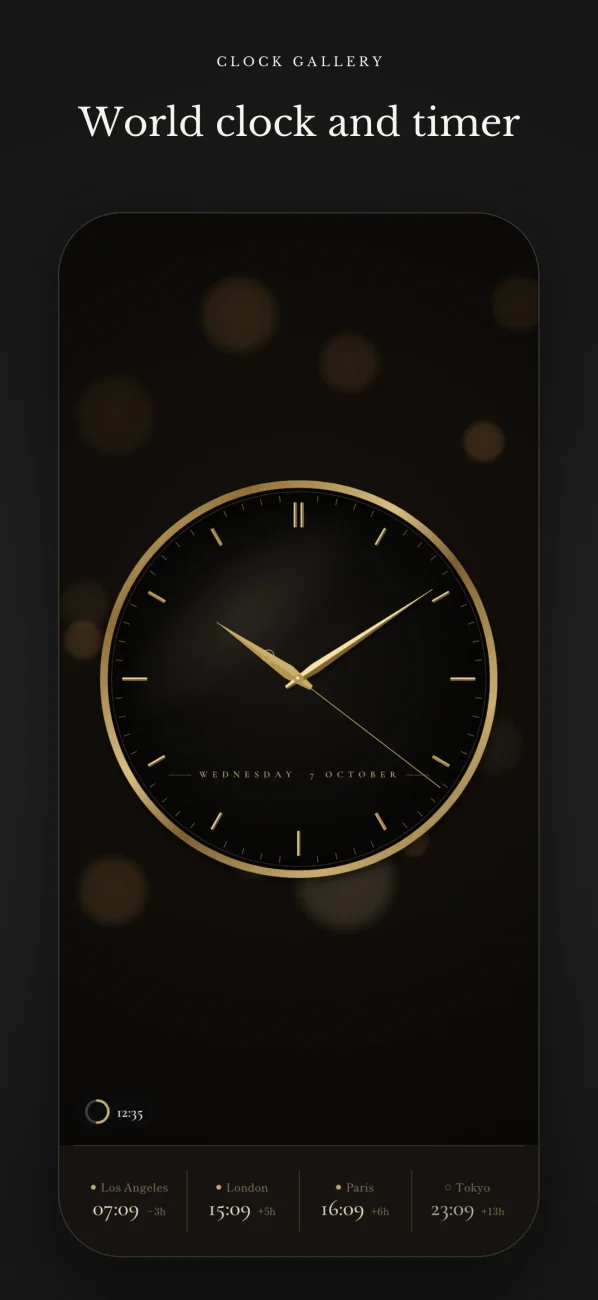
Clock Gallery turns your iPhone and iPad into a focus clock for your desk: a Pomodoro-style timer (25 minutes of focus, a 5-minute break), a Flowmodoro-style count-up when you'd rather not set a time, and calm sounds like rain and a campfire. In front of you, one of 130+ beautiful clocks. For working from home and for exam prep.
FOCUS & BREAK (POMODORO-STYLE)
- 25 minutes of focus and a 5-minute break, with a longer 15-minute break every 4 rounds. Times and rounds can be changed
- It starts as soon as you turn it on. The clock stays in view; a small ring and time in the corner show what's left and whether you're in focus or on a break
- Two soft tones mark each change
FOCUS COUNT-UP (FLOWMODORO-STYLE)
- Start focusing without setting a time, and take a break whenever you want
- Your break is based on how long you focused (for example, 10 minutes after 50 minutes of focus)
SOUNDS FOR FOCUS
- Rain & Thunder, Rain in the Forest, Jungle and Birds (nature recordings)
- Waves, Campfire, and white, pink and brown noise
- Plays separately from the clock's own sounds, and keeps playing your last sound when you reopen the app
- Choose when to stop: 30 minutes, 1 hour or 2 hours
TIMER & COUNTDOWN
Show a timer, or a countdown to your exam or deadline, over your favorite clock.
YOUR FEATURES, ON ONE SCREEN
From "Features On/Off" on the clock picker, turn 17 features, including Focus & Break, Focus Count-Up, Sounds, Timer, Dim at Night, Calendar, Weather and more on or off in a tap.
DIM AT NIGHT
At night (10 PM to 6 AM to start with), the screen dims so it isn't too bright. You can change the hours and brightness.
130+ BEAUTIFUL CLOCKS
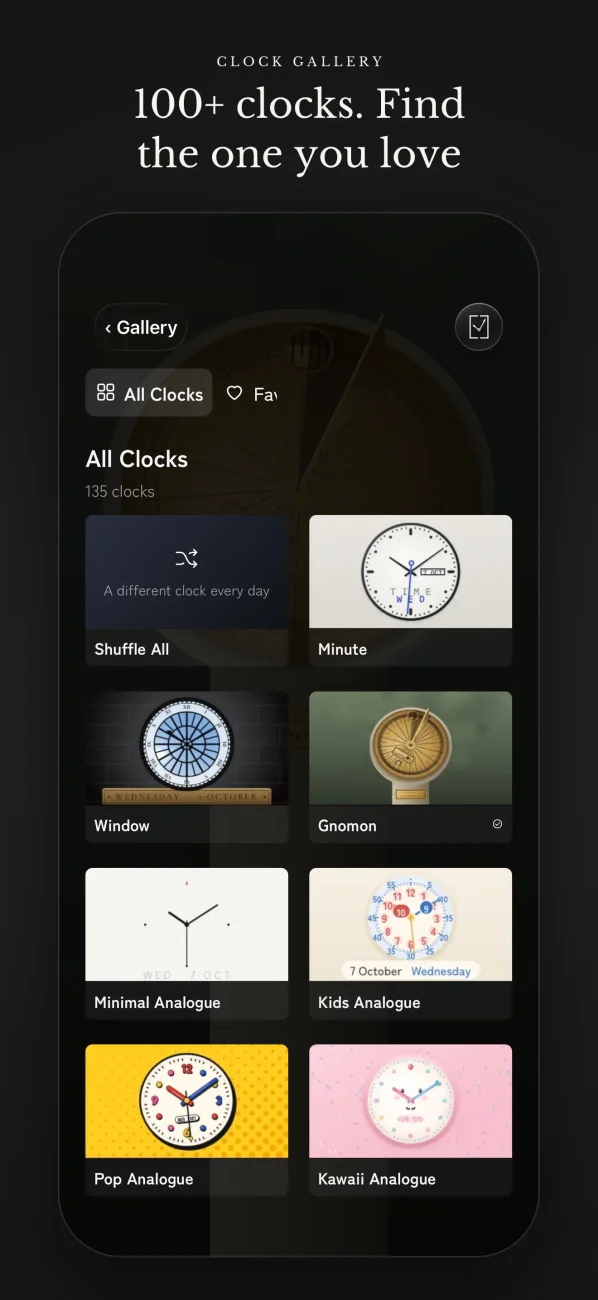
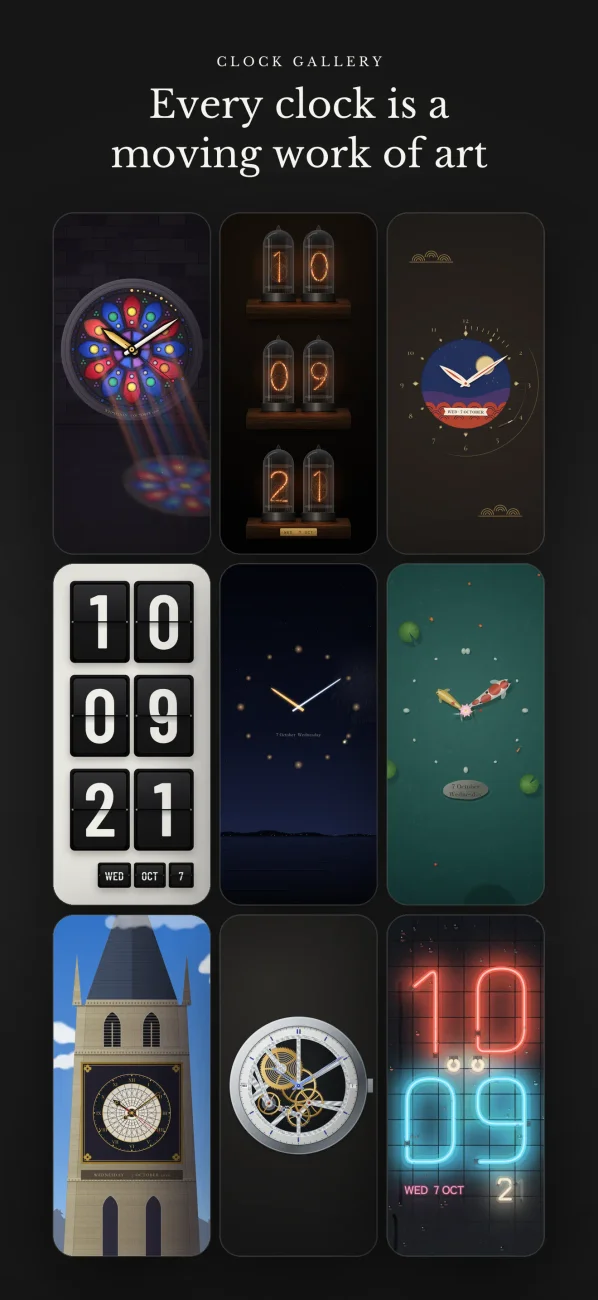
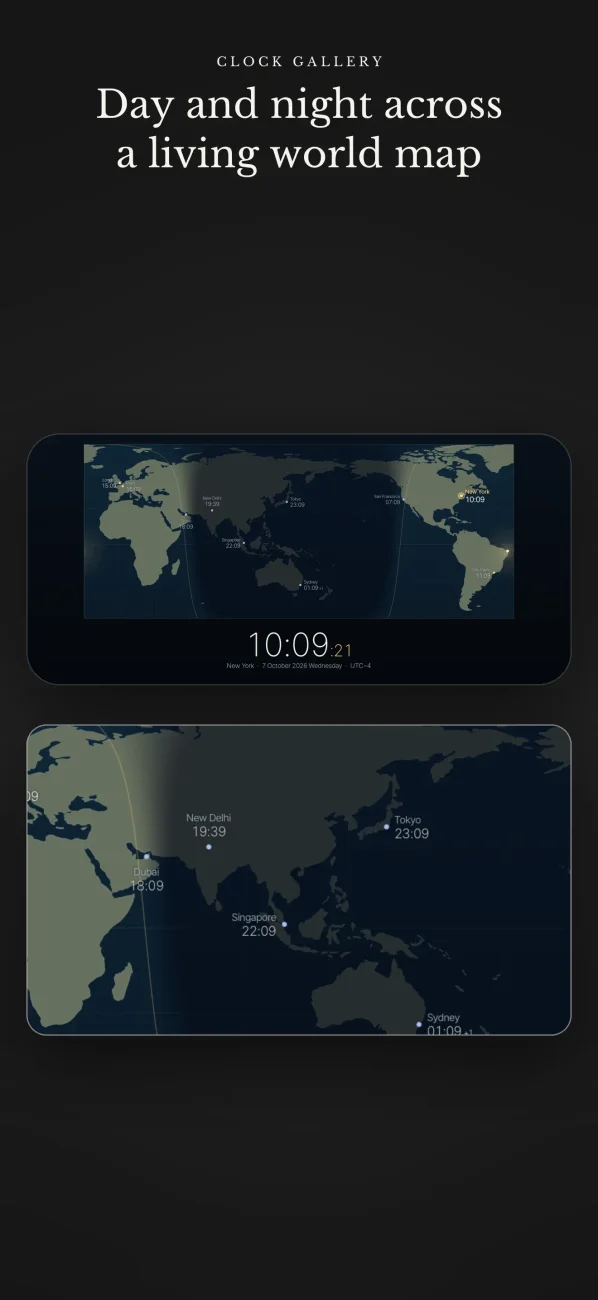
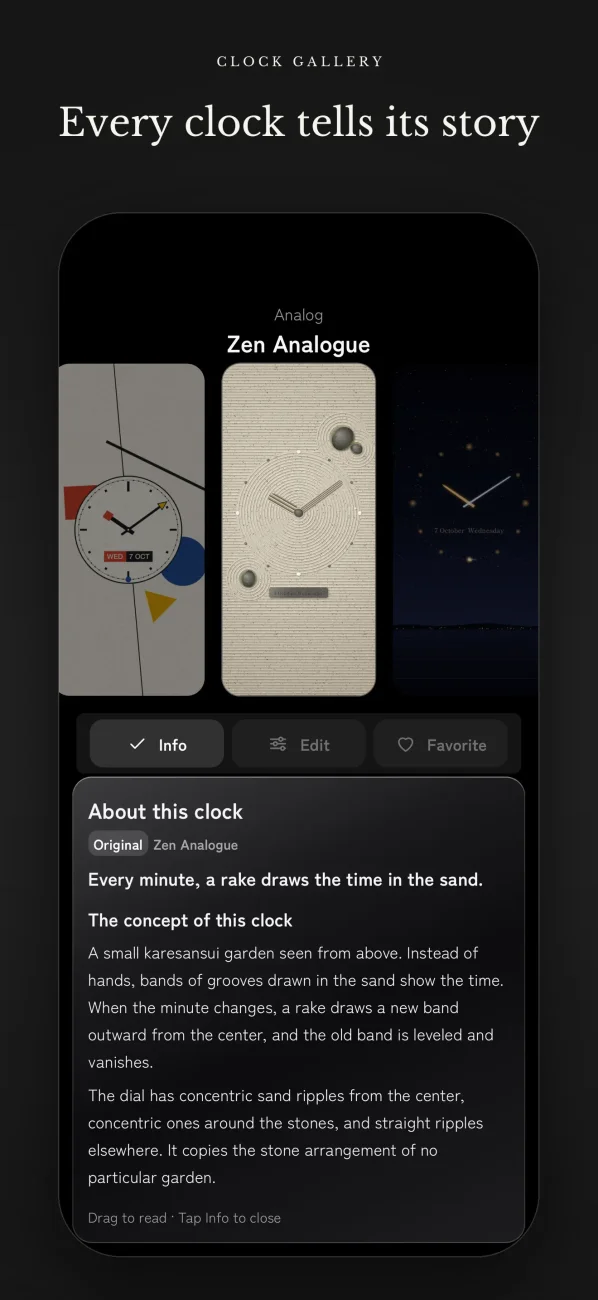
Analog, digital, flip clock, neon sign, Nixie tubes, wadokei (Edo-period Japanese clock), sundial, a mechanical watch movement, a day-and-night world map, a kids learning clock and more. Every clock tells its story in "About this clock": the history of the clock it is based on and its design details. Seconds, date, weekday and sound are saved per clock, and Favorites can give you a different clock each day.
MASTERPIECES, UKIYO-E AND STORYBOOKS
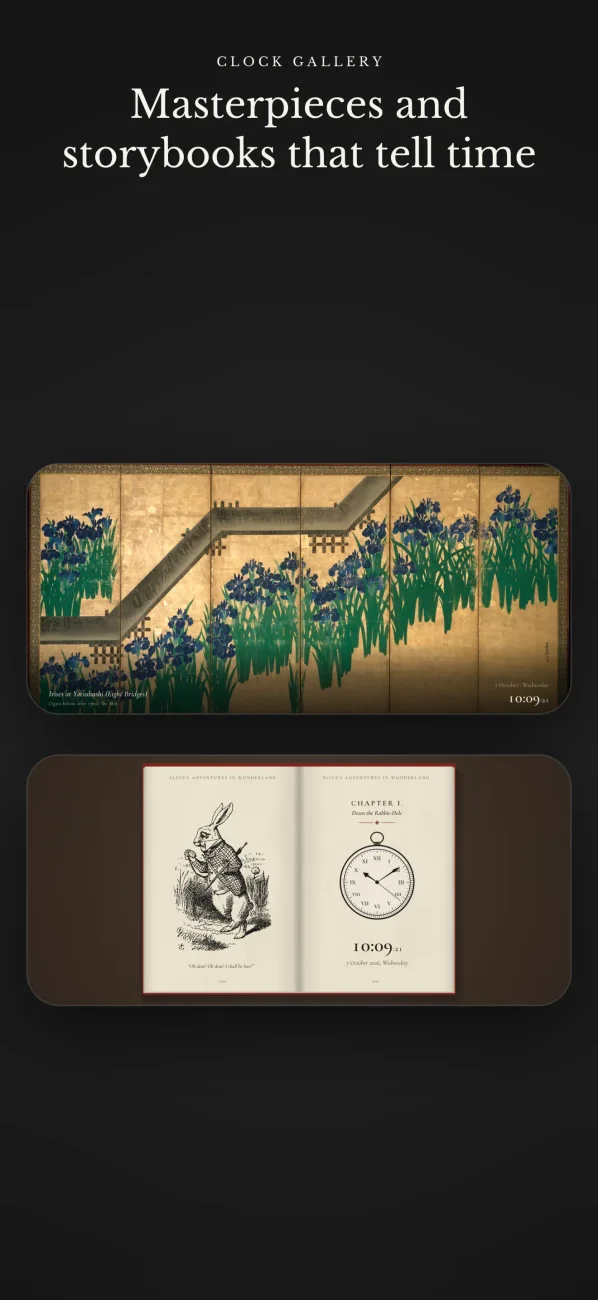
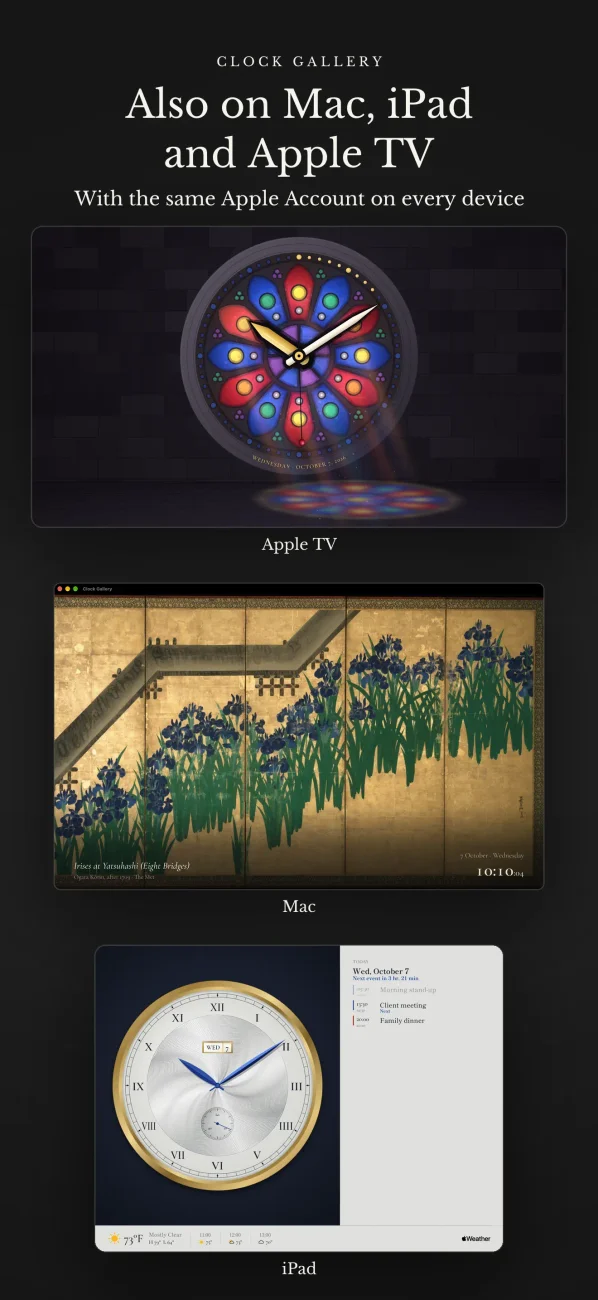
Display over 100 public-domain paintings (Hokusai, Hiroshige, Monet, Vermeer, Van Gogh and more) with the time, and storybook illustrations published before 1930, gently animated (Alice in Wonderland, The Wonderful Wizard of Oz and more).
TODAY'S AGENDA AND WEATHER, RIGHT BESIDE THE CLOCK
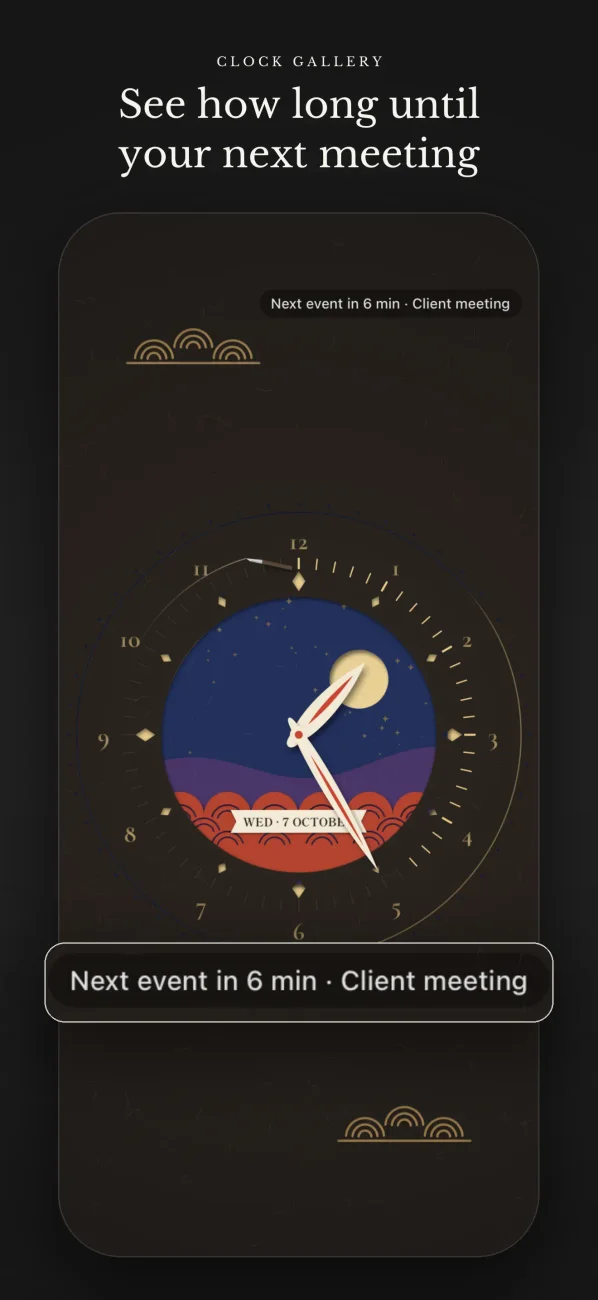
- Your events for the day and "Next event in 12 min"
- Works with Google Calendar and Apple (iCloud) calendars
- Weather from Apple Weather
- Public holidays for your country
NOTHING COVERS THE CLOCK
No ads and no rating pop-ups over your clock.
ON IPHONE AND IPAD
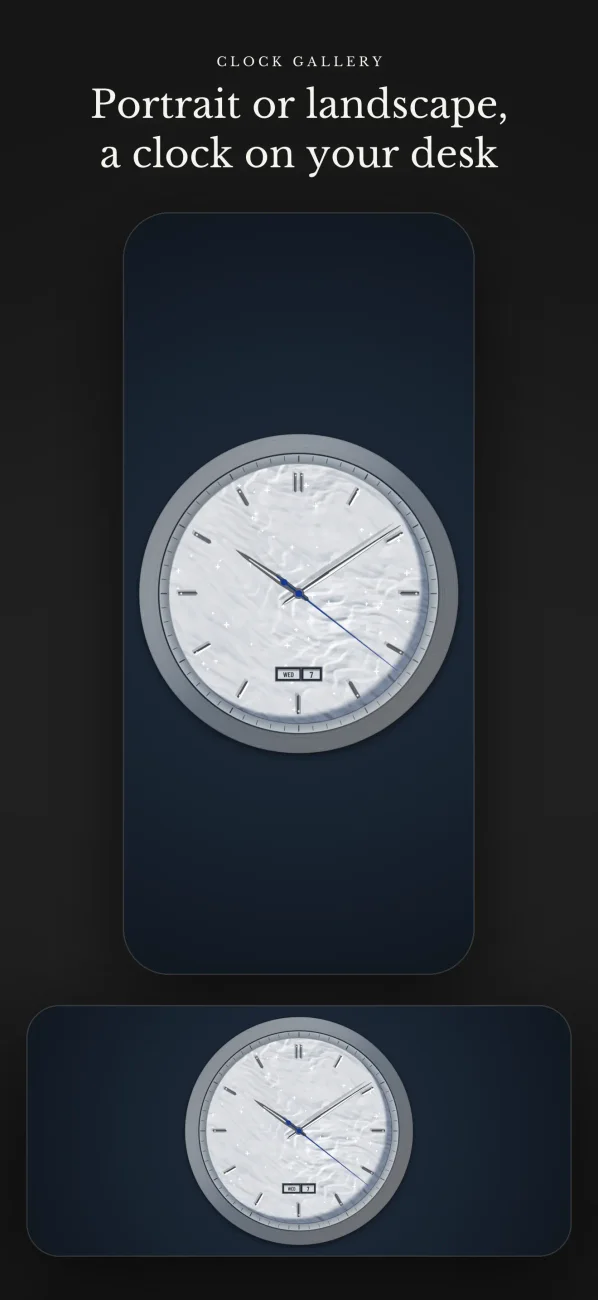
Works in portrait and landscape. Stand it up and it becomes a desk clock. Tilt your device and the clock tilts with it.
PURCHASE
Every clock and all focus features come with a single purchase. No subscription. Buy once and use it on Apple TV, iPhone, iPad and Mac with the same Apple Account.
60 LANGUAGES
Weather data provided by Apple Weather.
What’s new
Version 1.5.0 · Nov 18, 2026
• All Time Zones Are Now Supported
You can now choose any region in the world for your clock and World Clock.
App privacy
What Tatsuya Kawaguchi declares on the App Store about how this app handles data.
-
Data not collected
The developer does not collect any data from this app.
Privacy practices may vary, for example with the features you use or your age.
Information
- Seller
- Tatsuya Kawaguchi
- Category
- Utilities
- Version
- 1.5.0
- Updated
- Nov 18, 2026
- Released
- Oct 9, 2026
- Size
- 193.1 MB
- Requires
- iOS 17.0 or later
- Age rating
- 12+
- Price
- Free
- In-app purchases
- Yes
- Languages
- English, Dutch, French, German, Italian, Japanese, Korean, Portuguese, Russian, Simplified Chinese, Spanish, Traditional Chinese
- Copyright
- © 2026 Tatsuya Kawaguchi
You might also like
-
 Needless ClockLiving clocks for desk & night
-
 Cuepact ClockFullscreen for live shows
-
 Punctum – Dot-Matrix ClockA dot-matrix clock
-
 BRC ClassicTime Simplified for Humans
-
 Stage Clock ViewerStage timers on any screen
-
 Alaturca ClockAlaturca Adhani Clock
-
 G&L StudioClockThe studio clock on any screen
-
 AuraDesk - Flip Clock StudioDesk Companion & Focus Timer
-
 UTC Time Converter World ClockTime Clock Widget Timezone Fun
-
 A Clock For YouClock faces and hourglass