Clock In Myself — Time Tracker
One-tap time log & task switch
Designed for iPhone, iPad, iPod touch
In-app purchases
- Age rating4+
- CategoryProductivity
- DeveloperJiwen Hua
- LanguagesJapanese+ 3 more
- Size48.9 MB
Links to the official App Store page
Download.org hosts no file of Clock In Myself — Time Tracker. The button opens its official App Store page, published by Jiwen Hua. Listing last checked on Nov 14, 2026.
Screenshots


About
Clock In Myself - a ledger for your time.
Coding, meetings, emails, side projects... at the end of the day, can you say where your hours actually went? Clock In Myself records every minute, so you always can.
YOUR TIME, ON THE RECORD
Rich reports
Total time in the donut center, a KPI strip, and a daily-trend chart across Day / Week / Month / Year. See exactly where your time goes.
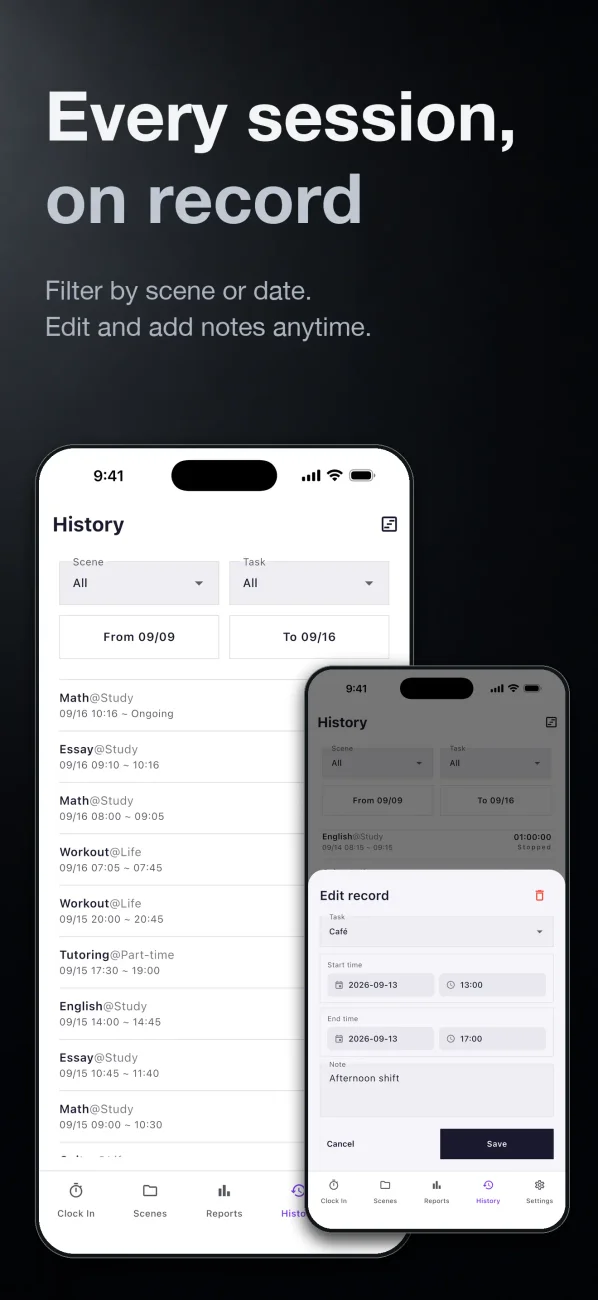
Every entry saved and editable
Tap any past entry to fix the time, change the task, or add a memo. Your records stay accurate.
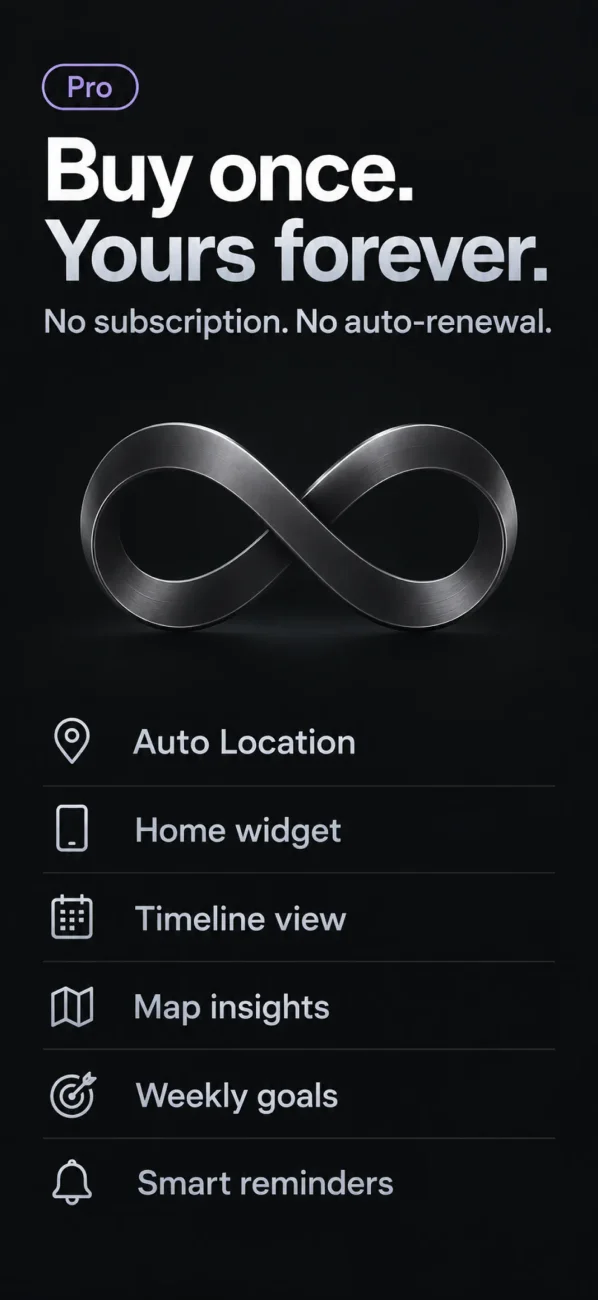
Auto-location (Pro)
Location captured automatically with each entry - your records show not just when, but where.
RECORDING MADE EFFORTLESS
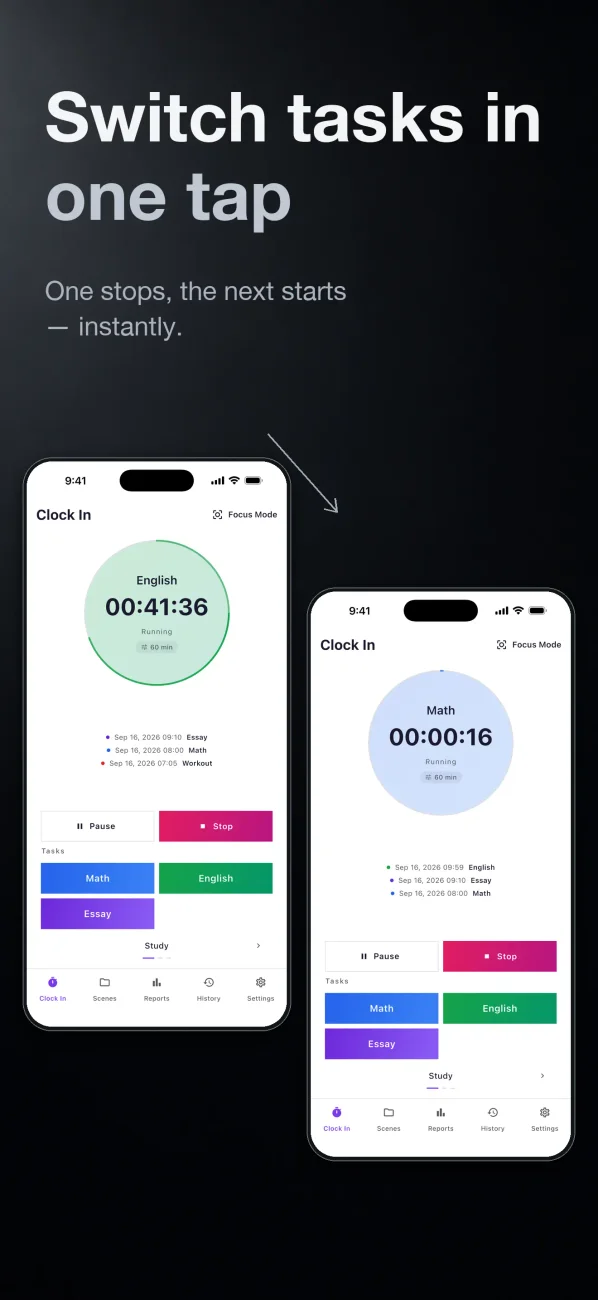
One-tap start and switch
Tap a task to start recording. Tap another and the previous entry closes as the new one starts. Keeping records takes zero effort.
True pause
Time doesn't reset when you pause. Resume seamlessly after lunch.
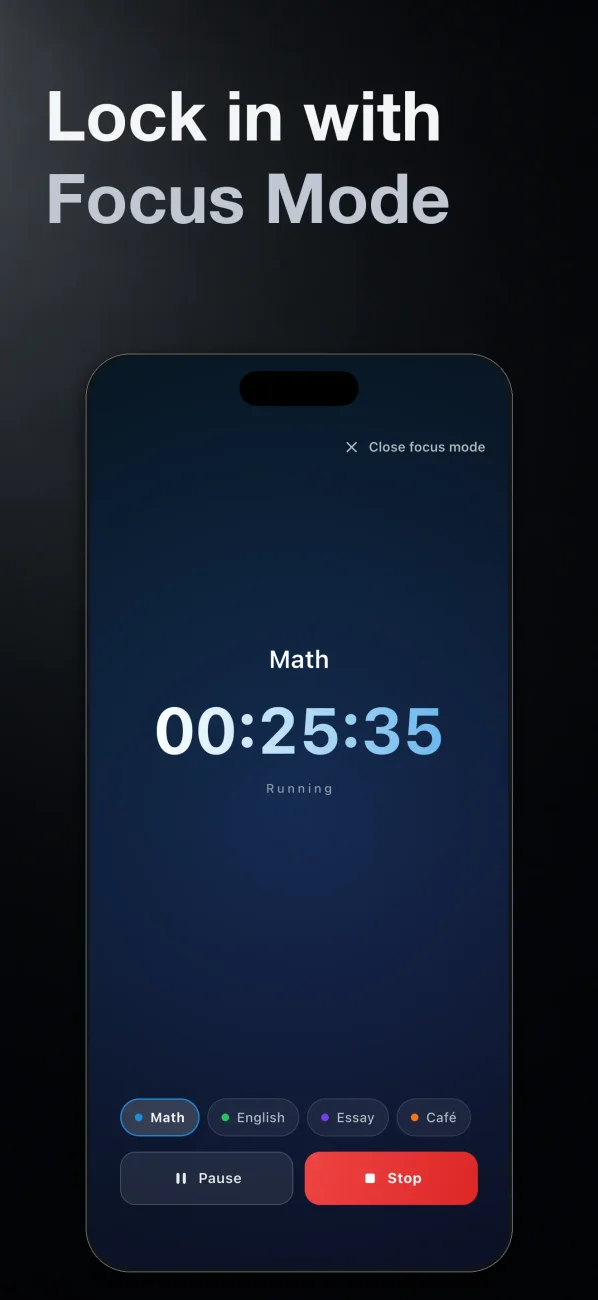
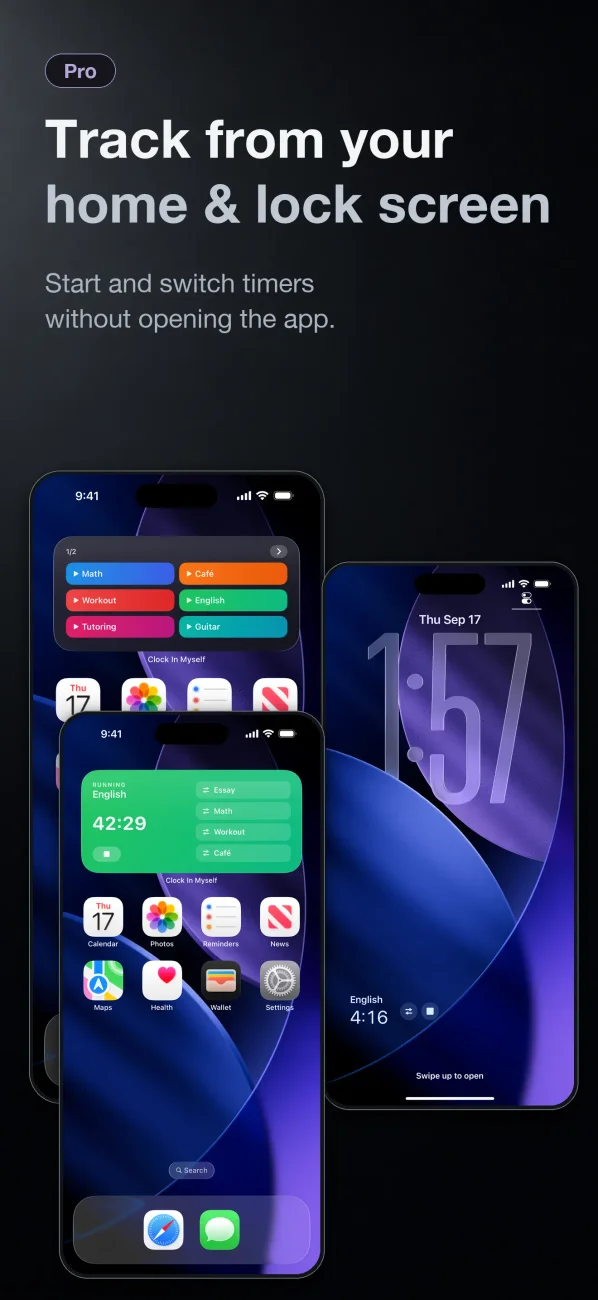
Widgets & Focus Mode
Record from the Home Screen or Lock Screen without opening the app; a full-screen distraction-free timer keeps you on task.
Auto-stop
Forgot to stop? A timeout you set closes the entry automatically, so your records stay clean.
AND MORE
13 languages
From Chinese to Arabic, including full right-to-left layout. Follows your system language by default.
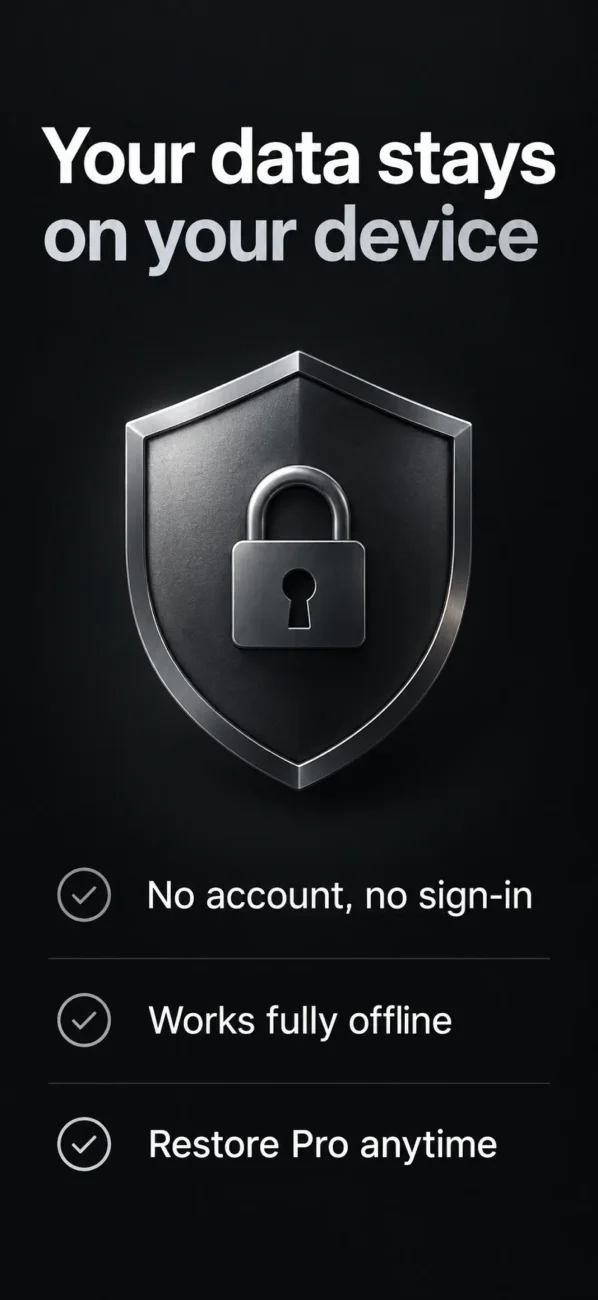
Your data stays on your device
No account, no sign-up, no cloud. Every record lives on your iPhone and never leaves it.
Pro - a one-time purchase
- Pay once, keep every Pro feature forever
- No subscription, no auto-renewal, nothing to cancel
- Your Apple ID is charged once at confirmation of purchase
- Reinstalled the app or switched devices? Restore Purchases brings Pro back
- The price is shown in the app in your local currency before you buy
Privacy promise
- No data sale, no ads
- No access to contacts or photos
- Delete any record any time; uninstalling removes everything
Privacy Policy: https://clockinmyself.app/privacy
Terms of Use: https://clockinmyself.app/terms
What’s new
Version 1.1.0 · Sep 18, 2026
Pro is now a one-time purchase.
- Buy Pro once and keep every Pro feature forever. No subscription, no auto-renewal.
- Already subscribed? Nothing changes - your Pro stays active for as long as your subscription runs.
- Your records now live only on your device. The account and sign-in screens are gone; nothing is uploaded.
- Reinstalling or switching devices? Settings > Pro > Restore Purchases brings Pro back.
- Bug fixes and stability improvements
App privacy
What Jiwen Hua declares on the App Store about how this app handles data.
-
Data linked to you
May be collected and linked to your identity.
- Purchases
- Location
- Contact info
- User content
- Identifiers
-
Data not linked to you
May be collected but is not linked to your identity.
- Identifiers
- Usage data
- Diagnostics
Privacy practices may vary, for example with the features you use or your age.
Information
- Seller
- Jiwen Hua
- Category
- Productivity
- Version
- 1.1.0
- Updated
- Sep 18, 2026
- Released
- Jul 2, 2026
- Size
- 48.9 MB
- Requires
- iOS 15.0 or later
- Age rating
- 4+
- In-app purchases
- Yes
- Languages
- Japanese, Simplified Chinese, English, Korean
- Copyright
- © 2026 WUA Studio
You might also like
-
 TickLogSmartly visualize work time
-
 TimeChargeTime Tracker, Minimal Input
-
 Hourlo: Time TrackerTimesheet, Hours & Invoice
-
 Worxly: Work Hours TrackerTrack time, projects & pay
-
 Timiew / 作業時間記録・調整・通知・時給計算Productivity
-
 工数ノート - フリーランス時間管理Productivity
-
 Workloom: Work Hours & CommuteTrack all time spent on job
-
 LogTimer - Work Hours TrackerTimesheet & Billable Time Log
-
 Kiroku(工数管理)Productivity
-
 Clock Me: Calendar & TrackingProductivity