- Age rating4+
- CategoryBusiness
- DeveloperAlex Pituc
- LanguagesEnglish
- Size41.2 MB
Links to the official App Store page
Download.org hosts no file of Clock In Software. The button opens its official App Store page, published by Alex Pituc. Listing last checked on Nov 12, 2026.
Screenshots

About
Clock In is a simple, reliable time-tracking app for employees and small teams. Punch in and out in seconds with secure face verification and accurate GPS location, so every shift is logged honestly and effortlessly.
KEY FEATURES
• Face verification — confirms it's really you clocking in, preventing buddy punching
• GPS location — captures where each shift starts and ends so managers know who's on-site
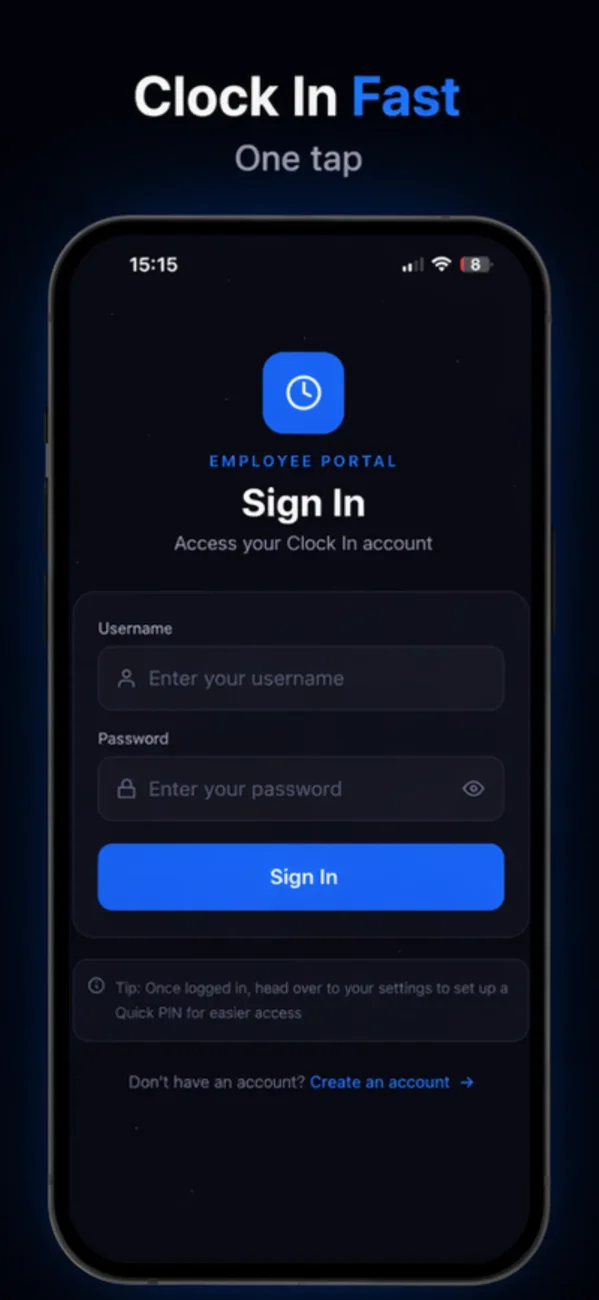
• PIN login — quick access without re-typing passwords every shift
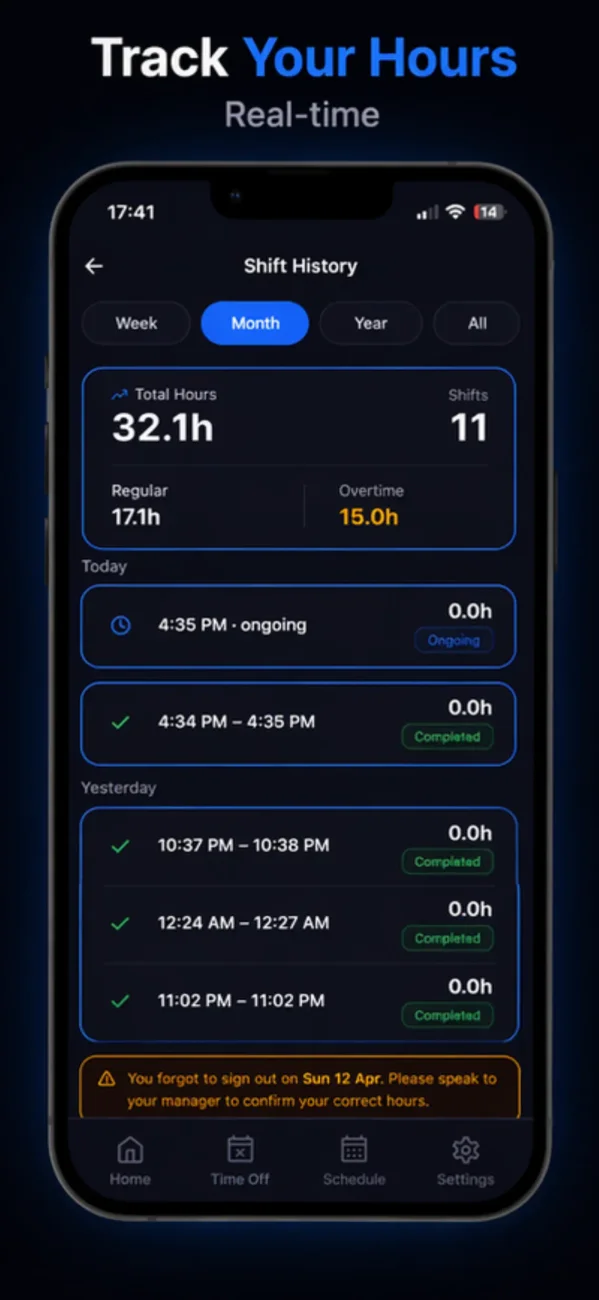
• Active shift tracking — see your current shift duration in real time
• Background location updates — keeps your shift accurate even when the app is closed
• Clean, distraction-free interface designed for one-handed use during a busy day
WHO IT'S FOR
Clock In is built for field teams, on-site workers, retail staff, healthcare workers, hospitality crews, contractors, and any small business that needs trustworthy time records without complex enterprise software.
ACCOUNT REQUIRED
Clock In requires an account provided by your employer. If your company isn't using Clock In yet, contact us at support@clockin.ink to get set up.
PRIVACY
Your face data is used only to verify your identity at clock-in. Location is recorded only while you're on shift and stops the moment you clock out. We never sell your data. Read our full privacy policy at https://clockin.ink/privacy.
What’s new
Version 2.5.0 · Aug 18, 2026
What's New in 2.5.0
Sick days — Report a sick day in Settings → Report Sick. It's recorded instantly, no approval needed, and you can see your full sick day history along with the pay status your manager sets (pending, unpaid, or hours paid).
More accurate weekly hours — Your hours and overtime now come straight from the server, so the app always matches what your manager sees, including edited shifts.
Overtime before your shift — If your site allows it, clocking in early now counts as overtime until your shift starts, live on the timer.
Cleaner dashboard — Tidied up the main clock-in screen and weekly summary.
Bug fixes — Fixed a brief flash of wrong hours when opening the app, and totals now refresh automatically when you come back to the app.
App privacy
What Alex Pituc declares on the App Store about how this app handles data.
-
Data linked to you
May be collected and linked to your identity.
- Location
- Contact info
- User content
- Identifiers
-
Data not linked to you
May be collected but is not linked to your identity.
- Diagnostics
Privacy practices may vary, for example with the features you use or your age.
Information
- Seller
- Alex Pituc
- Category
- Business
- Version
- 2.5.0
- Updated
- Aug 18, 2026
- Released
- Apr 27, 2026
- Size
- 41.2 MB
- Requires
- iOS 15.1 or later
- Age rating
- 4+
- Price
- Free
- Languages
- English
- Copyright
- © 2026 Clock In Software
You might also like
-
 Habit Tracker: Daily StreakRoutine, Goals & Reminders
-
 Right To Work CandidateBusiness
-
 Gist. AI Trading SignalsMarket Intelligence & AI Chat
-
 traxmilesBusiness
-
 Checkout - Server Tip TrackerLog Income, Shifts & Earnings
-
 Kingdom Care PlatformBusiness
-
 Sage ExpensesProductivity
-
 Nanny Admin: Track Hours & PaySmart pay tracking for nannies
-
 Sovereign PlusSubcontractor
-
 VyceManage your work life better