Clock Widgets: Flip & Digital
Unique Clock Styles & Modes
Designed for iPhone, iPad
Free · In-app purchases
- Age rating4+
- CategoryUtilities
- DeveloperNadzeya Yashchuk
- LanguagesEnglish+ 10 more
- Size3.9 MB
Links to the official App Store page
Download.org hosts no file of Clock Widgets: Flip & Digital. The button opens its official App Store page, published by Nadzeya Yashchuk. Listing last checked on Nov 23, 2026.
Screenshots

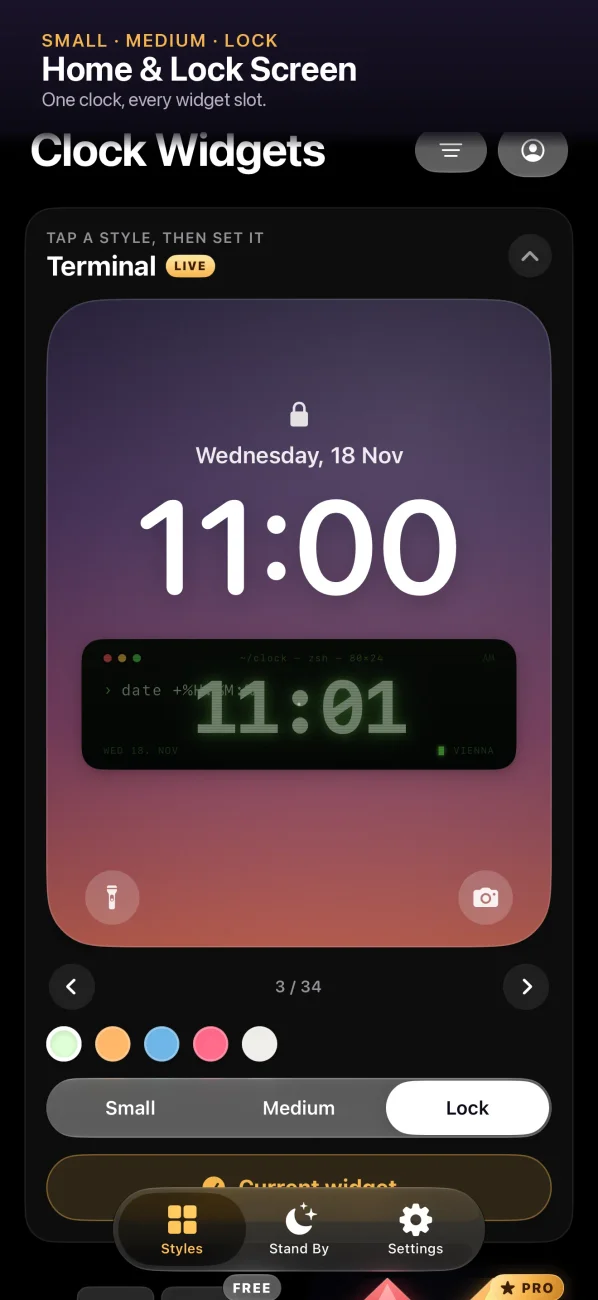
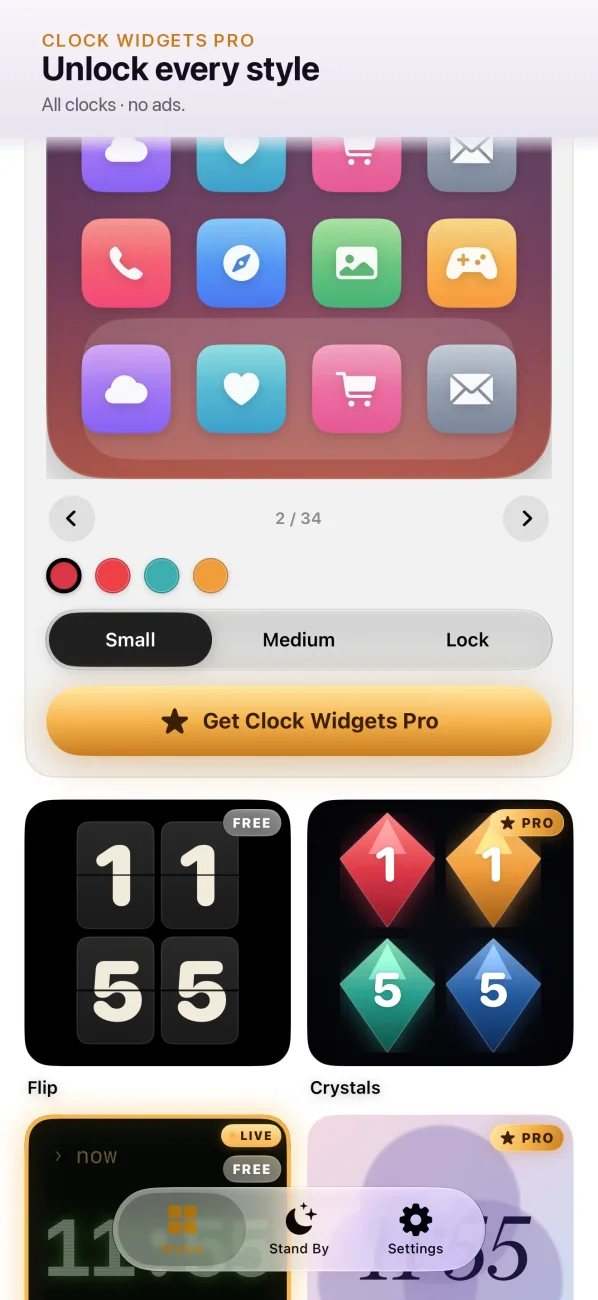
About
Your Home Screen already tells the time. It could do it with style.
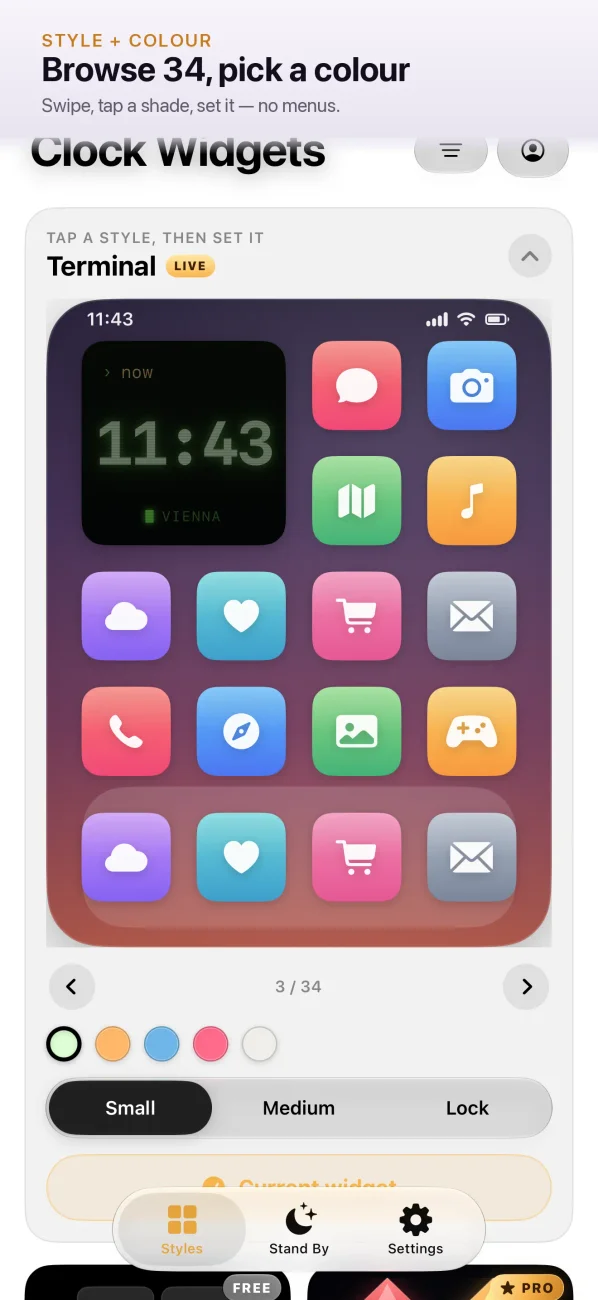
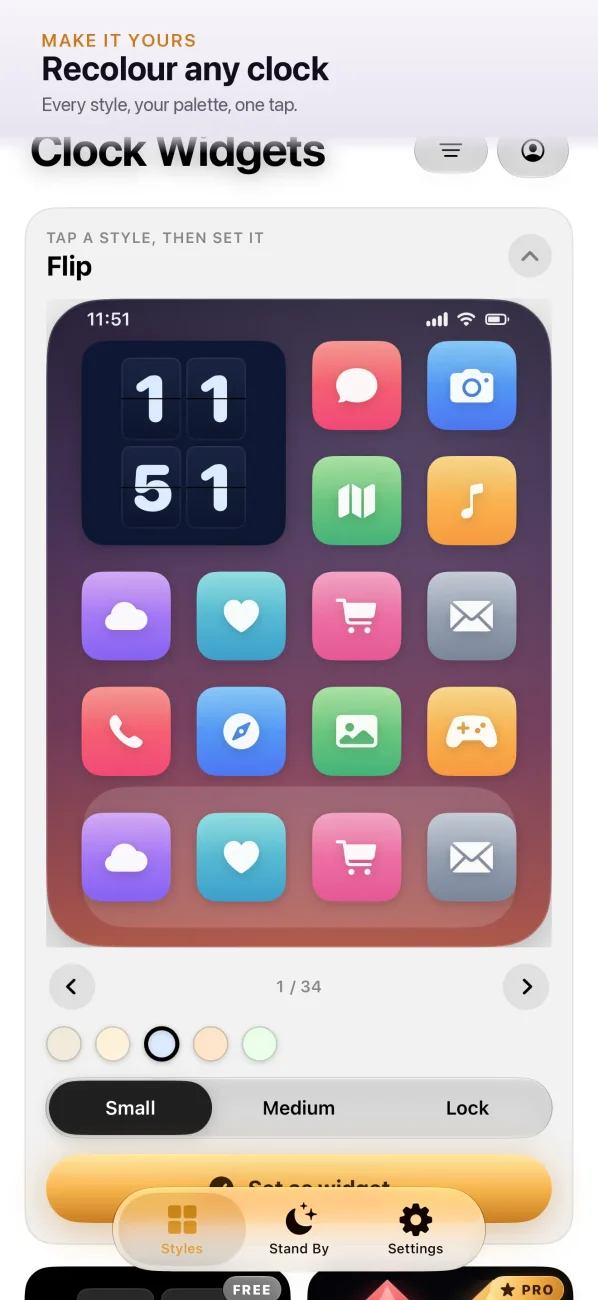
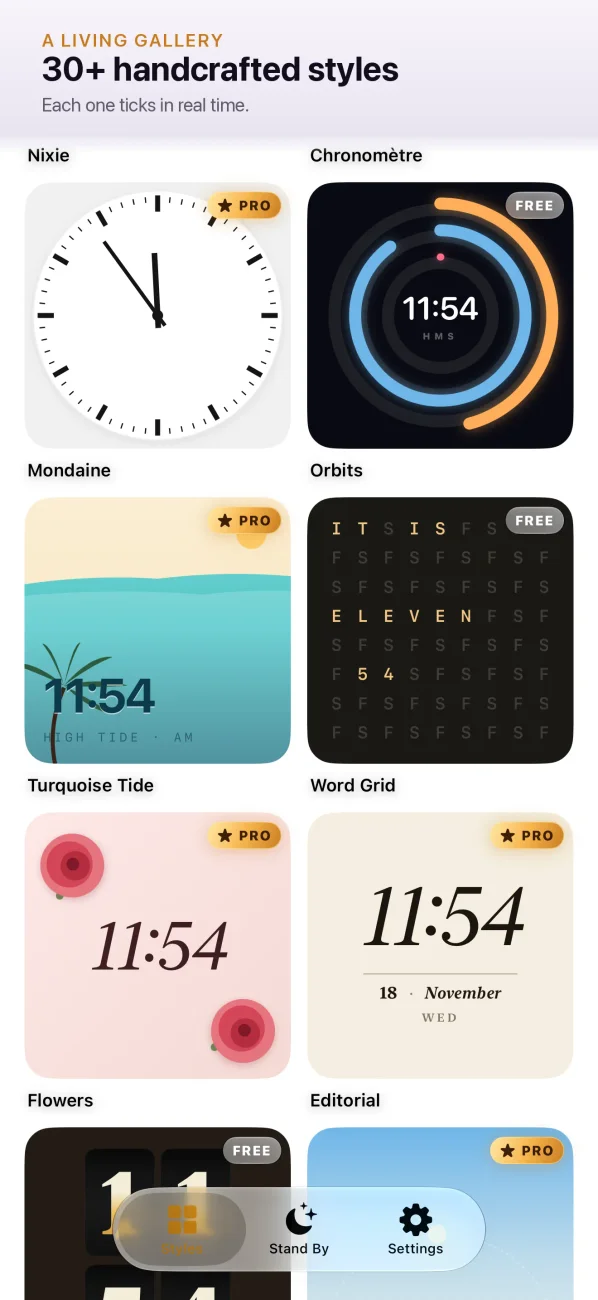
Clock Widgets is a gallery of 34 clock faces: a flip board that snaps over on the minute, a green phosphor terminal, time spelled out in a grid of words, an odometer that rolls the digits, dots and dashes for anyone who reads Morse. Pick one, tap once, and your widget is wearing it.
Eleven faces are free. The other 23 — nixie tubes, a Swiss railway dial, split-flap boards, crystals, matchsticks, a sci-fi HUD — open with Clock Widgets Pro, a paid subscription that also includes every face added later.
Everything else is free and stays that way: all widget sizes, small through large and extra large on iPad; Stand By, the fullscreen bedside clock that holds the screen awake while the phone charges on its side; 12 or 24-hour time, date on or off, any city's time zone.
QUIET BY DESIGN
No account. No sign-in. No analytics, no tracking, no third-party code. The app makes no network requests at all — which is why every clock keeps perfect time in airplane mode.
For the desk that deserves better than the default. For the nightstand at three in the morning. For anyone who has rearranged their Home Screen twice in one evening.
Clock Widgets Pro renews monthly or yearly until you cancel; the price for your country appears in the app before anything is charged.
Terms of Use (Apple Standard EULA): https://www.apple.com/legal/internet-services/itunes/dev/stdeula/
Give any face your own color, and let light and dark switch automatically with your system.
What’s new
Version 1.5 · Nov 19, 2026
New swipeable style gallery — flip through 34 clock faces, pick your colors, and drop any widget on your screen in a tap. Now with automatic light & dark and a fresh new icon.
App privacy
What Nadzeya Yashchuk declares on the App Store about how this app handles data.
-
Data not collected
The developer does not collect any data from this app.
Privacy practices may vary, for example with the features you use or your age.
Information
- Seller
- Nadzeya Yashchuk
- Category
- Utilities
- Version
- 1.5
- Updated
- Nov 19, 2026
- Released
- May 26, 2026
- Size
- 3.9 MB
- Requires
- iOS 26.0 or later
- Age rating
- 4+
- Price
- Free
- In-app purchases
- Yes
- Languages
- English, French, German, Italian, Japanese, Korean, Portuguese, Russian, Simplified Chinese, Spanish, Turkish
- Copyright
- © Clock Widgets
You might also like
-
 Minimal Clock — Retro WidgetDigital LCD, world time, night
-
 Flip Clock & Digital WidgetsTimer, Pomodoro & Countdown
-
 Clock Widget CreatorCustom Clock Widgets
-
 Lumi Clock: Flip Desk ClockA moving clock, nixie and neon
-
 A Small ClockAnalog clock & widgets
-
 Flip Clock - Eye-FriendlyStandby Bedside Clock · Widget
-
 ClockThatA clock widget made for you
-
 Flipora: Flip Clock & AlarmsDesk Clock, Timer & Widgets
-
 See through ClockUtilities
-
 EVA Clock NixieNixie Tube Clock