Clockblock: Alarm & Blocker
Focus sessions & screen time
Designed for iPhone
Free · In-app purchases
- Age rating4+
- CategoryProductivity
- DeveloperJames Bradley
- LanguagesEnglish
- Size51.0 MB
Links to the official App Store page
Download.org hosts no file of Clockblock: Alarm & Blocker. The button opens its official App Store page, published by James Bradley. Listing last checked on Nov 18, 2026.
Screenshots

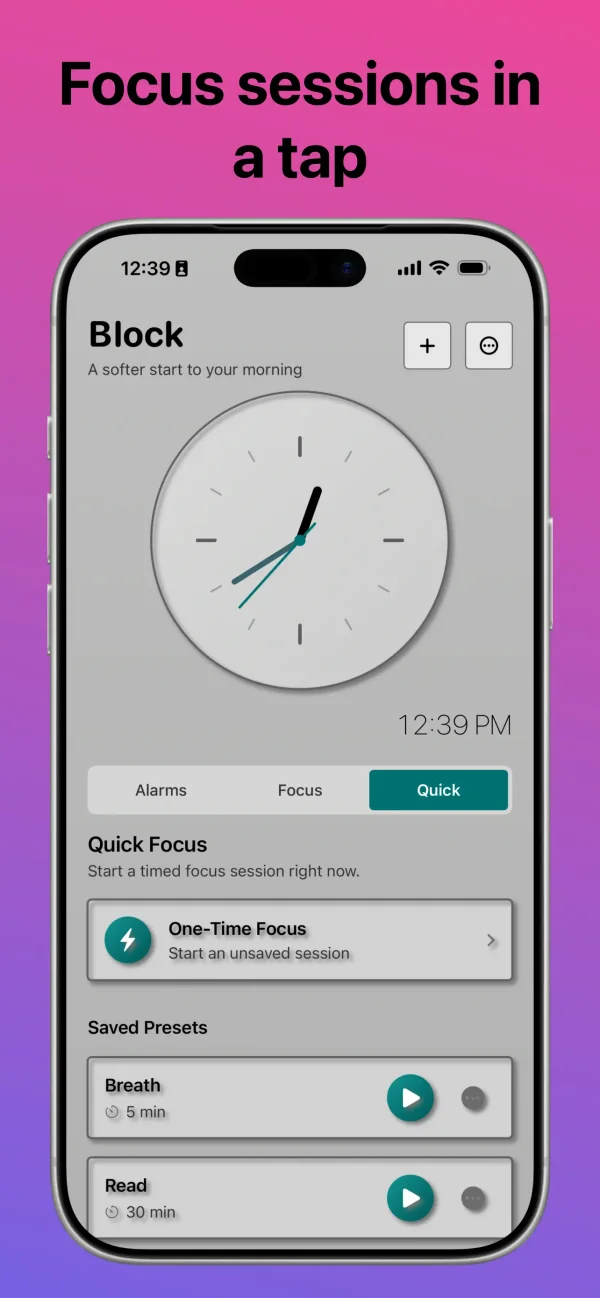

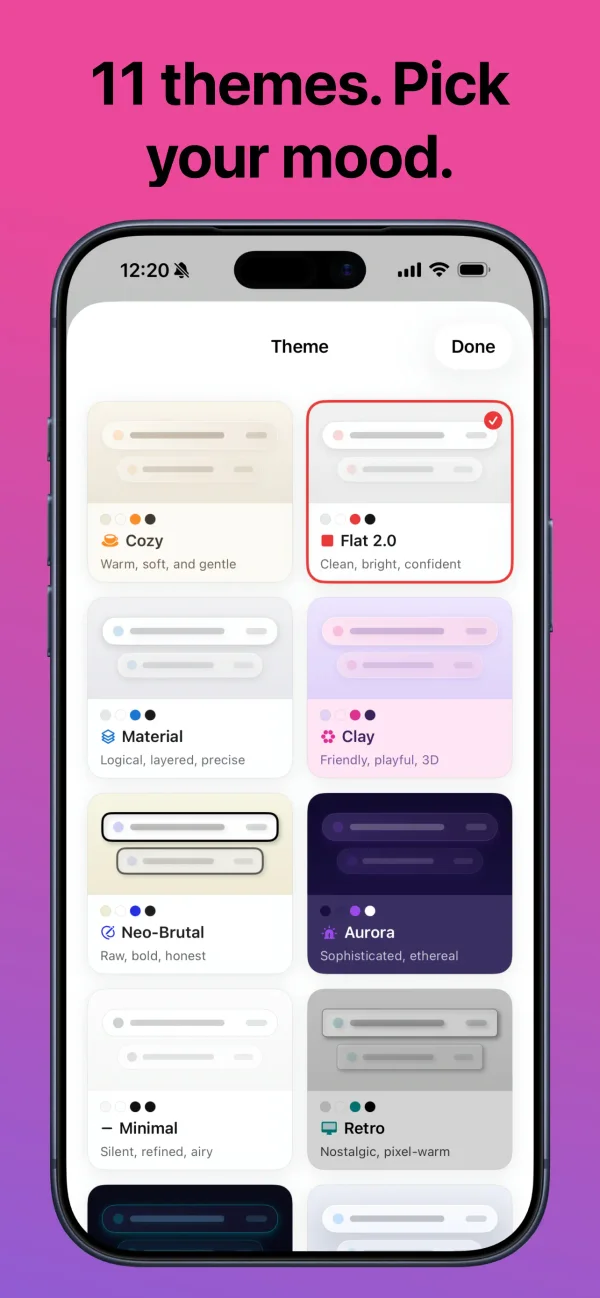
About
Wake up. Stay off your phone.
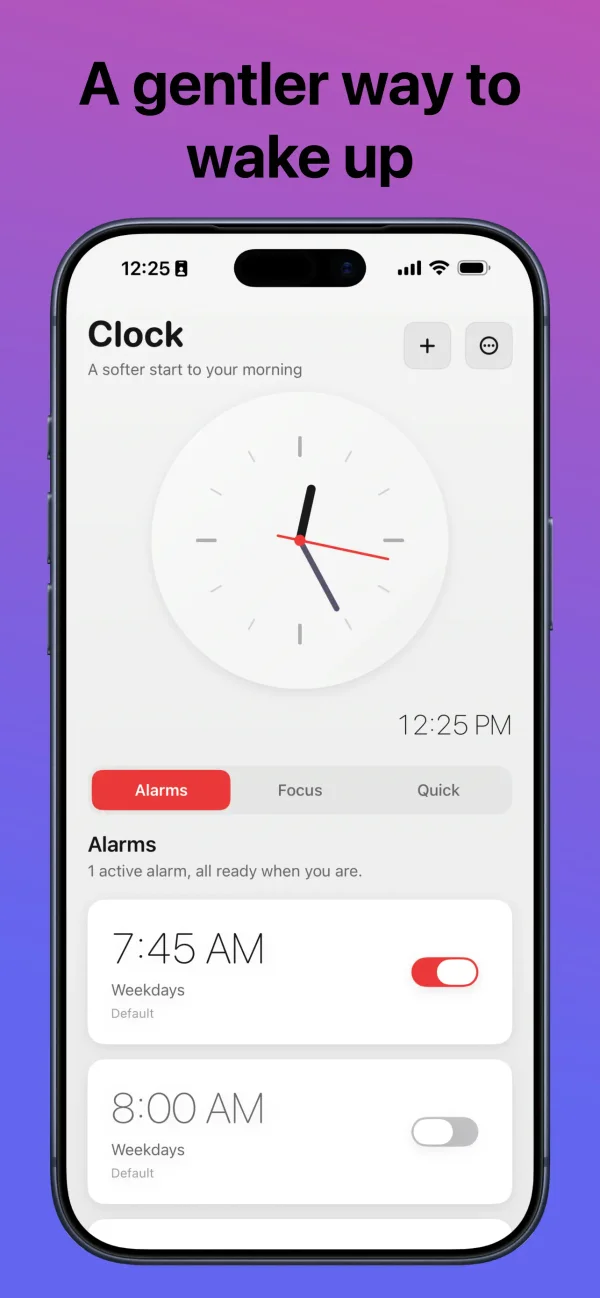
Clockblock is an alarm that blocks distracting apps the moment you hit stop — so the first thing you touch in the morning isn't an endless scroll.
Built from the ground up for iOS 26. No willpower. No guilt. Just a calmer start.
HOW IT WORKS
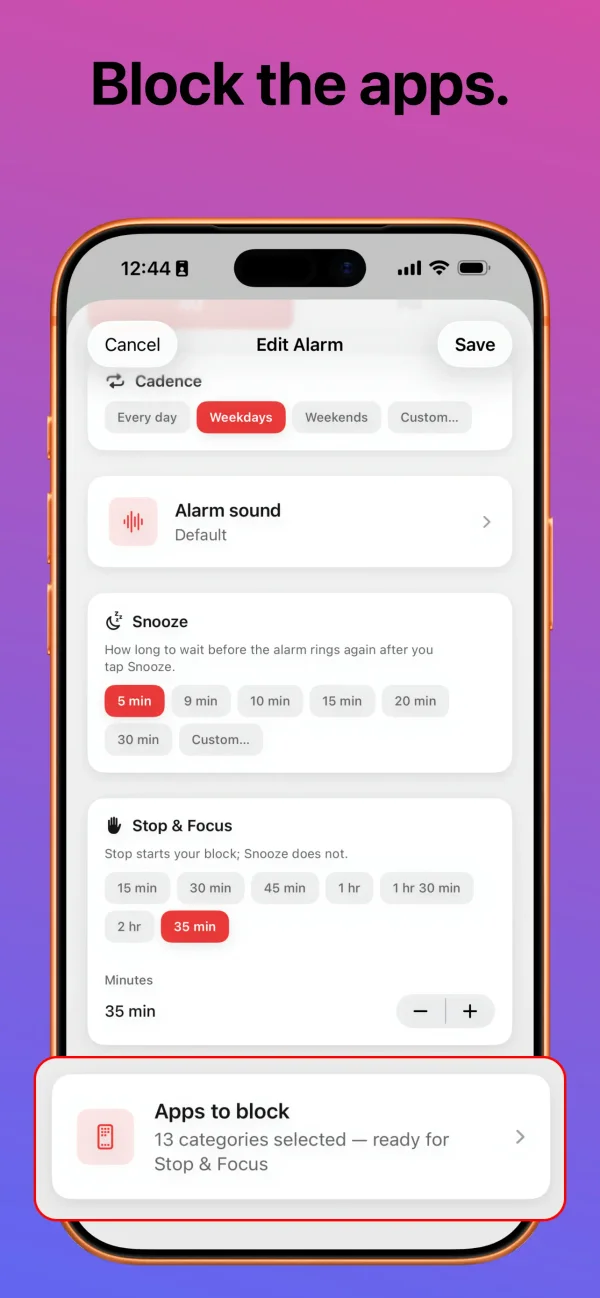
Set an alarm. Choose which apps to block. When the alarm goes off, you have two choices:
• Stop — the alarm ends and your blocks activate instantly
• Snooze — the alarm delays, nothing else changes
That's it. The friction is designed in.
FOCUS, BEYOND MORNINGS
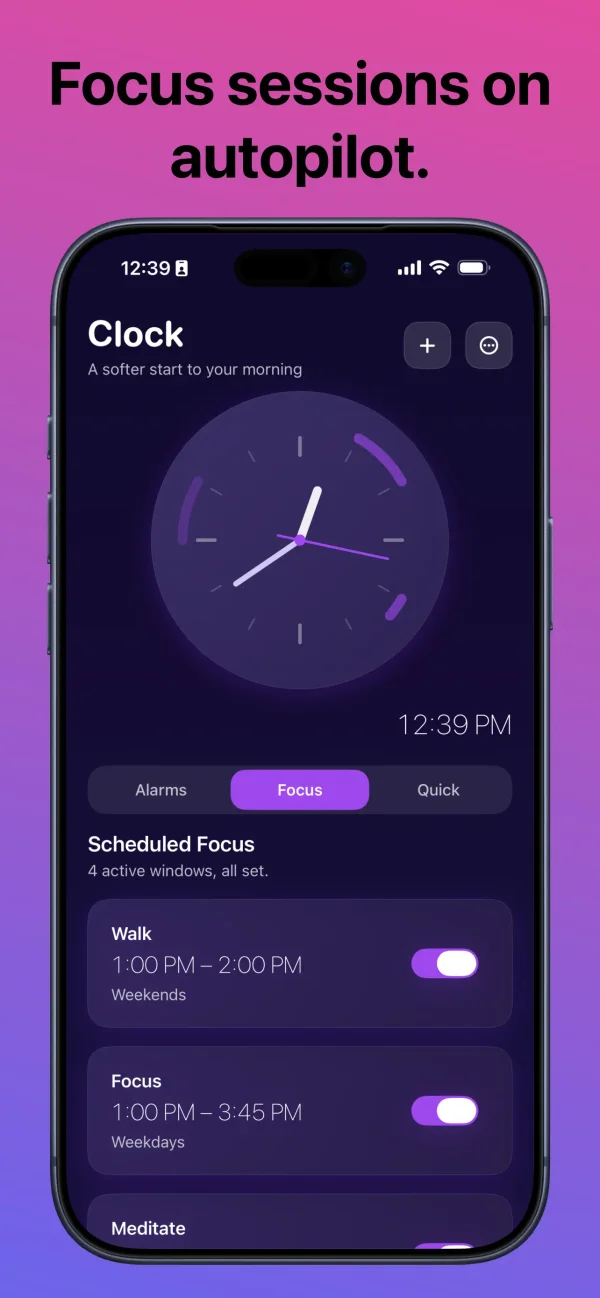
• Scheduled Focus — set recurring deep work windows that block apps on autopilot
• Quick Focus — need to concentrate now? One tap, pick a duration, done
• Live Activities keep your session visible without pulling you back in
HOME & LOCK SCREEN WIDGETS
See your next alarm and active focus at a glance. Start a quick focus without opening the app.
11 THEMES, INCLUDING LIQUID GLASS
Cozy, Flat, Material, Clay, Brutal, Aurora, Minimal, Retro, Holographic, Liquid Glass, and Neumorphism. Pick the one that matches your mood, or your home screen.
POWERED BY THE LATEST APPLE FRAMEWORKS
Clockblock uses AlarmKit for reliable wake-ups and Screen Time for precise app blocking, the new foundation Apple ships in iOS 26.
PRIVATE BY DESIGN
Your alarms, blocks, and screen time data never leave your device. No account. No tracking. No cloud.
Mornings should feel like yours again. Clockblock is here to help.
What’s new
Version 1.0.2 · Jun 25, 2026
• New: blocked apps now show an app theme-matched screen instead of the plain iOS shield, with a message and your unlock time.
• Fix: Blocks now activate instantly when you tap Stop.
• Other bug fixes and polish across themes, alarms, and the trial chip.
App privacy
What James Bradley declares on the App Store about how this app handles data.
-
Data not collected
The developer does not collect any data from this app.
Privacy practices may vary, for example with the features you use or your age.
Information
- Seller
- James Bradley
- Category
- Productivity
- Version
- 1.0.2
- Updated
- Jun 25, 2026
- Released
- Apr 21, 2026
- Size
- 51.0 MB
- Requires
- iOS 26.1 or later
- Age rating
- 4+
- Price
- Free
- In-app purchases
- Yes
- Languages
- English
- Copyright
- © 2026 James Bradley
You might also like
-
 ScoutloopDropshipping Product Research
-
 Morning Routine: RYZRWake Up Alarm & App Limit
-
 Caledari: AI Calendar PlannerSmart daily schedule & agenda
-
 GlobeTempus Plus: World ClockTime Zone & Meeting Planner
-
 Simple Alarm Clock Smart WatchSnooze, Stopwatch & Widgets
-
 Ribbon – Calendar WidgetYour month with event bars
-
 goob: alarm & app blockerwake up: math, pushups, photo
-
 Mado: Digital Dopamine DetoxDoomscroll Less, Touch Grass
-
 Cobra Chicken: Loud ADHD AlarmHeavy Sleepers: Wake Up Game
-
 Quizwall: Focus App BlockerUnlock apps with quizzes