
- Age rating4+
- CategoryUtilities
- DeveloperRoman Romadin
- LanguagesEnglish
- Size7.6 MB
Links to the official App Store page
Download.org hosts no file of Clocker App. The button opens its official App Store page, published by Roman Romadin. Listing last checked on Nov 18, 2026.
Screenshots


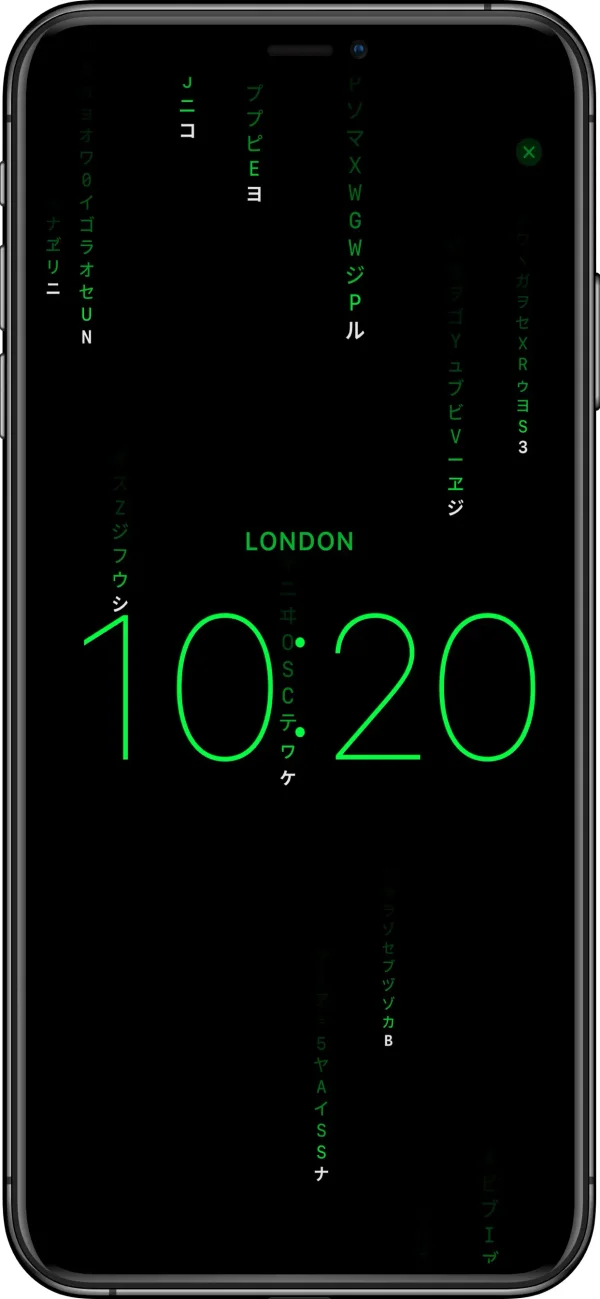
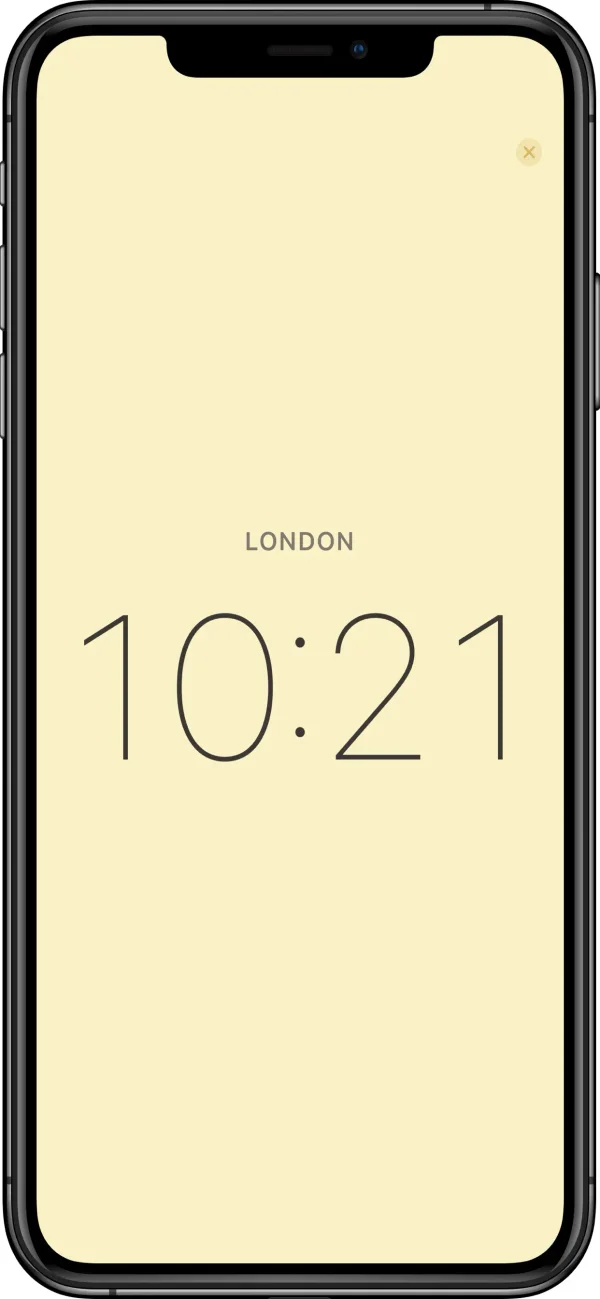
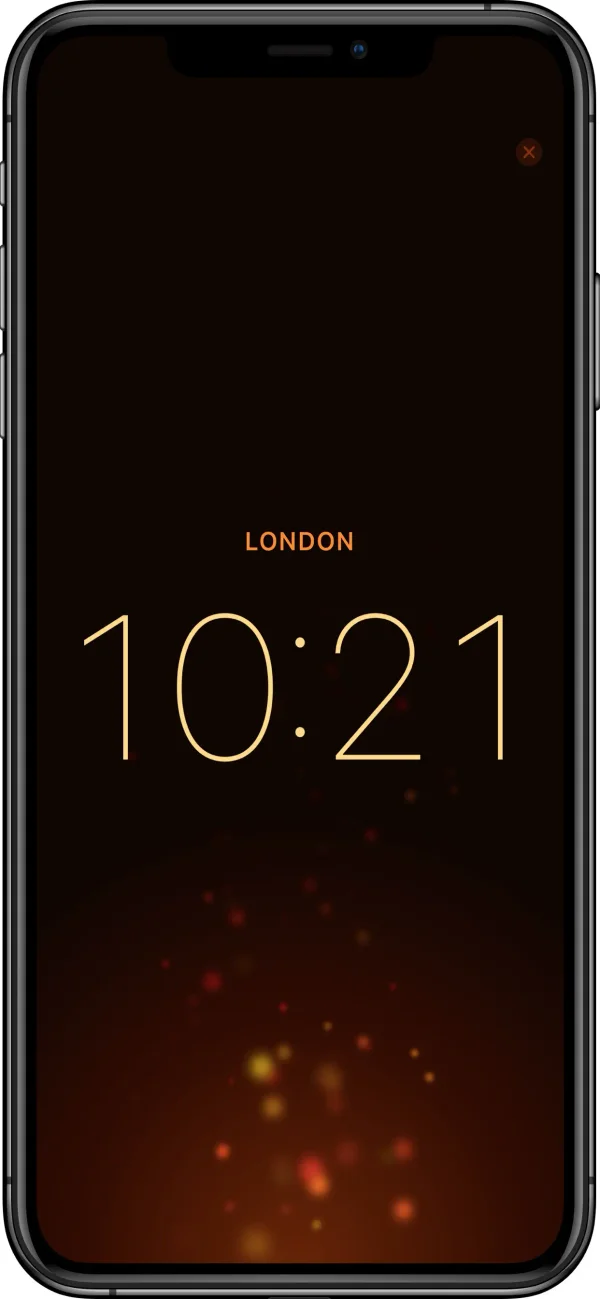
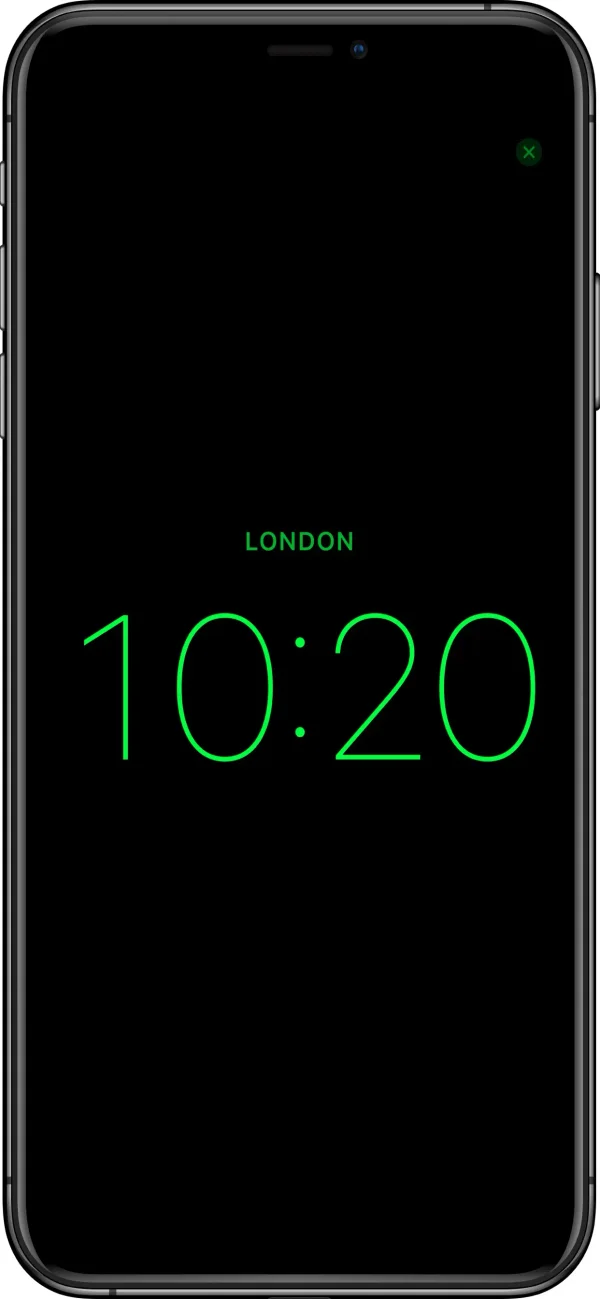
About
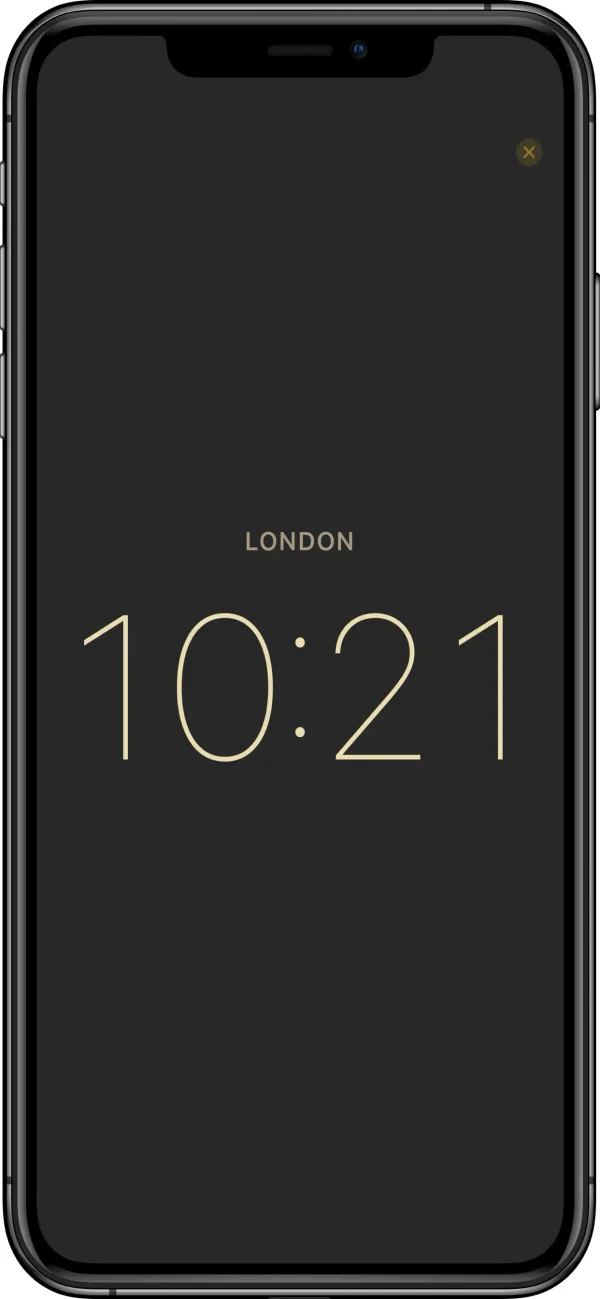
See the time in multiple cities at a glance. Clocker keeps your world clocks on your iPhone, iPad, and Mac—no account and no cloud.
Add up to 32 time zones and arrange them in the order you care about. The first zone is your large hero clock; the rest appear in a clear list below. Start from an empty home screen with a simple add flow, or build a full dashboard for travel and remote teams.
Customize how each clock looks: digital, Roman numerals, or an analog dial; show or hide seconds, the date, city labels, and GMT/UTC offsets; pick time and date format styles; and adjust type size so everything stays readable.
Choose an interface language among nine options and pick an appearance that fits you—from system light and dark to seasonal and stylized themes in Settings.
Extras: on iPhone and iPad, add a Lock Screen widget to check your zones at a glance where the system supports Lock Screen widgets. Several themes ship with optional ambient sound—birds, water, wind, fireside crackle, and similar gentle loops—so you can pair time reading with a calm backdrop. In Settings you can also turn on an optional metronome with adjustable BPM; it plays a clear tick for focus or rhythm practice.
Privacy: your saved zones and preferences are stored only on your device (standard app storage). The app is not built to send that data to our servers for the version described here.
What’s new
Version 1.1.2 · May 17, 2026
- Battery saver — optional setting that turns off theme animations, updates clocks once per minute (no seconds), and pauses theme sounds and the metronome.
- Lower battery use — one shared clock timer for all time zones instead of several; fewer UI updates when seconds are hidden.
- Smarter backgrounds — animated themes run at a lower frame rate and pause when the app is in the background, in Low Power Mode, or when Reduce Motion is on.
- Analog clocks — minute-only display updates every 60 seconds instead of every second when seconds are off.
App privacy
What Roman Romadin declares on the App Store about how this app handles data.
-
Data not collected
The developer does not collect any data from this app.
Privacy practices may vary, for example with the features you use or your age.
Information
- Seller
- Roman Romadin
- Category
- Utilities
- Version
- 1.1.2
- Updated
- May 17, 2026
- Released
- Apr 14, 2026
- Size
- 7.6 MB
- Requires
- iOS 17.0 or later
- Age rating
- 4+
- Price
- $3.99
- Languages
- English
- Copyright
- © 2026 Roman Romadin
You might also like
-
 Clock4Key World Clock KeyboardWorld clock on your keyboard
-
 Count HelperCount objects in picture
-
 MyGharShared Living for Individuals
-
 Diag-ChinaUtilities
-
 AI Photo Duplicate CleanerAI-Powered Duplicate Remover
-
 AutoCount - Count This NowCount Objects from Photos
-
 Screen Memo - webcapKeep links, search & read mode
-
 World Clock Widget Time ZoneConverter, UTC/GMT & DST
-
 Halliday DWGEmpower life with Halliday
-
 Diag-VWUtilities