
Screen Memo - webcap
Keep links, search & read mode
Designed for iPhone, iPad, iPod touch
Free · In-app purchases
- Age rating17+
- CategoryUtilities
- DeveloperKoichiro Umemiya
- LanguagesEnglish+ 15 more
- Size43.2 MB
Links to the official App Store page
Download.org hosts no file of Screen Memo - webcap. The button opens its official App Store page, published by Koichiro Umemiya. Listing last checked on Nov 13, 2026.
Screenshots

About
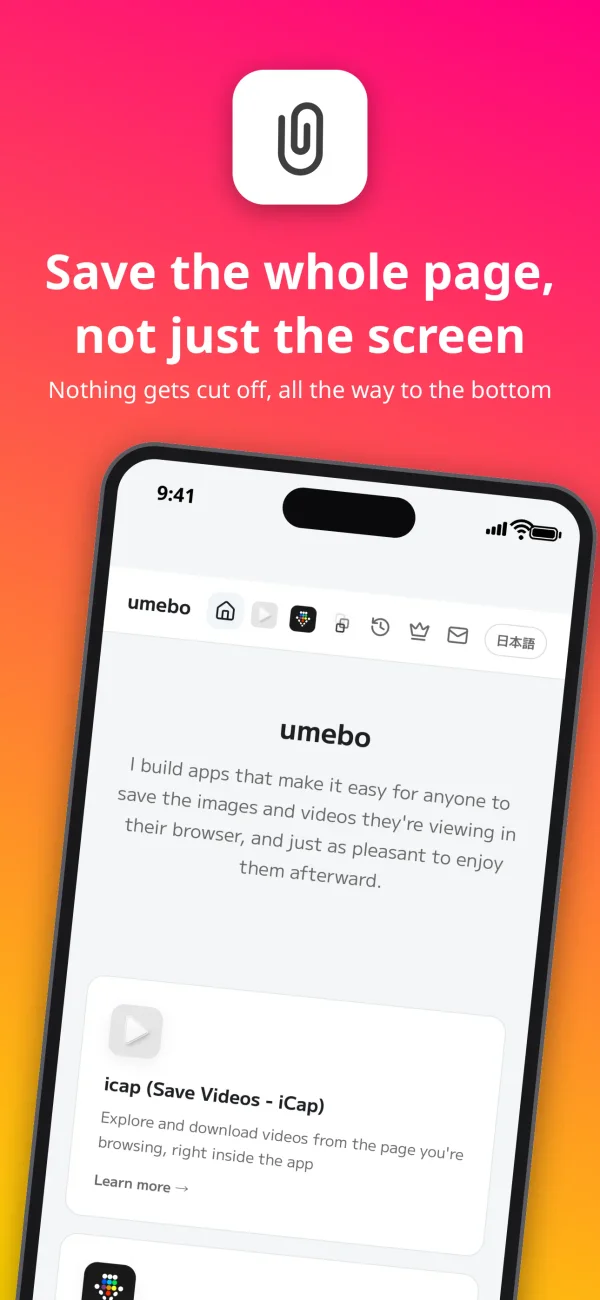
Save web pages the way you found them — links included, not just a picture of them.
Unlike a screenshot, a saved page stays tappable: follow links, copy text, and read it later just like the real thing.
【Save】
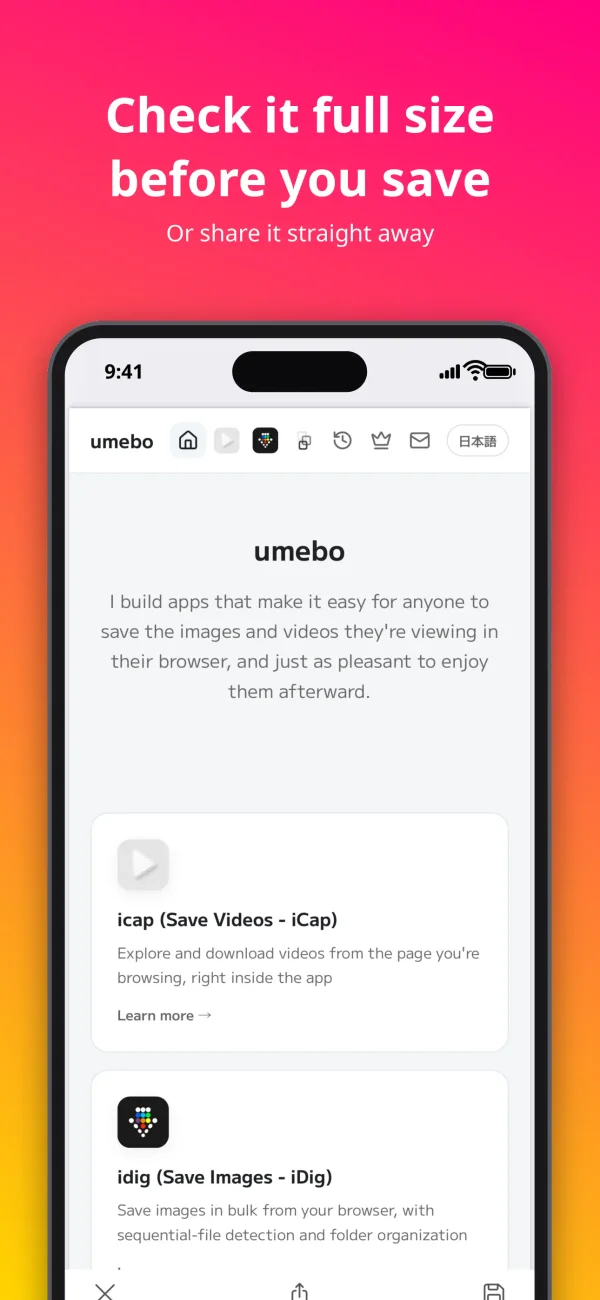
- Save a full page with its links intact (Web Archive format)
- Save the full page as one image
- Save as a real text PDF (selectable and searchable text)
- Capture just the visible part of the screen
【Read & Find】
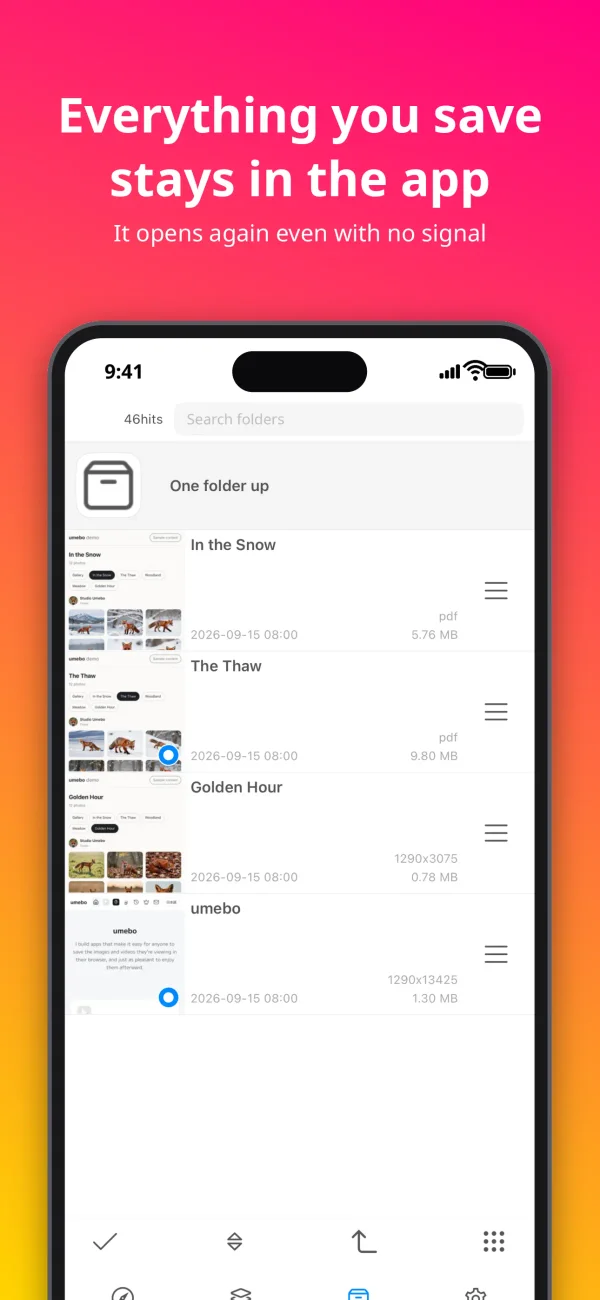
- Full-text search across everything you've saved
- A distraction-free Reader Mode that strips out ads and clutter
- Automatic read/unread tracking, so nothing gets lost
【More】
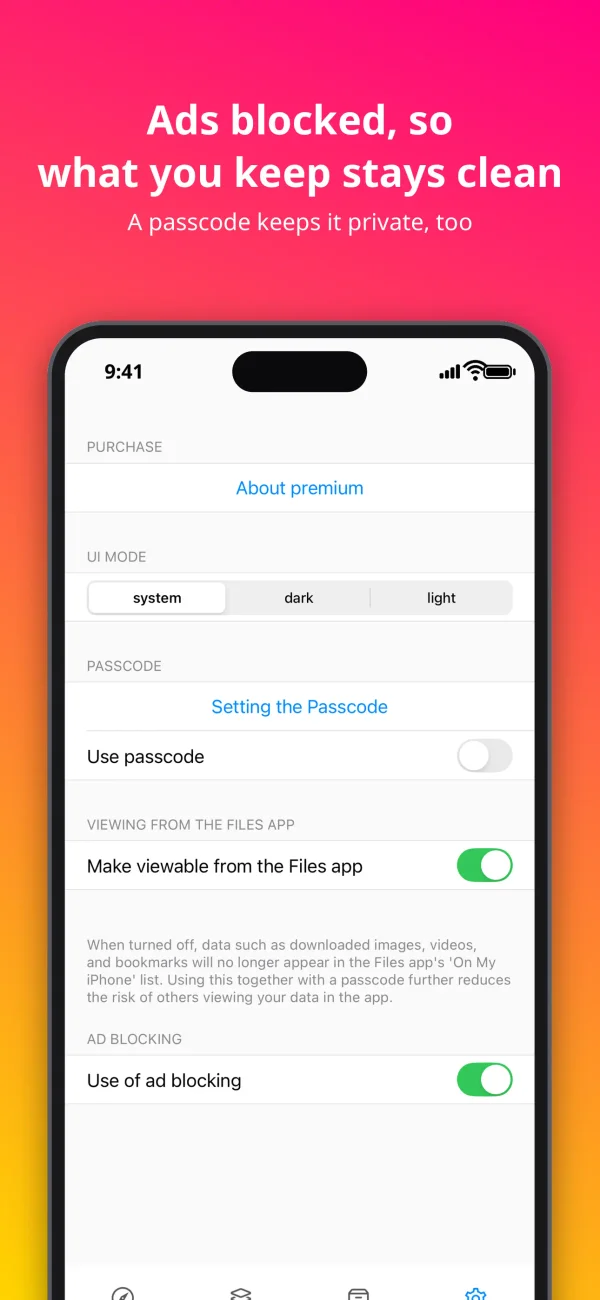
- Free built-in ad blocking
- AirPrint support
- Dark mode / Full iPad support / Xscreen compatible
Terms of Use:
https://www.apple.com/legal/internet-services/itunes/dev/stdeula/
What’s new
Version 2.7 · Sep 15, 2026
- Fixed the app failing to finish launching when a great many pages are saved.
- Fixed the folder list slowing down with every character typed into the search box.
- Fixed PDFs coming out larger than the images they were made from.
- Fixed the app quitting while turning several images into a PDF.
- Fixed folder names containing "/" not being renamed.
- Fixed the item count still showing the previous folder after moving between folders.
- Fixed error messages that did not match the real cause when saving failed.
- Fixed being unable to restore a purchase again until the app was relaunched.
- The device mode (User-Agent) now reports the iOS version your device actually runs.
- Brought the bottom tab bar back on iPad so it is easier to reach.
- Added Help, What's New and the support site to Settings.
- Fixed wording that was not translated correctly in some languages.
App privacy
What Koichiro Umemiya declares on the App Store about how this app handles data.
-
Data used to track you
May be used to track you across apps and websites owned by other companies.
- Identifiers
-
Data not linked to you
May be collected but is not linked to your identity.
- Identifiers
Privacy practices may vary, for example with the features you use or your age.
Information
- Seller
- Koichiro Umemiya
- Category
- Utilities
- Version
- 2.7
- Updated
- Sep 15, 2026
- Released
- Dec 21, 2020
- Size
- 43.2 MB
- Requires
- iOS 15.0 or later
- Age rating
- 17+
- Price
- Free
- In-app purchases
- Yes
- Languages
- English, French, German, Indonesian, Japanese, Korean, Polish, Portuguese, Simplified Chinese, Spanish, Swedish, Thai + 4 more
- Copyright
- © 2020-2026 umebo.net
You might also like
-
 Picket - Bulk Image DownloaderSave photos from any website
-
 Web Widget: Webpage screenshotWeb page Screenshots Capture
-
 SnapPage - Web Page Capturesave web pages to PDF & Image
-
 iSaveWeb LiteUtilities
-
 Screenshot Manager - OrganizerSearch & Organize Screenshots
-
 RabbitBox - Image OrganizerThe Best Image Organizer
-
 WebCapture- full page captureFull page scrolling screenshot
-
 iSaveWeb - web saving toolUtilities
-
 Web To PDF : Scanner & Reader#1 Scanner and Reader
-
 Web to PDF Converter & ReaderConvert & read webpage to PDF