ClockKeepers: Timer for Any TV
Interval, gym & class timer
Designed for iPhone, iPad, iPod touch
Free · In-app purchases
- Age rating4+
- CategoryUtilities
- DeveloperJoseph Ting
- LanguagesEnglish+ 6 more
- Size8.8 MB
Links to the official App Store page
Download.org hosts no file of ClockKeepers: Timer for Any TV. The button opens its official App Store page, published by Joseph Ting. Listing last checked on Nov 25, 2026.
Screenshots
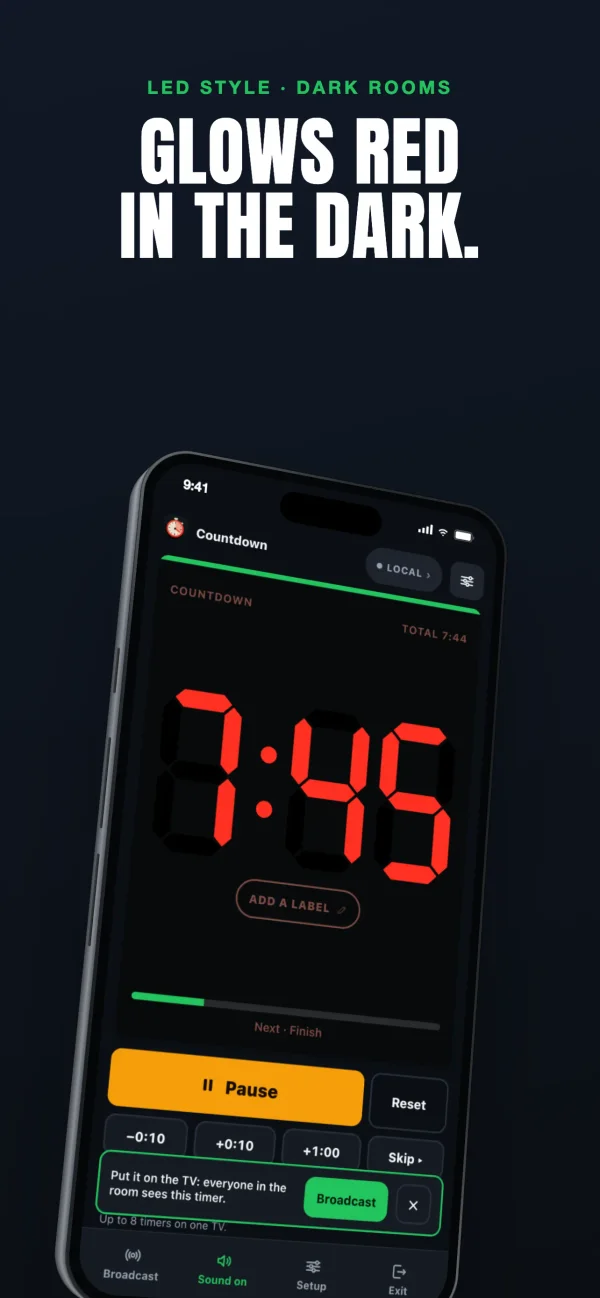
About
ClockKeepers puts your timer on any screen: start it on your phone, show it on the gym TV, the classroom board or every phone in the room.
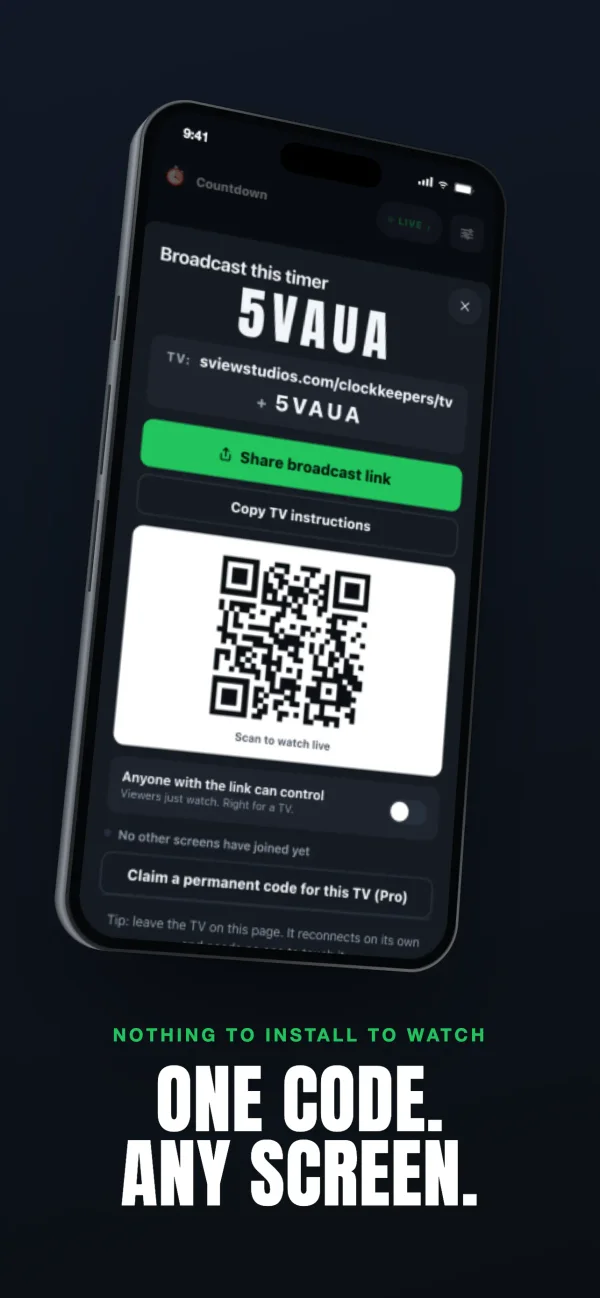
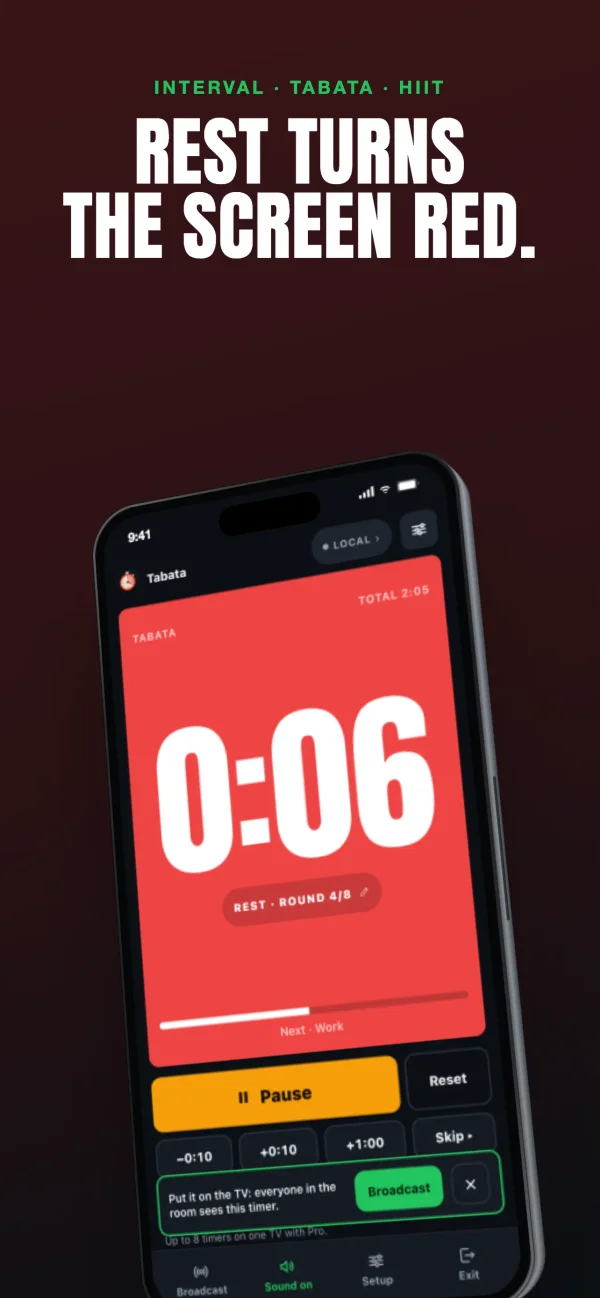
Start a countdown, stopwatch or interval program, tap Broadcast, and every phone, tablet or TV browser that opens your link shows the same clock, live and in sync, with the phase color and round count. No mirroring, no cables, no app needed on the big screen: open clockkeepers-app.netlify.app on any TV browser and type the 5-letter code.
BUILT FOR REAL ROOMS
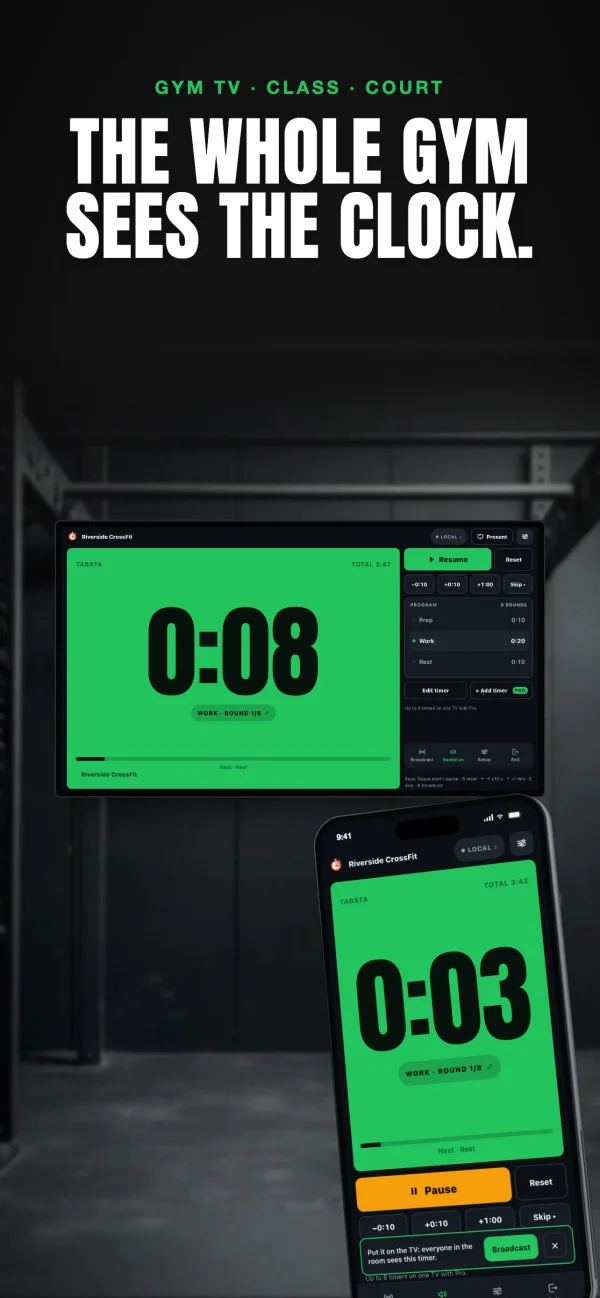
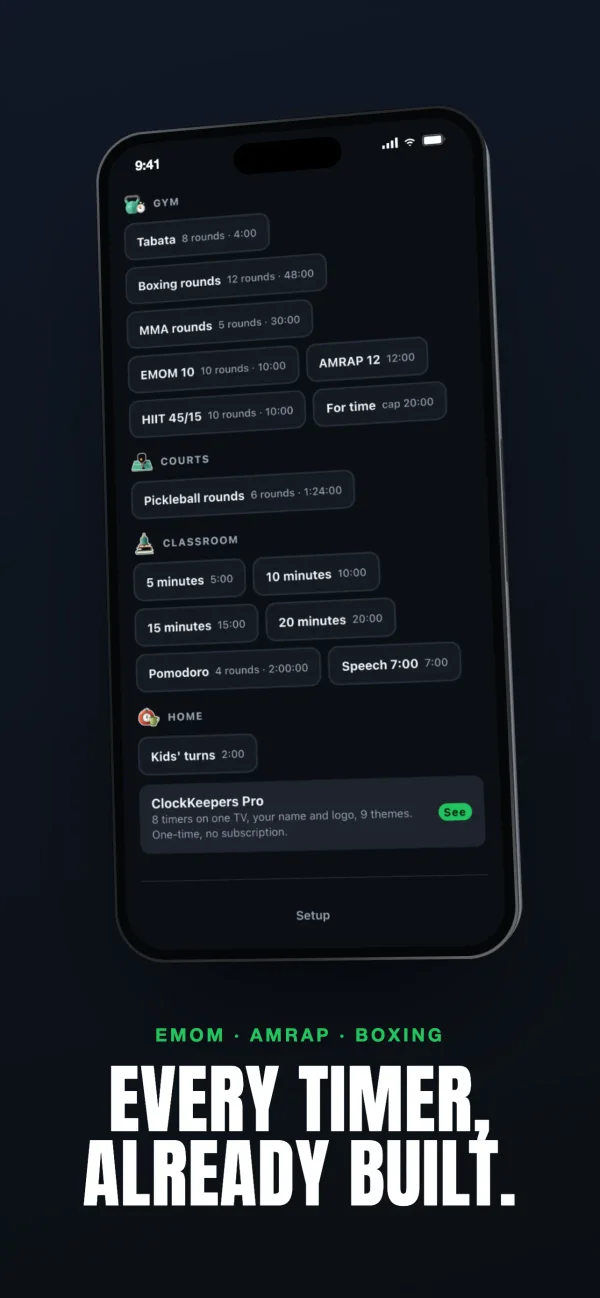
• Gyms and studios: Tabata, HIIT, EMOM, AMRAP, boxing and MMA rounds, "For time" with a cap. Work and rest flood the screen green and red so nobody has to squint.
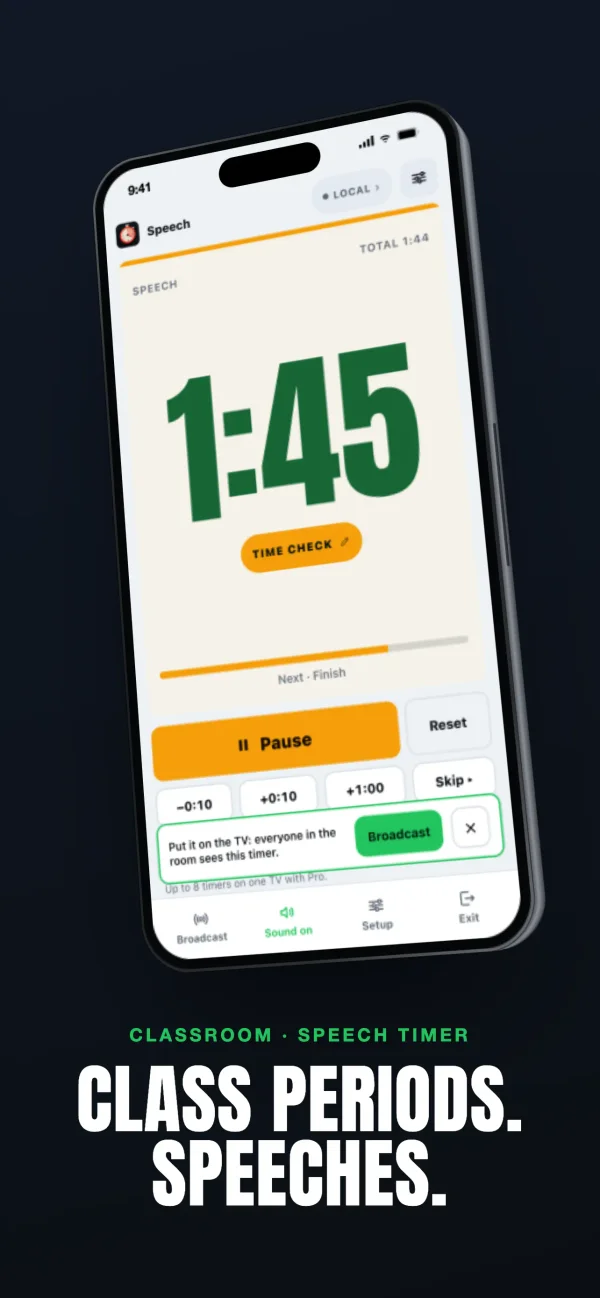
• Classrooms: 5, 10, 15 and 20-minute periods, focus sessions, a speech timer that turns amber and red as time runs out. Control it from your phone while you walk the room.
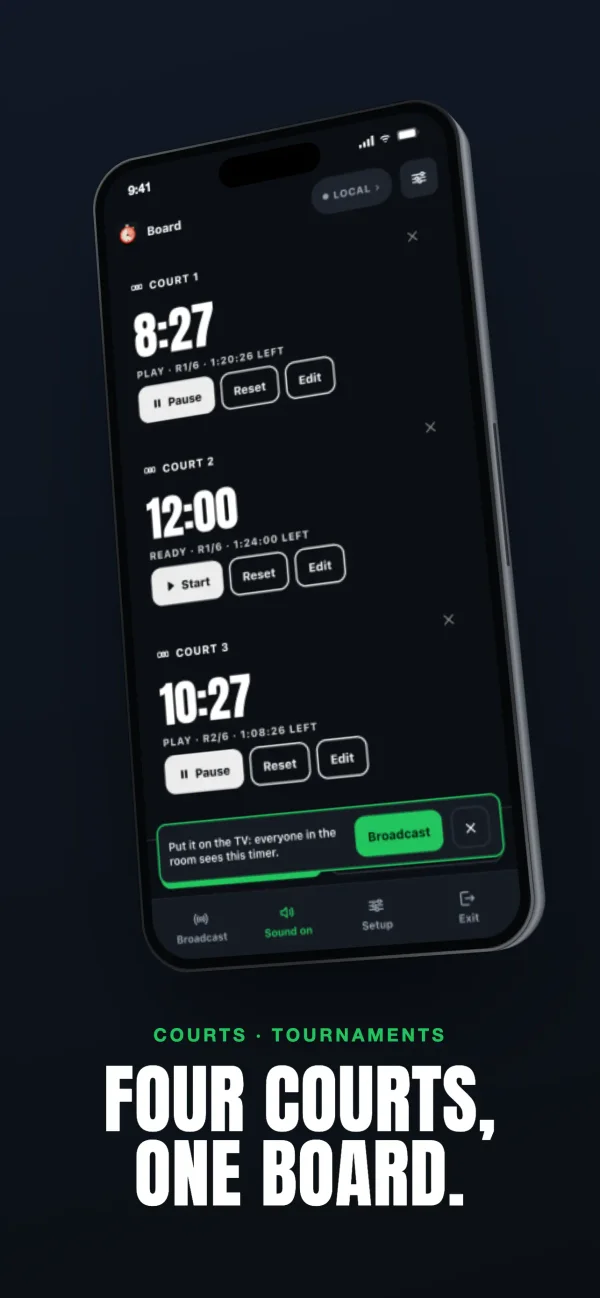
• Courts and tournaments: round clocks with changeover breaks, "Round 3 of 8", one board for every court.
• Home: kids' turns, cooking, board games.
WHY COACHES AND TEACHERS SWITCH
• Broadcast to any screen with a link, QR code or short code. Viewers never install anything.
• Sound that actually plays: 3-2-1 beeps, segment tones, a spoken 10-second countdown and a finish alarm that keeps ringing until you tap, even with the silent switch on.
• The screen never sleeps while a timer runs, and a notification fires if the app is in the background when time is up.
• Let others control the clock (optional): pass the link to an assistant coach and either of you can pause.
• Custom interval builder: up to 12 segments per round, 99 rounds, a get-ready period, labels and colors.
• Presets for the programs people actually run. One tap and go.
• Session log of what you ran and for how long.
• On an iPad, run the timer and the controls side by side, or tap Present to fill the screen.
• AirPlay or plug into a TV: the board fills the screen and the controls stay on your device.
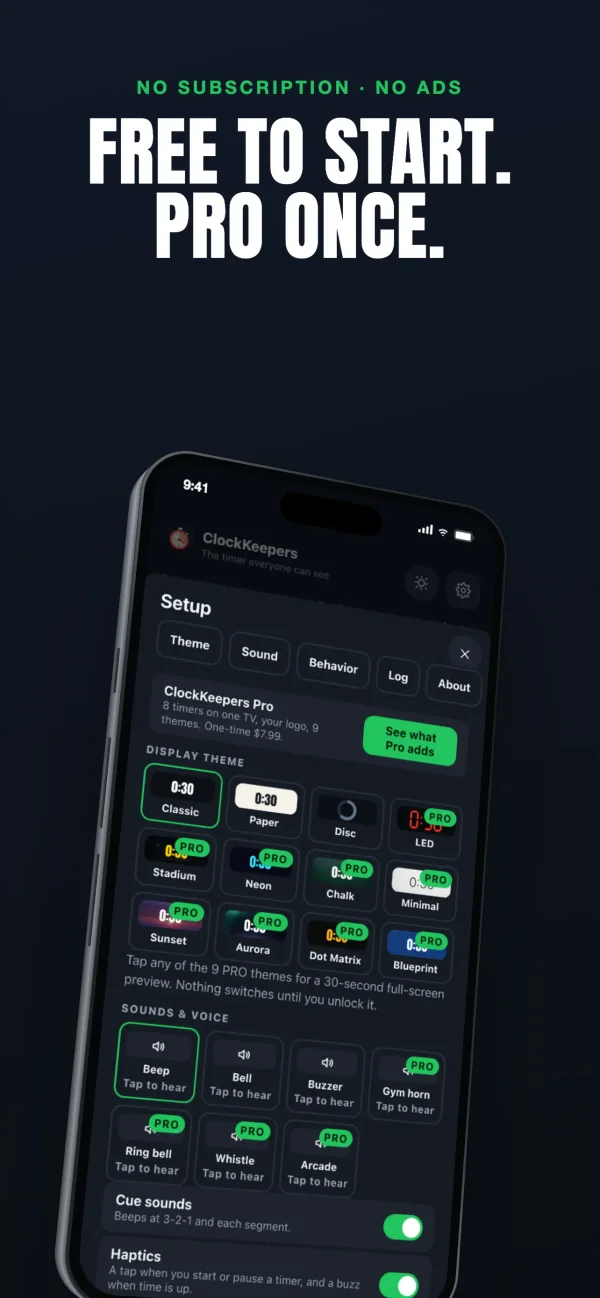
• No ads. No subscription. No account.
CLOCKKEEPERS PRO (one-time purchase, no subscription, shown in your own currency)
• Up to 8 timers on one board: stations, courts or groups, with Start all / Pause all, laid out automatically on the TV.
• Your gym, class or event name, colors and logo on every screen.
• A permanent code (like "ironworks") so the TV bookmarks one link forever.
• Nine more display themes: LED, Stadium, Neon, Chalk, Minimal, Sunset, Aurora, Dot Matrix, Blueprint.
• Sound packs: gym horn, ring bell, whistle, arcade.
• Unlimited viewers, saved presets and session history. No watermark.
From the makers of ScoreKeepers, the shared scoreboard.
What’s new
Version 1.2.4 · Nov 24, 2026
Before asking to send finish alerts, ClockKeepers now explains why, right when you need it. Canvas skins show phase words in your language, and more screens are translated. Plus bug fixes and stability improvements.
App privacy
What Joseph Ting declares on the App Store about how this app handles data.
-
Data not collected
The developer does not collect any data from this app.
Privacy practices may vary, for example with the features you use or your age.
Information
- Seller
- Joseph Ting
- Category
- Utilities
- Version
- 1.2.4
- Updated
- Nov 24, 2026
- Released
- Sep 16, 2026
- Size
- 8.8 MB
- Requires
- iOS 15.0 or later
- Age rating
- 4+
- Price
- Free
- In-app purchases
- Yes
- Languages
- English, French, German, Japanese, Korean, Portuguese, Spanish
- Copyright
- © 2026 South View Studios
You might also like
-
 EKtimerUtilities
-
 Sequence: Multi-TimerCooking, HIIT, Pomodoro & more
-
 Roundly - Interval TimerCustom Interval Timers
-
 VisualTimer byNSDevTime's up. At a glance.
-
 Preset Timer ProVersatile Timer & Stopwatch.
-
 Live Timekeeper|Visual TimerSync Timers Across Devices
-
 LiveCue TimerPro Timer for Shows & Streams
-
 Remote Stage TimerTo keep your meetings on time.
-
 Flux Clock - Beauty in FluxMinimalist Clock & Focus Timer
-
 Ready24Utilities