Remote Stage Timer
To keep your meetings on time.
Designed for iPhone, iPad, Mac
Free
- Age rating4+
- CategoryUtilities
- DeveloperRicky Gore
- LanguagesEnglish
- Size834.0 KB
Links to the official App Store page
Download.org hosts no file of Remote Stage Timer. The button opens its official App Store page, published by Ricky Gore. Listing last checked on Nov 12, 2026.
Screenshots


About
Remote Stage Timer is a free countdown system for live events—worship services, conferences, classrooms, and productions.
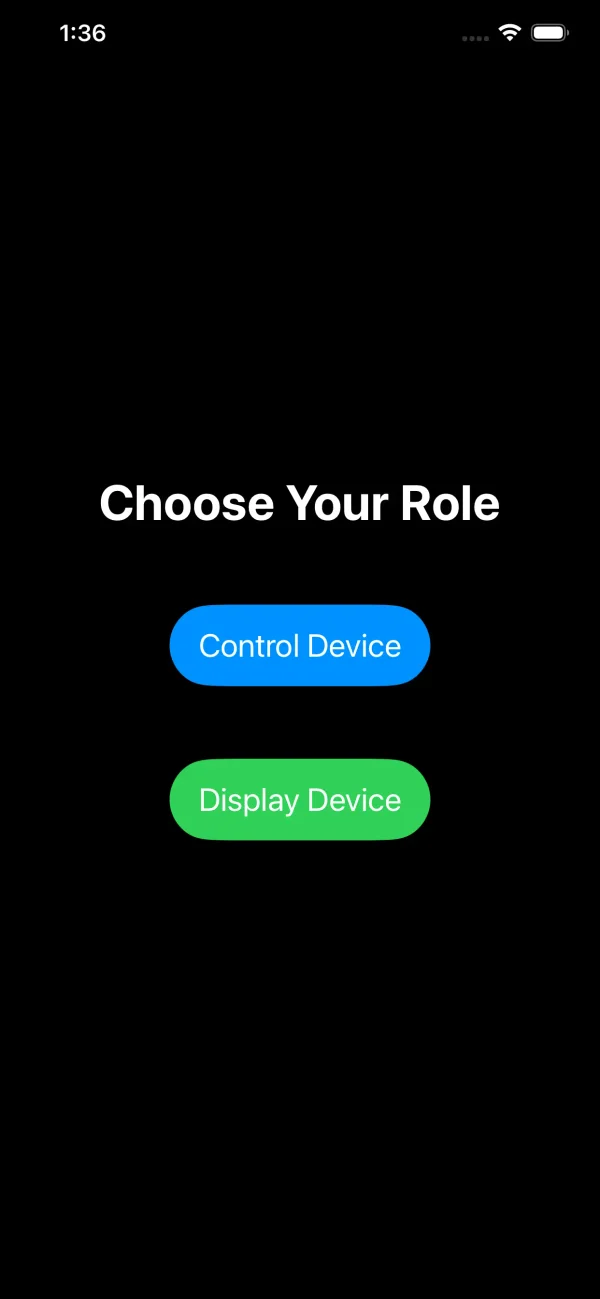
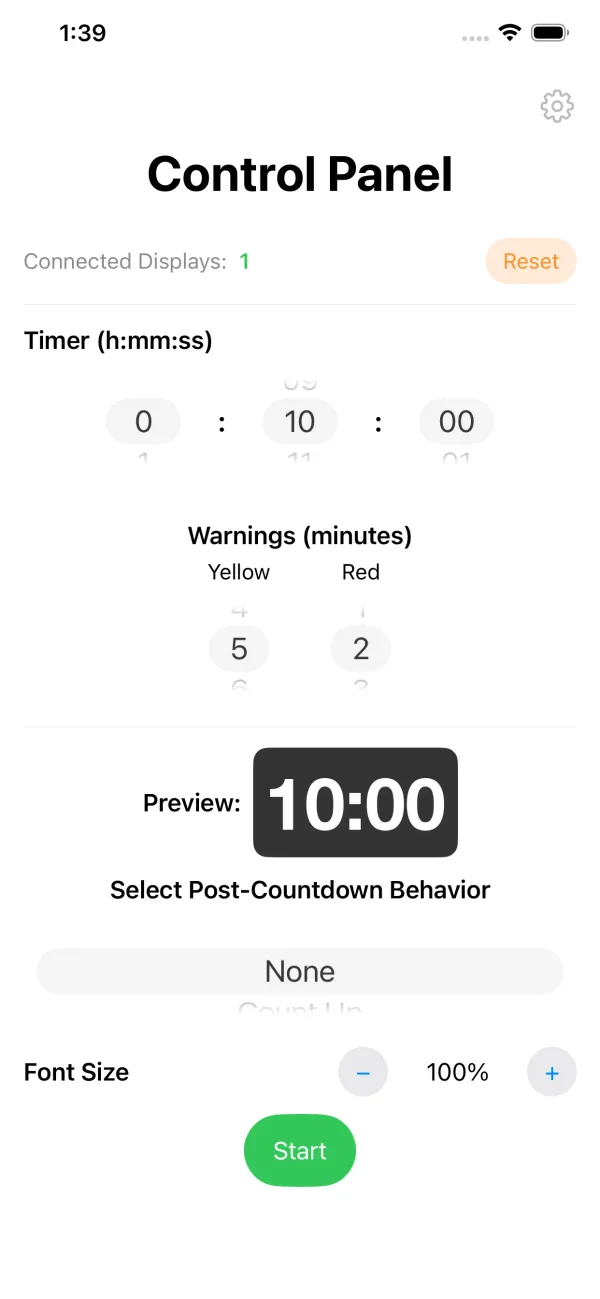
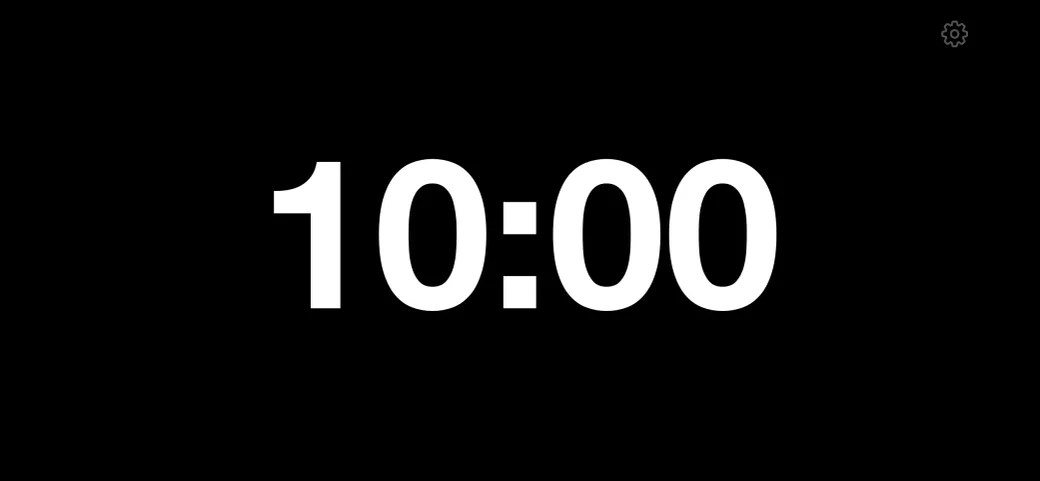
Use one app on every device. On each device, choose Control (operator) or Display (stage screen). Switch anytime with the gear icon.
How it works
• Put all devices on the same Wi‑Fi network
• Enter the same Room Code so your session stays private
• Set one device as Control and the rest as Displays
• Devices usually find each other within a few seconds
A common setup
Use an iPhone or Mac as Control, and iPads (or phones) as Displays where presenters can see them—or a discreet phone on a podium controlled from offstage.
Warnings
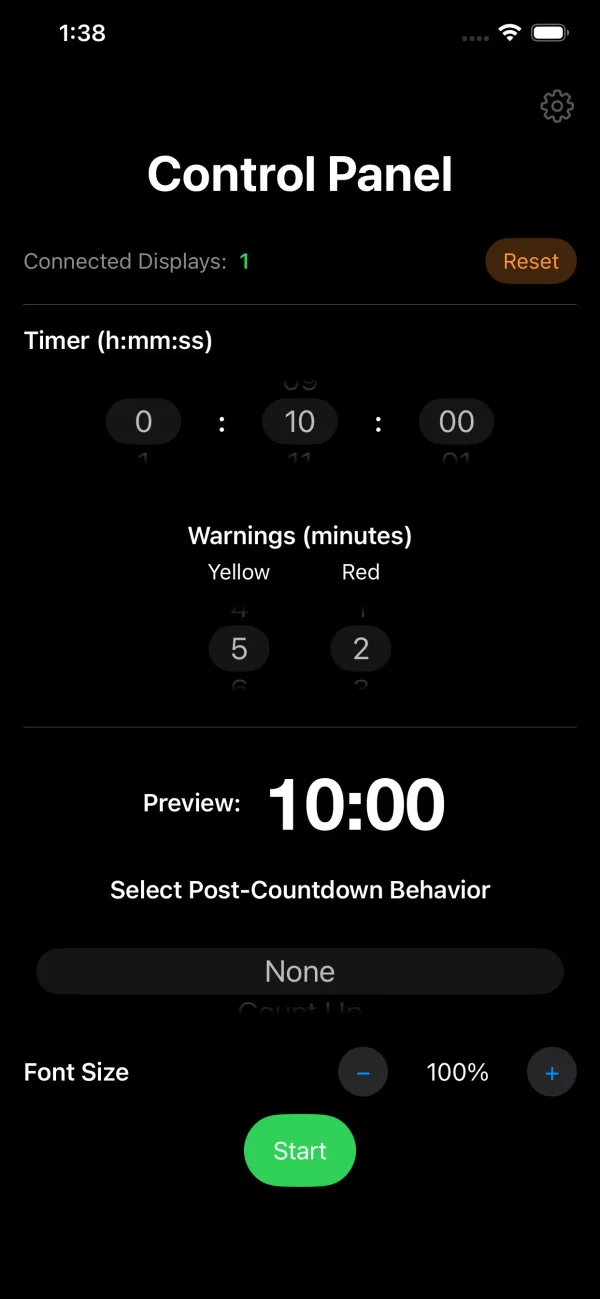
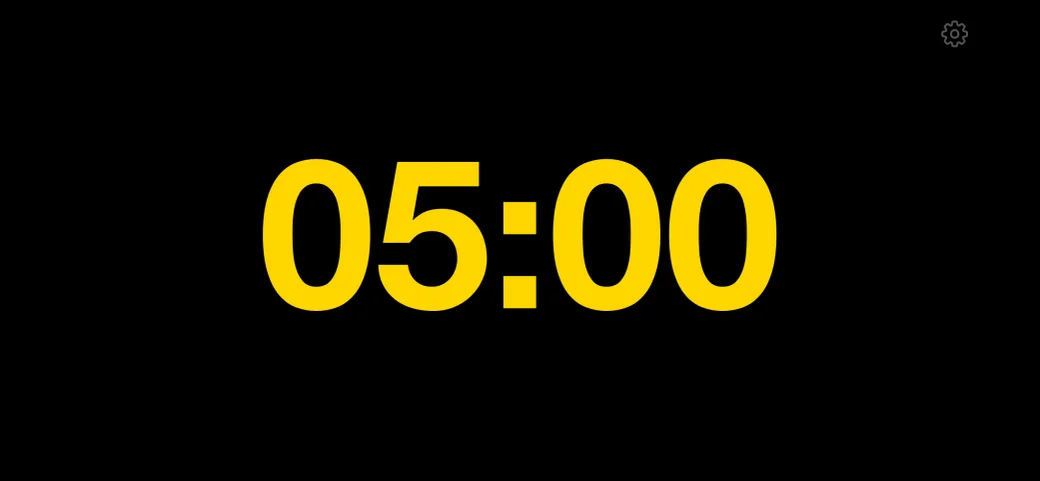
Yellow and red thresholds (in minutes) help presenters see when time is running out.
When the countdown ends
After a brief flash at 00:00, choose what happens next:
• None — stay on 00:00
• Count Up — show overtime so everyone knows how far past the limit
• Flash — flash 00:00 in red until you stop it
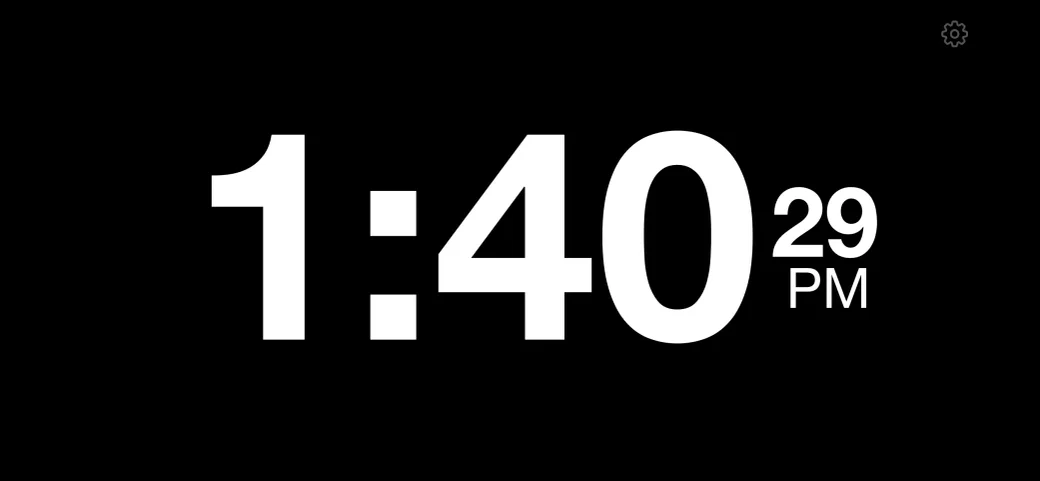
• Clock — switch to the current time
Also included
• Multiple Displays from one Control
• Adjust the time while the countdown is running
• Font size control for stage readability
• Always-on dark interface; screen stays awake during use
• Space bar Start/Stop on Mac
Works on iPhone, iPad, and Mac. Timing runs entirely on your local network—no account and no internet required for a session.
What’s new
Version 3.5 · Aug 14, 2026
Added the ability for multiple control devices (instead of just one), and they will each follow the other, so multiple people can control the timers. Also made tweaks to the interface so it scales better on smaller devices.
App privacy
What Ricky Gore declares on the App Store about how this app handles data.
-
Data not collected
The developer does not collect any data from this app.
Privacy practices may vary, for example with the features you use or your age.
Information
- Seller
- Ricky Gore
- Category
- Utilities
- Version
- 3.5
- Updated
- Aug 14, 2026
- Released
- Feb 23, 2026
- Size
- 834.0 KB
- Requires
- iOS 16.6 or later
- Age rating
- 4+
- Price
- Free
- Languages
- English
- Copyright
- © 2026 Ricky Gore
You might also like
-
 Pulpit TimerStage Timer & Remote Control
-
 CuePilot: Remote Stage TimerSpeaker Timer & Cue Display
-
 Not Another Stage TimerSimple countdown for speakers
-
 OnStage Timer ProCountdown for stage speakers
-
 Stage Timer - Event CountdownTime left in events made clear
-
 Timer for Rehearsal: FinToastmasters, Live Performance
-
 Wireless Workbench MobileWireless monitoring & control
-
 ProPresenter RemoteUtilities
-
 NDI HX Camera - Stream CaptureNDI Streaming Capture
-
 Big Timer - SimpleLarge and easy to see