- Age rating4+
- CategoryProductivity
- Developeryoungsoo jin
- LanguagesEnglish
- Size2.0 MB
Links to the official App Store page
Download.org hosts no file of ClockMode. The button opens its official App Store page, published by youngsoo jin. Listing last checked on Nov 18, 2026.
Screenshots

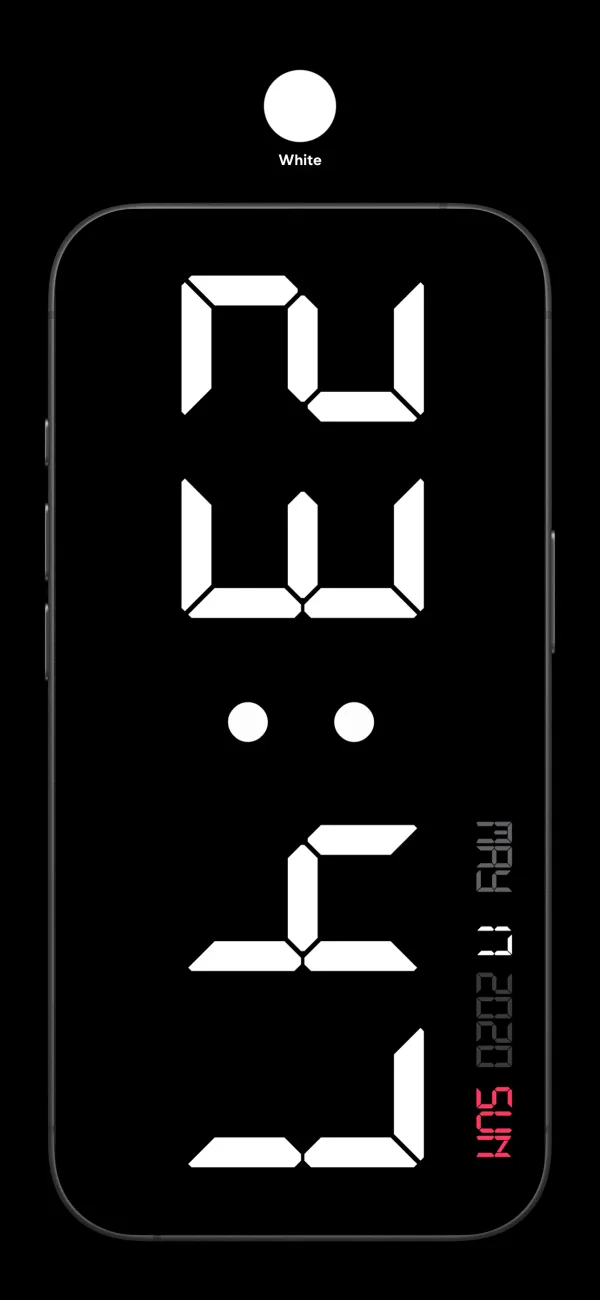

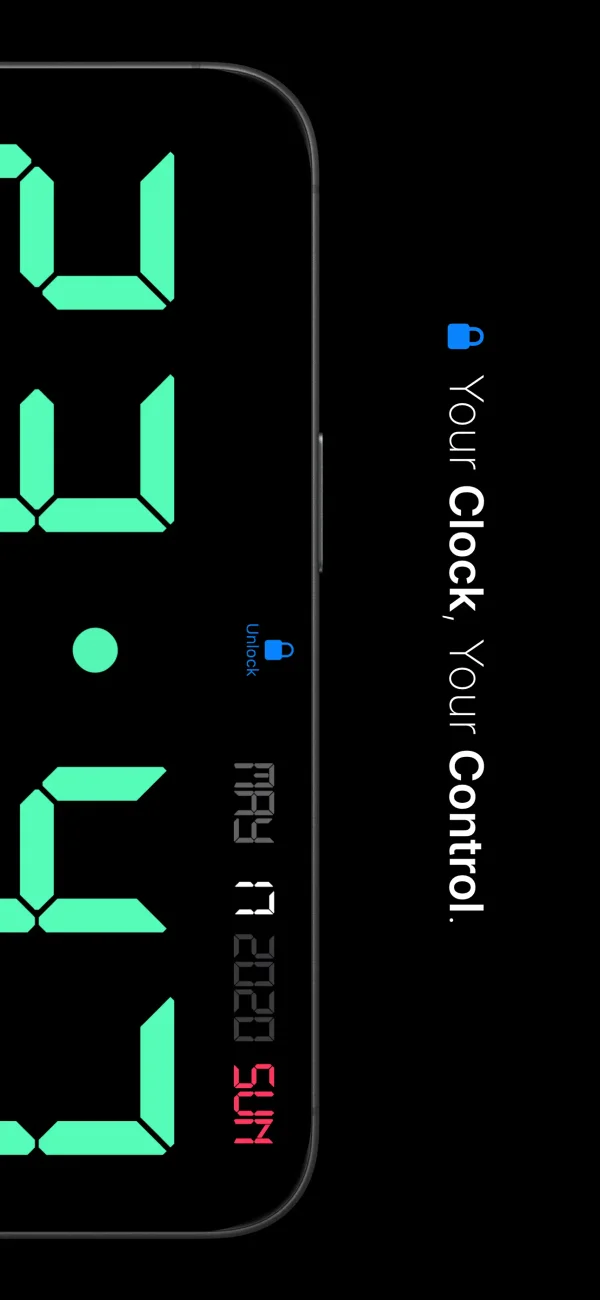
About
Looking for a simple, distraction-free clock?
ClockMode is designed to remove distractions and help you stay in the moment—effortlessly.
• Minimal. Focused. Effortless.
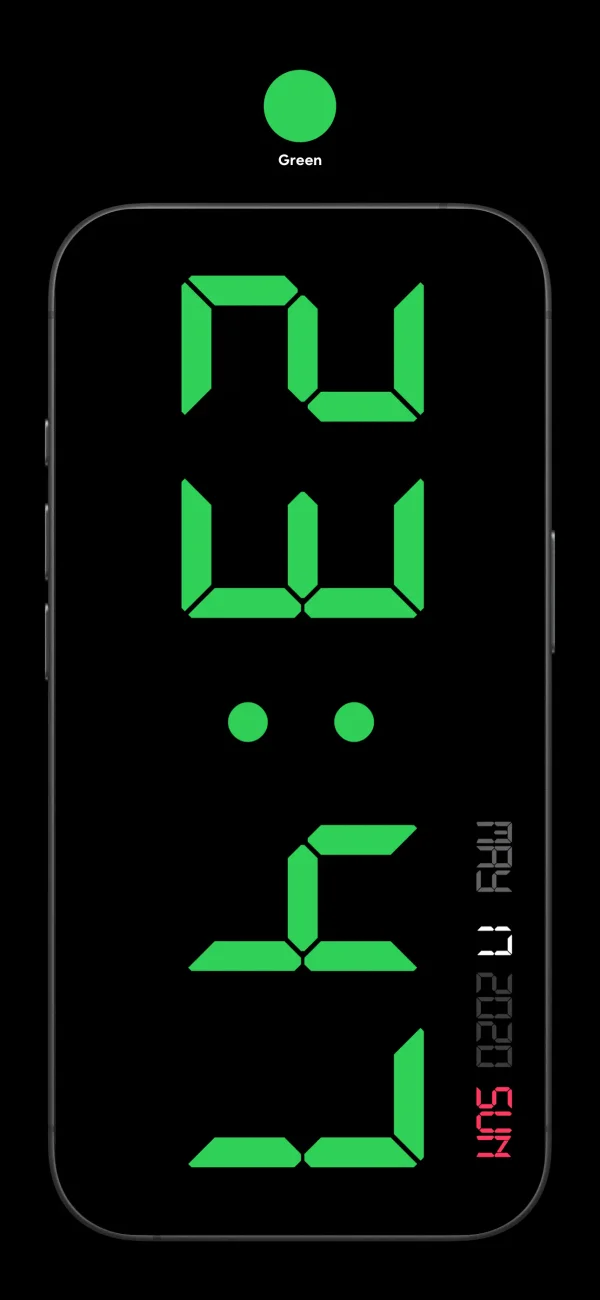
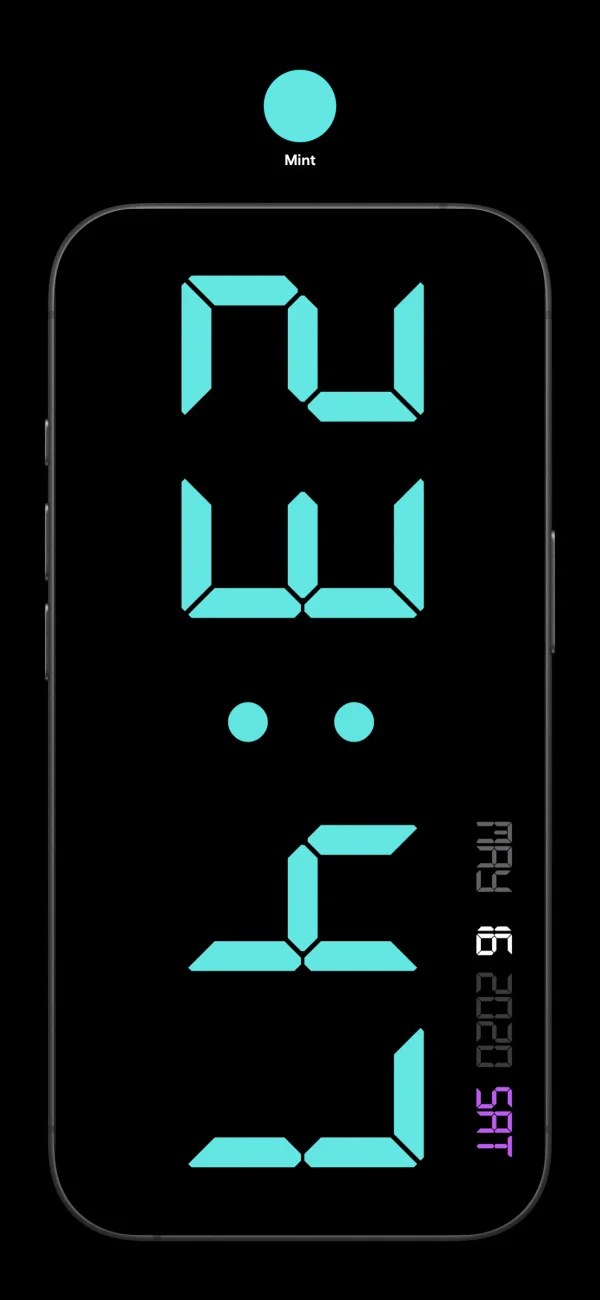
A beautifully simple digital clock designed to remove distractions and keep you in the moment.
• A Clock as Unique as You.
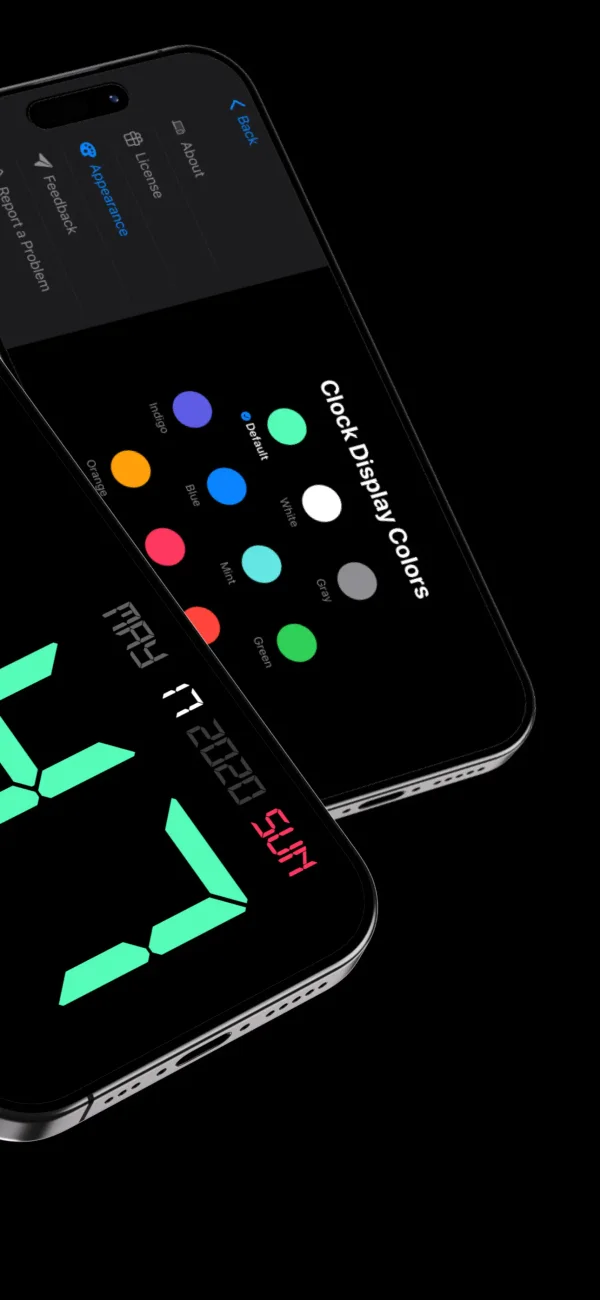
More colors, more ways to express yourself. Personalize your clock’s appearance to match your style and mood.
• Your Clock, Your Control.
Keep your screen locked and free from accidental touches—just pure focus, uninterrupted.
• Distraction-Free Timekeeping.
No ads. No clutter. No unnecessary features—just a clean and elegant clock experience.
• Designed for Clarity & Focus.
A sleek, high-contrast interface ensures readability at a glance, day or night.
• Always Yours, Always Free.
Our first native app marks a major milestone, and it will always be free.
No Ads. No Subscriptions. No Data Collected.
What’s new
Version 1.1.1 · Feb 4, 2025
We’ve made some fresh updates to make ClockMode even better:
• Hello, iPad!
ClockMode now looks great on iPad, bringing the same clean, distraction-free clock to a bigger screen.
• Sharper Time Display:
We’ve polished the time appearance to make it clearer, crisper, and easier to read at a glance.
• Neat & Tidy Alignment:
Small tweaks to the layout for a more balanced and organized look.
• Little Fixes, Big Impact:
Squashed some bugs and made a few under-the-hood improvements to keep things running smoothly.
Simple. Minimal. Focused—just the way you like it. Thanks for sticking with ClockMode!
App privacy
What youngsoo jin declares on the App Store about how this app handles data.
-
Data not collected
The developer does not collect any data from this app.
Privacy practices may vary, for example with the features you use or your age.
Information
- Seller
- youngsoo jin
- Category
- Productivity
- Version
- 1.1.1
- Updated
- Feb 4, 2025
- Released
- Jan 27, 2025
- Size
- 2.0 MB
- Requires
- iOS 18.2 or later
- Age rating
- 4+
- Price
- Free
- Languages
- English
- Copyright
- © 2025 youngsoojin, Pawdium
You might also like
-
 MeClock: Elegant Clock WidgetsElectric/Water Meter,Astronaut
-
 2 Clocks - Clock With SecondsAnalog, Digital Time Clock
-
 Ghost ClockMinimalist clock application
-
 Huge Digital Clock ProClock themes & Widgets.
-
 Freedom Desktop ClockCalm themes and widgets
-
 Analog Clock - Stand Face TimeLarge clock widget lock screen
-
 iFlip Clock - Time WidgetReal-time Digital Flip Clock
-
 Analog Clock FaceBig Desk Clock & Screensaver
-
 KeyHour: Clock & BlockerFullscreen, pomodoro & widgets
-
 Flip Clock - Pomodoro & FocusTimer, White Noise & Widget