Cloud Calendars: Sync & Widget
Google, Microsoft & iCloud
Designed for iPhone, iPad
Free · In-app purchases
- Age rating4+
- CategoryProductivity
- DeveloperArte Soft Ltd
- LanguagesEnglish+ 45 more
- Size48.6 MB
Links to the official App Store page
Download.org hosts no file of Cloud Calendars: Sync & Widget. The button opens its official App Store page, published by Arte Soft Ltd. Listing last checked on Nov 23, 2026.
Screenshots

About
Unify your iCloud, Google, and Microsoft calendars with built-in hourly weather, Home & Lock Screen widgets, instant QR web sign-in, and two-way personal cloud sync on iPhone and iPad.
1. ICLOUD, GOOGLE & MICROSOFT IN ONE UNIFIED VIEW
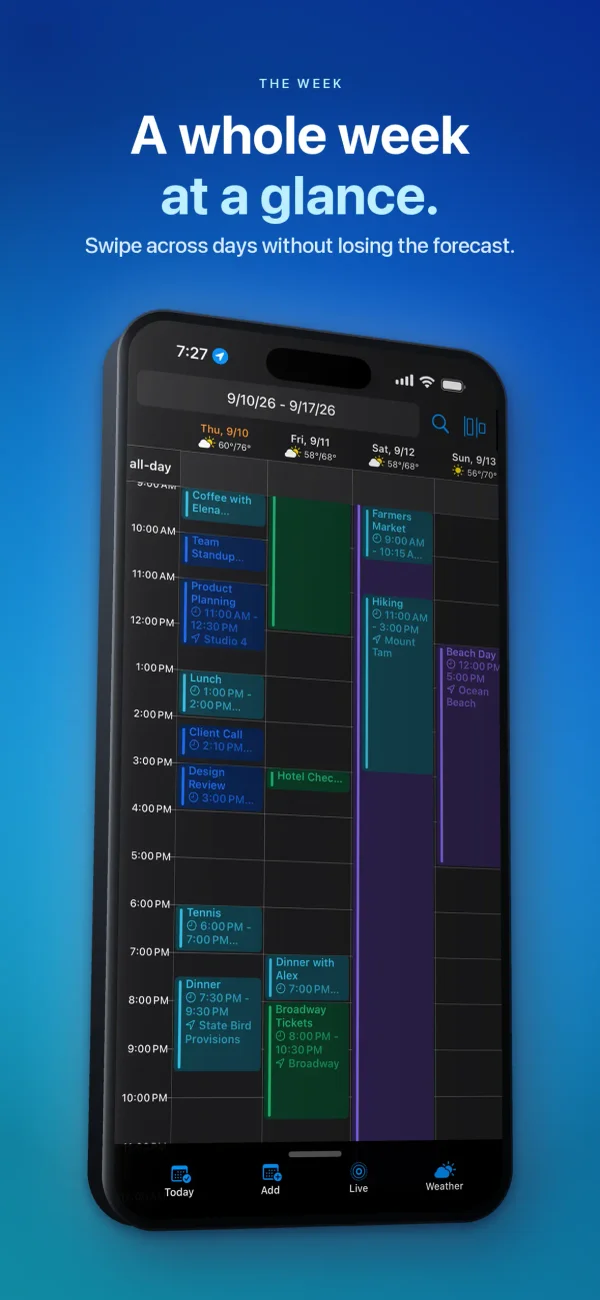
View iCloud calendars on your device alongside Google Calendar (included free) and Microsoft Calendar (Premium). Compare work and personal schedules in side-by-side columns with clear account ownership, Google Meet and Microsoft Teams video links, and instant overlap detection.
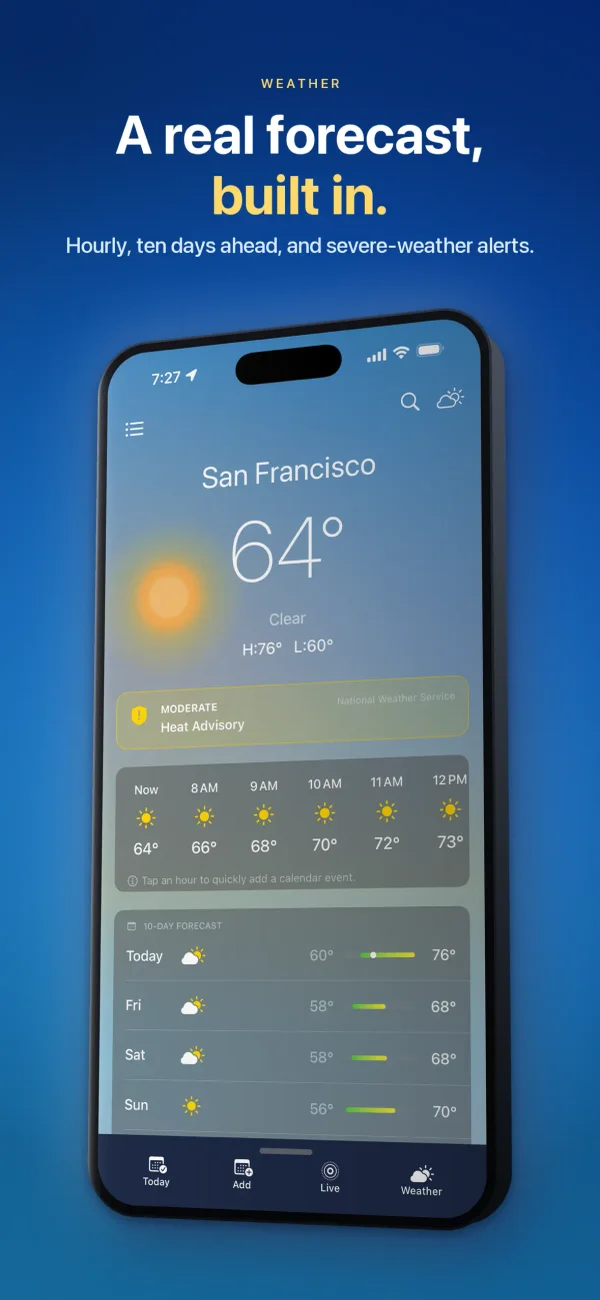
2. HOURLY WEATHER, INTERACTIVE RADAR & FORECAST DRAFTING
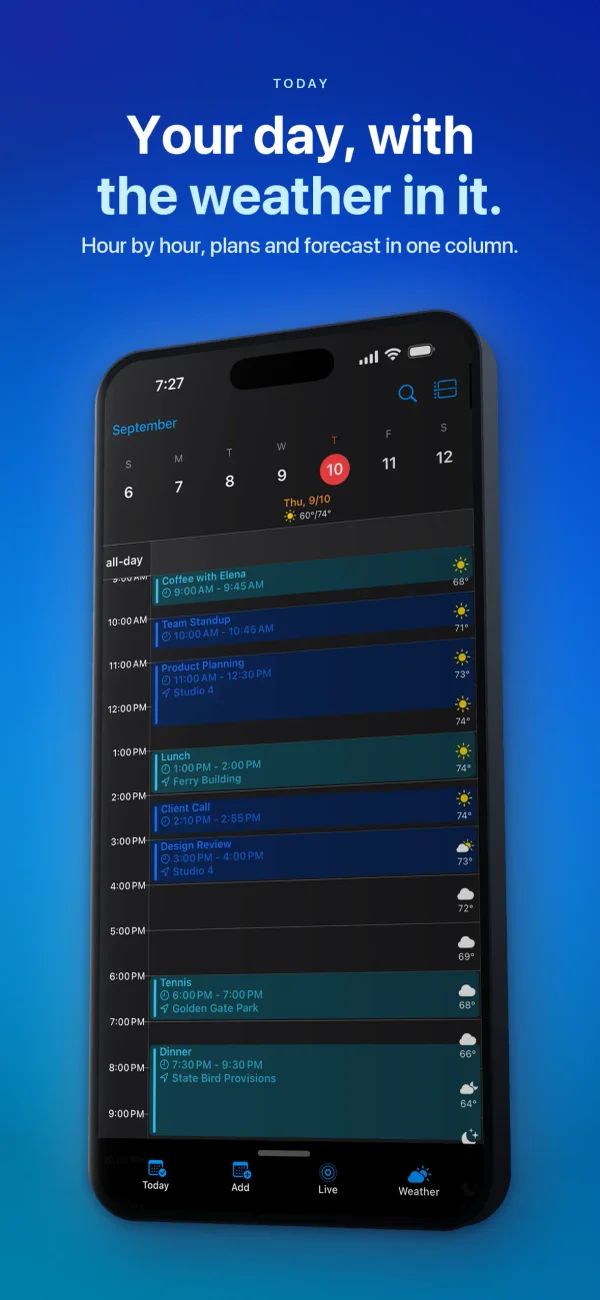
Check hourly temperature, rain probability, UV index, and wind right inside your Day and Week timelines, or explore the interactive wind and temperature map. Tap any clear forecast hour to turn it directly into an event draft.
3. QR WEB SIGN-IN, 6-DIGIT AUTHENTICATOR & TWO-WAY CLOUD SYNC
Pair your desktop browser at www.cloud-calendars.com with one QR scan—no password typing needed. Cloud Calendars stores an offline 6-digit Authenticator code in iOS Keychain for future sign-ins and syncs your personal Cloud Calendars events, scheduled bookings, and guest RSVPs two ways in real time with native iOS alerts.
4. SHARE ONE EVENT, QR INVITATIONS & SCHEDULING LINKS
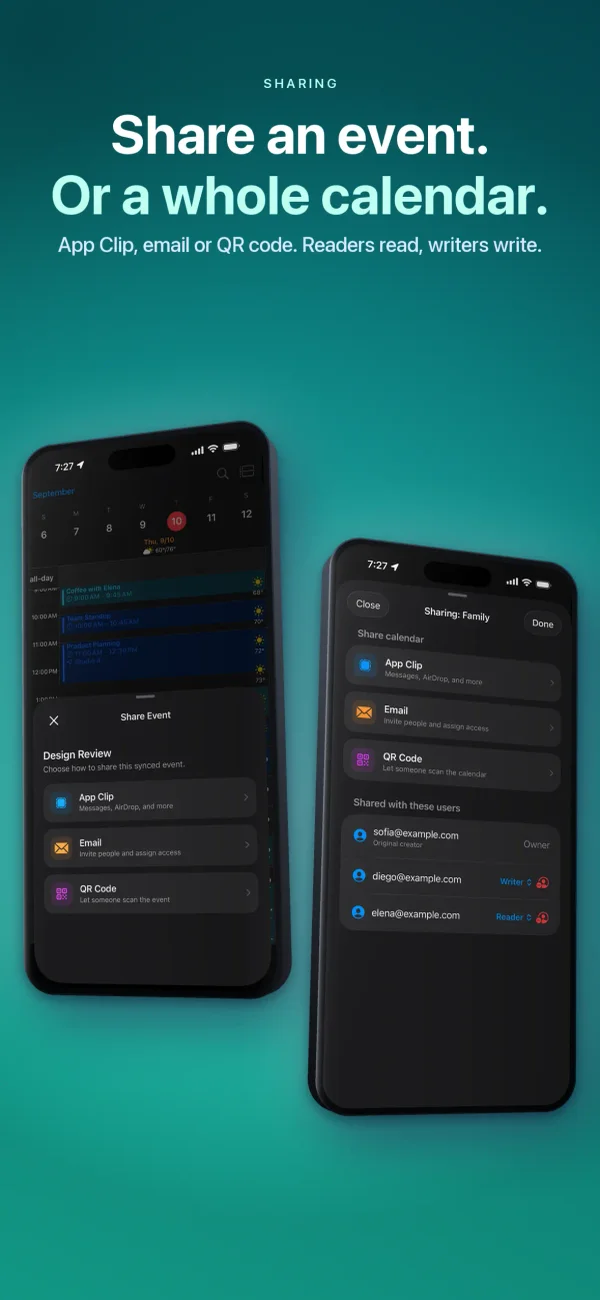
Share a single event via link or QR code without exposing your entire calendar. Collect Going, Maybe, and Declined RSVPs from any device, preview invites via App Clip, and publish availability links that check conflicts across your connected calendars.
5. FIVE VIEWS, WIDGETS, LIVE ACTIVITY & LOCAL PRIVACY
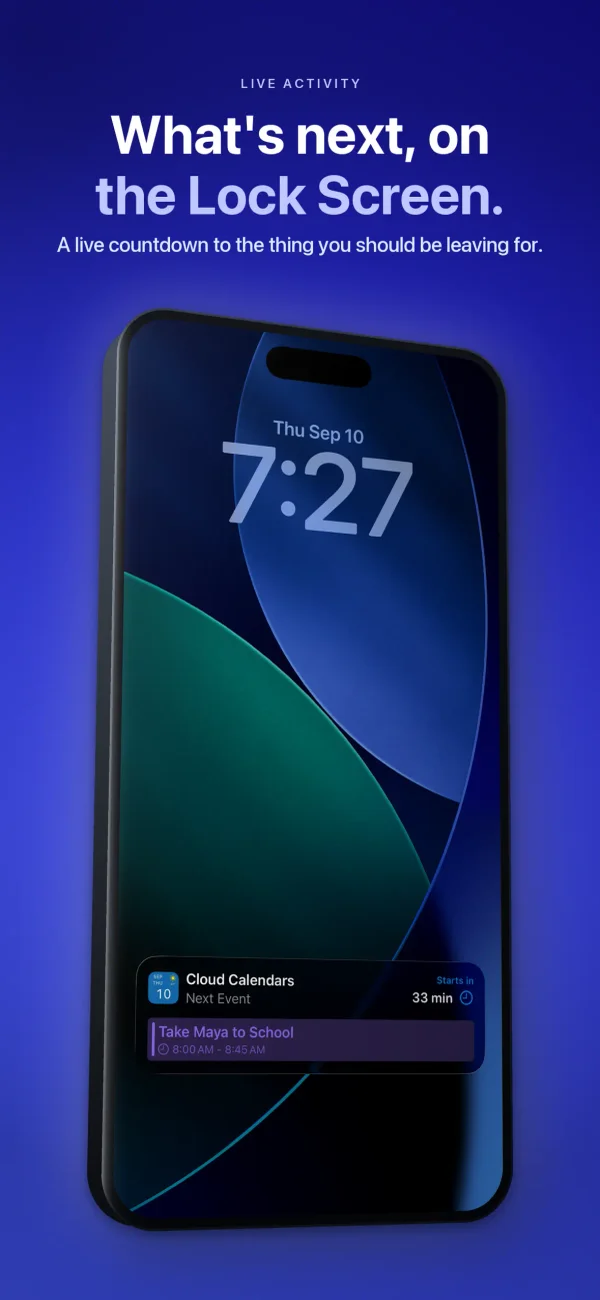
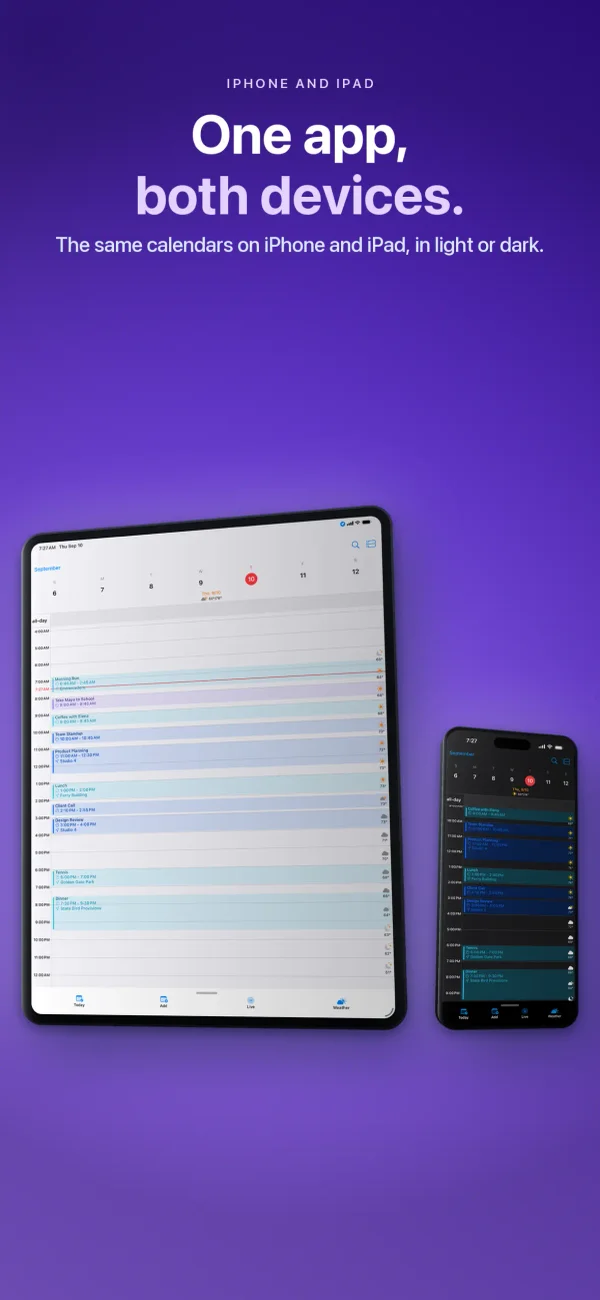
Switch between Day, Week, Month, Year, and List views, drag and resize events on the grid, place date+weather or upcoming-event widgets on your Home and Lock Screens, track your next meeting with Live Activity, or start immediately with private on-device local calendars—no account required.
CHOOSE YOUR PLAN
Base is free and includes Google Calendar sync, Google Meet, calendar views, weather and widgets.
Advanced includes Base and removes ads.
Premium includes Advanced and adds Microsoft Calendar and Microsoft Teams.
PLANNING GUIDES
Find practical guides to combining calendars, sharing one event, choosing calendar widgets and planning with weather at www.cloud-calendars.com.
Cloud Calendars is free to download with optional auto-renewing subscriptions. Check current local prices in the app or App Store. Payment is charged to your Apple ID at purchase confirmation. Subscriptions renew automatically unless canceled at least 24 hours before the current period ends. Your account is charged for renewal within 24 hours before that period ends. Manage or cancel subscriptions in your App Store account settings.
Privacy Policy: https://www.cloud-calendars.com/privacy-policy
Terms of Use: https://www.apple.com/legal/internet-services/itunes/dev/stdeula/
What’s new
Version 1.8.2 · Nov 18, 2026
Faster calendar sync, smoother weather forecast cards, and improved startup responsiveness and privacy controls.
App privacy
What Arte Soft Ltd declares on the App Store about how this app handles data.
-
Data not collected
The developer does not collect any data from this app.
Privacy practices may vary, for example with the features you use or your age.
Information
- Seller
- ARTE SOFT EOOD
- Category
- Productivity
- Version
- 1.8.2
- Updated
- Nov 18, 2026
- Released
- May 20, 2025
- Size
- 48.6 MB
- Requires
- iOS 18.0 or later
- Age rating
- 4+
- Price
- Free
- In-app purchases
- Yes
- Languages
- English, Arabic, Bengali, Bulgarian, Catalan, Croatian, Czech, Danish, Dutch, Finnish, French, German + 34 more
- Copyright
- © Arte Soft Ltd.
You might also like
-
 OneCalendar: All in AI PlannerAI Calendar, Tasks & Focus
-
 Calendar App- Schedule PlannerPlan Your Day, Week & Life
-
 Calendar 366 · Events & TasksSchedule Reminders & To-Do
-
 Calendar – 20272027 Calendar Planner,Reminder
-
 Week Calendar - Smart PlannerSync Agenda Tasks & Reminders
-
 ZicalAI Digital Family Calendar
-
 PocketLife CalendarCalendar Organizer & Reminders
-
 Calendar · Planner & RemindersTasks, Agenda & To Do List AI
-
 Pocket InformantYour Life Organized
-
 One CalendarAll calendars in ONE place!