Clouster - Cloud Space Manager
Unify Cloud Storage Experience
Designed for iPhone, iPod touch
Free · In-app purchases
- Age rating4+
- CategoryProductivity
- DeveloperPIN CHU WEN
- LanguagesEnglish
- Size51.4 MB
Links to the official App Store page
Download.org hosts no file of Clouster - Cloud Space Manager. The button opens its official App Store page, published by PIN CHU WEN. Listing last checked on Nov 26, 2026.
Screenshots
About
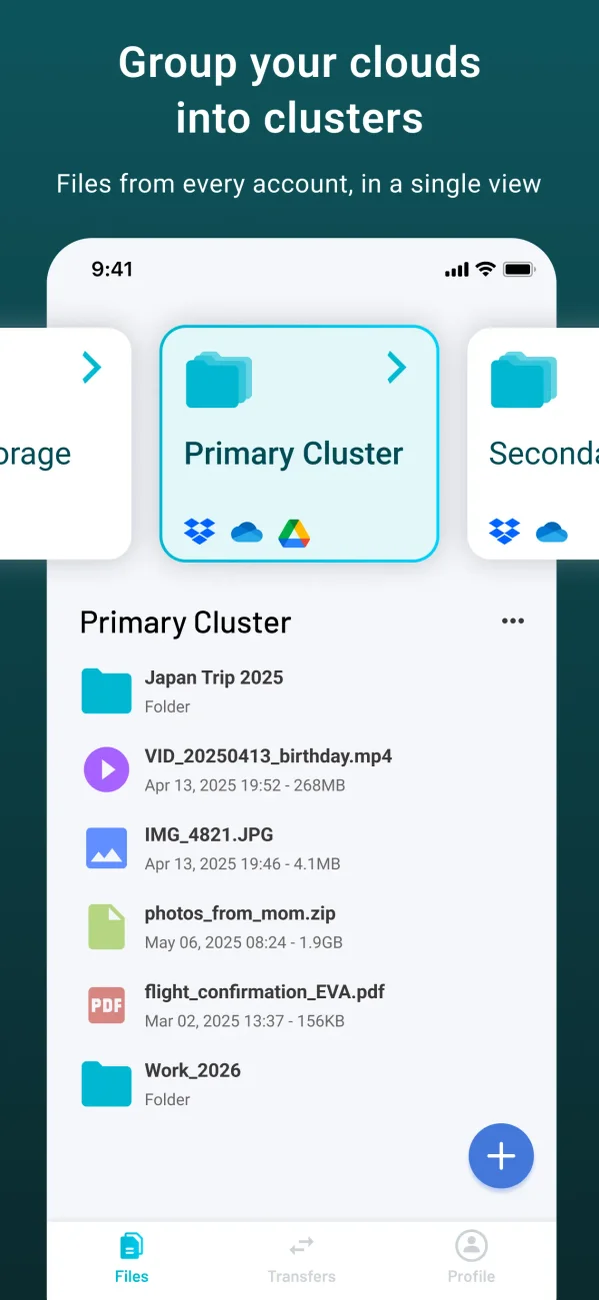
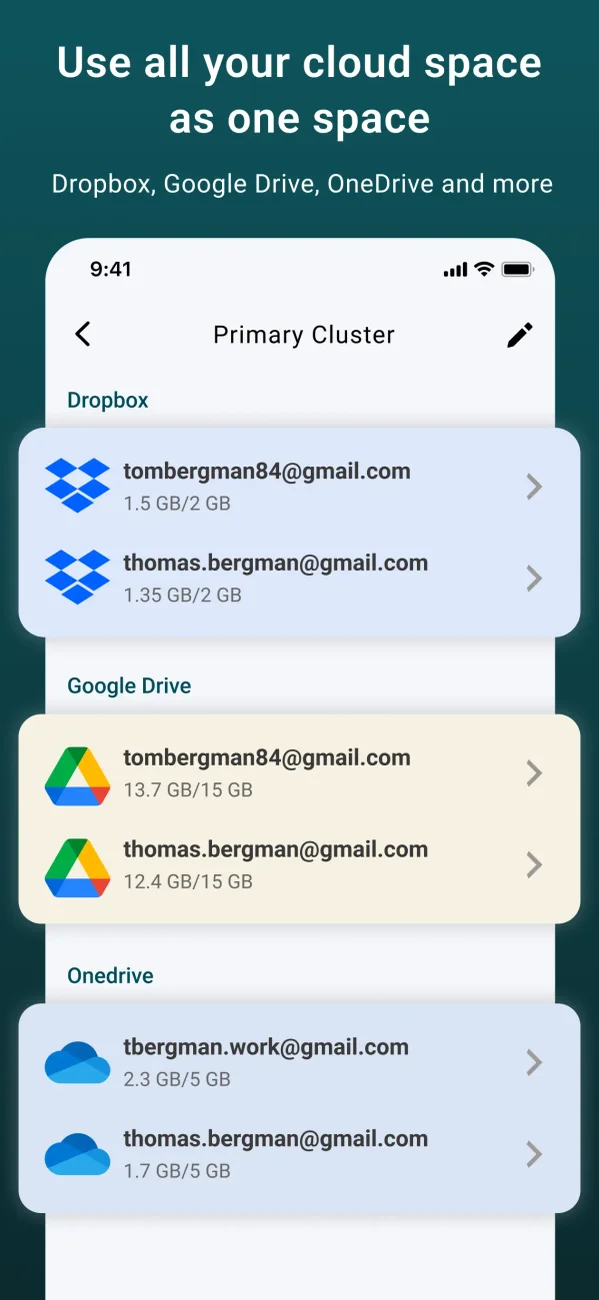
Tired of juggling multiple cloud apps? Clouster brings Dropbox, OneDrive, Box, Amazon S3, Google Cloud Storage, Google Drive, Nextcloud, and any WebDAV server — plus the files on your own device — together into one seamless experience. Access, manage, and sync all your files effortlessly across your devices.
Why Clouster?
* Multi-Cloud Management – Connect and control Dropbox, OneDrive, Box, Amazon S3, Google Cloud Storage, Google Drive, Nextcloud, and your own WebDAV server in one app.
* On-Device Files – Browse, preview, and move files stored on your device right alongside your cloud spaces.
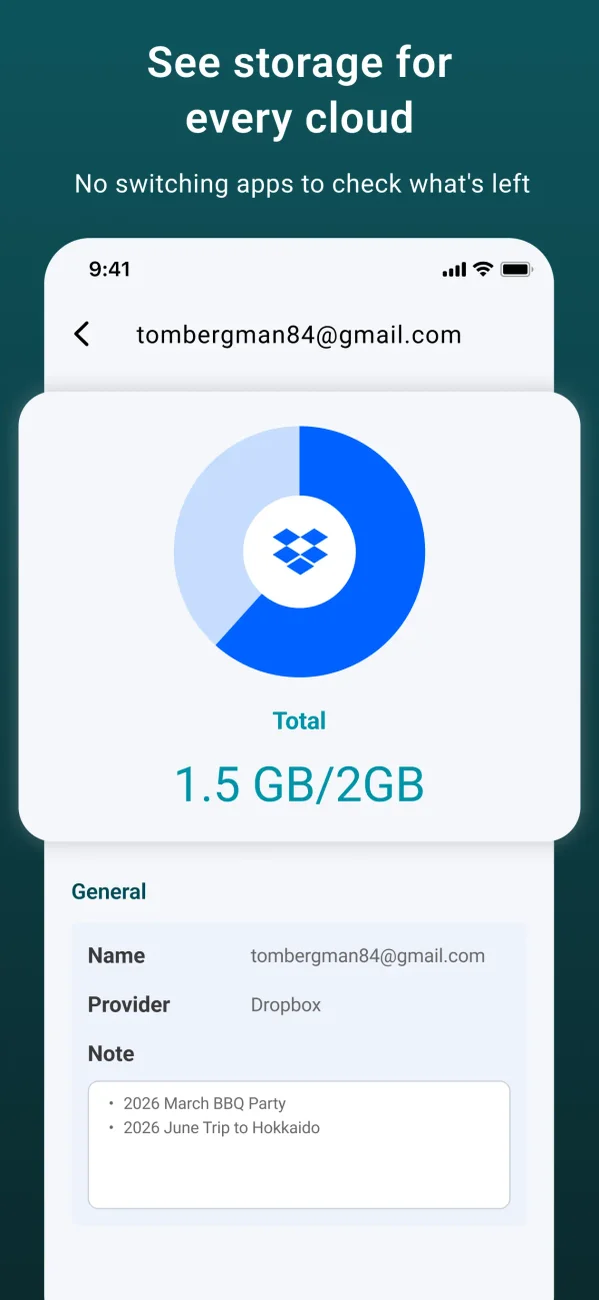
* Unified Storage Hub – Combine all your cloud spaces for easy access and organization.
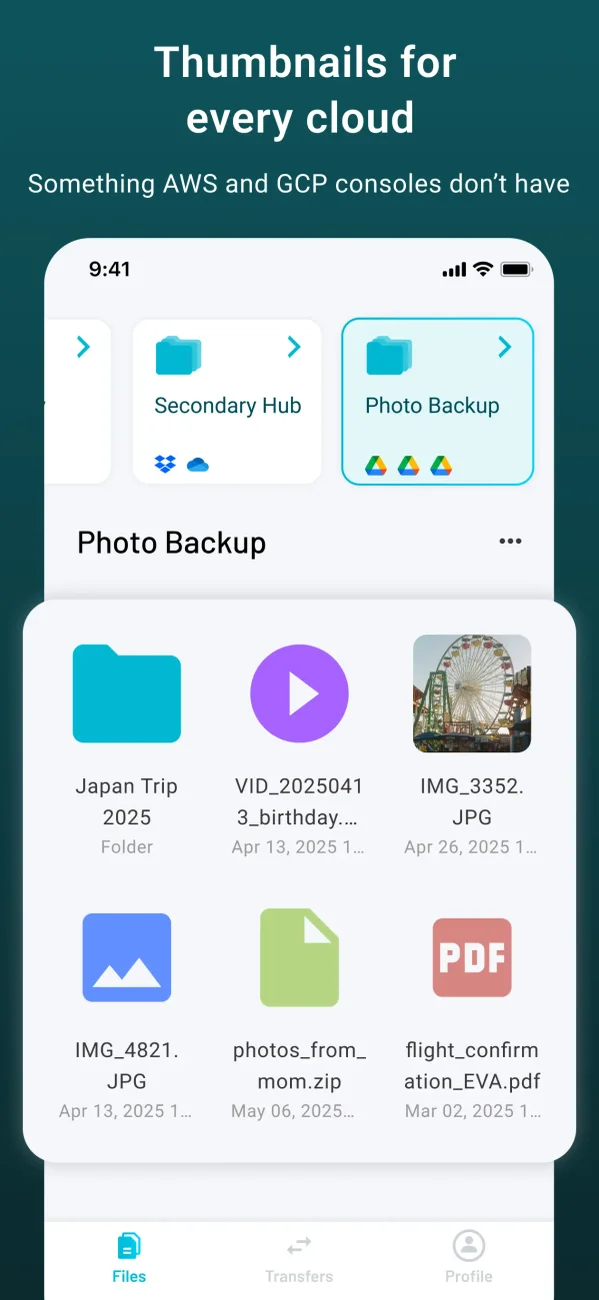
* Universal Previews – See thumbnail previews for photos and videos across your cloud spaces and on your device.
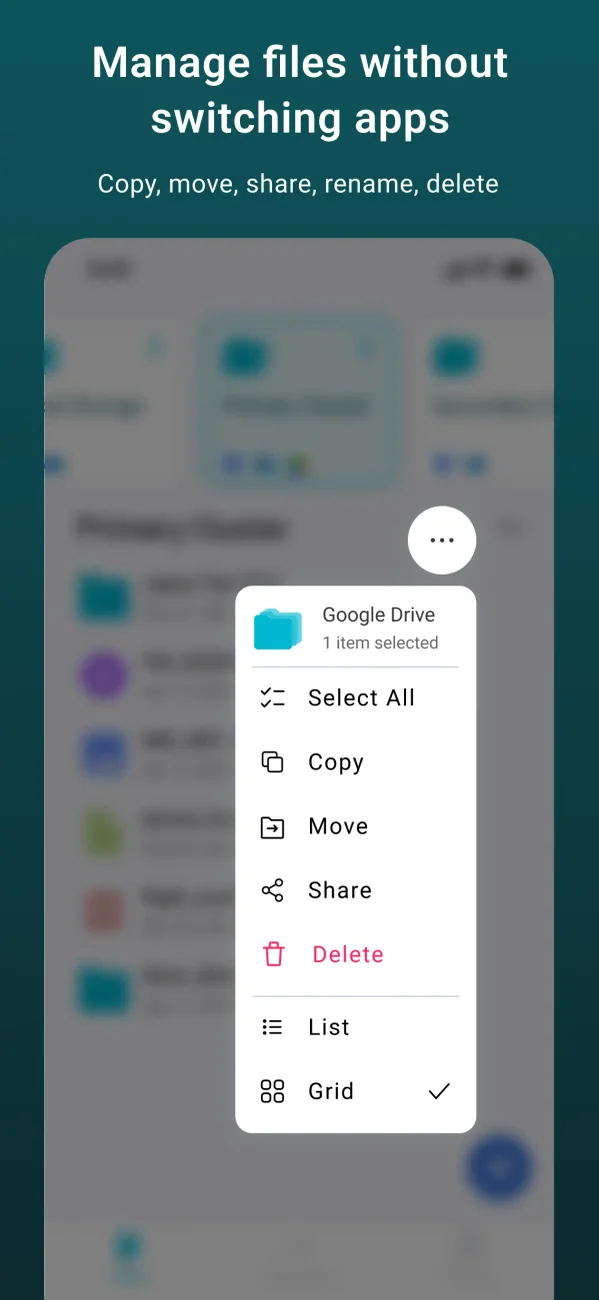
* Grid or List Views – Switch any folder between a list and a grid of large thumbnails, and drag to select a run of files.
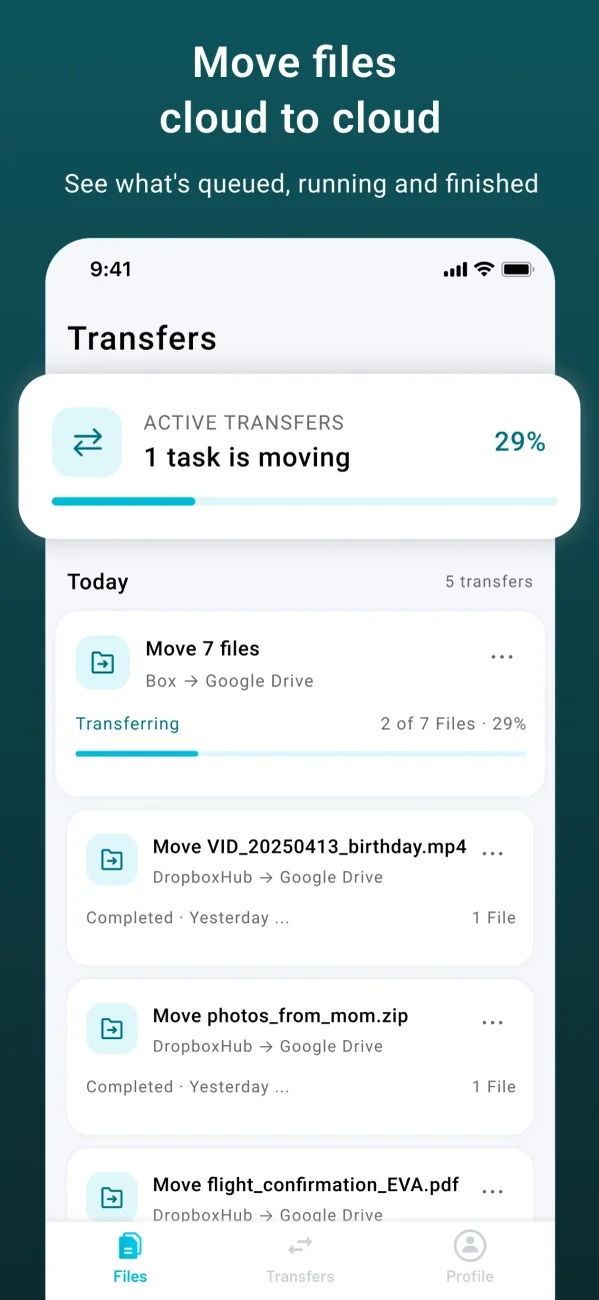
* Batch File Operations – Move or copy files across clouds in just a few taps.
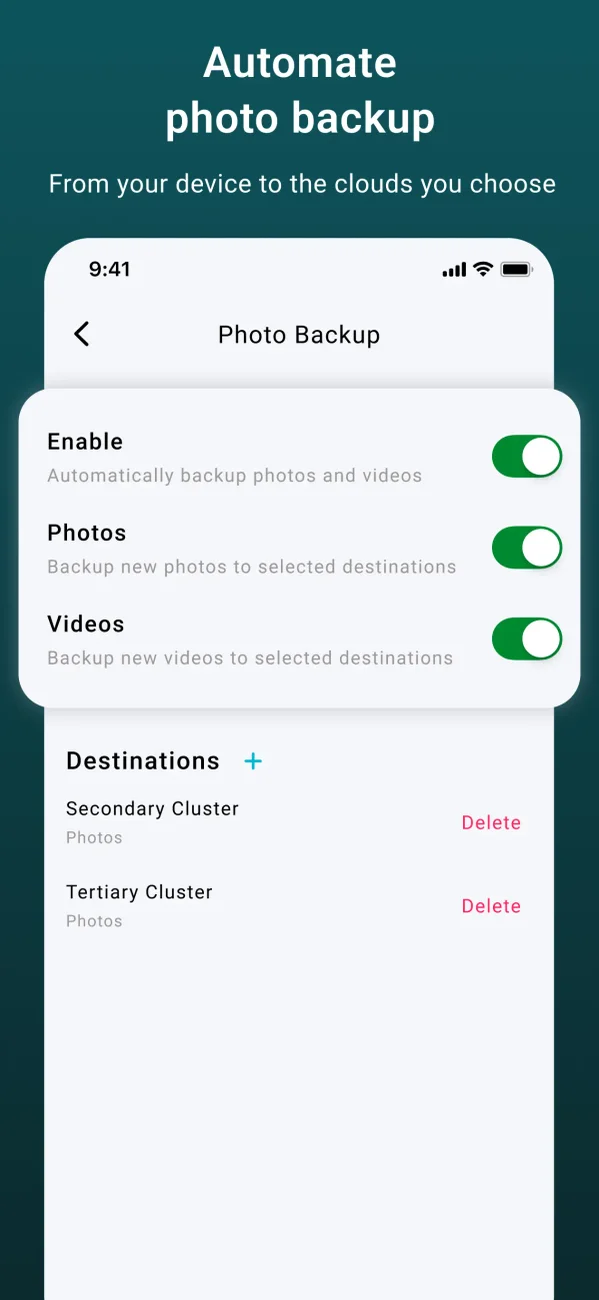
* Automatic Photo Backup – Securely back up photos to multiple destinations in the background.
* Ultra-Fast Transfers – Upload files at lightning speed with parallel processing.
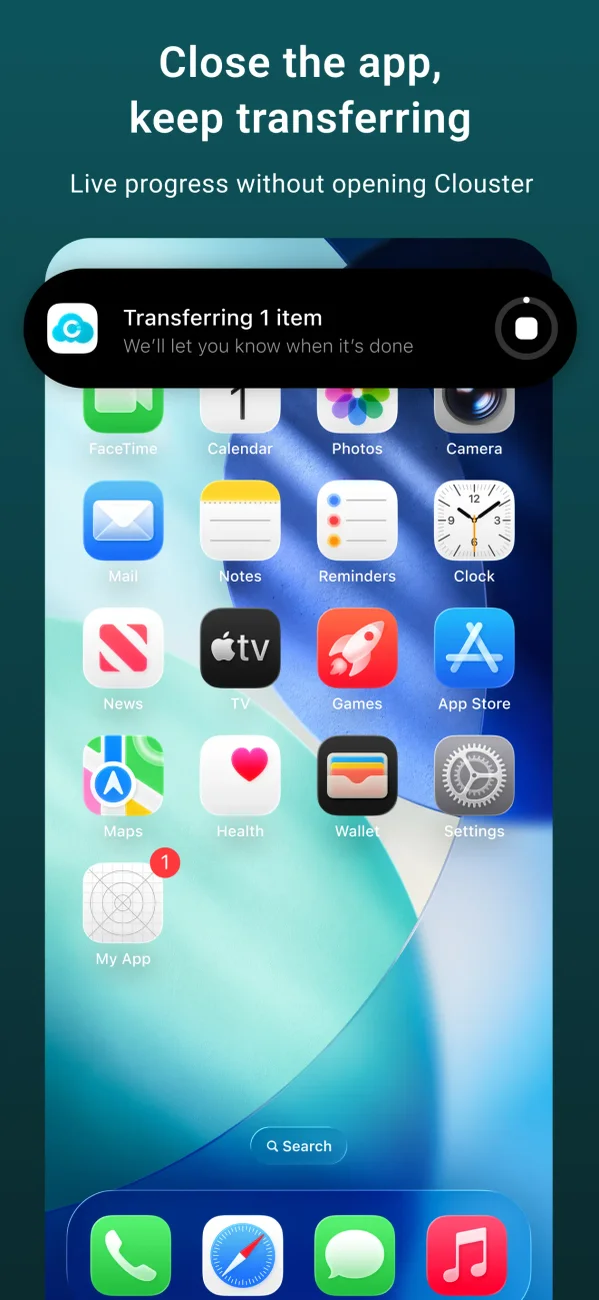
* Background Transfers – Transfers you start keep running to completion, even after you leave the app.
* Automatic Recovery – Failed transfers retry themselves, and anything left over resumes with a single tap.
* Seamless Syncing – Keep your files up to date across all your devices.
* Anywhere Access – Reach your files anytime, from any device.
* No more app-switching. No more scattered files. Clouster makes cloud management effortless.
Maximize your cloud potential – download Clouster today!
Terms of Use (EULA): https://www.apple.com/legal/internet-services/itunes/dev/stdeula/
What’s new
Version 1.17.0 · Nov 25, 2026
- A new video player with Picture-in-Picture and fullscreen
- A filmstrip to flick through everything in a folder
- An invisible polish for a smoother cloud. We’ve tuned the engine and greased the gears—it now runs as smooth and refreshed as a freshly groomed cat.
App privacy
What PIN CHU WEN declares on the App Store about how this app handles data.
-
Data used to track you
May be used to track you across apps and websites owned by other companies.
- Usage data
-
Data linked to you
May be collected and linked to your identity.
- Usage data
-
Data not linked to you
May be collected but is not linked to your identity.
- Diagnostics
Privacy practices may vary, for example with the features you use or your age.
Information
- Seller
- PIN CHU WEN
- Category
- Productivity
- Version
- 1.17.0
- Updated
- Nov 25, 2026
- Released
- Apr 17, 2024
- Size
- 51.4 MB
- Requires
- iOS 15.0 or later
- Age rating
- 4+
- Price
- Free
- In-app purchases
- Yes
- Languages
- English
- Copyright
- © 2025 Clouster
You might also like
-
 Sync: File Backup & Cloud SyncBackup, restore & share files
-
 MobiDrive Cloud Storage & SyncPhoto backup & doc editing
-
 Phone Drive: File ManagerWi-Fi Transfer to PC & Mac
-
 InternxtPrivate cloud storage
-
 Owlfiles - File ManagerAccess SMB WebDAV FTP and S3
-
 Extra - your life's inboxYour inbox, handled.
-
 FileBrowserGO: File ManagerDocuments, Media Player, Cloud
-
 Total Drive - Cloud StorageSecure Cloud Storage
-
 pCloud - Cloud StorageProductivity
-
 AppToCloud - Copy My DataTransfer Photos & Content